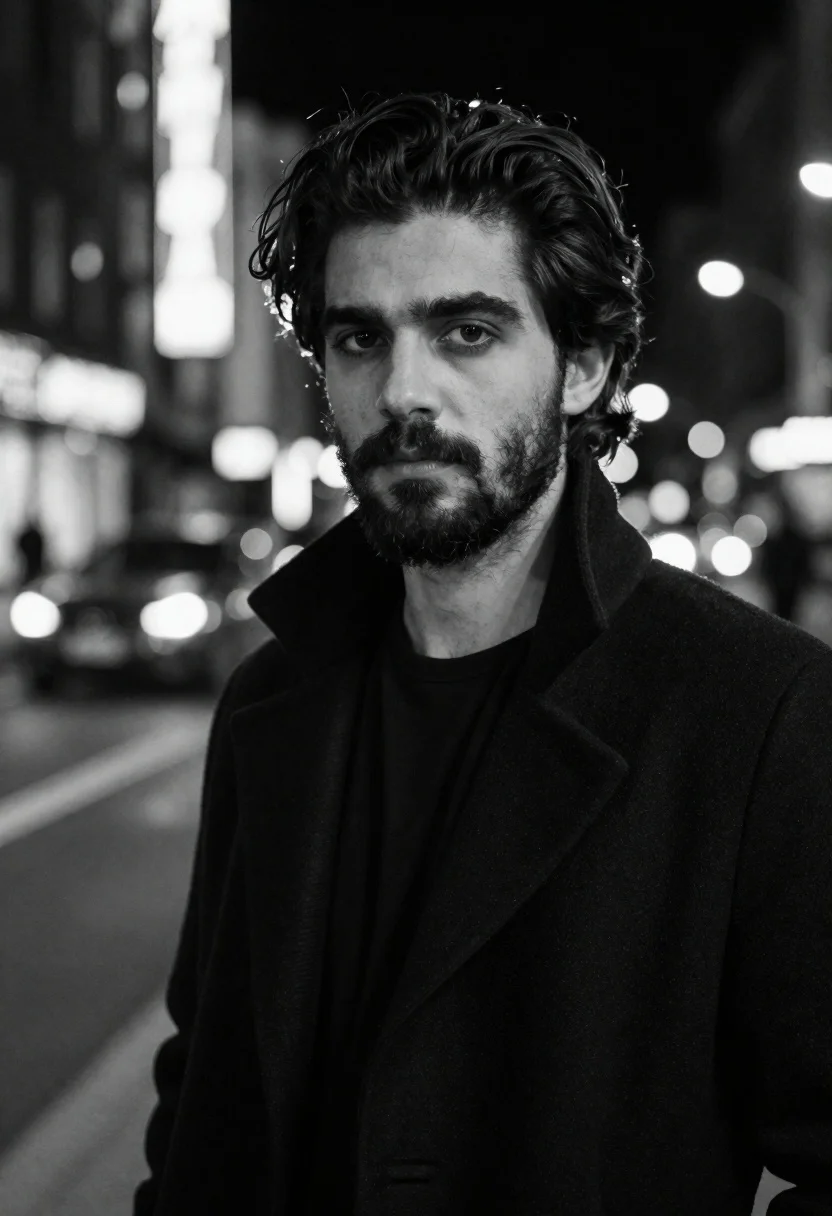
Black and white portrait of man in city night
Prompt
Black and white portrait of a man with dark wavy hair and beard in an urban night setting

Subject: handsome young man with styled medium-length dark hair and full beard, intense direct gaze, serious expression

Clothing: wearing a textured black overcoat or suit jacket with high collar turned up over a dark shirt

Environment: nighttime city street background featuring blurred vertical neon signs and out-of-focus cars creating soft bokeh orbs of light

Camera: medium close-up shot taken from slightly low angle emphasizing subject's height, shallow depth of field isolating figure against busy backdrop

Lighting: dramatic monochromatic lighting with strong highlights on face contrasting deep shadows enhancing facial structure.
Description
This prompt is useful for creating cinematic character studies, moody editorial spreads, and high-contrast film noir concept art. The combination of 'dramatic monochromatic lighting' and the 'slightly low angle emphasizing subject's height' works together to sculpt the face with deep shadows, which is essential for giving the portrait a powerful, imposing presence against the blurred neon backdrop.
Suggestions
- Change 'textured black overcoat or suit jacket' to 'trench coat' for a more classic silhouette.
- Add 'film grain, 35mm' to enhance the gritty urban feel.
- Swap 'intense direct gaze' for 'pensive side glance' to soften the mood.
Category
Tags
B&wCasual WearLow AngleMaleMedium ShotPortrait ShotRealisticStreetUrban
Date added
June 19, 2026
Added by
PromptDexter Team
Related Prompts
More prompts with similar categories and tags.

Black and white studio portrait of man with beard

Black and white portrait of woman on urban street at night

Black and white portrait of man with beard studio shot
Black and white portrait of man in polo shirt

Black and white portrait of young man in turtleneck sweater
Medium close up portrait of woman on city street in black and
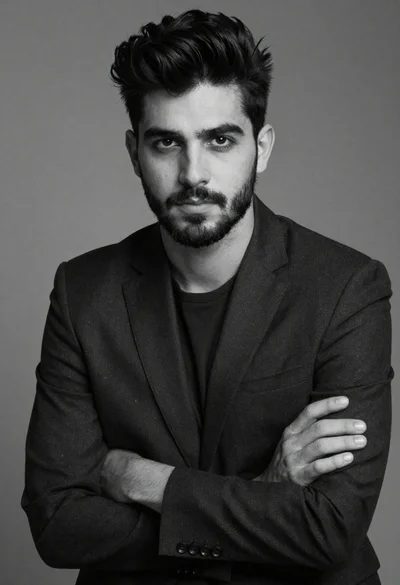
Black and white portrait of a young man in suit
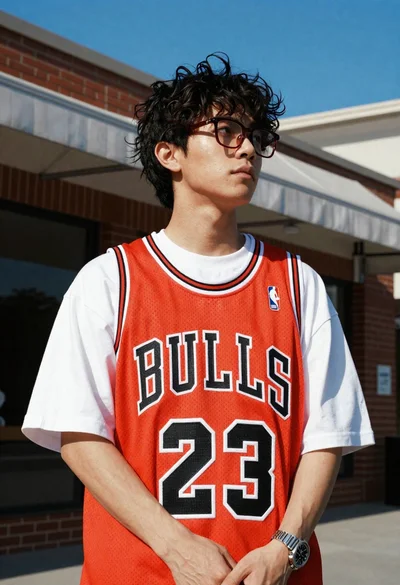
Young man in bulls jersey on brick storefront
