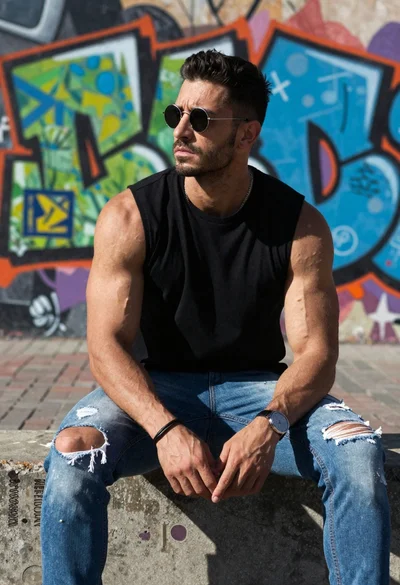
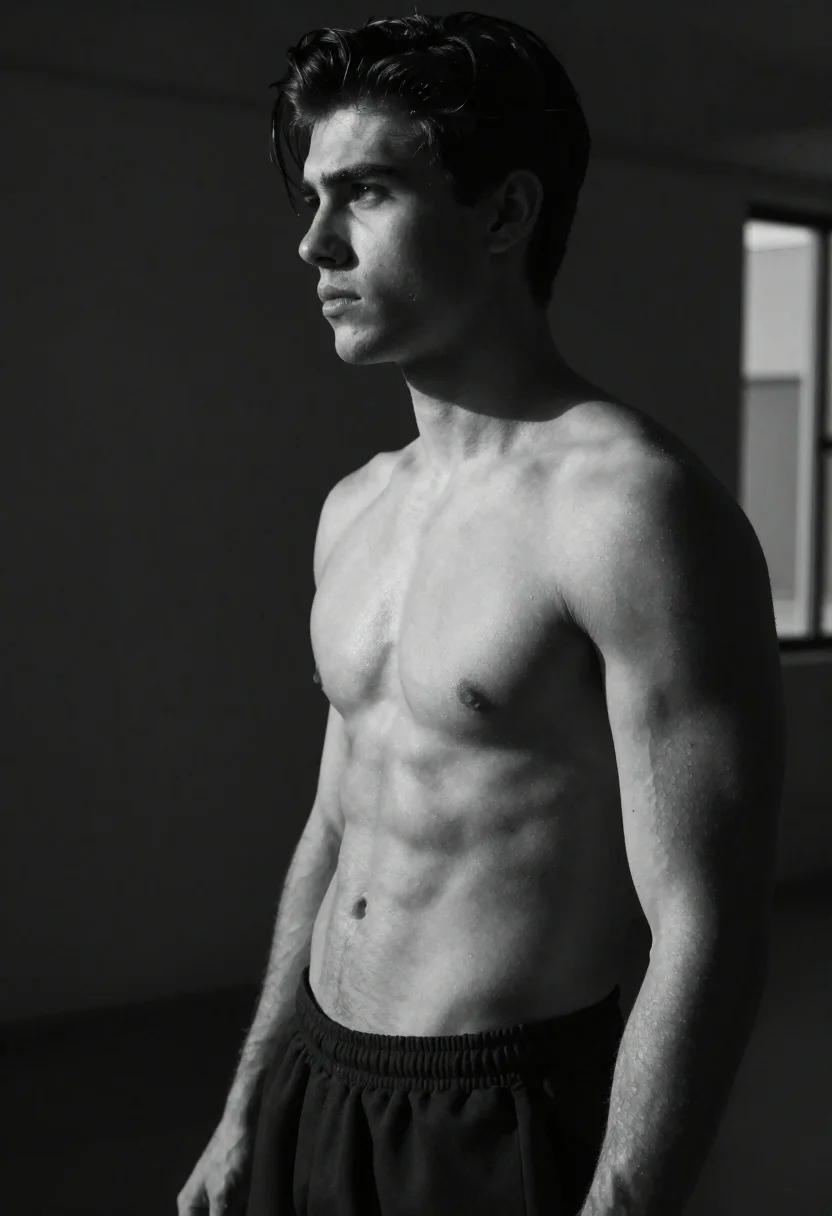
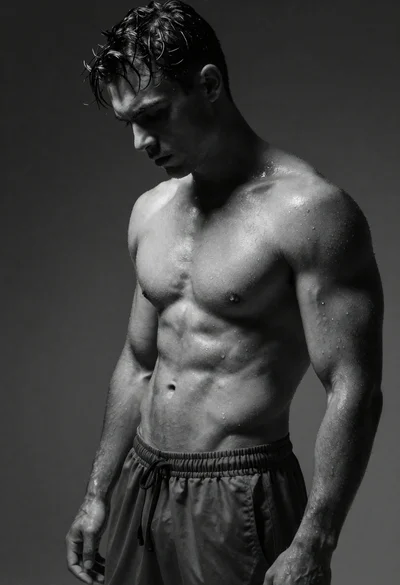
Black and white portrait of muscular man in studio
Prompt
Black and white studio portrait of a shirtless young man with defined muscular physique

Subject: handsome male model with sculpted pectorals, abs, and arms standing in profile view facing left; styled dark hair swept back from forehead; intense focused gaze directed off camera to the side.

Clothing: loose-fitting dark athletic shorts at waistline only visible lower torso down; no other garments present on upper body.

Environment: dimly lit studio background with deep shadows surrounding figure creating dramatic contrast against subject's illuminated form; faint blurred vertical window-like structure appears in far right background suggesting depth and space without distraction from main focus area.

Lighting: strong directional light source coming primarily from front-left side casting sharp highlights across chest muscles while leaving parts of face turned away into shadow for moody atmosphere typical of fashion photography lighting setups emphasizing definition through chiaroscuro effects; subtle rim lights outline shoulder contours enhancing three-dimensionality without overwhelming brightness overall tone remains monochromatic throughout entire composition.

Style Details: high-contrast black-and-white aesthetic reminiscent of classic pin-up or vintage glamour portraits but executed with modern digital precision capturing skin texture detail alongside anatomical realism blending both nostalgic feel and contemporary clarity seamlessly together within single frame presentation style that evokes timeless masculinity themes often explored in male fitness modeling genres today across various media platforms globally now.
Description
This prompt is useful for creating high-contrast fitness magazine spreads, dramatic character concept art, and vintage masculine portraiture. The combination of 'strong directional light source coming primarily from front-left side' casting sharp highlights against the 'dimly lit studio background' achieves a chiaroscuro effect that sculpts the physique, while specifying 'subtle rim lights outline shoulder contours' prevents the musculature from appearing flat under intense lighting.
Suggestions
- Change 'loose-fitting dark athletic shorts' to 'leather wrap shorts' for a different texture.
- Adjust 'intense focused gaze directed off camera to the side' to 'direct, challenging gaze into the lens' for more engagement.
- Replace 'classic pin-up or vintage glamour portraits' with 'brutalist sculpture photography' for a harsher aesthetic.
Category
Tags
Black HairFull BodyMalePortrait ShotSide ProfileStudio
Date added
June 19, 2026
Added by
PromptDexter Team
Related Prompts
More prompts with similar categories and tags.
Fit woman posing outdoors against clear blue sky
Studio portrait of a muscular boxer in fighting stance
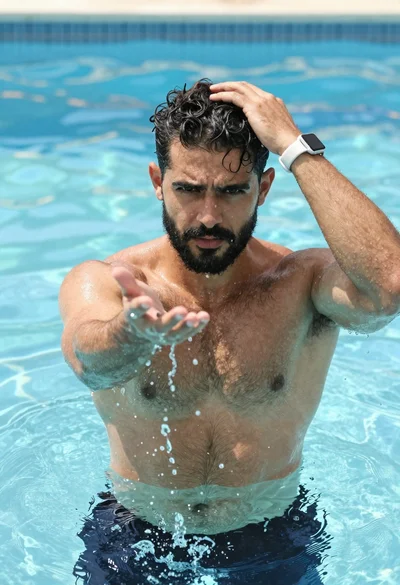
Muscular man in blue pool splashing water under sunlight
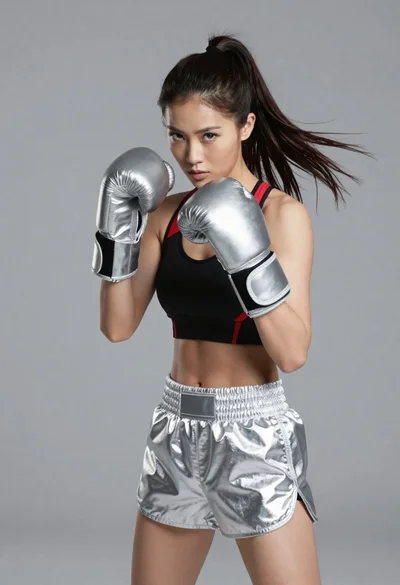
Fit woman in boxing stance wearing silver gloves and black sports bra
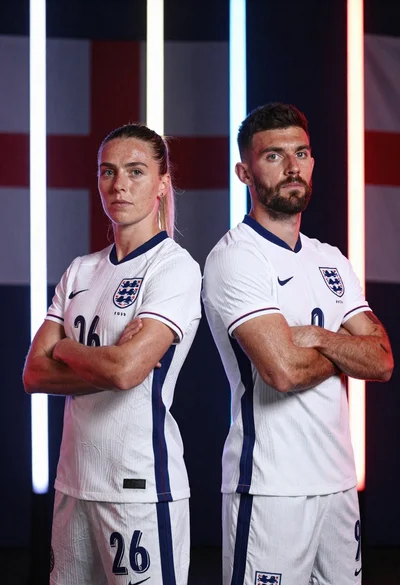
Two football players in white england kits standing back to back with
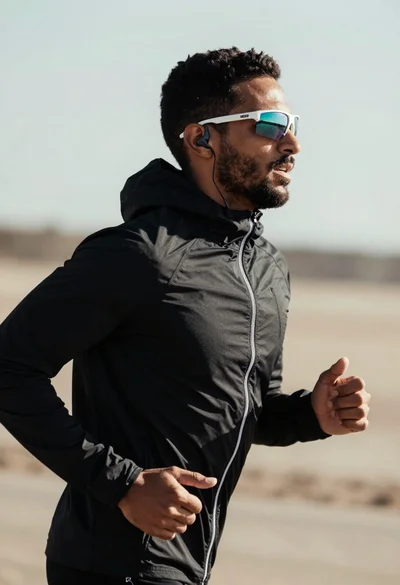
Fit man jogging outdoors in black jacket against blurred natural landscape
Black and white portrait of muscular man with wet skin
Muscular fighter recoiling from punch in bright arena
