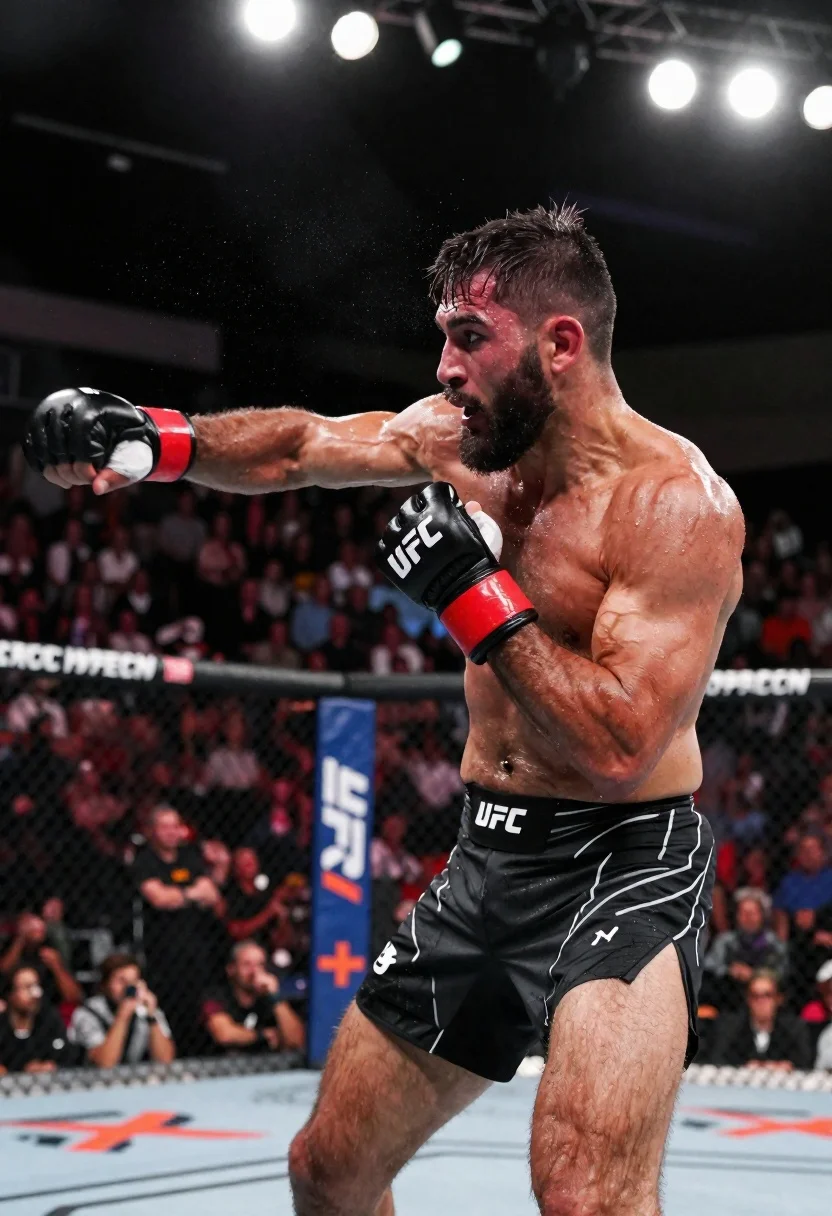
Muscular fighter recoiling from punch in bright arena
Prompt
Subject: A muscular male fighter with a beard and short dark hair looks to the side while recoiling from an incoming punch; his face shows intense focus and strain under bright arena lights, sweat glistening on skin as droplets fly through air around him.

Clothing: He wears black UFC-branded fight shorts with white logo trim and red-and-black gloves gripping in defense posture.

Action: Mid-combat exchange receiving a right-hand punch to the chest area while bracing body weight backward, arms raised defensively but not yet blocked fully.

Environment: Inside an octagon cage surrounded by blurred crowd spectators behind chain-link fencing; blue vertical banners with white 'UFC' logos and orange crosses line background perimeter.

Camera: Dynamic low-angle shot capturing tension at point of impact, shallow depth-of-field blurring distant audience while keeping fighter sharply detailed.

Lighting: High-contrast overhead stadium floodlights create dramatic highlights on wet skin and gloves; shadows accentuate muscle definition and movement intensity.

Style Details: Photorealistic sports photography aesthetic with motion blur effects enhancing sense of speed and physical force, hyper-detailed texture rendering for sweat droplets and fabric creases.
Description
This prompt is useful for creating intense action sequences for movie posters, athletic documentary stills, and high-impact sportswear advertisements. The combination of 'high-contrast overhead stadium floodlights' and the specified 'motion blur effects enhancing sense of speed' ensures that the dramatic highlights on wet skin and the visible force of impact are captured, preventing the image from looking like a static portrait by emphasizing kinetic energy.
Suggestions
- Change 'black UFC-branded fight shorts' to 'ripped athletic compression gear' for a more modern look.
- Adjust 'blue vertical banners with white 'UFC' logos' to 'dark red and gold sponsor banners' for color variation.
- Swap 'shallow depth-of-field' for 'deep focus' if you want the background crowd details visible.
Category
Tags
Black HairFull BodyLow AngleMalePortrait ShotRealisticSportswearStudioWide Shot
Date added
June 19, 2026
Added by
PromptDexter Team
Related Prompts
More prompts with similar categories and tags.
Low angle close shot of male athlete deadlifting in gritty gym
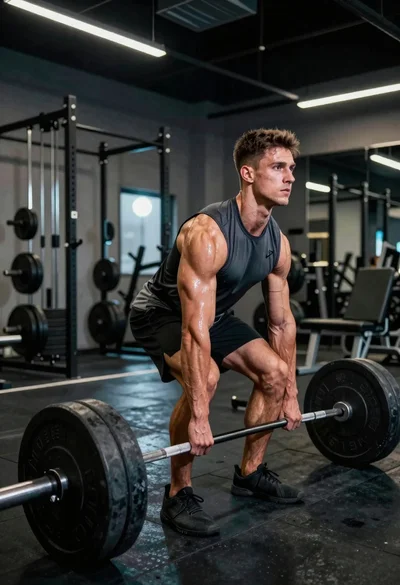
Muscular young man deadlifting heavy barbell in industrial gym setting
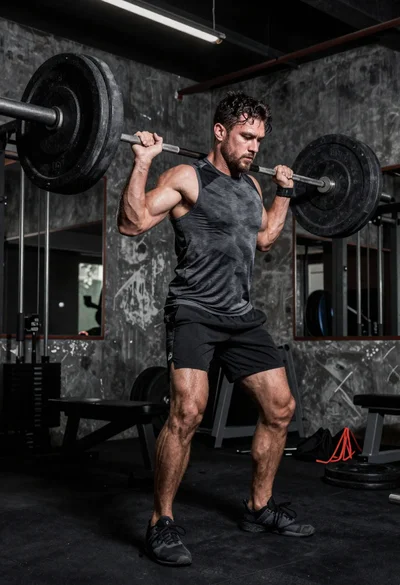
Low angle shot of muscular athlete lifting heavy weights in industrial gym
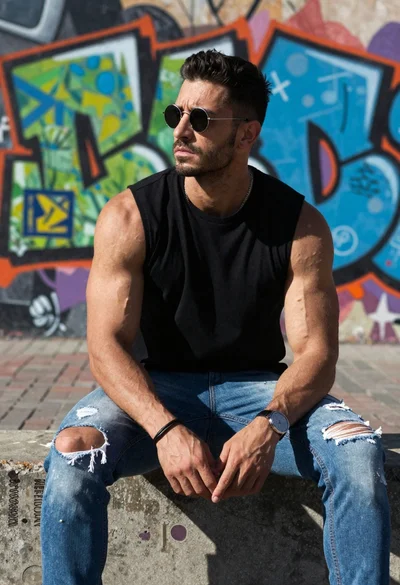
Muscular man sitting on ledge against graffiti mural
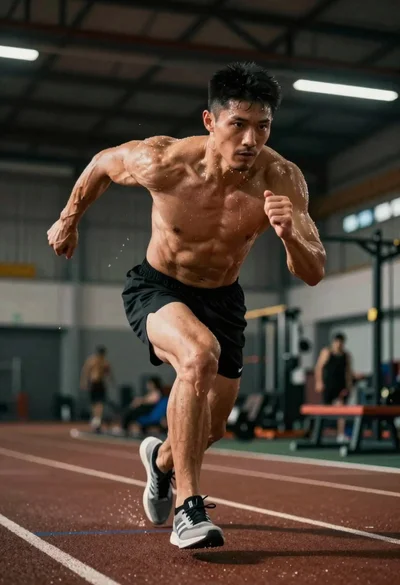
Low angle shot of an athlete showing peak athletic intensity during training
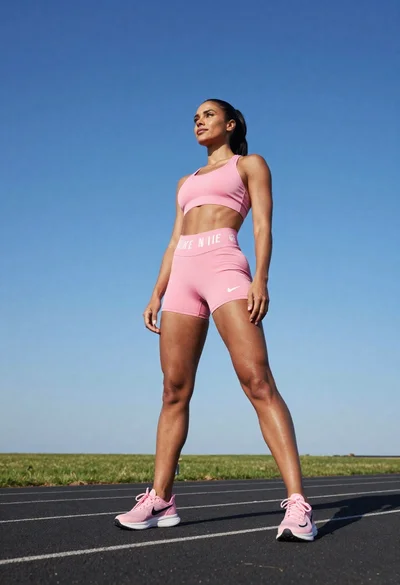
Fit woman in pink athletic wear standing on an asphalt track under
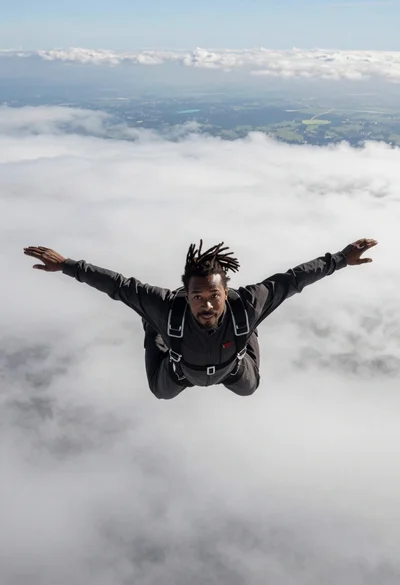
Black man with dreadlocks freefalling through white clouds in black jumpsuit
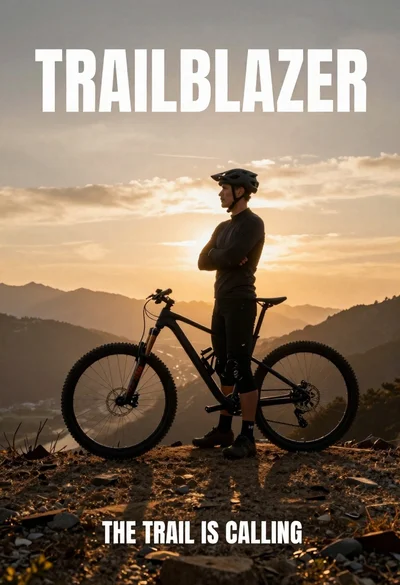
Fit male cyclist in black gear stands next to mountain bike on