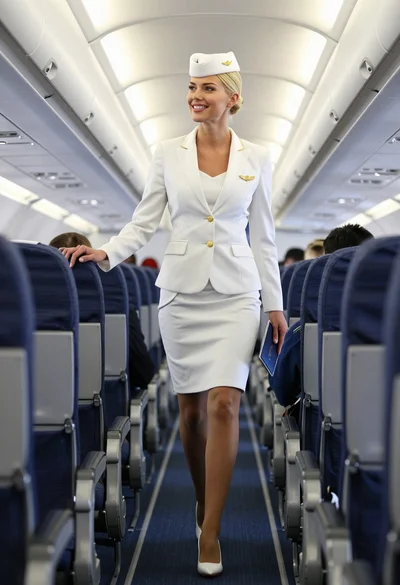
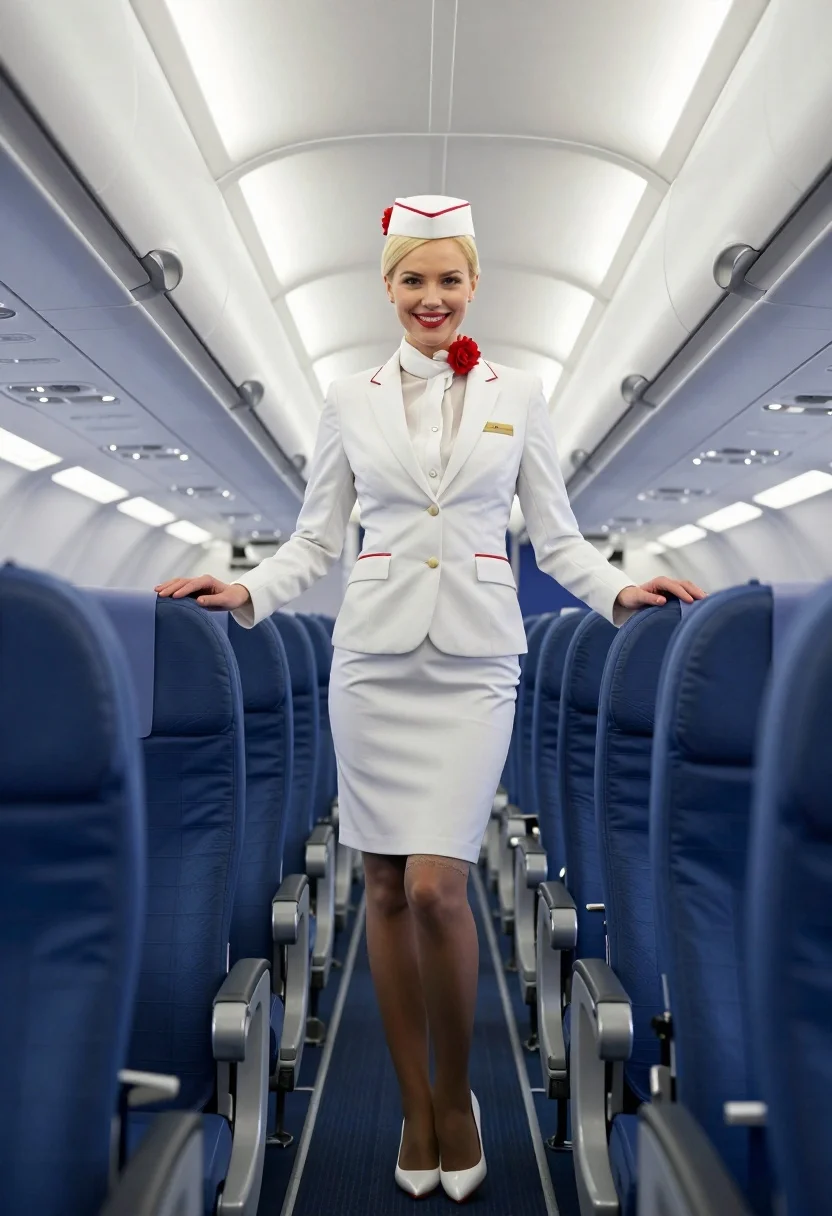
Blonde flight attendant smiling in white uniform inside airplane cabin aisle
Prompt
A smiling blonde woman in a white flight attendant uniform stands confidently in the aisle of an airplane cabin.

Subject: A young woman with blonde hair styled in a neat bun under a white pillbox hat adorned with red flowers, wearing a crisp white blazer and matching pencil skirt.

Clothing: She wears a tailored white suit jacket with gold buttons and red piping on the pockets, a name tag pinned to her chest, sheer lace-trimmed stockings, and elegant white high-heeled pumps with red soles.

Action: The woman stands facing forward with a bright smile, looking directly at the camera, one hand resting lightly on the back of an airplane seat while her legs are slightly apart in a poised stance.

Environment: The setting is the interior of a commercial aircraft, featuring rows of blue passenger seats lining both sides of the aisle, with overhead compartments and curved ceiling panels visible above.

Camera: Shot from a low angle looking up at the subject to emphasize her height and presence, utilizing a wide-angle perspective that captures the depth of the cabin aisle.

Lighting: Bright, cool-toned artificial lighting floods the scene from the overhead panels, creating soft highlights on her skin and uniform while casting gentle shadows in the seat gaps.

Style Details: The image features a hyper-realistic digital rendering style with high contrast, sharp focus on the subject, and a polished, commercial aesthetic reminiscent of high-end stock photography.
Description
This prompt is useful for creating travel advertisement mockups, character concept art for film sets, and editorial fashion spreads depicting service industry roles. The combination of 'low angle looking up at the subject' with 'bright, cool-toned artificial lighting' exaggerates her height and polished presence, which is ideal for making a commercial aesthetic that feels both aspirational and grounded in a recognizable setting.
Suggestions
- Change 'red flowers' to 'navy blue flowers' for a more corporate feel.
- Swap 'blue passenger seats' for 'beige leather seats' to soften the color palette.
- Adjust 'hyper-realistic digital rendering style' to 'cinematic film grain' for a vintage touch.
Category
Tags
BlondeCasual WearDigital ArtFemaleFull BodyLow AngleRealisticUniform
Date added
July 3, 2026
Added by
PromptDexter Team
Related Prompts
More prompts with similar categories and tags.
Blonde woman in sailor dress standing on yacht deck by blue ocean
Four women laughing on a sunny tropical beach with palm trees and
Blonde woman in pink dress leaning on pillar before colosseum in rome
Two women descending colorful wooden stairs from a lifeguard tower at beach
Young woman in tie dye outfit by turquoise pool under blue sky
Blonde woman in black bikini on lounge chair at sunny beach
Blonde woman in bikini on patio overlooking green hills under blue sky
Blonde woman walking on wet parisian street
Young blonde woman in swimsuit on yacht deck under strong sunlight
Young woman adjusting fur hat sitting in deep snowy pine forest