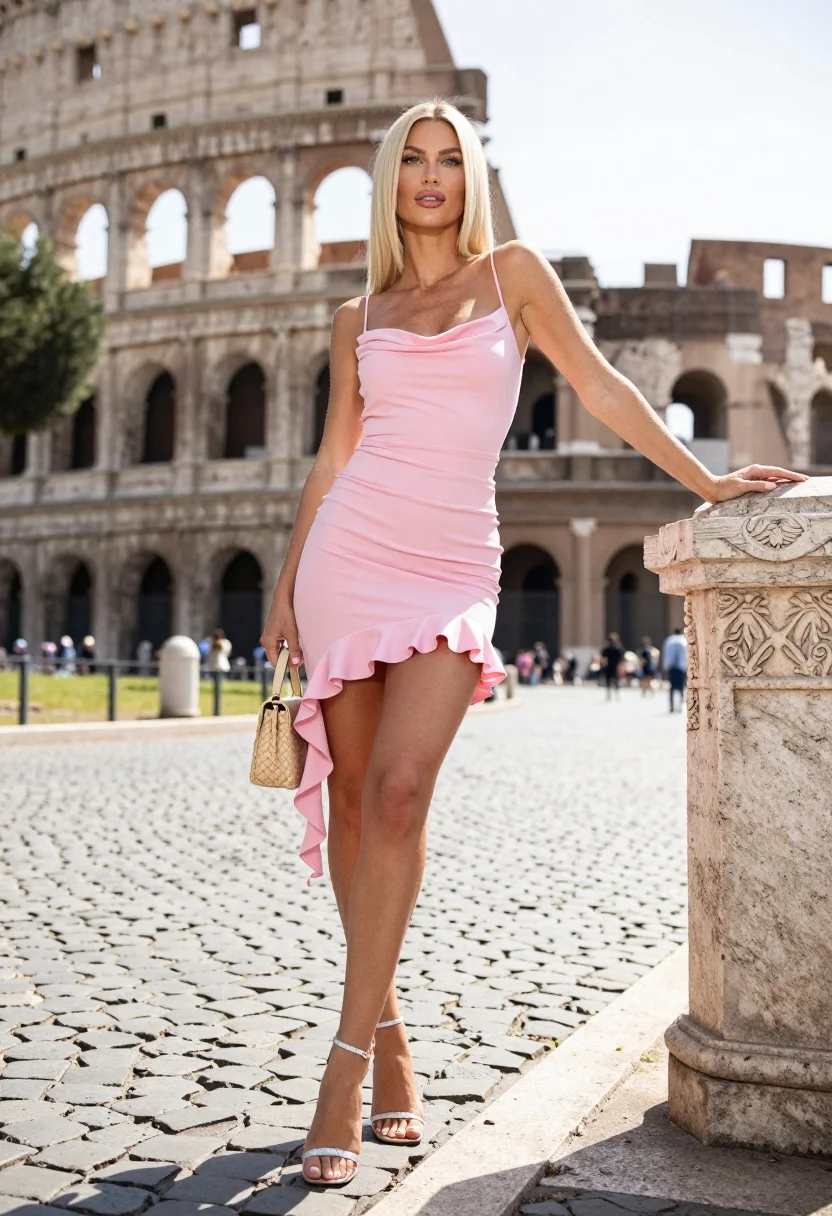
Blonde woman in pink dress leaning on pillar before colosseum in rome
Prompt
A confident blonde woman stands in a full-length pose against the backdrop of the Colosseum.

Subject: A fair-skinned woman with long straight platinum blonde hair and light makeup featuring defined eyebrows and glossy lips.

Clothing: She wears a form-fitting, pale pink mini dress with thin spaghetti straps, a draped neckline, and a ruched bodice. The skirt features an asymmetrical ruffle detail cascading down the left side. She is wearing silver strappy high-heeled sandals.

Action: She leans casually against a stone pillar with her left hand while holding a small woven handbag in her right hand. Her gaze is directed slightly upward and to the side, not at the camera.

Environment: The setting is a cobblestone street in front of the Colosseum in Rome, with blurred tourists and greenery visible in the background under a bright sky.

Camera: Shot from a low angle looking up at the subject, utilizing a shallow depth of field to keep the woman sharp while blurring the historic architecture behind her.

Lighting: Bright natural daylight creating soft shadows on the cobblestones and highlighting the texture of the dress.

Objects: A small textured beige handbag held in one hand and an ornate stone pillar with carved details that she is leaning against.

Style Details: High-fashion photography aesthetic with vibrant colors, sharp focus on the subject, and a polished commercial look.
Description
This prompt is useful for creating editorial travel features, high-end fashion editorials, and lifestyle advertising campaigns set in historical locations. The combination of 'low angle looking up at the subject' with 'bright natural daylight' emphasizes the subject's stature against the monumental backdrop, while the 'shallow depth of field' ensures that the focus remains sharply on her pale pink mini dress despite the detailed Colosseum setting.
Suggestions
- Change 'platinum blonde hair' to 'honey blonde hair' for a warmer tone.
- Swap 'pale pink mini dress' for 'blush silk slip dress' for more drape.
- Adjust 'low angle looking up at the subject' to 'eye-level shot' for a more intimate portrait.
Category
Tags
BlondeCasual WearFair SkinFemaleFull BodyLow AngleOutdoorsPortrait ShotRealistic
Date added
August 5, 2026
Added by
PromptDexter Team
Related Prompts
More prompts with similar categories and tags.
Blonde woman seated in european city square with classical architecture background
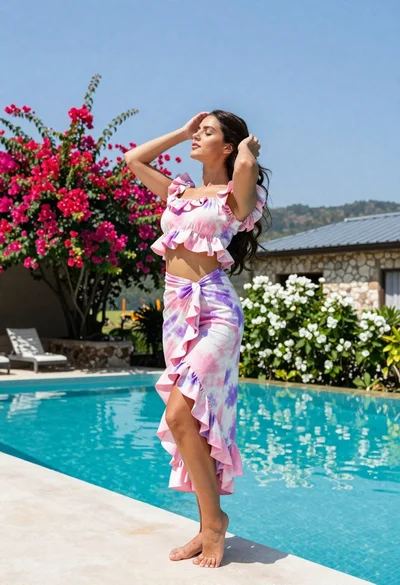
Young woman in tie dye outfit by turquoise pool under blue sky
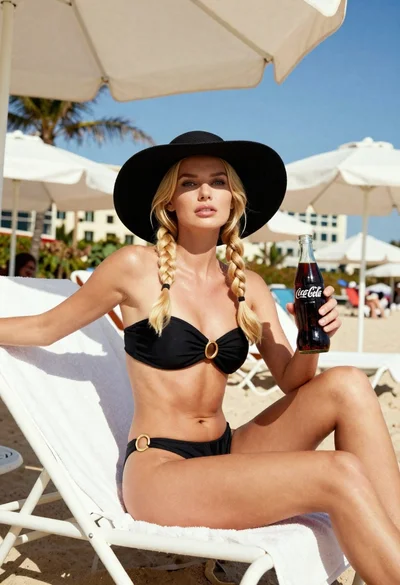
Blonde woman in black bikini on lounge chair at sunny beach

Blonde woman in bikini on patio overlooking green hills under blue sky
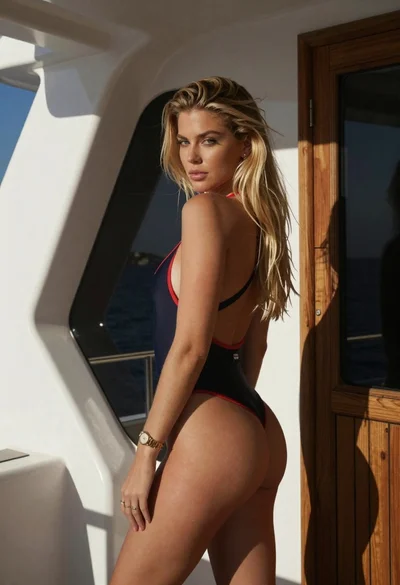
Young blonde woman in swimsuit on yacht deck under strong sunlight

Blonde woman in swimsuit by yacht window overlooking blue sea
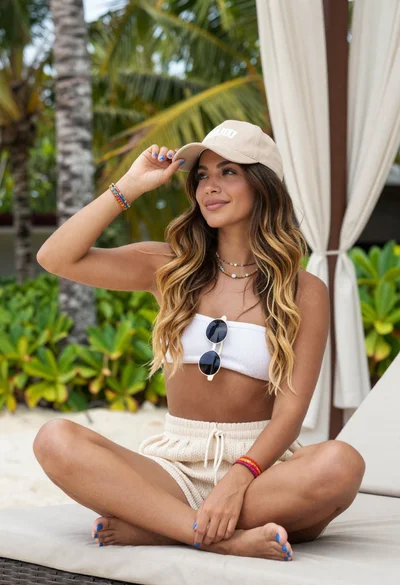
Woman relaxing in a tropical resort setting
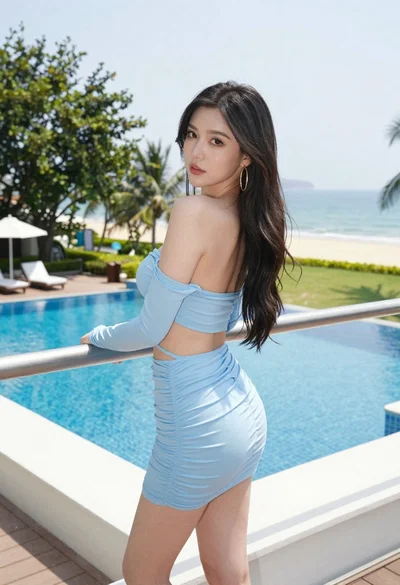
Young woman in blue dress on balcony overlooking resort pool and beach
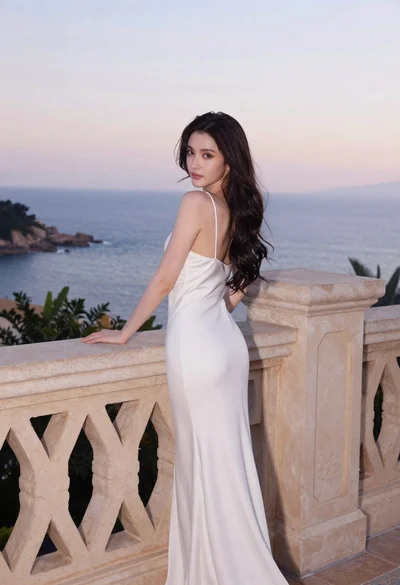
Young woman in white dress on stone terrace at sunset

Young woman in green jacket holding plush toy at festive carousel