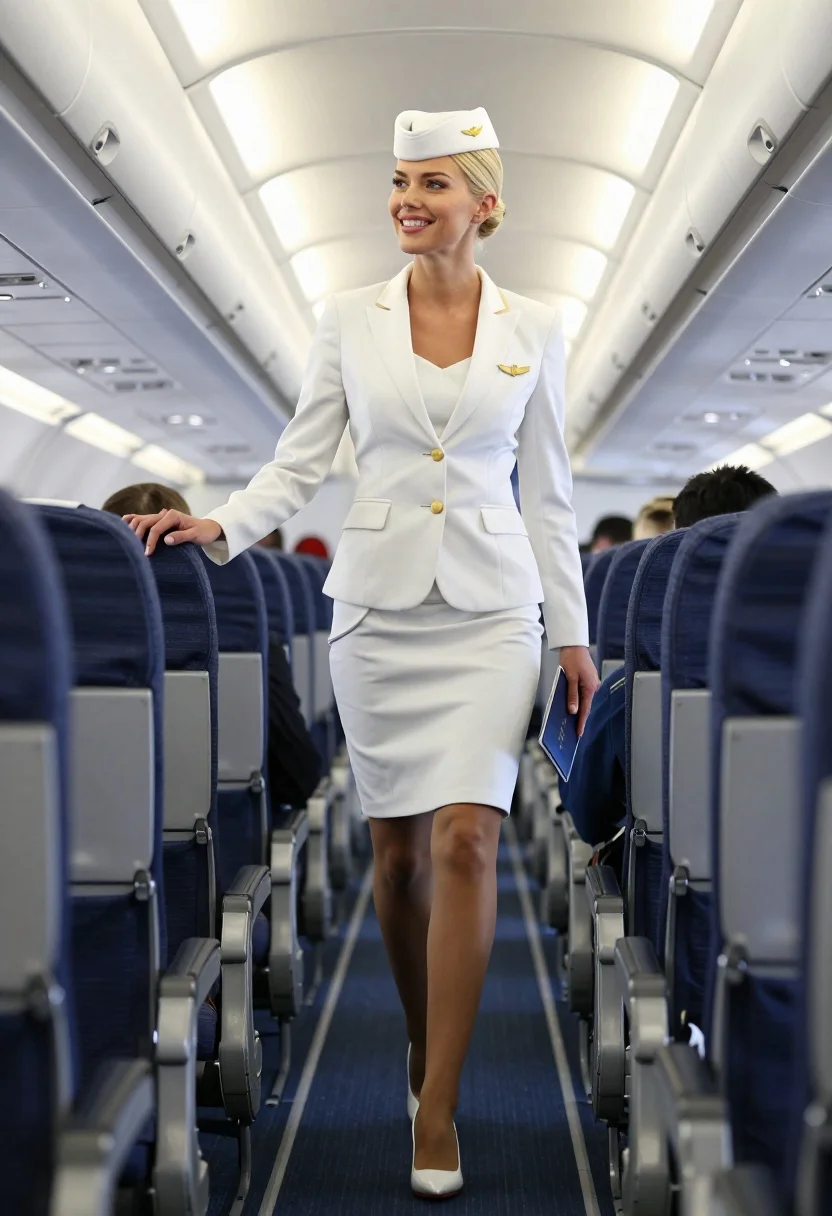
Blonde flight attendant walking down airplane aisle in white uniform
Prompt
A smiling blonde woman in a white flight attendant uniform walks confidently down the aisle of an airplane cabin.

Subject: A blonde woman with her hair styled in a neat bun under a white pillbox hat featuring a gold winged pin, wearing a crisp white blazer and matching skirt with a slit revealing sheer stockings and high heels.

Clothing: She wears a tailored white suit jacket with gold buttons, a white skirt, sheer nude stockings, white pointed-toe pumps with red soles, and holds a dark blue passport or folder in one hand while resting the other on a seat back.

Action: The woman is mid-stride walking forward through the aisle, looking slightly upward and to her left with a warm smile.

Environment: The setting is the interior of a commercial airplane cabin with rows of beige seats featuring dark blue headrests, overhead compartments lining the ceiling, and blue carpeting on the floor.

Camera: A low-angle shot captures the subject from below, emphasizing her height and movement through the aisle with a shallow depth of field that blurs the background passengers slightly.

Lighting: Bright, cool-toned artificial cabin lighting illuminates the scene evenly, creating soft highlights on the white uniform and casting gentle shadows beneath the seats.

Style Details: Photorealistic rendering with high detail in fabric textures and skin tones, clean composition, and a polished commercial aesthetic.
Description
This prompt is useful for creating airline advertisement concepts, travel magazine features, and character concept art for film sets. The combination of 'low-angle shot' emphasizing height and the 'bright, cool-toned artificial cabin lighting' ensures that the crisp white uniform maintains a polished commercial aesthetic by preventing any overly warm or dramatic shadows that might distract from the product placement.
Suggestions
- Change 'dark blue passport or folder' to 'gold luggage tag' for more visual interest.
- Swap 'beige seats' for 'leather seating' to update the cabin feel.
- Add 'anamorphic lens flare' to enhance the artificial lighting effect.
Category
Tags
BlondeCasual WearFemaleFull BodyLow AnglePortrait ShotRealisticUniform
Date added
July 3, 2026
Added by
PromptDexter Team
Related Prompts
More prompts with similar categories and tags.
Blonde woman in sailor dress standing on yacht deck by blue ocean
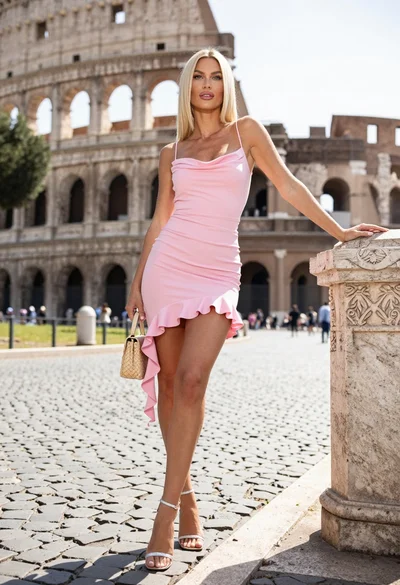
Blonde woman in pink dress leaning on pillar before colosseum in rome
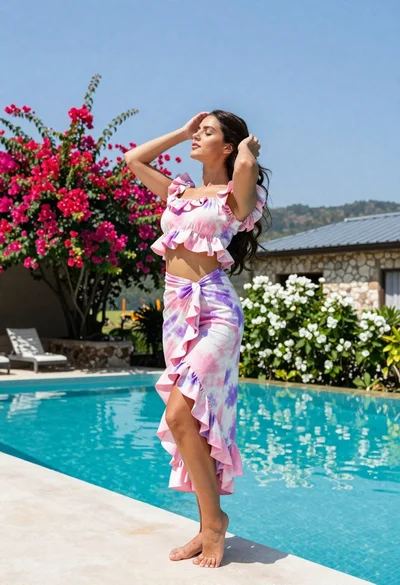
Young woman in tie dye outfit by turquoise pool under blue sky
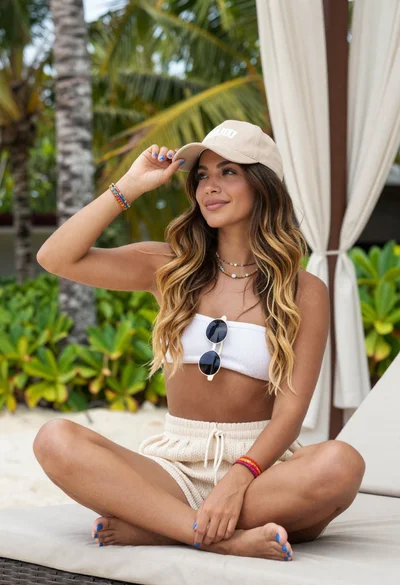
Woman relaxing in a tropical resort setting
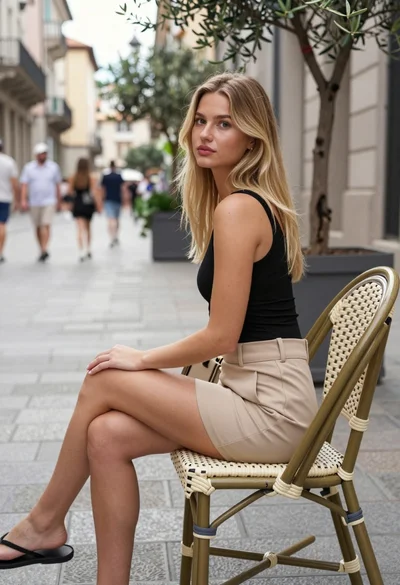
Blonde woman seated in european city square with classical architecture background
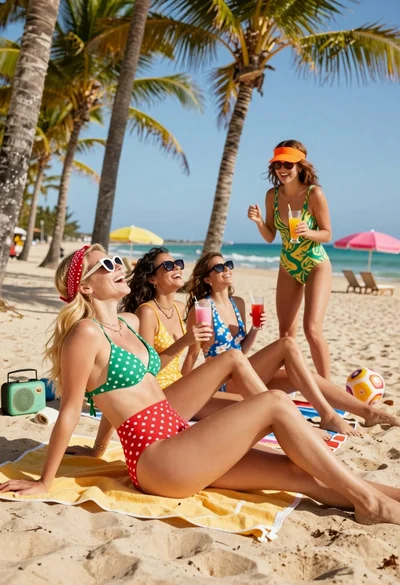
Four women laughing on a sunny tropical beach with palm trees and
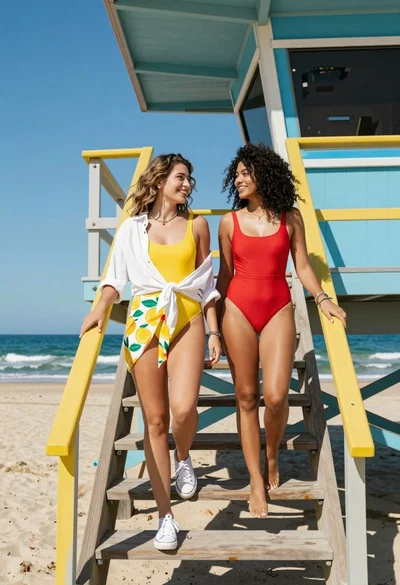
Two women descending colorful wooden stairs from a lifeguard tower at beach
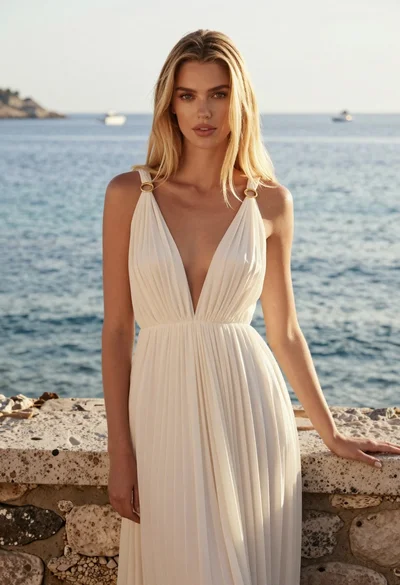
Full length portrait of blonde woman in cream gown by calm blue
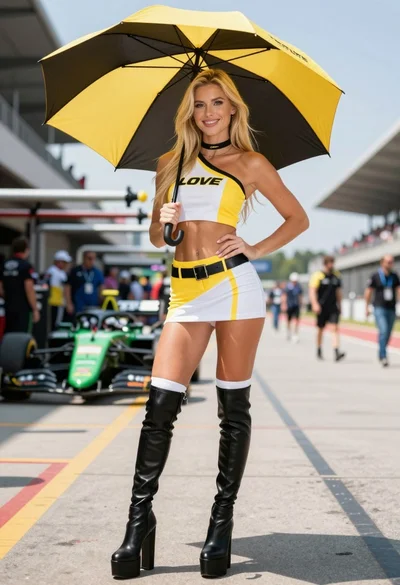
Blonde woman in racing uniform holding umbrella at sunny pit lane
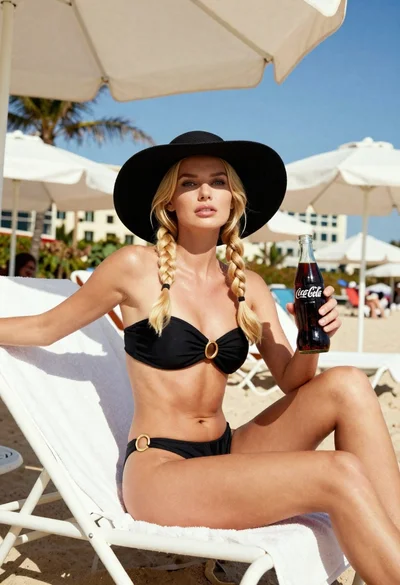
Blonde woman in black bikini on lounge chair at sunny beach