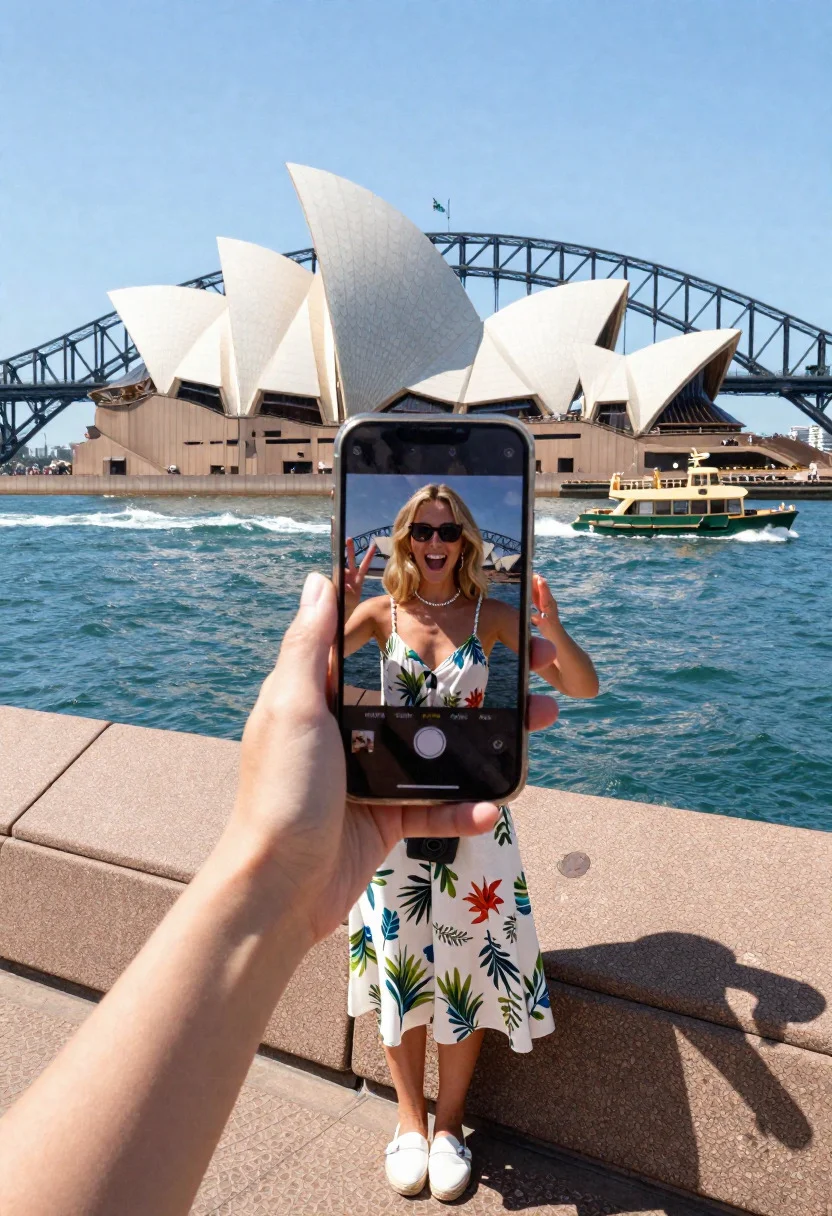
Blonde tourist taking selfie at sydney opera house and harbor bridge
Prompt
Selfie scene of a mesmerized tourist woman capturing the Sydney Opera House iconic sails from the Harbour Bridge steps

Subject: excited international woman in her 20s with beachy blonde hair, radiant grin, glowing with adventure

Clothing: breezy white sundress with tropical print, canvas espadrilles, sunhat dangling down back, stylish sunglasses, compact camera bag

Action: perched on stone steps triumphantly holding phone at perfect angle, Opera House sails filling screen perfectly, peace sign flashing

Environment: Sydney Opera House's sail-like white shells gleaming across sparkling harbour, Harbour Bridge arching overhead, ferries cutting waves below

Camera: quintessential tourist POV blending her ecstatic expression with architectural masterpiece perfectly framed in phone reflection

Lighting: sparkling midday Australian sun igniting white tiles brilliant, deep cerulean harbour reflections, distant city skyline haze

Style Details: authentic bucket-list travel moment with crisp architectural geometries, vibrant waterfront energy, pure wanderlust joy
Description
This prompt is useful for creating travel blog headers, destination marketing materials, and personal social media 'I was here' posts. The combination of the 'quintessential tourist POV' framing her ecstatic expression within a phone reflection grounds the image in relatable memory-making, while the 'sparkling midday Australian sun igniting white tiles brilliant' ensures the iconic architecture remains sharply detailed despite the casual subject matter.
Suggestions
- Change 'beachy blonde hair' to 'dark brunette hair' for contrast.
- Swap 'tropical print' for 'solid navy blue' to simplify the foreground.
- Adjust 'midday Australian sun' to 'late afternoon golden hour' for warmer tones.
Category
Tags
BlondeCasual WearFemaleOutdoorsPortrait ShotRealisticRooftopSelfie
Date added
June 19, 2026
Added by
PromptDexter Team
Related Prompts
More prompts with similar categories and tags.

Exhilarated man taking selfie at giza pyramids during twilight
Exhilarated tourist woman taking selfie at the colosseum in rome
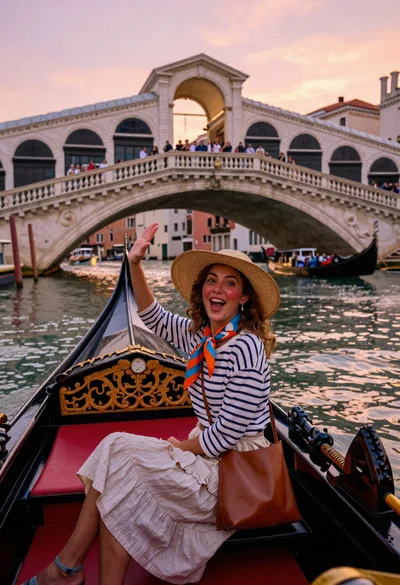
Delighted woman gondola riding under rialto bridge at sunset
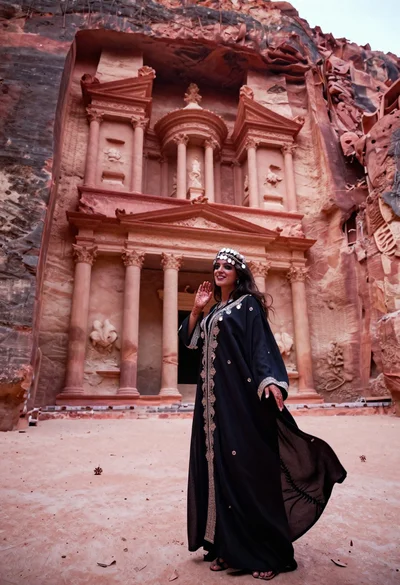
Veiled nomadic woman at petra treasury facade during rose gold dawn
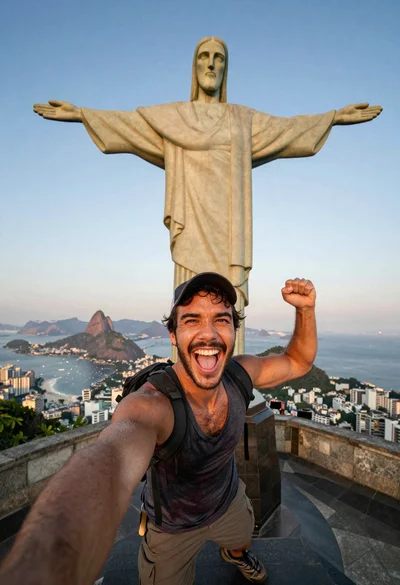
Exhilarated tourist man at christ the redeemer statue in rio
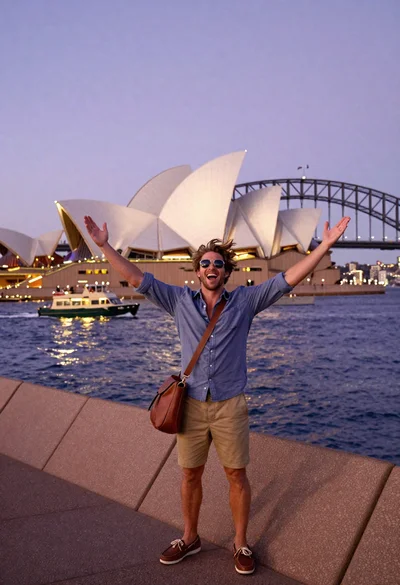
Exhilarated tourist man taking selfie near sydney opera house and bridge
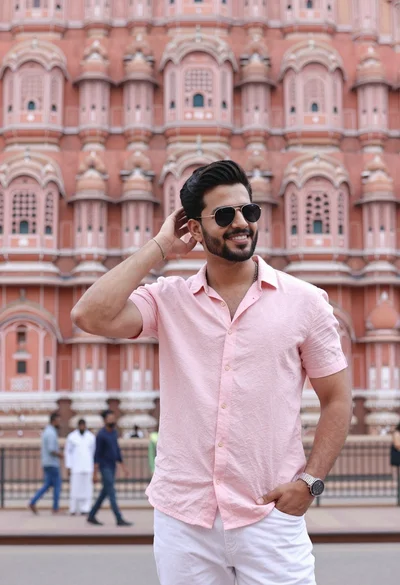
Handsome young man in pink shirt before ornate sandstone palace architecture
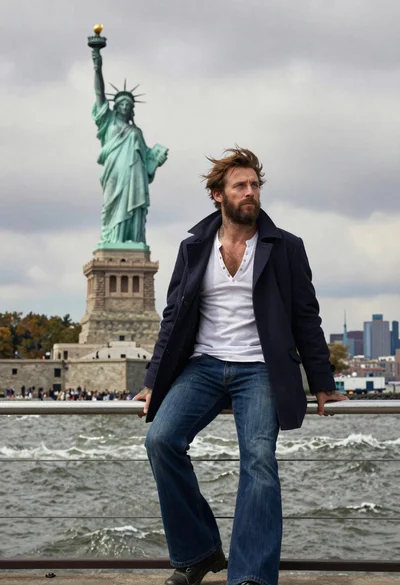
Seafaring man leaning against statue of liberty torch on island
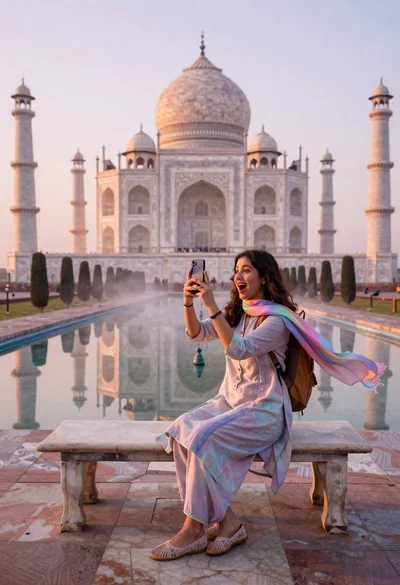
Woman capturing taj mahal reflection in infinity mirror at sunrise
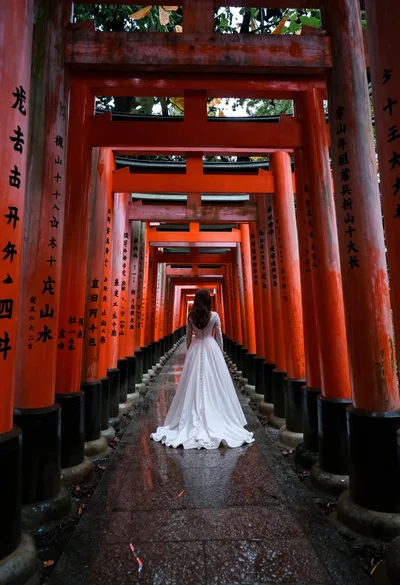
Woman in white dress at vermilion torii gate tunnel