
Woman in red satin dress on marble steps before massive classical columns
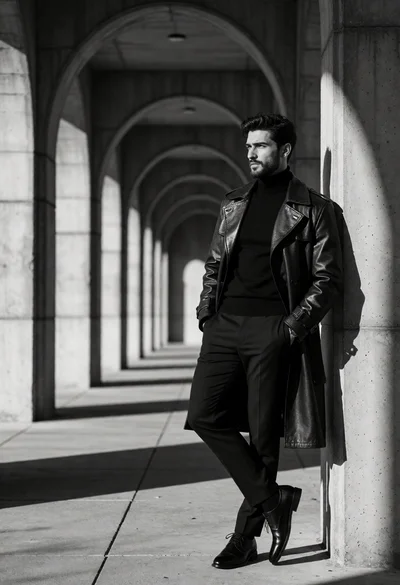
Black and white photograph of stylish man in trench coat against arched
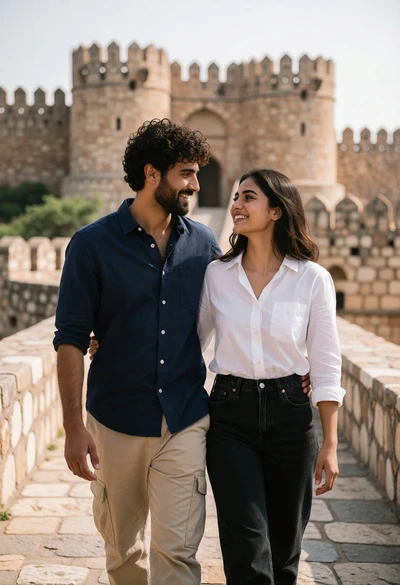
Couple walking on stone path before ancient fortress architecture at eye level
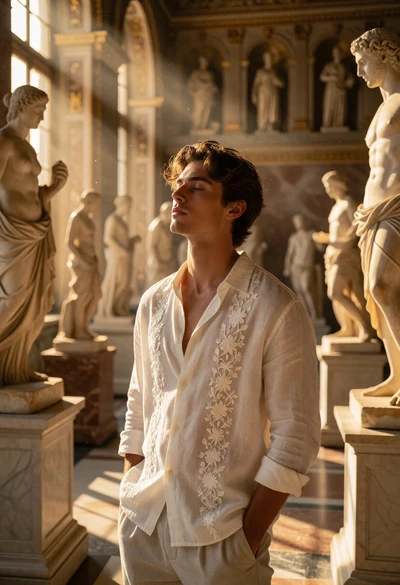
Young man standing in sunlit hall surrounded by classical marble statues

Colossal hamburger shaped building in a busy metropolitan city street setting
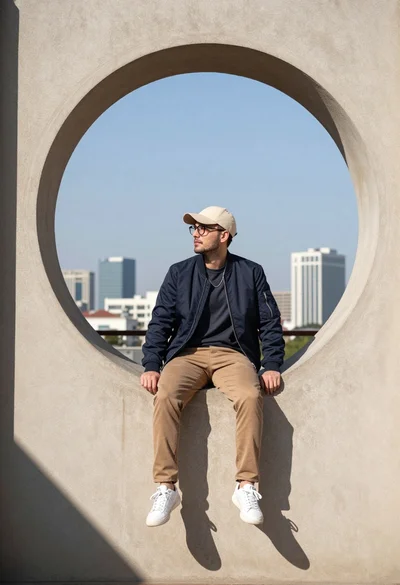
Young man sitting on window ledge overlooking modern city skyline

Giant coffee cup building in modern urban plaza at dusk with skyscrapers
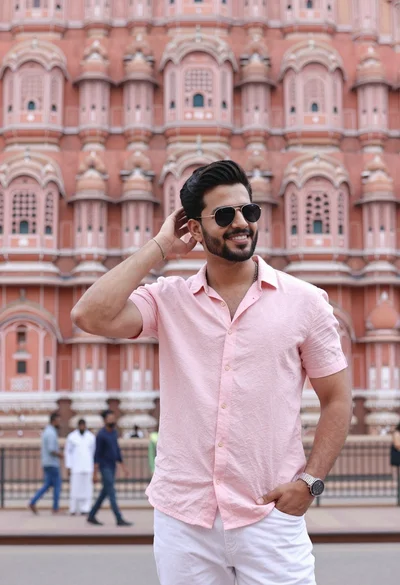
Handsome young man in pink shirt before ornate sandstone palace architecture

Majestic pink fairytale castle with blue roofs on a green hillside

Panoramic view of moscow kremlin towers reflected in moskva river at sunset

Majestic cable stayed bridge at twilight with glowing yellow light trails

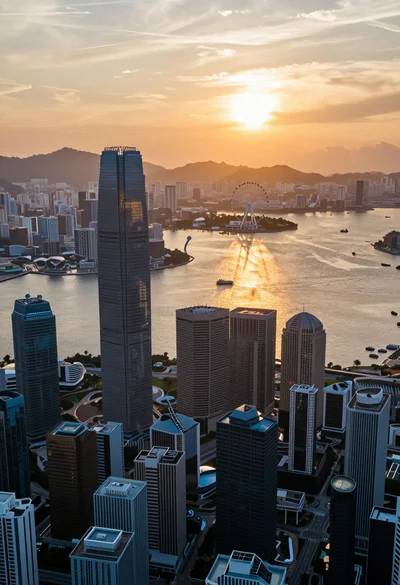
Aerial view of modern metropolis skyline at twilight over a wide river
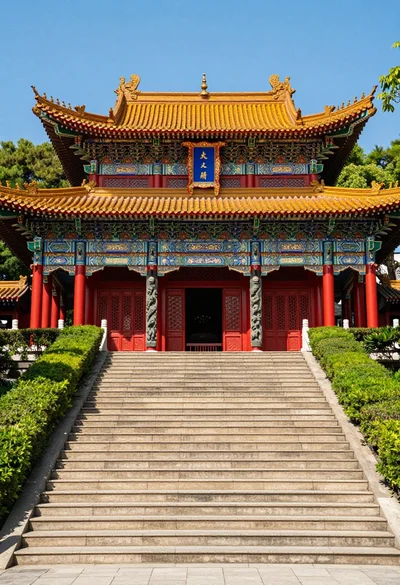
Majestic traditional chinese temple atop grand stone staircase under blue sky

Wide view of elizabeth tower big ben against twilight blue sky

Aerial view of dense metropolis skyline at twilight featuring towering skyscraper spires
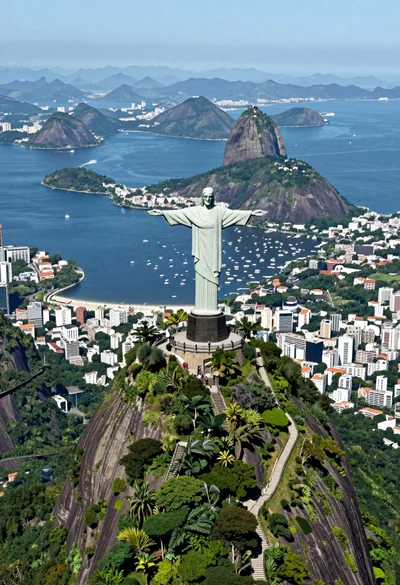
Aerial view of christ redeemer statue overlooking coastal city bay and mountains

Picturesque european cobblestone street with half timbered buildings and flowers

Eiffel tower silhouette against twilight sky over the seine river
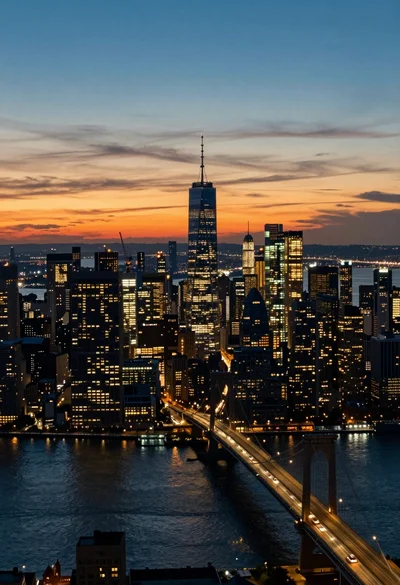
Aerial view of sprawling metropolis skyline at twilight with river reflections
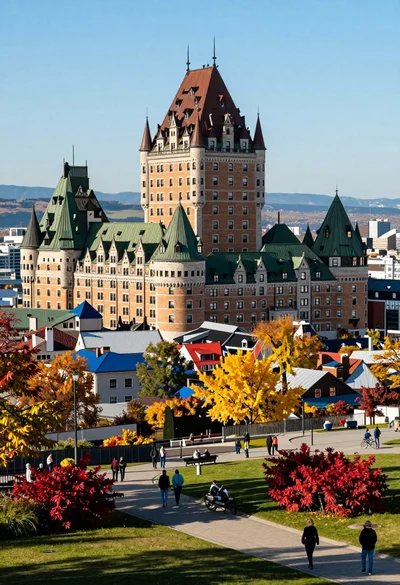
High angle view of european cityscape castle hotel amidst colorful autumn foliage
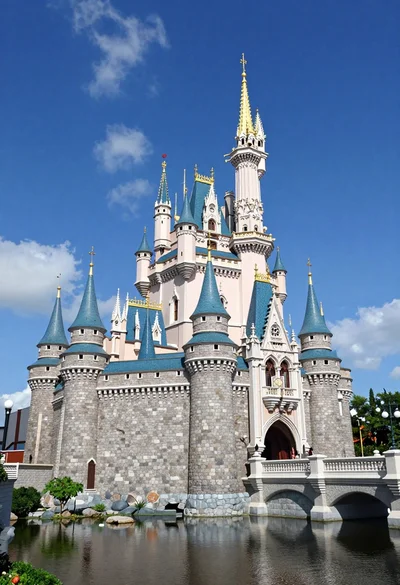
Majestic fairytale castle with blue roofs standing by a moat under bright

Majestic cathedral with green dome seen from across a wide stone bridge
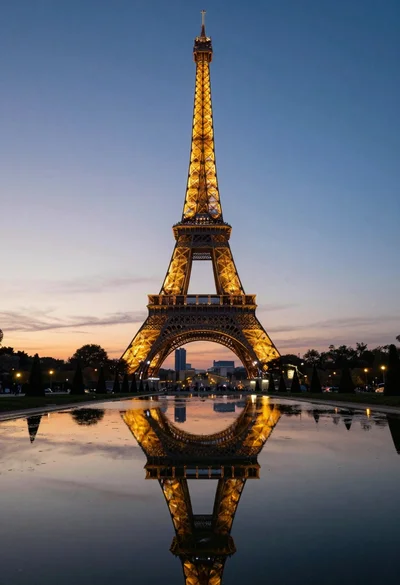
Eiffel tower reflected in still water under a twilight sky at dusk
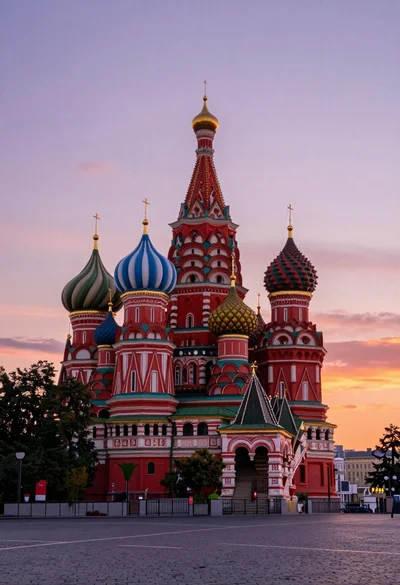
Wide view of st basils cathedral under soft twilight sky with colorful
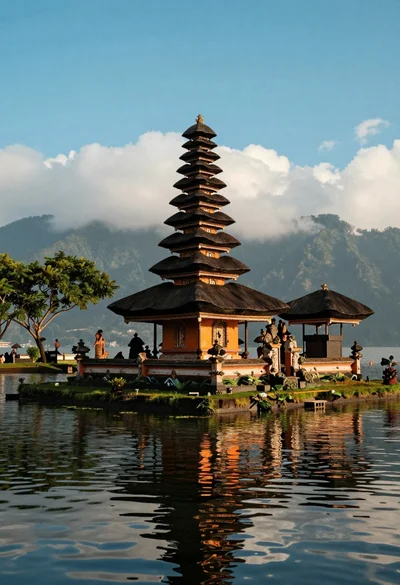
Majestic balinese style temple on grassy island in calm lake setting
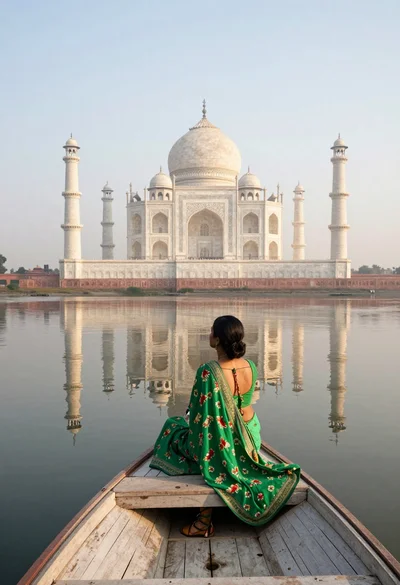
Woman in green sari sitting on boat facing taj mahal across calm
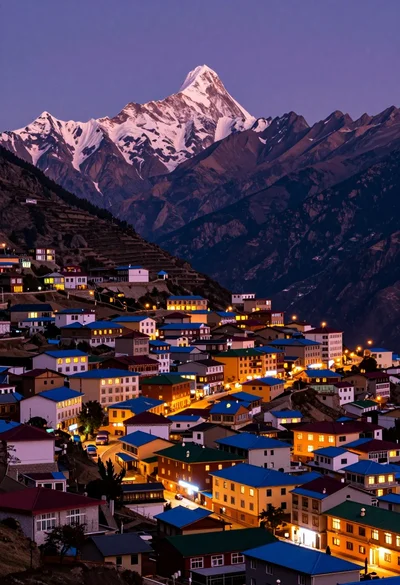
Panoramic view of colorful mountain town beneath majestic snow capped peak at
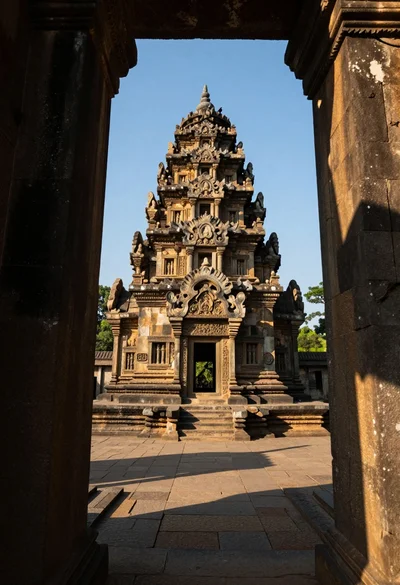
Majestic ancient stone temple viewed through gateway under clear blue sky
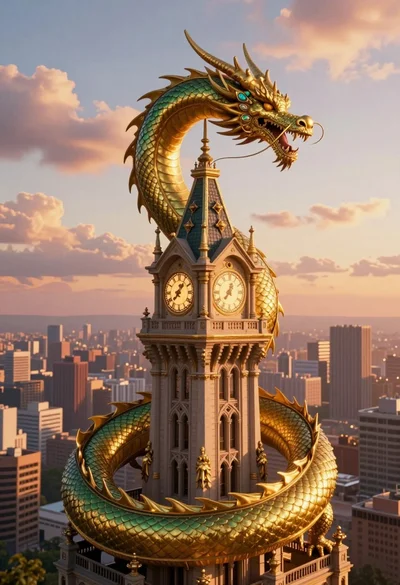
Majestic golden dragon coiling around a towering victorian clock tower at sunset
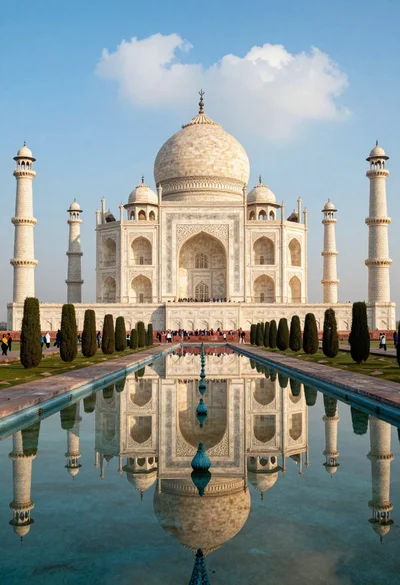
Majestic view of taj mahal reflecting perfectly in long calm pool water

Wide view of illuminated moscow kremlin complex across a wide river at
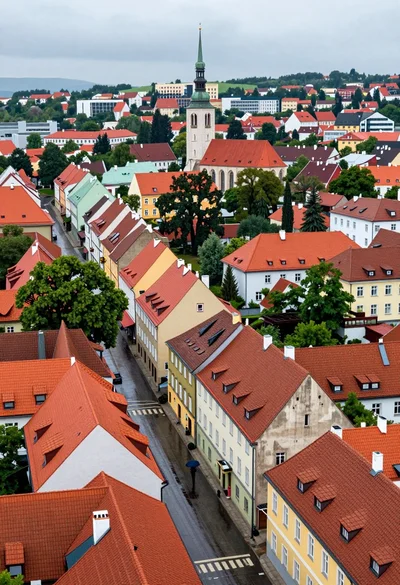
High angle aerial view of dense european town rooftops under overcast sky
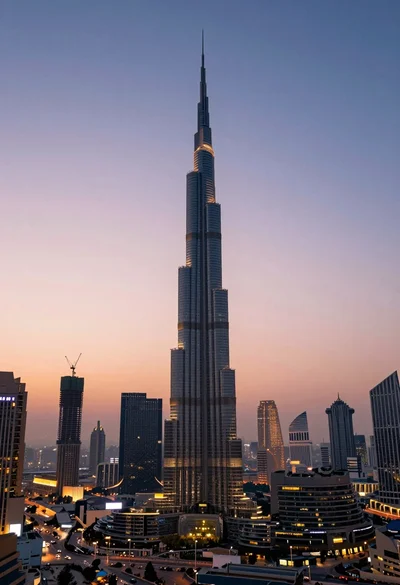
High angle wide shot of burj khalifa dominating modern city skyline at

Massive indoor waterfall cascading into pool surrounded by tropical greenery and people
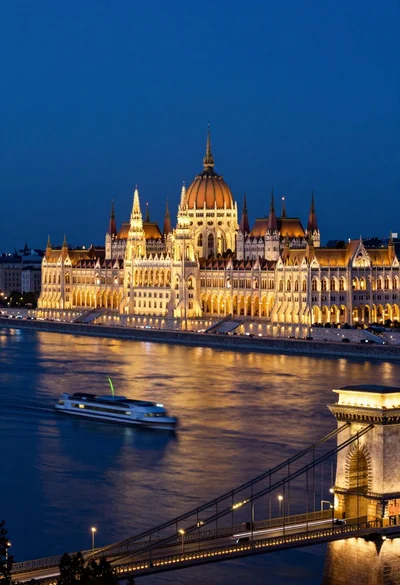
Majestic view of hungarian parliament building at night over a wide river
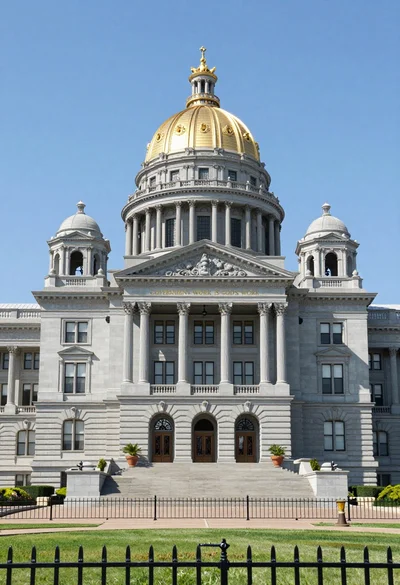
Symmetrical facade of grand colonial government building with golden dome

Wide angle view of singapore skyline reflecting lights at marina bay sands
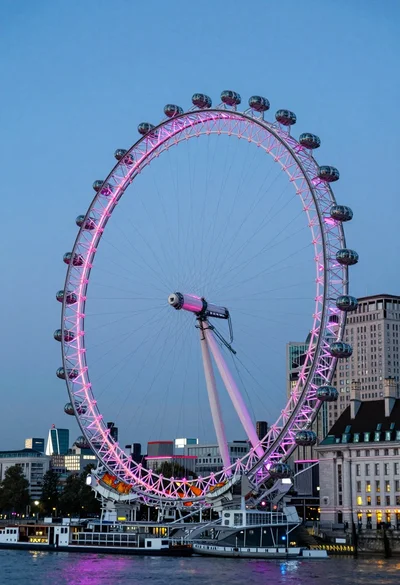
Wide view of london eye ferris wheel against twilight blue sky backdrop

Low angle wide shot of illuminated petronas twin towers against blue twilight
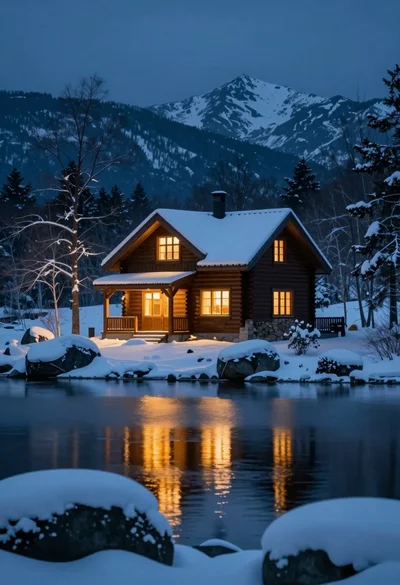
Rustic wooden cabin glowing beside calm lake under snowy winter night sky
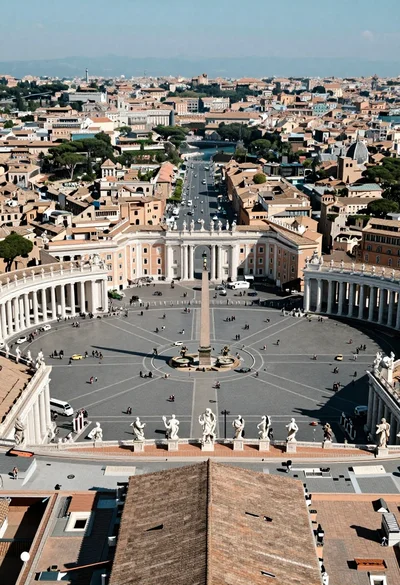
High angle aerial view of st peters square in vatican city rome
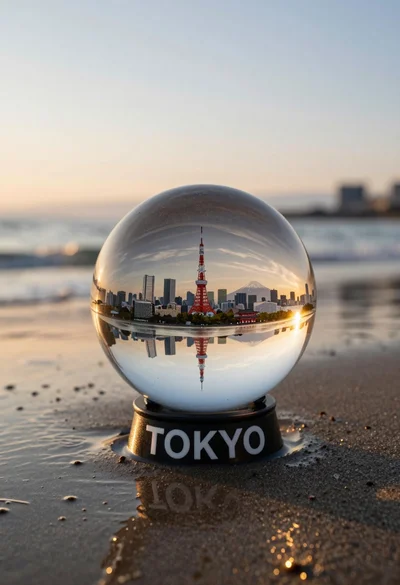
Glass sphere containing miniature tokyo cityscape on wet sand at sunset

Galata tower rising above colorful waterfront buildings under dramatic blue sky
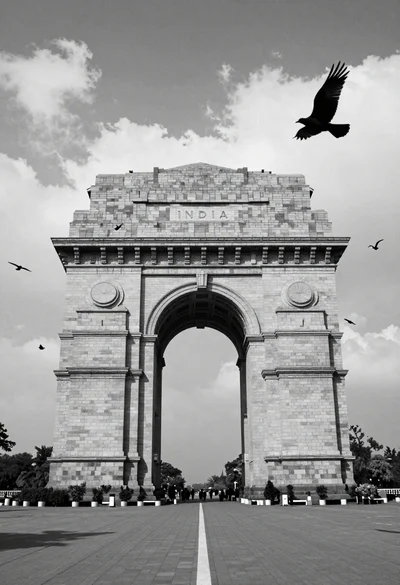
Monumental stone triumphal arch inscribed with india against dramatic cloudy sky

Majestic gothic revival palace by riverbank at twilight under dramatic sky
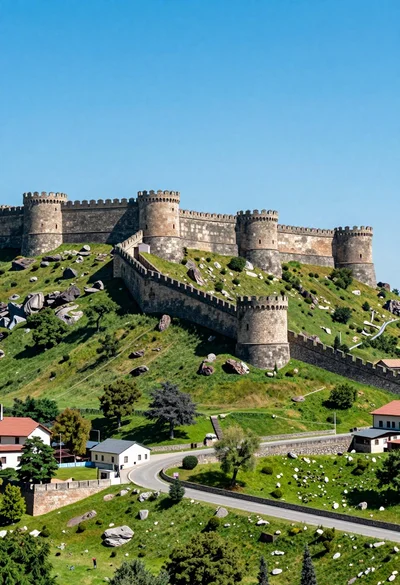
Majestic ancient stone fortress complex atop a lush green hillside under bright
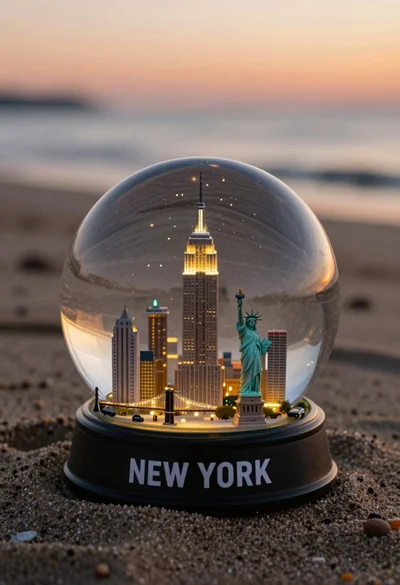
Miniature new york city skyline snow globe on sandy beach at sunset

Low angle view of leaning tower of pisa against dramatic sunset sky