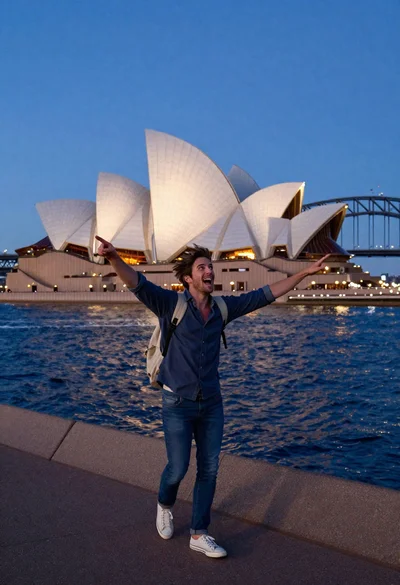
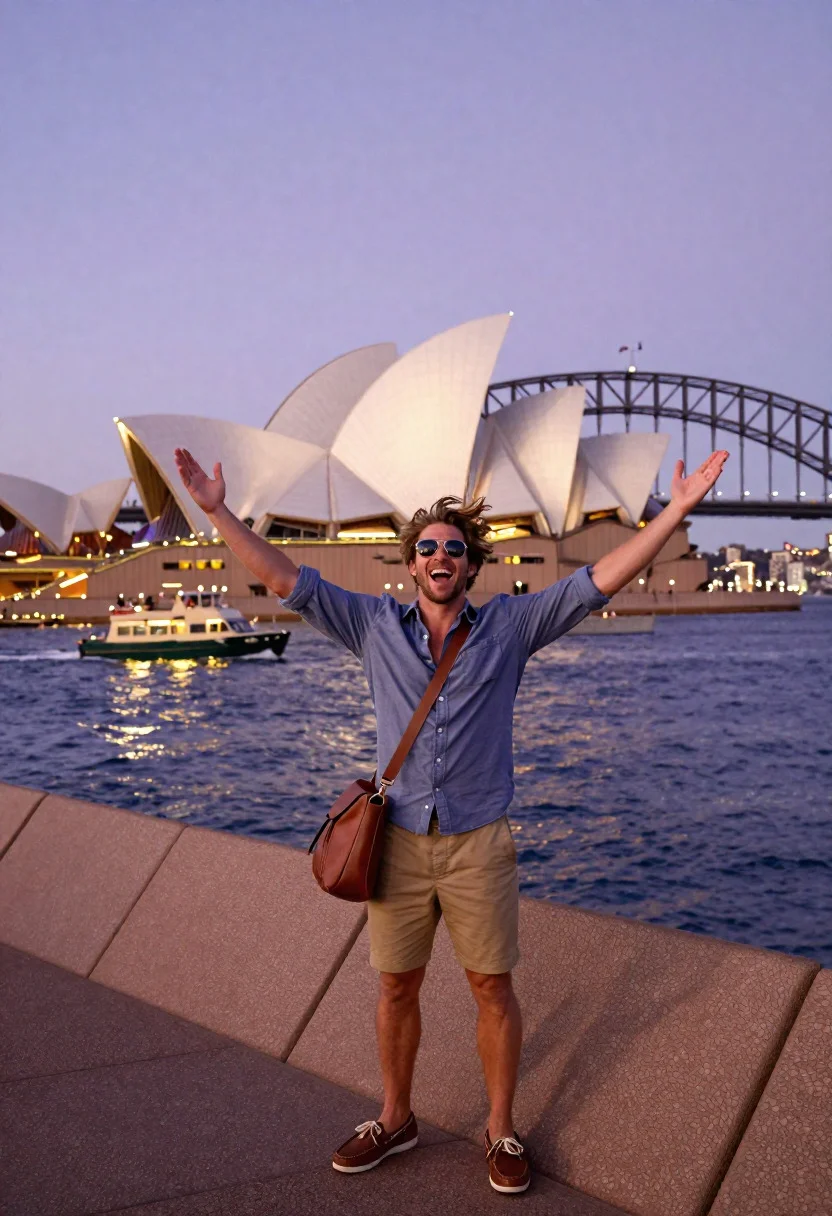
Exhilarated tourist man taking selfie near sydney opera house and bridge
Prompt
Pulsing Sydney Opera House selfie scene of an exhilarated tourist man at Harbour Bridge's twilight brilliance

Subject: rugged international man in his 20s with tousled sandy hair, megawatt grin, wind-swept exhilaration

Clothing: casual button-up shirt sleeves rolled, khaki shorts, boat shoes, leather weekender bag, aviator sunglasses

Action: arms flung wide triumphantly on circular quay promenade, phone capturing sail-like shells and bridge arch behind

Environment: Sydney Opera House's titanium wings curving against coathanger Harbour Bridge, ferries slicing harbor waters

Camera: epic tourist POV blending his euphoric expression with modernist architectural icons perfectly framed in screen reflection

Lighting: twilight violet skies with landmark spotlights illuminating white shells, golden harbor ripples glowing

Style Details: bucket-list urban travel moment with futuristic Australian design, vibrant waterfront energy, pure wanderlust triumph
Description
This prompt is useful for creating dynamic travel blog headers, architectural concept visualizations, and high-energy social media content. The combination of 'twilight violet skies' and 'landmark spotlights illuminating white shells' ensures the iconic structures pop against a dramatic backdrop, while specifying the 'epic tourist POV blending his euphoric expression with modernist architectural icons perfectly framed in screen reflection' grounds the grand scale in a relatable, immediate moment.
Suggestions
- Change 'khaki shorts' to 'dark denim jeans' for more contrast.
- Swap 'megawatt grin' for 'laughing heartily' to suggest more spontaneous action.
- Add 'shot on Canon EOS R5, 24mm' to refine the wide-angle perspective.
Category
Tags
Casual WearFull BodyMaleRealisticRooftopSelfieUrbanWide Shot
Date added
June 19, 2026
Added by
PromptDexter Team
Related Prompts
More prompts with similar categories and tags.
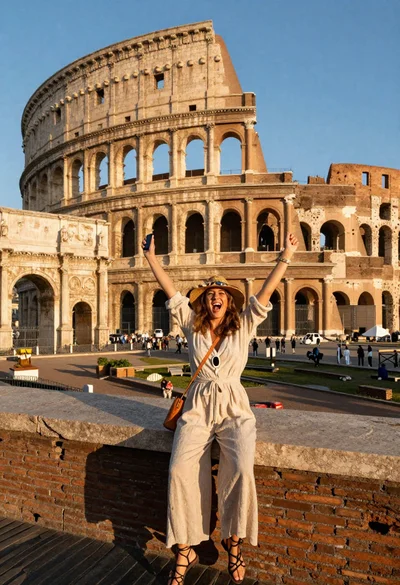
Exhilarated tourist woman taking selfie at the colosseum in rome
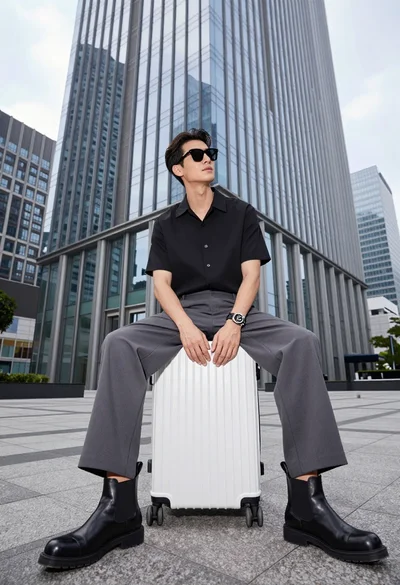
Handsome man sitting on suitcase before modern glass skyscraper in urban plaza
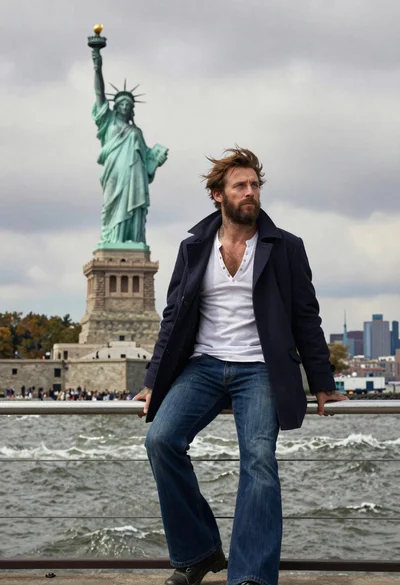
Seafaring man leaning against statue of liberty torch on island
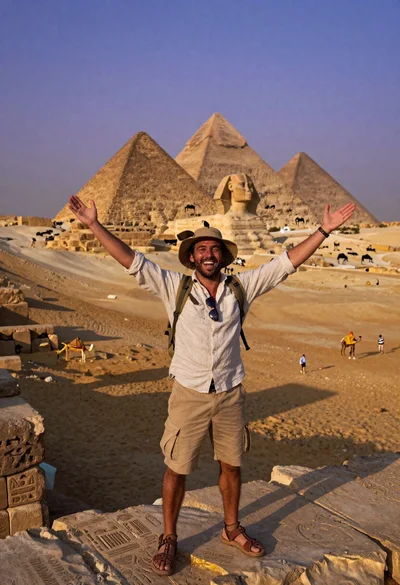
Exhilarated man taking selfie at giza pyramids during twilight
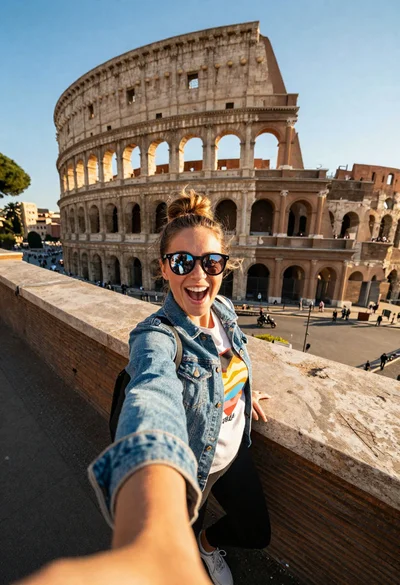
Excited tourist taking selfie at the colosseum during golden hour
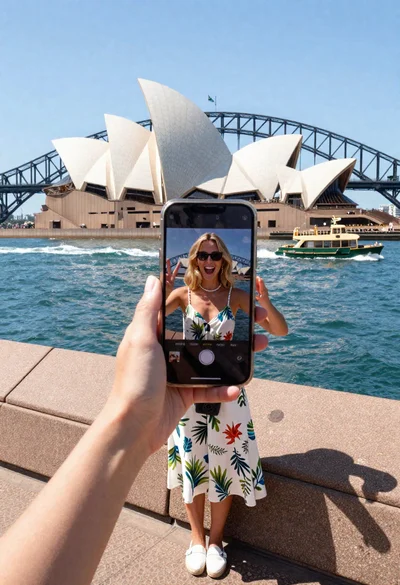
Blonde tourist taking selfie at sydney opera house and harbor bridge
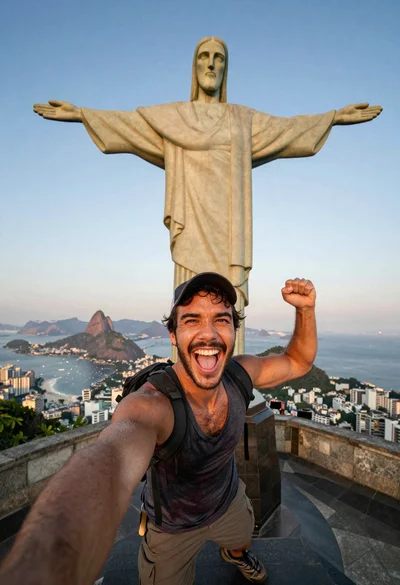
Exhilarated tourist man at christ the redeemer statue in rio
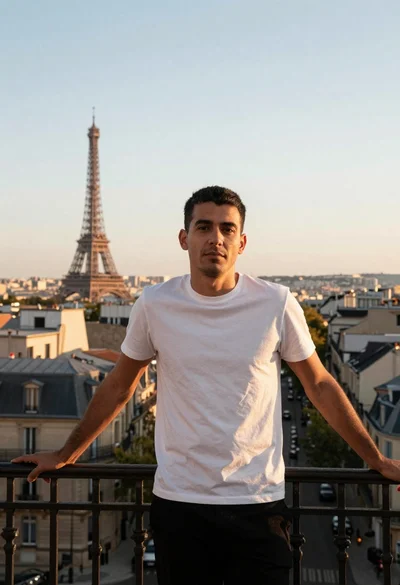
Man leaning on balcony overlooking paris at sunset