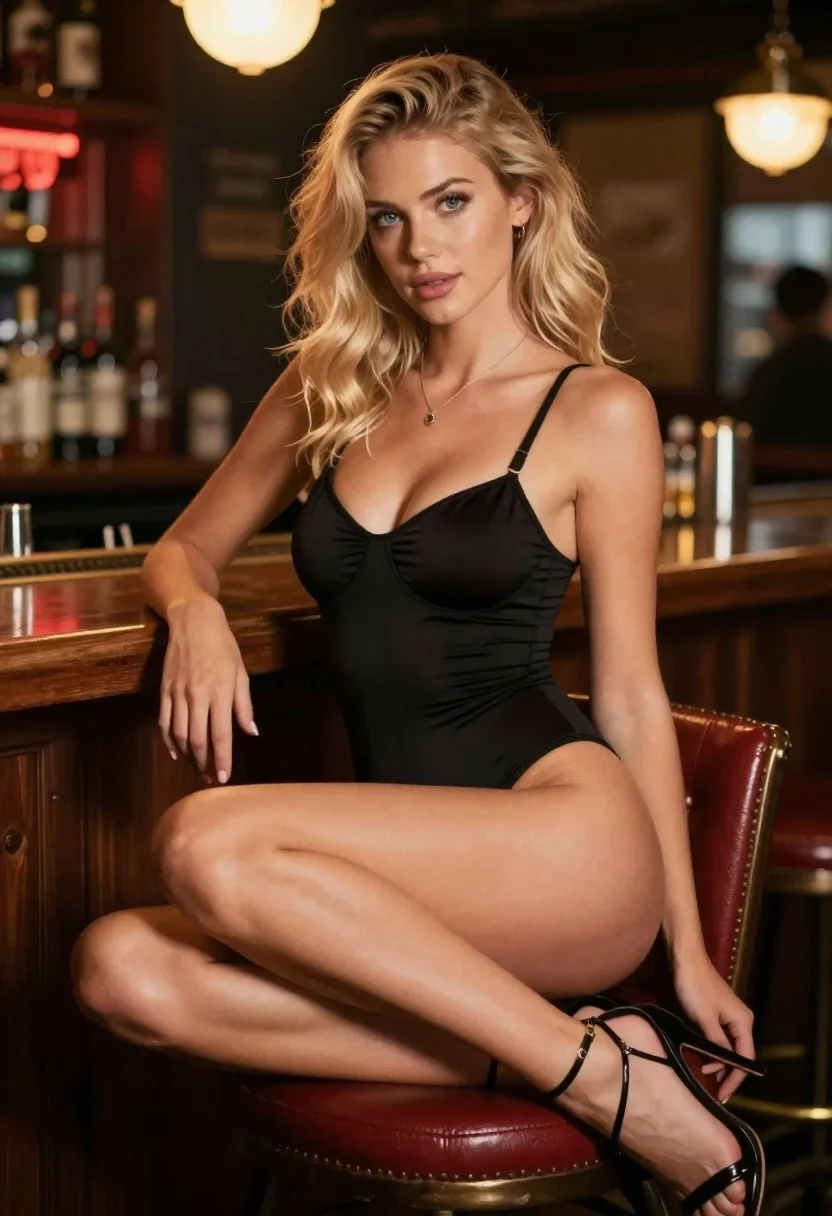
Blonde woman in black bodysuit seated at a pub bar
Prompt
Photorealistic portrait of a blonde woman seated on a barstool in a dimly lit pub

Subject: young woman with wavy shoulder-length hair and blue eyes, wearing minimal black lingerie-style bodysuit and strappy high heels

Clothing: sleek form-fitting black garment with thin straps, delicate pendant necklace, glossy skin texture visible under warm lighting.

Action: seated confidently on red-cushioned stool, legs crossed at knee, hands resting casually near thighs or lap, direct gaze toward camera.

Environment: cozy bar interior with blurred wooden counter behind her, bottles and cans softly out of focus in background suggesting a social setting.

Lighting: ambient warm glow from overhead fixtures casting soft highlights on skin and hair, subtle shadows enhancing depth; red neon accents add atmospheric color contrast.

Camera: medium close-up framing focusing on upper body and face, shallow depth of field blurring background to emphasize subject; slightly low angle enhances presence.

Style Details: cinematic realism with rich saturation, smooth bokeh, natural yet stylized beauty typical of fashion or editorial photography.
Description
This prompt is useful for creating intimate bar portraiture, character concept art for film, and moody editorial spreads focusing on nightlife aesthetics. The combination of 'ambient warm glow' with 'red neon accents' establishes a specific, saturated mood that prevents the scene from feeling flat, while the 'shallow depth of field' ensures the viewer's focus remains sharply on the subject despite the detailed background elements.
Suggestions
- Change 'black lingerie-style bodysuit' to 'velvet black bodysuit' for more texture.
- Adjust 'red neon accents' to 'cyan neon accents' for a cooler contrast.
- Modify 'medium close-up framing' to 'waist up shot' to include more of the bar setting.
Category
Tags
BlondeBrown HairCasual WearFemaleIndoorsLingerieLow AngleMedium ShotPortrait ShotRealistic
Date added
June 19, 2026
Added by
PromptDexter Team
Related Prompts
More prompts with similar categories and tags.
Blonde woman in white sweater sitting on pink armchair indoors
Blonde woman in maroon fringed dress standing in white arched hallway
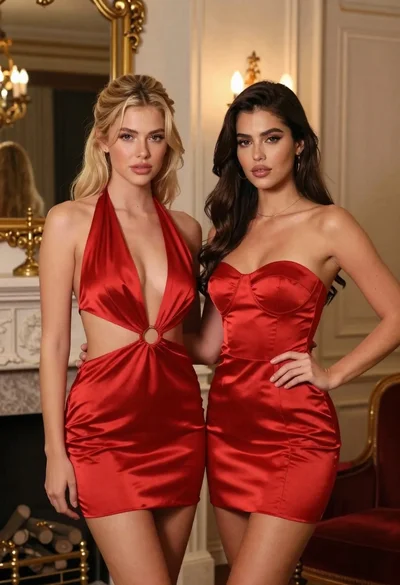
Two women in red mini dresses posing indoors at an opulent setting
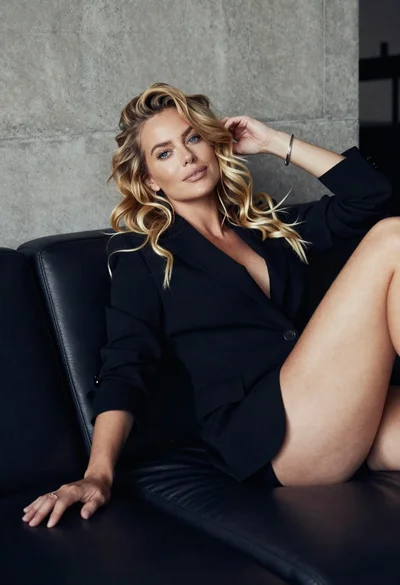
Blonde woman reclining on dark leather sofa in modern interior setting
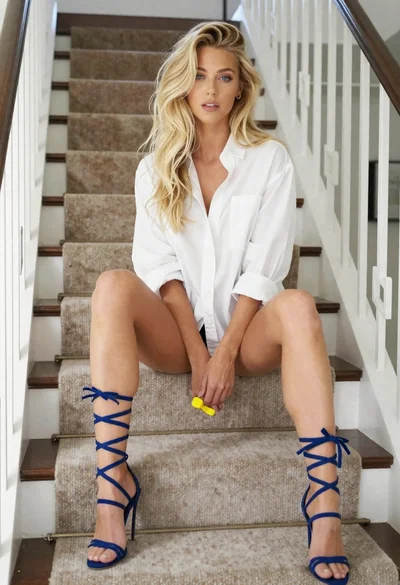
Blonde woman sitting casually on carpeted staircase indoors with yellow object

Blonde woman in cream sweater sitting on beige couch
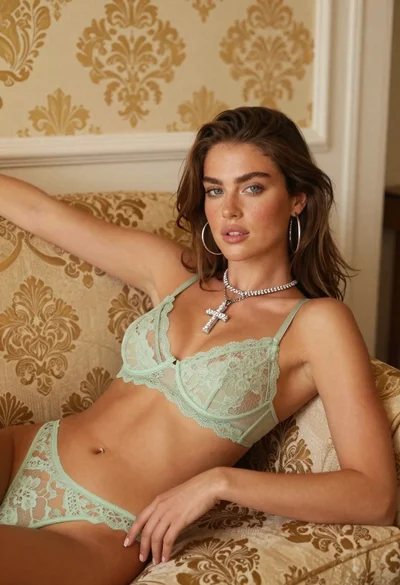
Young woman reclining on patterned sofa in light green lace lingerie

Smiling blonde woman in black leather outfit at an indoor evening event
