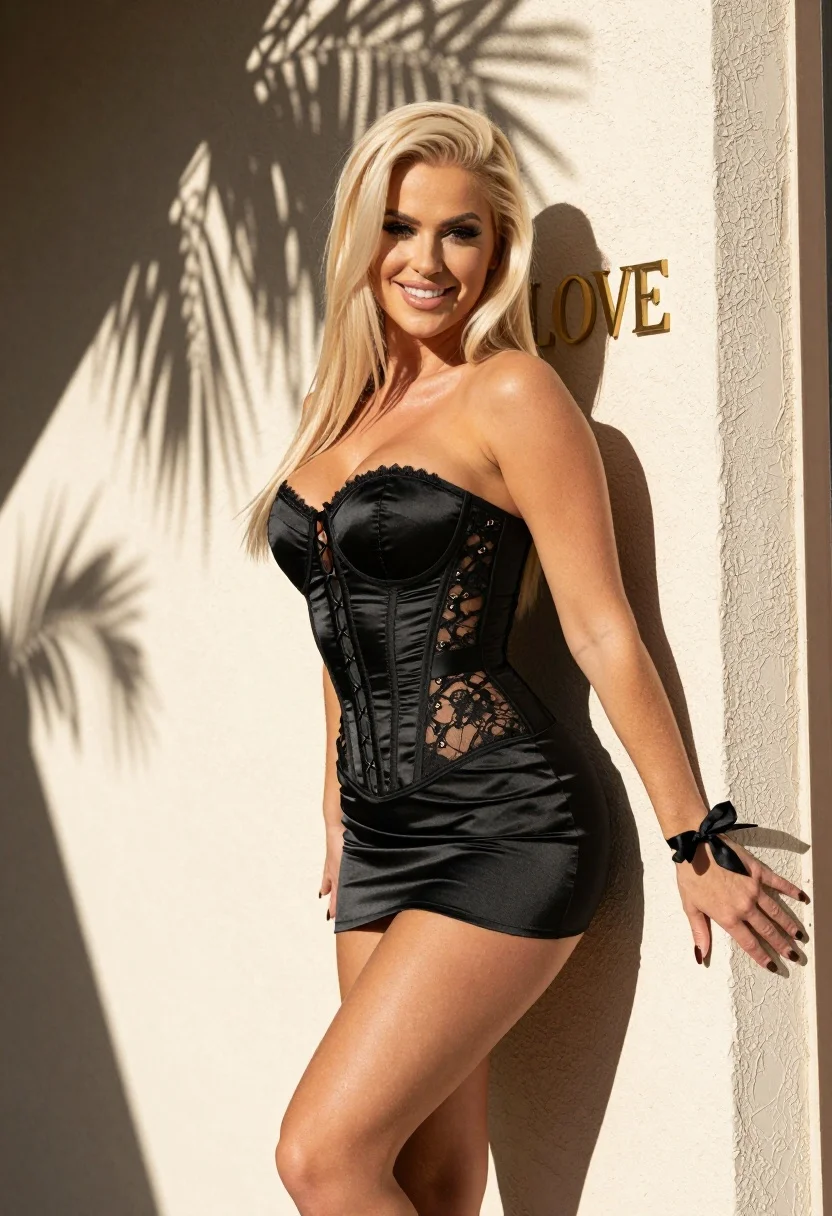
Blonde woman in black corset dress against sunlit beige wall with palm
Prompt
A confident blonde woman in a black corset dress poses against a sunlit beige wall with palm leaf shadows.

Subject: A young woman with long straight platinum blonde hair and fair skin. She has dark eyeliner on, a bright smile, and dark nail polish. Her physique is curvy with an hourglass figure.

Clothing: She wears a black satin strapless corset dress featuring lace-up detailing on the sides and back, sheer mesh panels at the waist, and a high side slit revealing her leg. A small black ribbon bow is tied around her left wrist.

Action: She stands leaning against the wall with her right hand resting flat on the surface and her left arm extended slightly outward in an open gesture. Her head is tilted slightly to the side as she looks forward.

Environment: The setting is outdoors next to a textured beige stucco wall. Large shadows of palm fronds are cast across the wall and the subject, indicating nearby foliage. A window frame is visible on the right edge.

Camera: Medium shot capturing the subject from the thighs up, framed with a slight tilt to emphasize her pose against the wall.

Lighting: Bright natural sunlight coming from the upper left, creating strong contrast between the illuminated areas and deep shadows cast by the palm leaves.

Text/Graphics: The word LOVE is written in gold lettering on the wall behind the subject's right shoulder.

Style Details: High-resolution photorealistic style with soft skin textures, cinematic lighting, and a warm color palette.
Description
This prompt is useful for creating editorial fashion moodboards, resort wear lookbooks, and high-contrast portrait photography. The combination of 'bright natural sunlight' casting deep shadows from the palm leaves against the 'textured beige stucco wall' establishes a dramatic chiaroscuro effect that highlights the sheen of the 'black satin corset dress' while grounding the subject in an architectural, sun-drenched environment.
Suggestions
- Change 'platinum blonde hair' to 'raven black hair' for a more dramatic contrast.
- Swap 'beige stucco wall' for 'terracotta rough plaster' to alter the background tone.
- Add 'anamorphic lens flare' to enhance the cinematic quality of the sunlight.
Category
Tags
BeachBlack HairBlondeBrunetteFair SkinFemaleMedium ShotOutdoorsRealistic
Date added
August 5, 2026
Added by
PromptDexter Team
Related Prompts
More prompts with similar categories and tags.
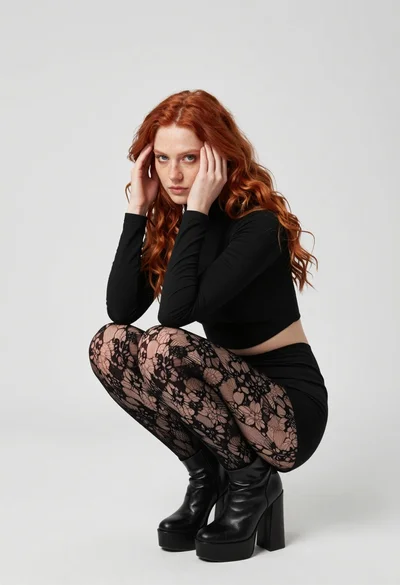
Fair young woman in black outfit crouching in minimalist studio setting

Blonde woman in turtleneck and swim bottoms on a beach
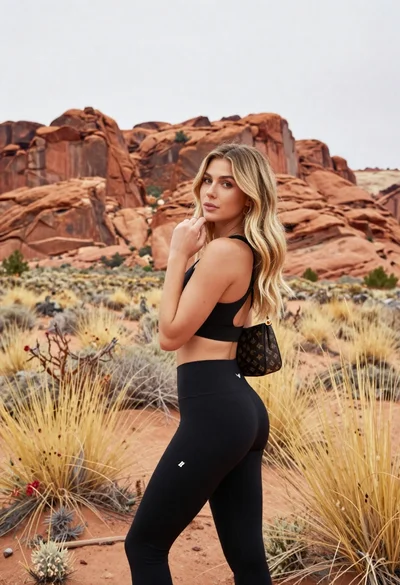
Blonde woman in sports bra standing before red rock desert formations

Fair blonde woman in black corset and denim shorts studio portrait

Smiling woman with red hair in floral twotoned dress outdoors

Young woman adjusting ponytail on wide sandy beach under overcast sky

Blonde woman in blue dress on sun drenched beach looking back

Blonde woman in swimsuit by yacht window overlooking blue sea
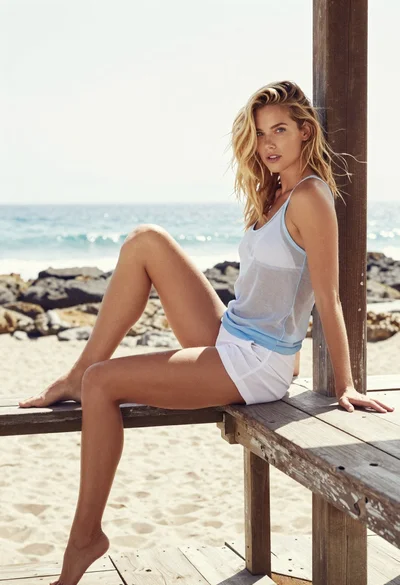
Blonde woman sitting barefoot on wooden pier overlooking bright ocean
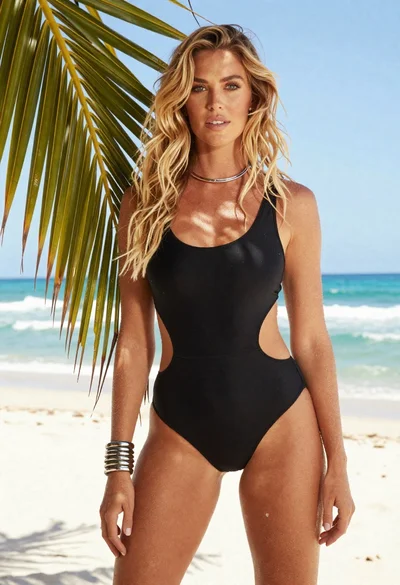
Fair blonde woman in black swimsuit standing on tropical beach
