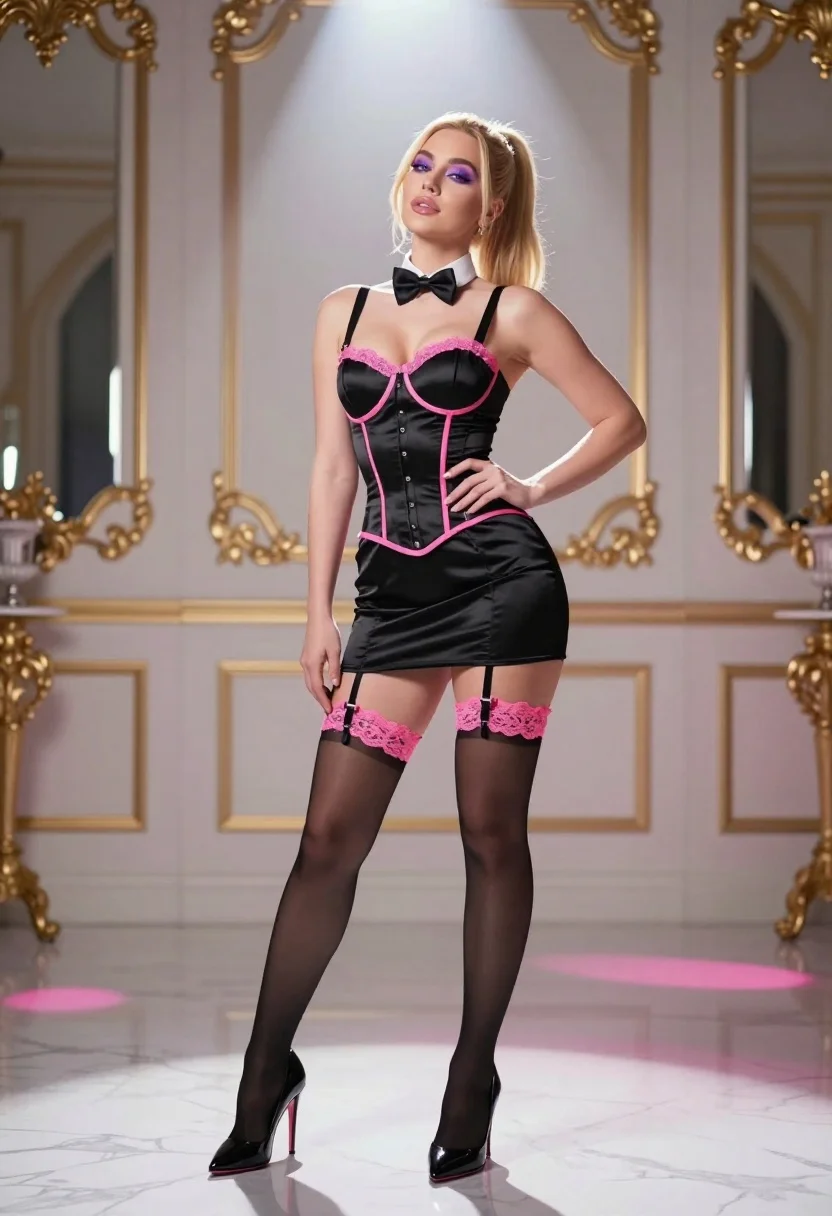
Blonde woman in black corset dress posing in luxurious marble interior setting
Prompt
A confident woman stands in a luxurious interior wearing a black satin corset dress with pink trim and lace garters.

Subject: A blonde woman with her hair pulled back into a high ponytail, featuring defined makeup including purple eyeshadow and glossy lips.

Clothing: She wears a structured black satin mini-dress styled as a corset with pink piping along the edges, a front bow tie, and button details, paired with sheer black thigh-high stockings topped with pink lace garters and shiny black stiletto heels.

Action: She poses with her head tilted slightly upward and to the side, one hand resting on her hip while the other hangs by her side, exuding a sultry and confident expression.

Environment: The setting is an opulent room with white marble floors and walls featuring gold-trimmed architectural details and large mirrors.

Lighting: Dramatic lighting features a strong spotlight from above creating distinct rays of light that illuminate the subject while casting soft shadows on the floor, accented by pink ambient hues reflecting off the surroundings.

Camera: The shot is a full-body medium-long angle capturing the entire figure against the background with a shallow depth of field blurring the ornate details behind her.

Style Details: High-fidelity digital rendering with cinematic color grading, smooth textures, and a polished, glossy aesthetic reminiscent of high-end fashion photography.
Description
This prompt is useful for creating editorial lingerie campaigns, dramatic portraiture for luxury brands, and stylized character concept art. The combination of 'dramatic lighting' with a 'strong spotlight from above' sculpts the figure by emphasizing the sheen of the 'black satin corset dress,' while the 'shallow depth of field' ensures that the opulent marble setting supports the subject without competing with her defined pose.
Suggestions
- Change 'purple eyeshadow' to 'smoky charcoal eyeshadow' for a moodier effect.
- Swap 'pink piping' for 'deep burgundy piping' to deepen the color palette.
- Adjust 'full-body medium-long angle' to 'waist-up shot' to focus more on the corset details.
Category
Tags
Black HairBlondeFemaleFull BodyIndoorsMedium ShotRealistic
Date added
July 3, 2026
Added by
PromptDexter Team
Related Prompts
More prompts with similar categories and tags.
Woman in strapless black dress leaning against doorway in high contrast
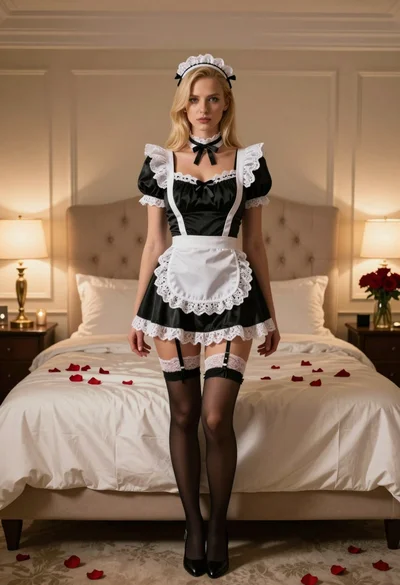
Blonde woman in maid outfit standing in luxurious bedroom setting
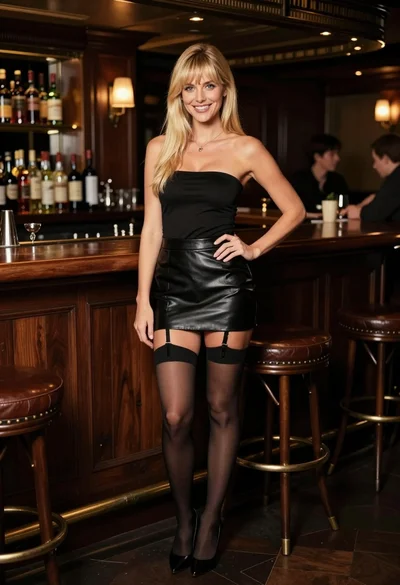
Smiling blonde woman posing confidently in an upscale dimly lit bar setting
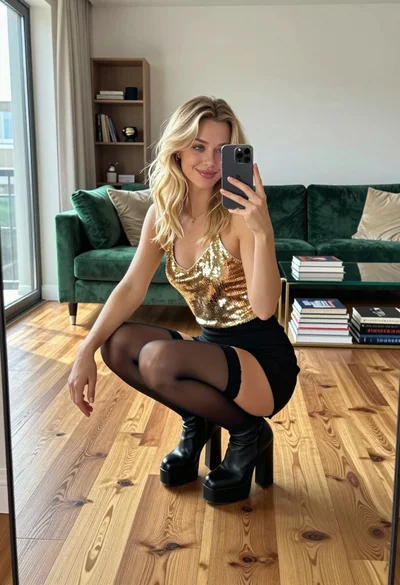
Young woman in gold top and black skirt taking mirror selfie indoors
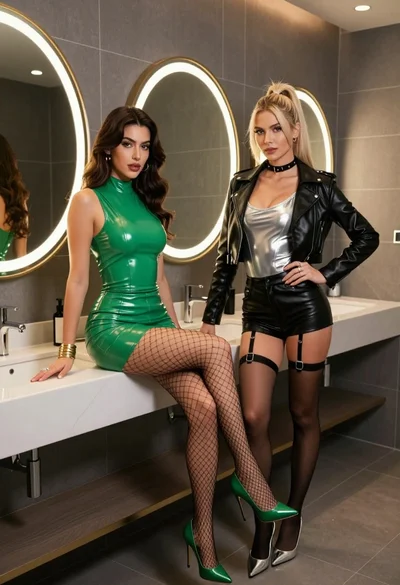
Two women posing confidently in a modern highend bathroom setting

Blonde woman taking mirror selfie on beige carpet near anime display
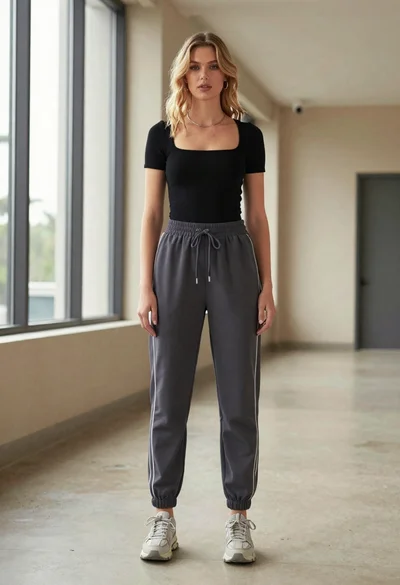
Blonde woman in jogger pants standing in modern hallway

Blonde woman in black gown seated on white stool in bright room

Blonde woman taking a mirror selfie in black dress indoors
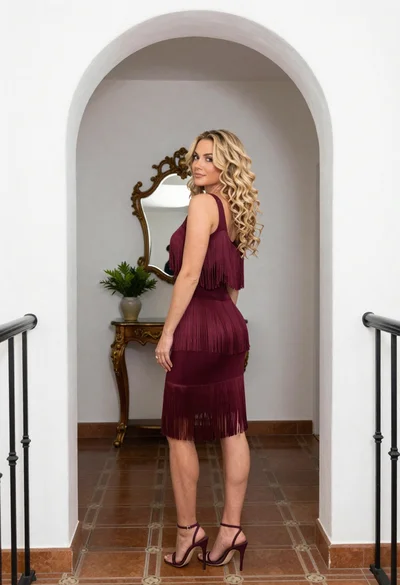
Blonde woman in maroon fringed dress standing in white arched hallway