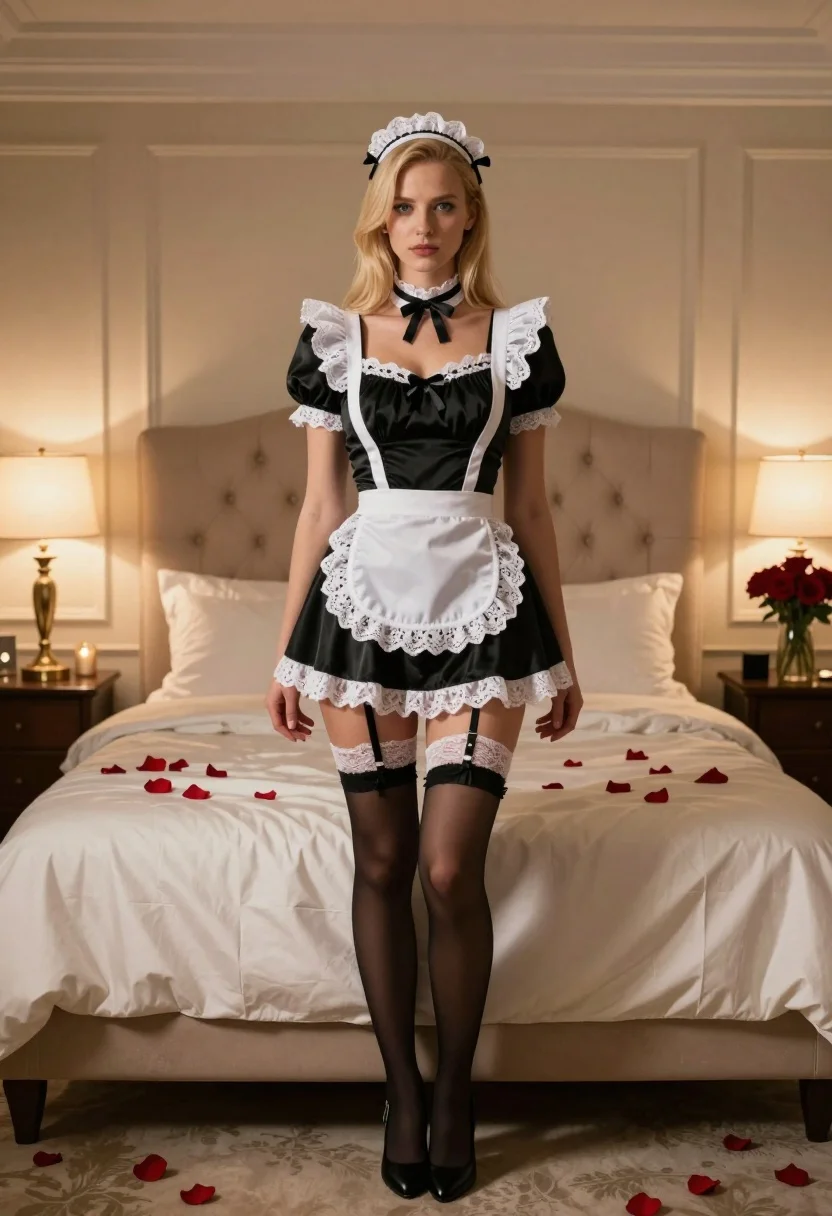
Blonde woman in maid outfit standing in luxurious bedroom setting
Prompt
A woman stands in the center of a luxurious bedroom wearing a black and white maid outfit.

Subject: A blonde woman with a serious expression standing upright facing forward.

Clothing: She wears a black satin dress with white lace trim, a white apron with lace detailing, a matching lace headpiece with black ribbons, a choker necklace, white lace garter tops on her thighs, sheer black stockings, and black high heels.

Action: Standing still with arms hanging loosely by her sides and looking directly at the camera.

Environment: A large bed with a tufted beige headboard dominates the background, covered in cream satin linens scattered with red rose petals. The room features beige paneled walls, bedside tables with lamps, and a vase of red roses on a nightstand.

Lighting: Warm ambient lighting emanates from bedside lamps and string lights along the wall, creating soft shadows and a romantic atmosphere.

Camera: A medium full-body shot taken at eye level with a shallow depth of field that keeps the subject sharp while softly blurring the background.

Style Details: The image has a cinematic quality with rich color grading, smooth textures, and a polished aesthetic typical of high-end fashion photography.
Description
This prompt is useful for creating editorial lingerie campaigns, themed costume editorials, and atmospheric character portraits. The combination of 'black satin dress' against the 'tufted beige headboard' grounds the composition in luxury while the 'shallow depth of field' ensures that the subject remains the sharp focal point despite the richly detailed background elements like the red rose petals.
Suggestions
- Change 'black and white maid outfit' to 'velvet maid uniform' for a richer texture.
- Add 'rim lighting from the window' to enhance the silhouette.
- Swap 'red rose petals' for 'scattered silk petals' to maintain the aesthetic.
Category
Tags
BedroomBlack HairBlondeCasual WearFemaleFull BodyIndoorsMedium ShotRealistic
Date added
July 3, 2026
Added by
PromptDexter Team
Related Prompts
More prompts with similar categories and tags.

Fair blonde woman in black corset and denim shorts studio portrait
Woman taking a selfie in bed with ring light and patterned black
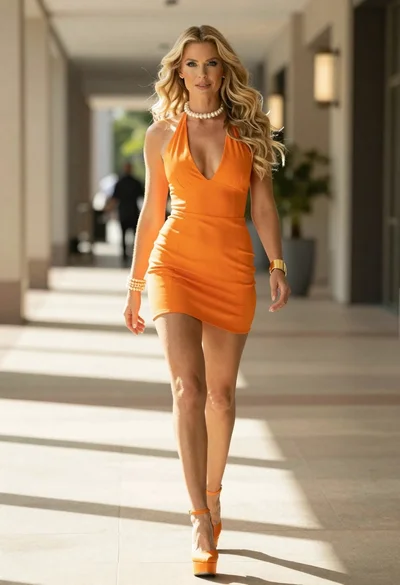
Woman in orange mini dress walking down sunlit corridor
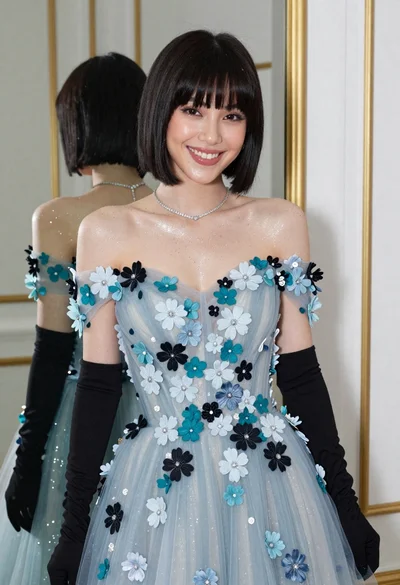
Smiling woman in blue floral dress posing before a mirror indoors
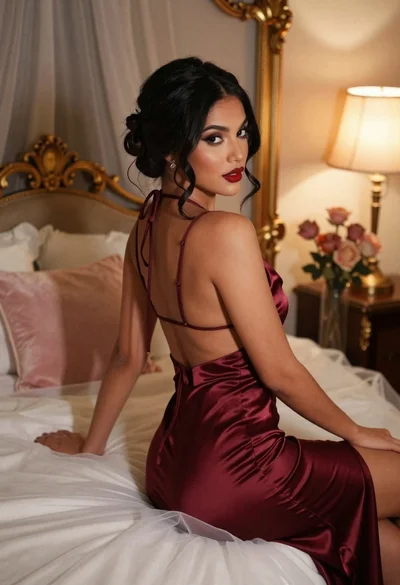
Woman in burgundy satin dress sitting on bed looking over shoulder
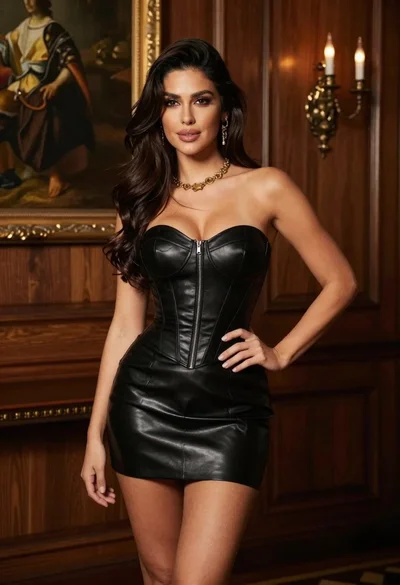
Woman in black leather corset dress standing indoors with gold jewelry
Stylish young woman in black vest standing on paved road near green

Young woman seated on grey sofa against pink wall fashion portrait
Young woman posing indoors with blonde hair

Blonde woman in striped swimsuit seated on sofa indoors studio shot