
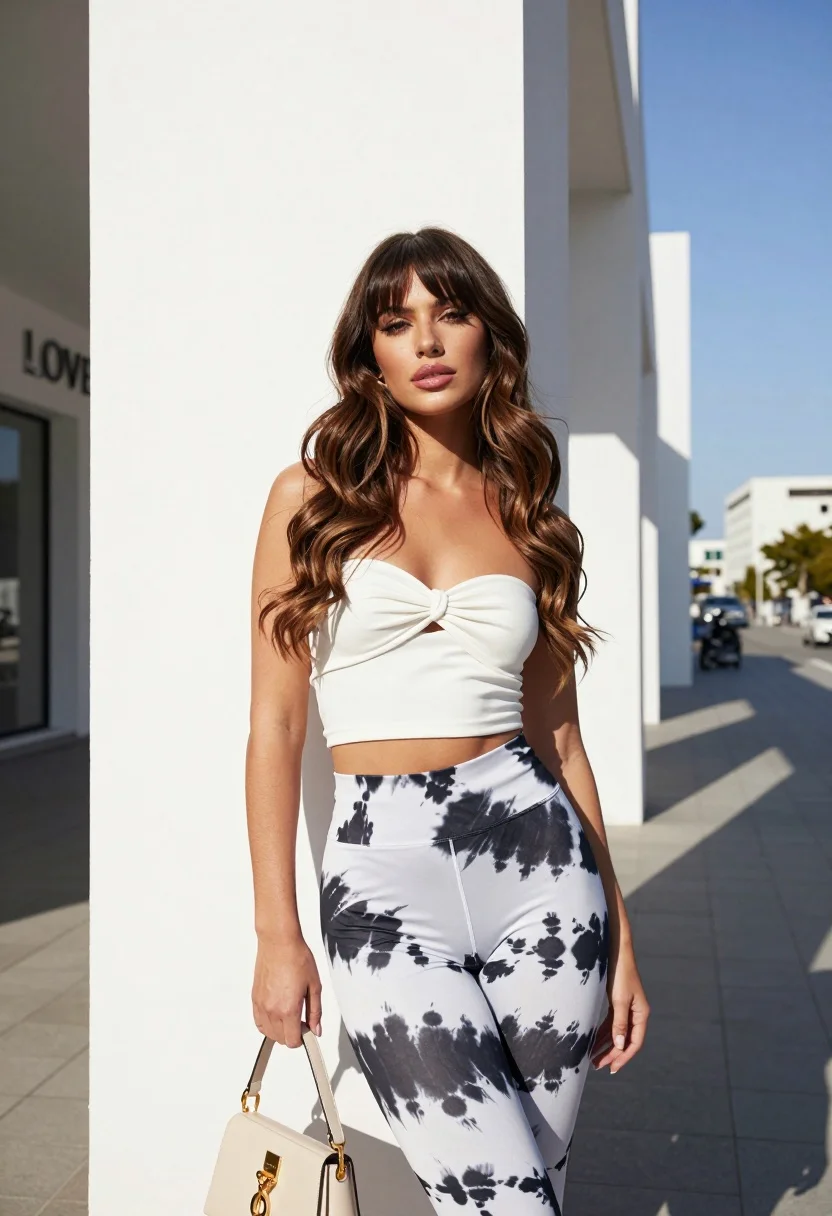
Young woman leaning against white wall with beige handbag under bright sunlight
Prompt
A confident young woman with long wavy brown hair and bangs stands leaning against a white architectural wall under bright sunlight.

Subject: A young woman with long wavy brown hair featuring soft bangs, fair skin, and defined facial features including winged eyeliner and glossy lips.

Clothing: She wears a white strapless tube top with a front knot detail and matching high-waisted leggings featuring a black and white tie-dye pattern.

Action: She stands in a relaxed pose leaning against the wall, looking directly at the camera with a calm expression while holding a small beige handbag by her side.

Environment: The setting is an urban outdoor area with clean white walls and a paved walkway under a clear blue sky, with distant buildings visible in the background.

Camera: Shot from a low angle to emphasize her height and posture, using a medium shot that captures her full figure against the architectural lines.

Lighting: Bright natural sunlight creates strong, sharp shadows on the wall behind her and highlights the contours of her face and body.

Objects: A small beige handbag with gold hardware is held in her hands near her waist.

Text/Graphics: The words "LOVE" are visible in raised lettering on the white wall to her left.

Style Details: High-fashion editorial aesthetic with a focus on clean lines, vibrant colors, and high-contrast lighting typical of modern street photography.
Description
This prompt is useful for creating contemporary fashion editorials, lifestyle blog features showcasing urban style, and mood boards emphasizing architectural symmetry. The combination of 'low angle' perspective with 'bright natural sunlight' casting strong, sharp shadows accentuates the clean lines of the white wall and emphasizes the subject's height and confident posture against a structured backdrop.
Suggestions
- Change 'white strapless tube top' to 'cream knit crop top' for a softer contrast.
- Replace 'beige handbag with gold hardware' with 'black leather crossbody bag' for a bolder accessory.
- Adjust 'clear blue sky' to 'overcast bright daylight' to soften the shadows.
Category
Tags
BlondeBrown HairBrunetteCasual WearFair SkinFemaleFull BodyLow AngleMedium ShotOutdoorsPortrait ShotRealisticStreetUrban
Date added
August 5, 2026
Added by
PromptDexter Team
Related Prompts
More prompts with similar categories and tags.

Woman in rust dress looking back over shoulder on stone staircase at

Young woman with braided hair in misty woodland setting
Smiling young woman in cream dress near large glass window outdoors
Young woman in white top and yellow shorts against textured beige wall
Young woman looking back over shoulder against bright yellow tiled urban facade

Smiling young woman in floral mini dress against soft textured beige wall
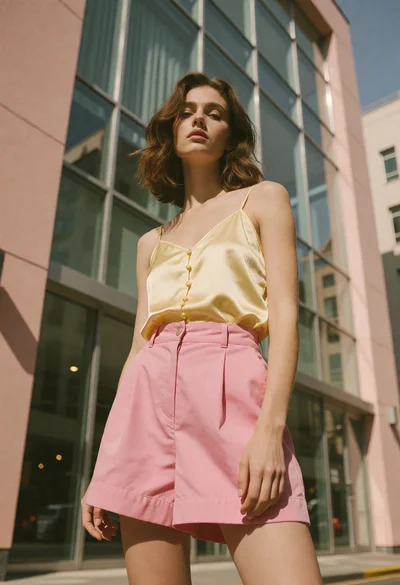
Young woman standing confidently against modern building glass windows

Young woman in black and white patterned outfit on urban rooftop

Smiling blonde woman in sports bra sitting on outdoor lounge chair

Smiling woman with red hair in floral twotoned dress outdoors
