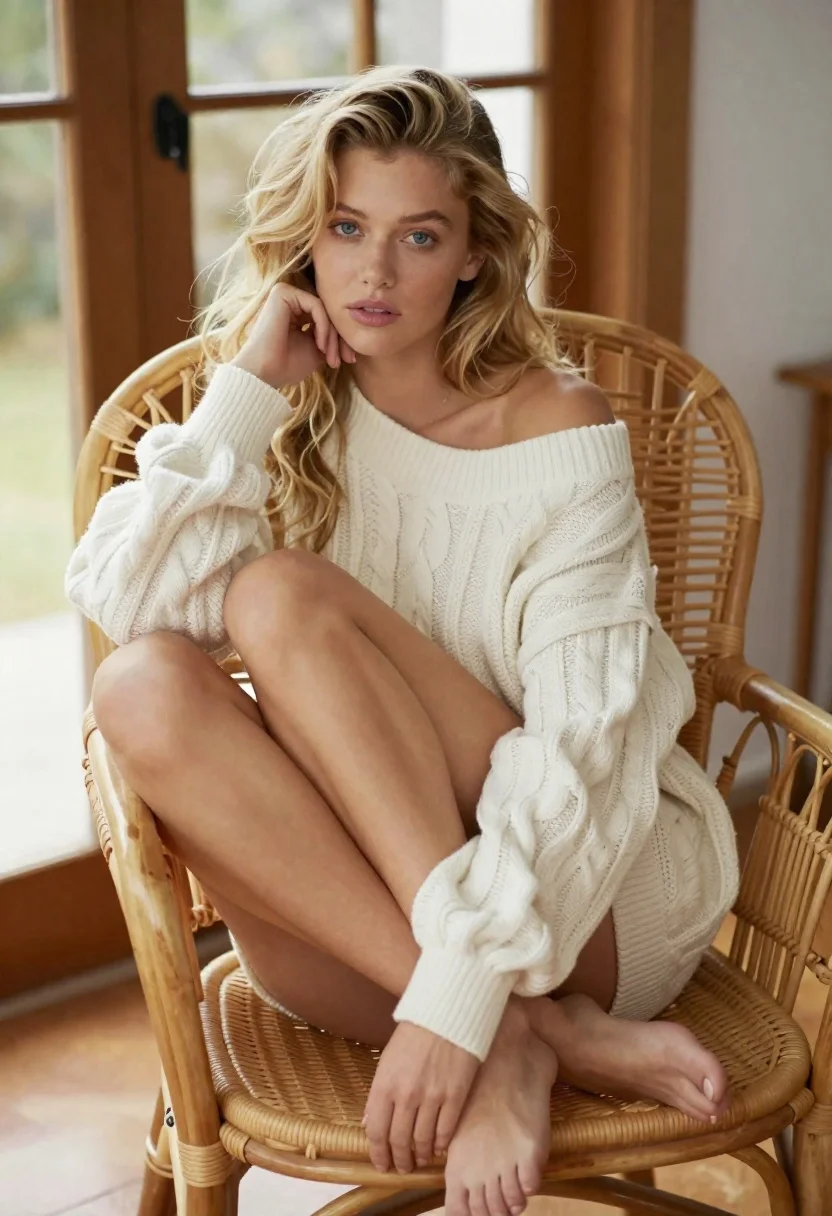
Blonde woman in cable knit dress sitting in rattan chair
Prompt
A high-resolution portrait of a young blonde woman with wavy hair and soft features sitting in an oversized rattan chair

Subject: A fair-skinned woman with long, loose blonde waves cascading over her shoulders; she has blue eyes looking directly at the camera with a neutral expression.

Clothing: She wears a thick, off-white cable-knit sweater dress styled loosely off one shoulder and tucked into itself to expose legs while seated; barefoot on smooth flooring.

Action: Her left hand gently rests against her cheek in a contemplative gesture; she leans back slightly within the curved frame of the chair with crossed knees.

Environment: The setting is an indoor space featuring wooden furniture, large windows letting in soft daylight, and natural textures like wicker and wood grain visible around her.

Lighting: Soft ambient light comes from behind through window panes, creating gentle highlights on skin tone and fabric folds without harsh shadows.

Camera: Shot with a medium close-up framing that emphasizes facial details while capturing full body posture; shallow depth of field blurs background slightly for focus on subject.

Style Details: Realistic photographic style with warm tones and natural textures enhancing the cozy indoor atmosphere.
Description
This prompt is useful for creating lifestyle editorial spreads, intimate portrait photography, and catalog imagery featuring cozy seasonal wear. The combination of 'soft ambient light' and 'natural textures like wicker and wood grain' establishes a warm, contained environment that complements the tactile quality of the 'thick, off-white cable-knit sweater dress,' preventing the image from feeling sterile despite the studio setting.
Suggestions
- Change 'wavy hair' to 'curled hair' for more volume.
- Swap 'off-white' for 'oatmeal beige' to deepen the warmth.
- Adjust 'medium close-up framing' to 'full body shot' to better show the chair.
Category
Tags
BlondeBrown HairCasual WearFair SkinFemaleIndoorsMedium ShotPortrait ShotRealisticStudio
Date added
June 19, 2026
Added by
PromptDexter Team
Related Prompts
More prompts with similar categories and tags.
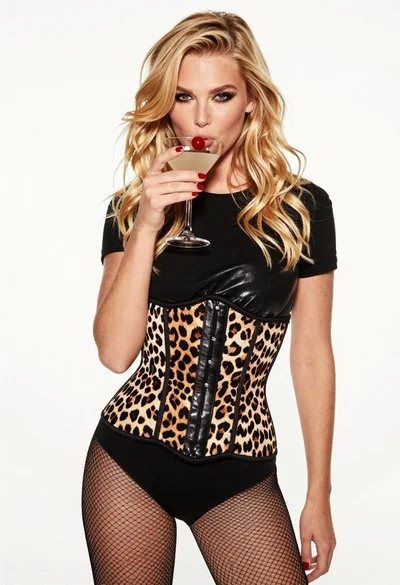
Blonde woman holding cocktail glass against a stark white studio background
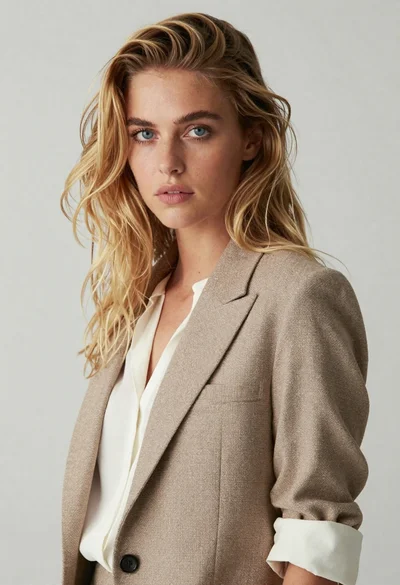
Medium close up portrait of blonde woman in beige blazer studio setting

Smiling blonde woman in black leather outfit at an indoor evening event

Blonde woman in black coat leaning against white wall by window
Studio portrait of woman in black blazer
Young blonde woman in floral dress seated on grey armchair studio portrait
Smiling blonde woman in pink satin dress against dark branded backdrop

Black and white portrait of confident woman in blazer