
Blonde woman in cream dress looking back over stone pathway
Prompt
A young woman stands in profile on a stone pathway, looking back over her shoulder with a soft gaze.

Subject: A fair-skinned woman with long, wavy blonde hair styled loosely around her shoulders and neck. She has a slender build and is wearing a delicate expression.

Clothing: She wears a short, sleeveless cream-colored dress featuring a textured, feather-like pattern across the bodice and skirt. The dress has thin spaghetti straps and a deep V-neckline. She is wearing matching pale pink platform high-heeled sandals with ankle straps.

Action: She stands in profile facing left but turns her head to look back at the camera. Her arms are crossed over her chest, resting gently on her upper arms.

Environment: The setting is an outdoor garden or park featuring a wide stone-paved walkway that recedes into the distance. To the left is a manicured lawn with low-lying shrubs and tall, dense green trees in the background.

Lighting: Natural daylight illuminates the scene from the side, casting soft shadows on the ground and highlighting the texture of her dress. The lighting is bright but diffused, creating a calm and airy atmosphere.

Camera: The shot is taken at eye level with a medium-full length framing that captures the subject’s entire body and posture. The composition uses the diagonal line of the path to lead the eye into the background.

Style Details: The image has a clean, high-resolution aesthetic with natural color grading and a focus on fashion photography.
Description
This prompt is useful for creating lifestyle editorial spreads, bridal lookbooks featuring garden settings, and magazine features emphasizing soft portraiture. Utilizing 'natural daylight' from the side ensures that the 'textured, feather-like pattern' of the dress catches highlights without harsh glare, while the composition directs attention down the receding stone pathway to establish depth.
Suggestions
- Change 'cream-colored dress' to 'ivory silk slip' for a different drape.
- Swap 'pale pink platform high-heeled sandals' for 'nude leather ankle straps' for more subtlety.
- Adjust 'medium-full length framing' to 'full body shot' to emphasize the path's recession.
Category
Tags
BlondeCasual WearFair SkinFemaleFull BodyMedium ShotOutdoorsRealistic
Date added
June 19, 2026
Added by
PromptDexter Team
Related Prompts
More prompts with similar categories and tags.
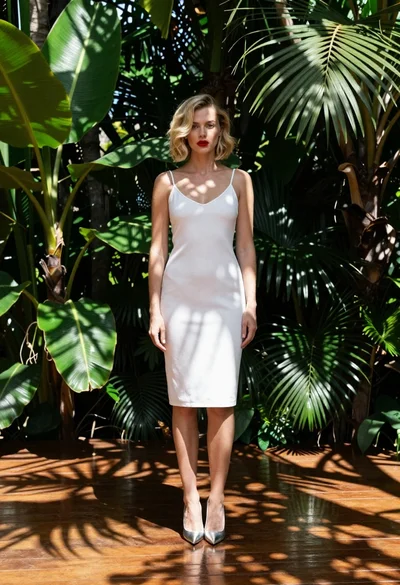
Fair blonde woman in white slip dress tropical garden setting fashion shot
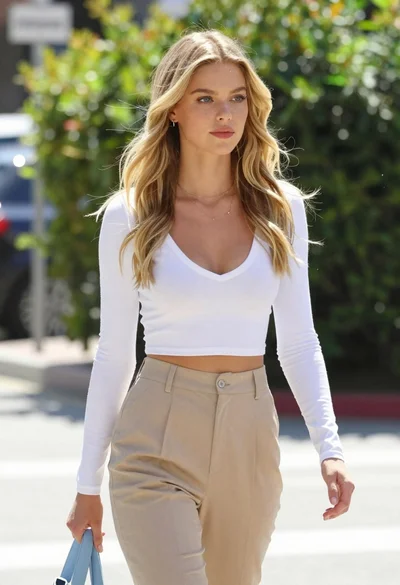
Fair blonde woman walking outdoors in white top and beige trousers
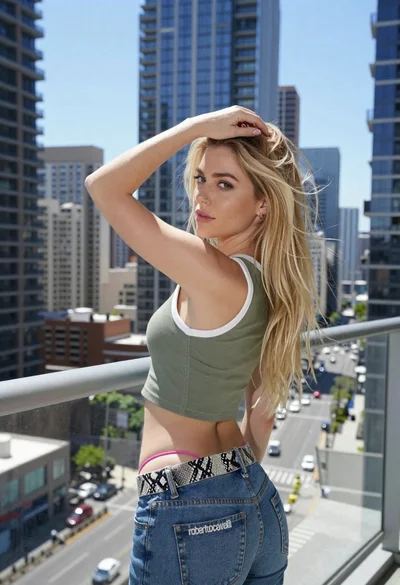
Young blonde woman on balcony overlooking sunny modern cityscape
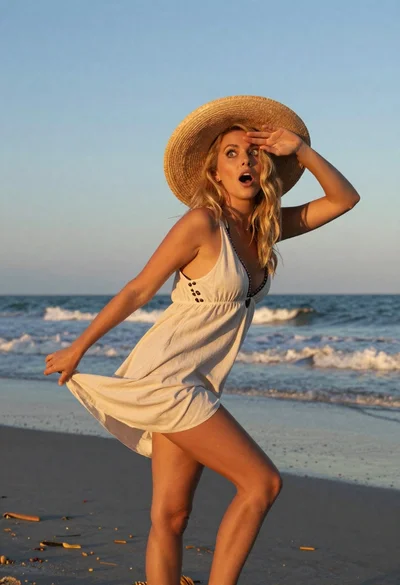
Blonde woman in light dress on beach at golden hour sunset
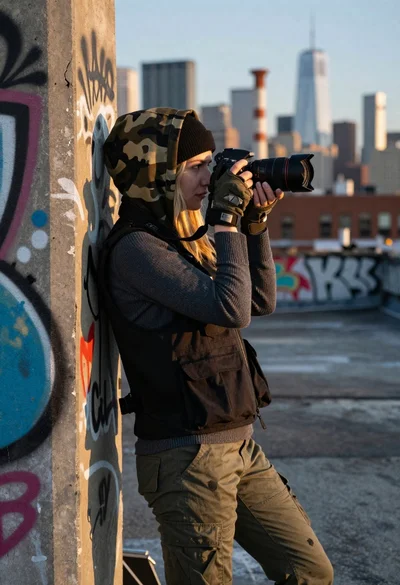
Young blonde woman taking photo on graffiti covered rooftop at golden hour

Young woman holding wheat stalks in golden field at sunset

Fair blonde woman sitting on sandy beach looking at camera
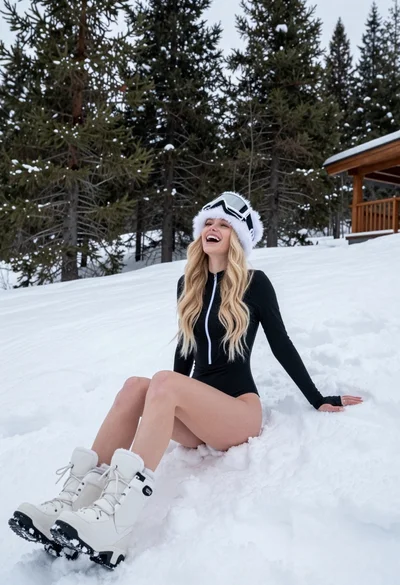
Blonde woman laughing sitting in deep snow near pine trees

Woman in white dress on sunny beach looking at turquoise ocean waves
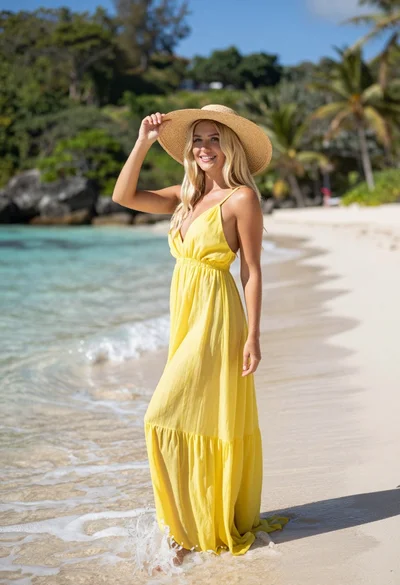
Smiling blonde woman in yellow dress standing in shallow tropical ocean water
