

Smiling young woman in white ruffled dress between green topiary bushes
Prompt
A smiling woman with long brown hair stands outdoors in a white ruffled dress between two tall green topiary bushes.

Subject: A young woman with fair skin and long, straight brown hair that falls over her shoulders. She has a bright smile showing her teeth and is looking slightly to the side.

Clothing: She wears a tight-fitting, sleeveless white mini-dress featuring ruffled detailing across the chest and neckline. She also wears a delicate gold necklace with a small dark pendant.

Action: The woman stands in a relaxed pose with her body angled slightly away from the camera while her head turns to face forward. Her expression is happy and confident.

Environment: The setting is an outdoor patio or balcony area featuring a cream-colored building facade with decorative carved stone panels. Behind her is a large window reflecting the surroundings.

Camera: The shot is a medium full-body view framed at eye level, utilizing a shallow depth of field that keeps the subject sharp while softly blurring the background elements.

Lighting: Soft, natural daylight illuminates the scene evenly, creating gentle highlights on her skin and hair without harsh shadows.

Style Details: High-resolution photography with vibrant colors and a clean, polished aesthetic typical of modern portrait fashion photography.
Description
This prompt is useful for creating lifestyle magazine features, bridal pre-wedding shoots, and high-end catalog editorials showcasing feminine attire. The combination of 'soft, natural daylight' with the 'white ruffled dress' ensures that the subject remains brightly lit without harsh shadows, which prevents the delicate fabric details from looking flat against the backdrop of the 'cream-colored building facade'.
Suggestions
- Change 'green topiary bushes' to 'boxwood hedges' for a more formal look.
- Add 'bokeh effect' to the camera section for increased background separation.
- Swap 'delicate gold necklace' for 'pearl choker' to alter the jewelry aesthetic.
Category
Tags
Brown HairBrunetteCasual WearFair SkinFemaleFull BodyMedium ShotNatureOutdoorsRealistic
Date added
June 19, 2026
Added by
PromptDexter Team
Related Prompts
More prompts with similar categories and tags.

Young woman in olive saree leaning on railing outdoors during golden hour

Young woman in patterned dress looking back over grassy hills
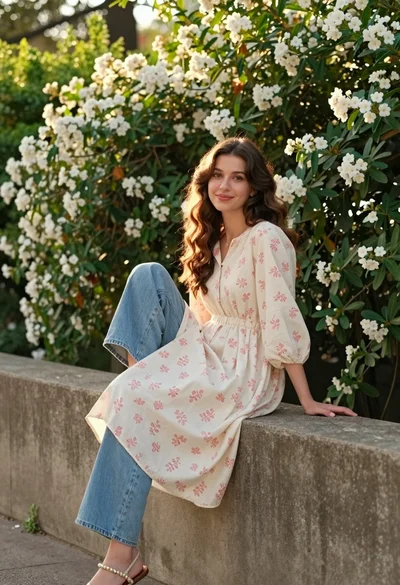
Young woman with brown hair sitting on concrete ledge amidst green foliage

Photorealistic portrait of woman in red gold armor holding shield studio shot
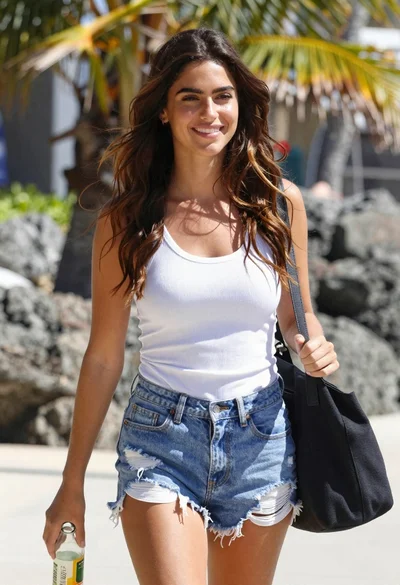
Smiling young woman walking on tropical beach path with palm trees
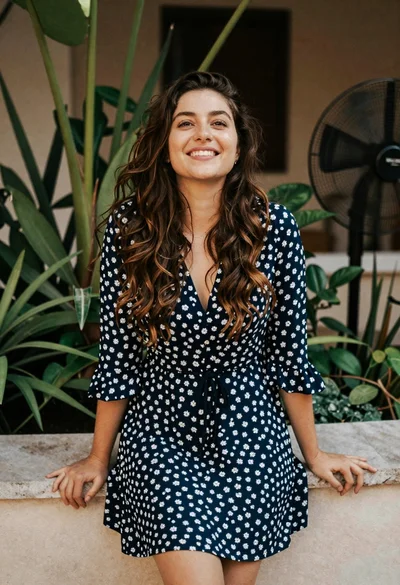
Smiling young woman in blue floral dress leaning against stone ledge

Blonde woman in black hat standing in misty green rolling hills

Smiling young woman in sweater vest within sunny autumn park setting

Young woman with dark hair at wooden table in open air setting
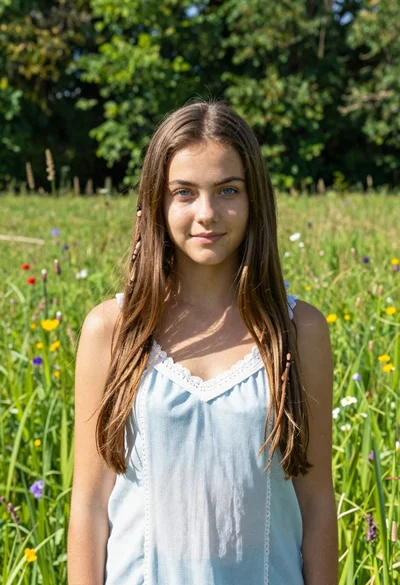
Young woman with brown hair in light blue top standing in sunny
