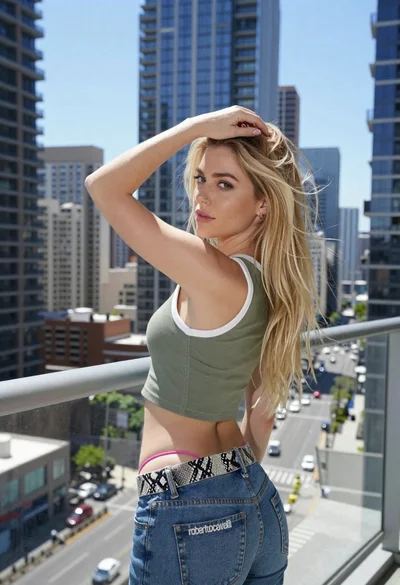
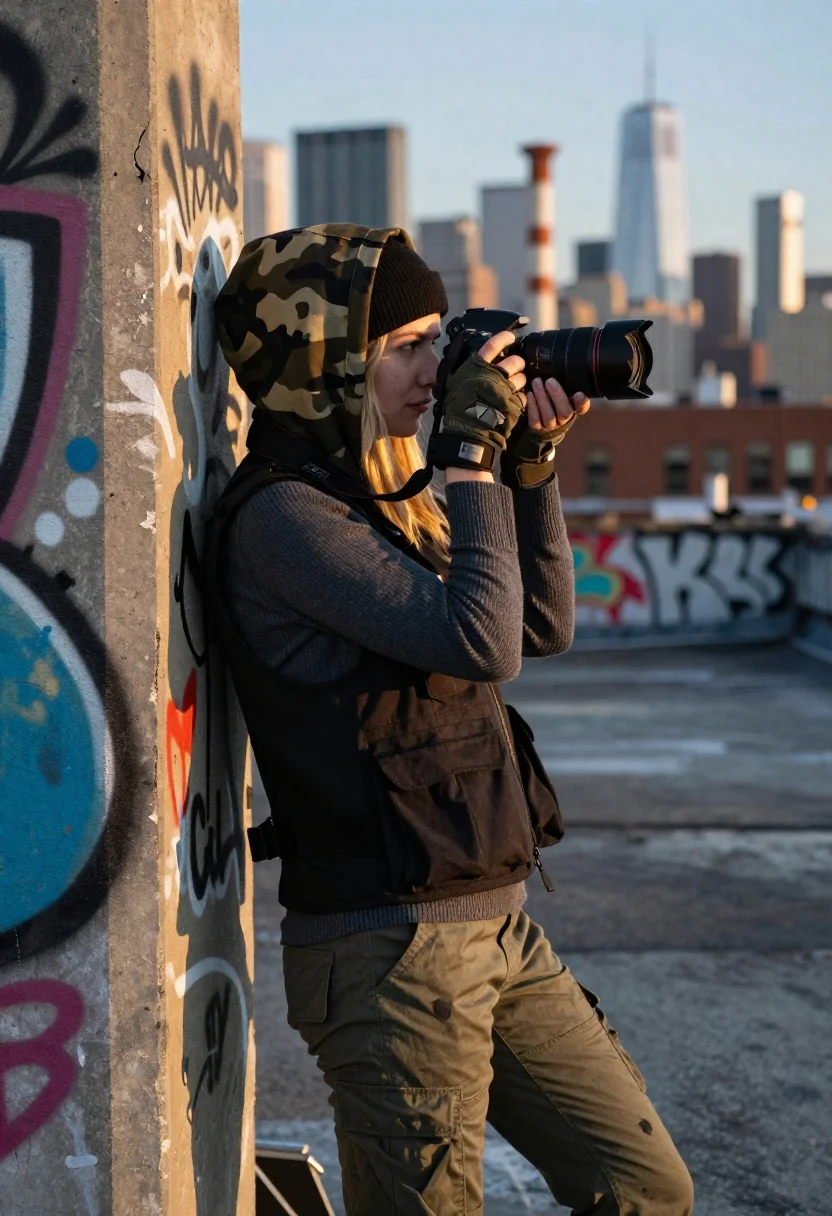
Young blonde woman taking photo on graffiti covered rooftop at golden hour
Prompt
A young woman with blonde hair stands in profile holding a black DSLR camera up to her eye while leaning against a graffiti-covered concrete pillar on an urban rooftop.

Subject: A fair-skinned young woman with long blonde hair partially tucked under a camouflage hood, wearing fingerless gloves and looking intently through the camera lens.

Clothing: She wears a dark grey ribbed sweater under a black tactical vest with multiple pockets, paired with distressed olive green cargo pants and a black beanie underneath the hood.

Action: The woman is holding a DSLR camera with both hands at eye level, focusing on a subject outside the frame while leaning casually against the wall.

Environment: An industrial rooftop setting featuring a large concrete pillar covered in colorful graffiti art to the left and a blurred city skyline with skyscrapers and smokestacks in the background.

Camera: Shot from a medium-full body angle with a shallow depth of field that keeps the subject sharp while rendering the distant city background as soft bokeh.

Lighting: Warm golden hour sunlight illuminates the scene from the side, casting soft highlights on her face and clothing while creating gentle shadows against the wall.

Style Details: The image features a cinematic color palette with high contrast between the gritty urban textures and the smooth skin tones, rendered in a realistic photography style.
Description
This prompt is useful for creating editorial street photography spreads, concept art for action-adventure narratives, and moody character portraits set in industrial environments. The combination of 'warm golden hour sunlight' casting soft highlights against the 'graffiti-covered concrete pillar' grounds the subject within a specific time and place, while the 'shallow depth of field' ensures that the viewer's focus remains tightly on the woman despite the complex background elements.
Suggestions
- Change 'camouflage hood' to 'leather jacket' for a different texture.
- Swap 'dark grey ribbed sweater' for 'black turtleneck' to simplify the upper body.
- Adjust 'medium-full body angle' to 'waist up shot' to emphasize the camera action.
Category
Tags
Black HairBlondeCasual WearFair SkinFemaleFull BodyMedium ShotOutdoorsRealisticRooftopUrban
Date added
June 19, 2026
Added by
PromptDexter Team
Related Prompts
More prompts with similar categories and tags.
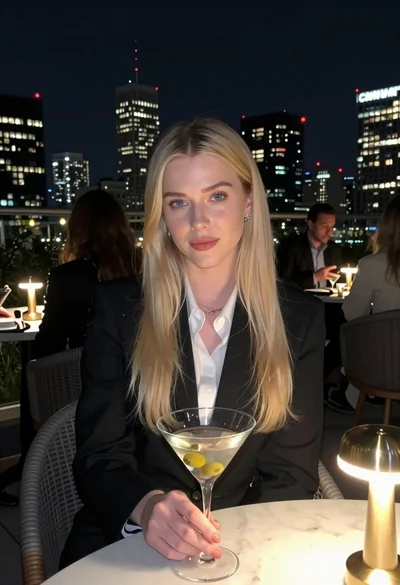
Blonde woman in blazer holding martini glass on rooftop overlooking city skyline

Blonde woman laughing sitting in deep snow near pine trees
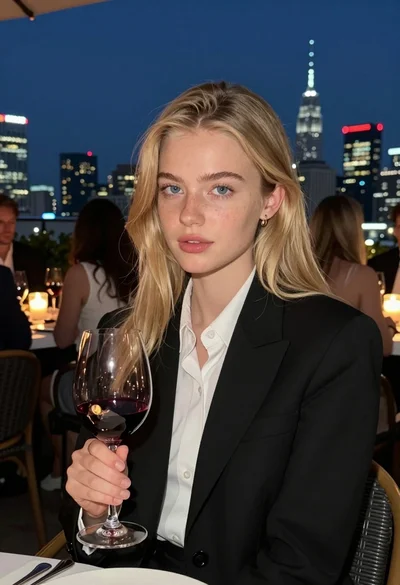
Fair blonde woman at rooftop restaurant holding red wine glass at night
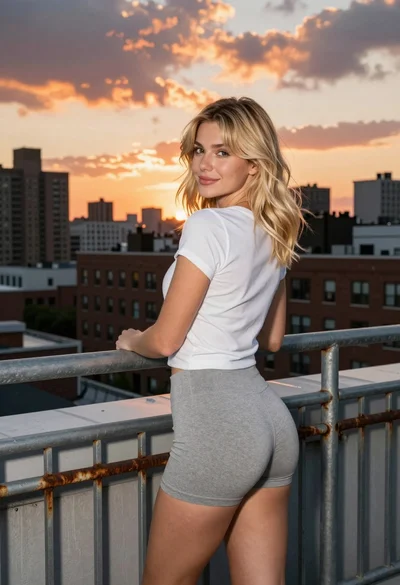
Blonde woman on rooftop terrace overlooking city skyline at golden hour
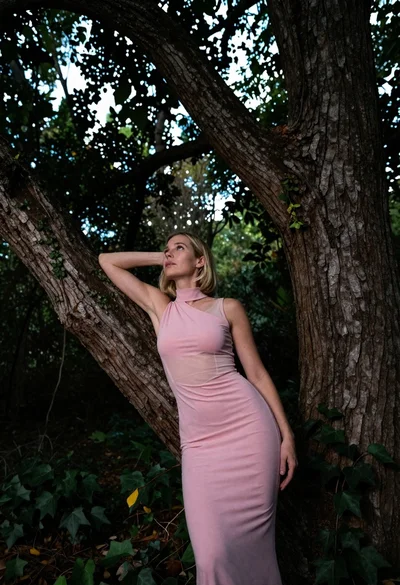
Low angle shot of blonde woman leaning against a tree in lush
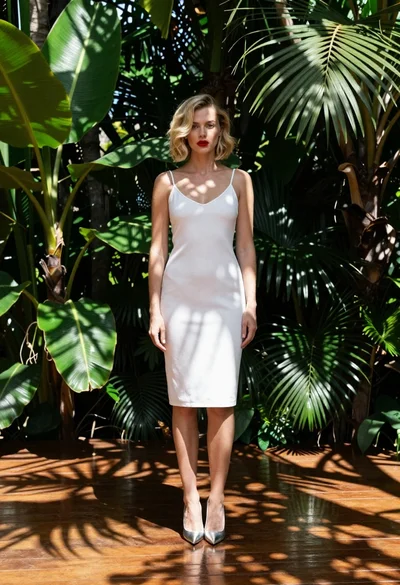
Fair blonde woman in white slip dress tropical garden setting fashion shot

Blonde woman in purple polo shirt on an urban street setting
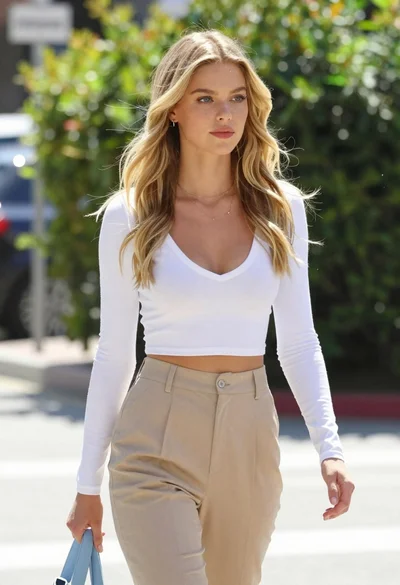
Fair blonde woman walking outdoors in white top and beige trousers
Blonde woman in light dress on beach at golden hour sunset
Blonde woman in cream dress looking back over stone pathway