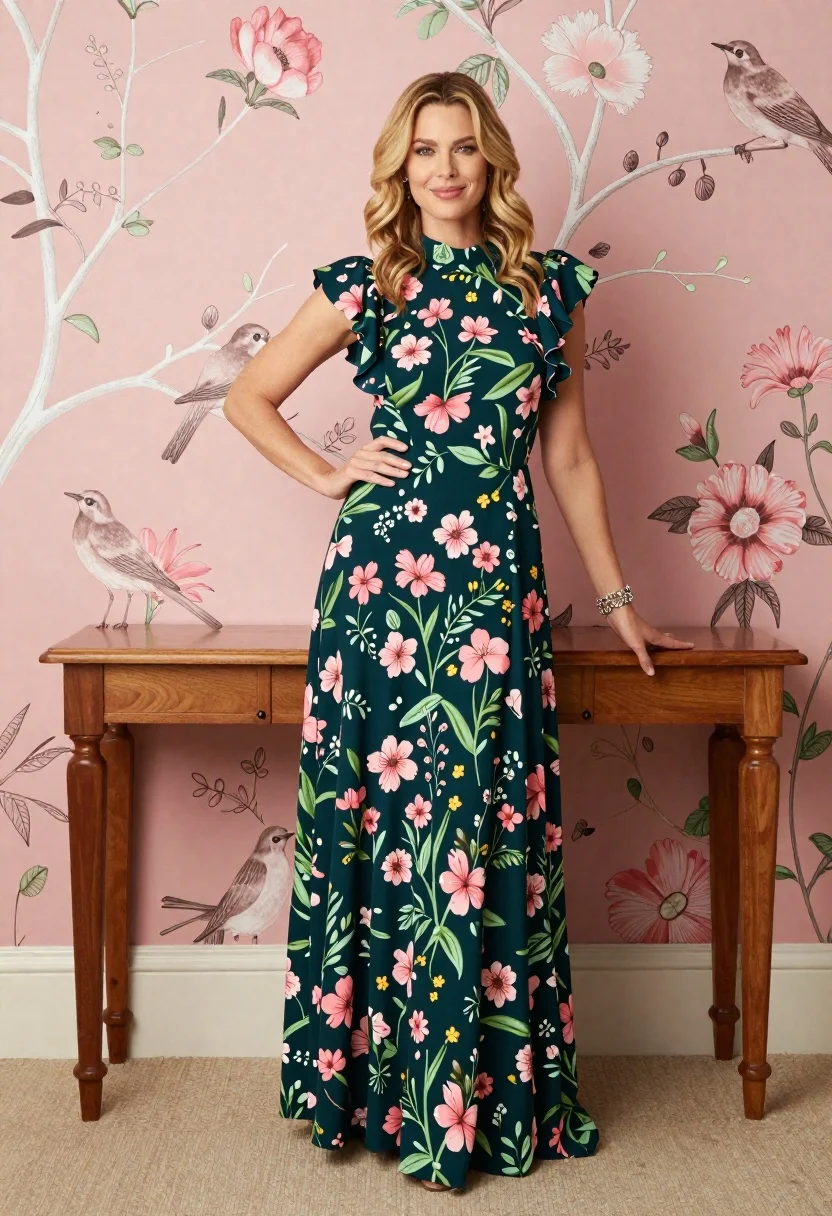
Blonde woman in dark floral gown against pink wallpaper backdrop
Prompt
A confident woman stands in a full-length pose wearing an elegant dark green floral gown with ruffled sleeves and a high neck.

Subject: A woman with wavy blonde hair standing confidently with one hand on her hip and the other resting on a wooden table, smiling gently at the camera.

Clothing: She wears a floor-length dark teal maxi dress featuring a vibrant botanical print of pink flowers, green leaves, and small yellow accents, paired with a delicate silver bracelet on her wrist.

Action: The woman stands upright with a relaxed posture, leaning slightly against a wooden console table while looking directly forward with a pleasant expression.

Environment: She is positioned in front of a wall covered in soft pink wallpaper decorated with white branches, birds, and large pink flowers, standing on a neutral beige carpet.

Camera: The shot is a full-body vertical composition taken from a straight-on angle that captures the entire figure from head to toe.

Lighting: Soft, diffused studio lighting illuminates the scene evenly, creating gentle shadows and highlighting the texture of the dress without harsh contrast.

Style Details: The image has a polished magazine editorial quality with a warm color palette and a focus on fashion and interior design aesthetics.
Description
This prompt is useful for creating high-end catalog photography, bridal lookbooks, and lifestyle magazine features focusing on interior decor. The combination of 'soft pink wallpaper decorated with white branches' and the 'dark teal maxi dress featuring a vibrant botanical print' establishes a cohesive, romantic aesthetic that complements both fashion focus and interior design elements by preventing harsh visual breaks.
Suggestions
- Change 'dark teal maxi dress' to 'emerald velvet gown' for richer saturation.
- Swap 'soft pink wallpaper' for 'dusty rose damask wallpaper' for more pattern interest.
- Adjust the lighting from 'Soft, diffused studio lighting' to 'Rembrandt lighting' for dramatic contrast.
Category
Tags
BlondeCasual WearFemaleFull BodyIndoorsPortrait ShotRealisticStudio
Date added
June 19, 2026
Added by
PromptDexter Team
Related Prompts
More prompts with similar categories and tags.
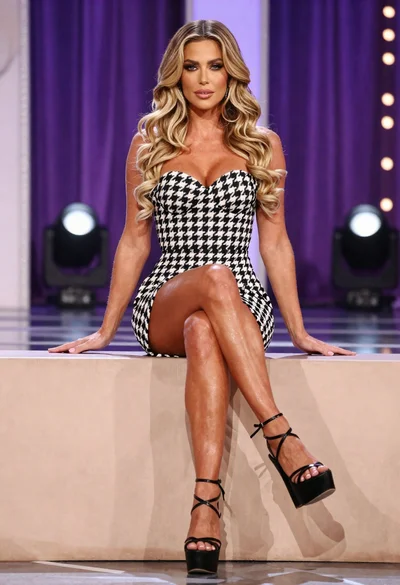
Fit woman in houndstooth strapless dress sitting on a draped ledge

Blonde woman posing in black lingerie against pink purple gradient studio backdrop

Blonde woman in black gown seated on white stool in bright room
Young woman posing indoors with blonde hair

Blonde woman taking a mirror selfie in black dress indoors

Blonde woman in striped swimsuit seated on sofa indoors studio shot
Blonde woman in maroon fringed dress standing in white arched hallway
Blonde woman in shimmering gold gown standing in an elegant hallway
Blonde woman reclining on dark leather sofa in modern interior setting
Blonde woman in pink satin slip dress against grey marble tile background