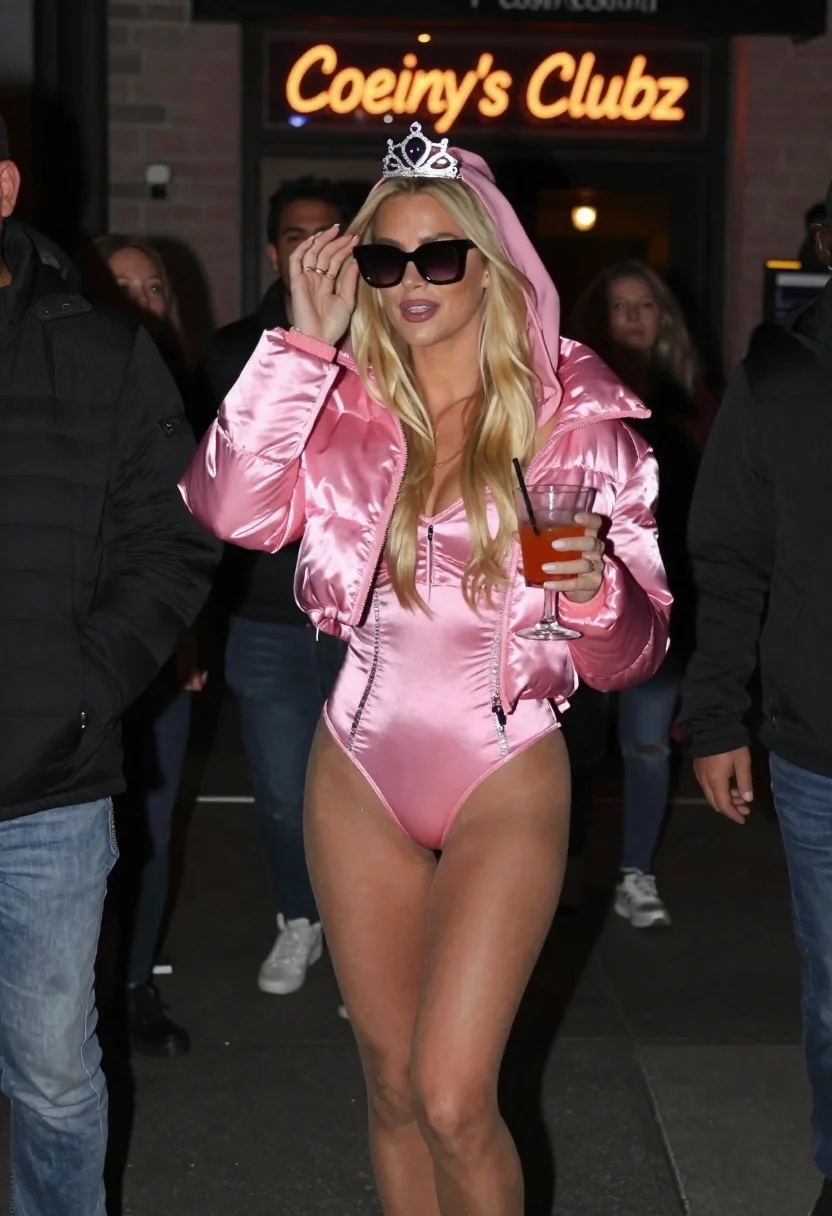
Blonde woman in pink princess costume at night club
Prompt
A candid street photography shot of a blonde woman in an elaborate pink princess costume walking out at night

Subject: A blonde woman with long hair wearing large black sunglasses and adjusting them with one hand while holding a cocktail glass in the other; she wears a silver jeweled tiara atop her hooded outfit.

Clothing: She is dressed as Princess Peach, featuring a shiny satin pink puffer jacket over a matching two-piece bodysuit with sparkling black accents along the sides and waistline, paired with sheer stockings.

Action: A confident stride forward in motion, adjusting sunglasses while holding a drink.

Environment: A crowded urban nightlife scene at night outside an entrance to 'Coeiny's Clubz' with neon signs glowing behind her; blurred figures of bystanders are visible on the left and right edges.

Lighting: Dim ambient lighting punctuated by warm glow from club signage reflecting off the shiny pink fabric, creating a candid paparazzi feel in low light conditions.

Style Details: Candid photography style capturing motion blur around moving subjects while keeping focus sharp on costumed figure; high contrast between dark surroundings and bright neon signs with glossy textures of clothing materials visible under flash lighting.
Description
This prompt is useful for creating editorial nightlife features, themed costume editorials, and dramatic fashion spreads capturing movement. The combination of 'dim ambient lighting punctuated by warm glow from club signage' ensures the 'shiny satin pink puffer jacket' catches artificial light sources, which prevents the outfit from looking flat against the dark background while the specified 'motion blur around moving subjects' adds kinetic energy suitable for a paparazzi aesthetic.
Suggestions
- Change 'elaborate pink princess costume' to 'avant-garde streetwear interpretation of Princess Peach' for a more modern feel.
- Swap 'shiny satin pink puffer jacket' for 'iridescent vinyl bomber jacket' to increase reflectivity under neon lights.
- Adjust the environment by adding 'rain-slicked pavement' to enhance reflections.
Category
Tags
Black HairBlondeCasual WearFemaleFull BodyRealisticSportswearStreetwearUrban
Date added
June 19, 2026
Added by
PromptDexter Team
Related Prompts
More prompts with similar categories and tags.
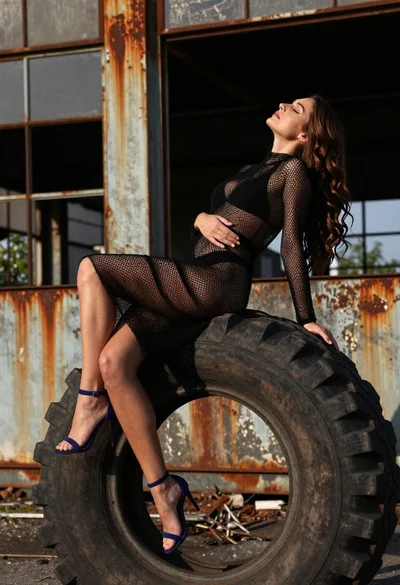
Woman on black tire in abandoned industrial setting low angle shot

Blonde woman in black striped dress reclines in luxury car cabin
Confident blonde woman in athletic wear on a city street
Young woman in black mini dress on urban balcony looking back
Young woman in blazer mini skirt standing in urban alleyway daylight
Young blonde woman in athletic wear at outdoor driving range at night
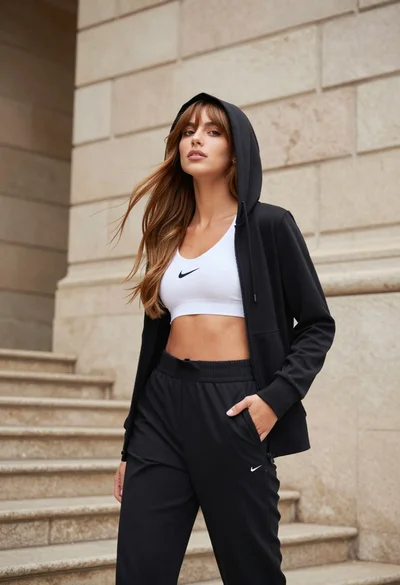
Young woman in black hoodie standing by beige stone stairs outdoors
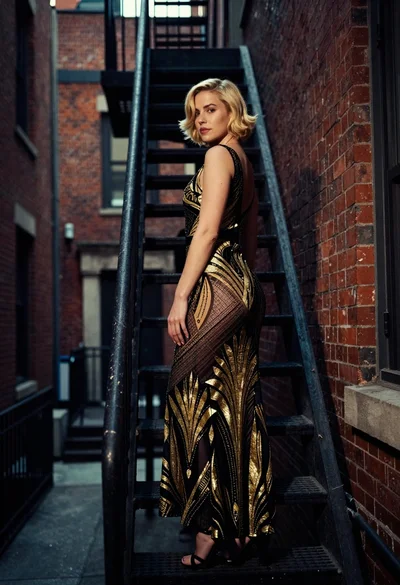
Woman in art deco gown on fire escape looking back over shoulder