
Woman on black tire in abandoned industrial setting low angle shot
Prompt
A woman reclines confidently atop a massive black tire in an abandoned industrial setting.

Subject: A woman with long, wavy brown hair and fair skin is the central focus, captured in a relaxed yet alluring pose as she leans back against a large tire.

Clothing: She wears a sheer, black, fishnet-style dress featuring a high neckline and long sleeves that reveal her silhouette underneath; she completes the look with dark blue strappy high-heeled sandals and a thin ankle strap on one leg.

Action: Her head is tilted back with eyes closed or looking upward in a serene expression, while one hand rests gently against her midsection and her legs are crossed casually over the tire's rim.

Environment: The background consists of a dilapidated structure with broken glass panes set within rusted metal window frames, suggesting an urban decay aesthetic.

Camera: The shot is taken from a low angle looking up at the subject to emphasize the height of the tire and her posture, utilizing a shallow depth of field that keeps the foreground sharp while blurring the gritty background.

Lighting: Strong, directional sunlight illuminates the scene from the side, casting deep shadows within the tire's hollow center and highlighting the texture of the fishnet fabric against the dark surroundings.

Style Details: The image exhibits a high-fashion editorial quality with a moody, cinematic color palette dominated by blacks and rusty oranges, emphasizing textures and contrast.
Description
This prompt is useful for creating edgy fashion editorials, concept art for dystopian narratives, and mood boards focusing on urban decay aesthetics. The combination of 'low angle looking up' with 'strong, directional sunlight' sculpts the subject against the 'dilapidated structure,' ensuring that the high-contrast shadows accentuate the texture of the fishnet fabric while making the tire appear monumental.
Suggestions
- Change 'black tire' to 'weathered concrete barrel' for a different industrial feel.
- Swap 'rusty oranges' for 'deep teal and rust' to shift the color palette.
- Adjust 'shallow depth of field' to 'deep focus' if you want more background detail.
Category
Tags
Black HairBrown HairCasual WearFair SkinFemaleFull BodyLow AngleRealisticStreetwearUrban
Date added
June 19, 2026
Added by
PromptDexter Team
Related Prompts
More prompts with similar categories and tags.
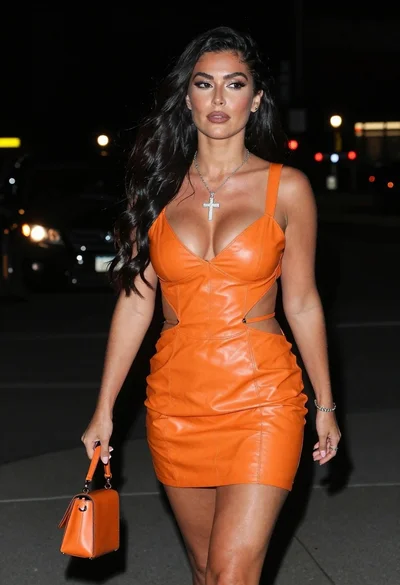
Woman walking down a dark urban street at night in orange leather

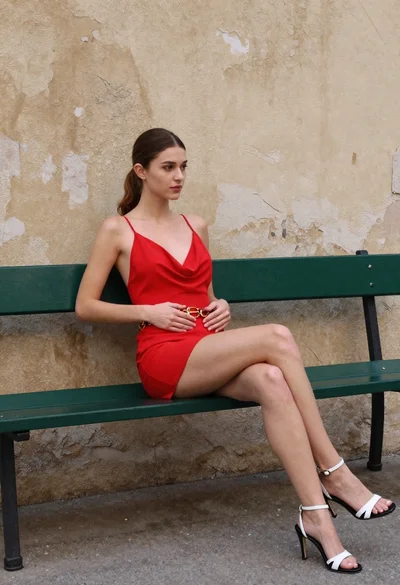
Stylish young woman sitting on bench in urban setting natural daylight

Confident young woman with magenta bob hair in black bomber jacket against
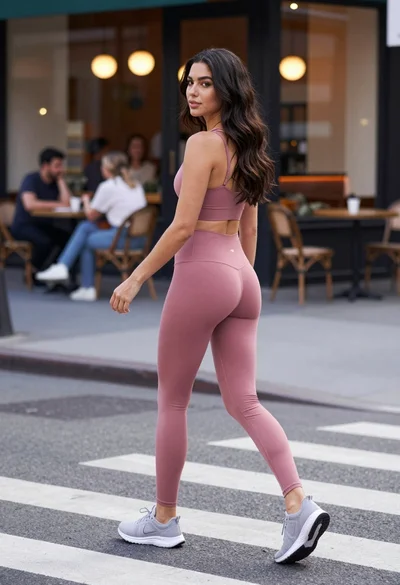
Fit woman in dusty pink athletic wear crossing city street looking back
Young woman sitting on sport motorcycle in industrial garage setting
Blonde woman reclining on wooden bench outdoors near glass door
Blonde woman sitting on wicker chair in european cobblestone street setting

Young woman leaning against white wall with beige handbag under bright sunlight

Blonde woman in racing uniform holding umbrella at sunny pit lane
Young woman leaning on pillar in urban setting with denim jeans