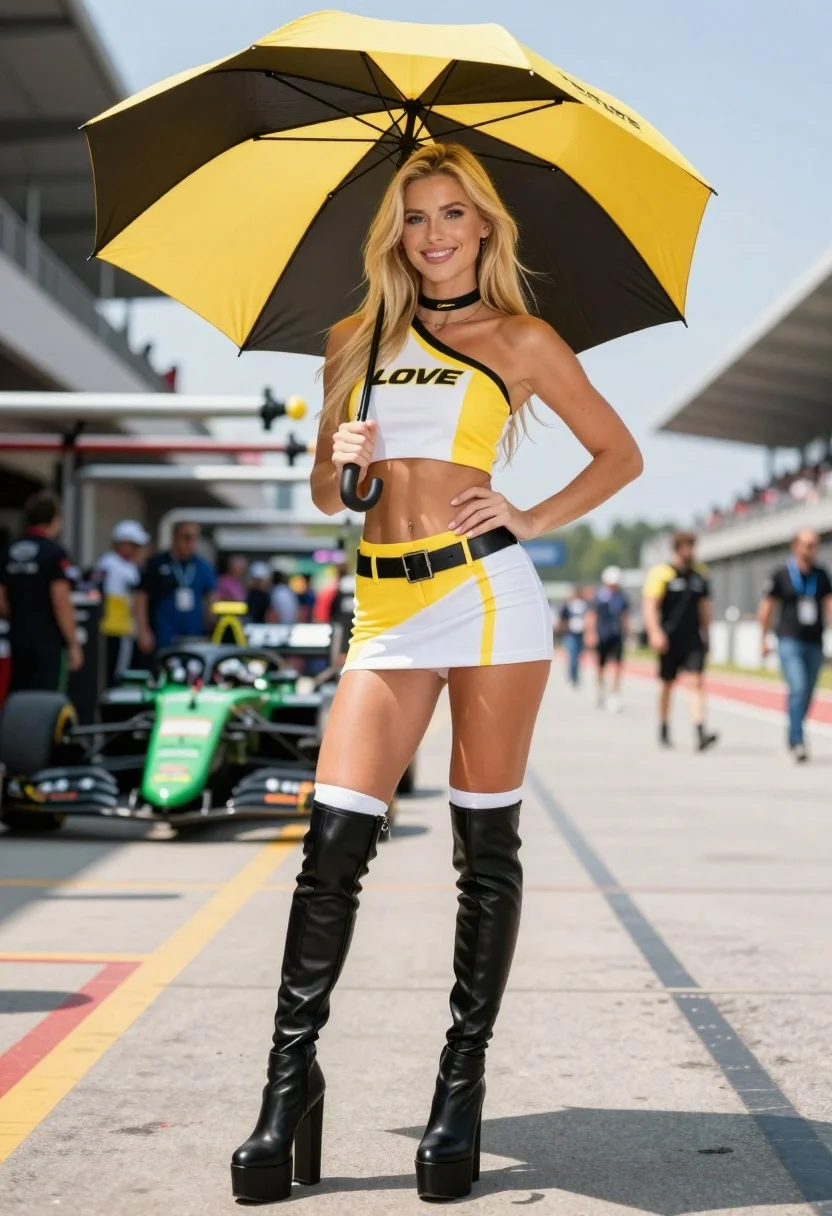
Blonde woman in racing uniform holding umbrella at sunny pit lane
Prompt
A smiling blonde woman stands confidently in a racing pit lane holding a large yellow and black umbrella over her head.

Subject: A young woman with long straight blonde hair, fair skin, and a bright smile looking directly at the camera. She wears a black choker necklace.

Clothing: She is dressed in a matching yellow, white, and black racing team uniform consisting of a one-shoulder crop top and a high-waisted mini skirt with a belt buckle detail. The outfit features the text "LOVE" on the chest and hip. She wears tall black leather platform boots with thick heels and white socks pulled up to her knees.

Action: She holds the umbrella handle in her right hand while her left hand rests on her hip, striking a confident pose.

Environment: The setting is an outdoor race track pit lane on a sunny day, featuring asphalt ground with yellow painted lines. In the background, there are blurred racing cars, including a green and black Formula-style car with "LOVE" branding, and grandstands filled with spectators.

Camera: Shot from a low angle looking up at the subject to emphasize her height and presence, utilizing a shallow depth of field that keeps the woman sharp while blurring the background crowd and cars.

Lighting: Bright natural sunlight creates strong highlights on her hair and skin, casting distinct shadows on the ground and creating a high-contrast, vibrant atmosphere.

Style Details: The image has a hyper-realistic, high-definition quality with smooth textures on the leather boots and fabric of the uniform, resembling a professional sports photography shot or a high-end digital render.
Description
This prompt is useful for creating editorial fashion spreads for sportswear brands, concept art for racing media, and vibrant lifestyle advertising campaigns. The combination of 'low angle looking up' and 'bright natural sunlight' exaggerates the subject's presence against the backdrop of a pit lane, while specifying 'hyper-realistic, high-definition quality' ensures the texture on the leather boots and uniform reads as tangible rather than painted.
Suggestions
- Change 'yellow and black umbrella' to 'translucent white umbrella' for softer highlights.
- Swap 'black choker necklace' for 'silver chain necklace' to complement the racing aesthetic.
- Adjust 'low angle looking up' to 'eye-level medium shot' for a more intimate portrait feel.
Category
Tags
Black HairBlondeCasual WearFair SkinFemaleFull BodyLow AngleOutdoorsPortrait ShotRealisticStreetwearUniform
Date added
August 5, 2026
Added by
PromptDexter Team
Related Prompts
More prompts with similar categories and tags.
Confident woman in red bodysuit posing at formula one race track low
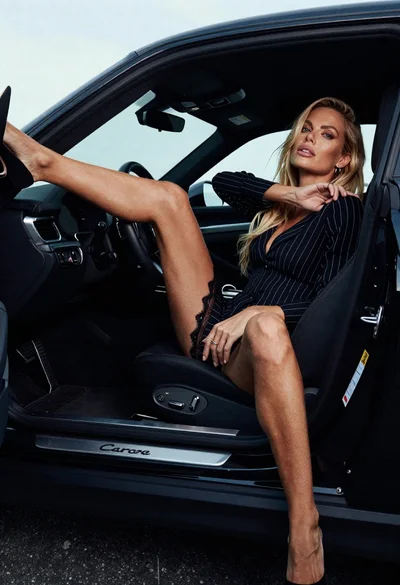
Blonde woman in black striped dress reclines in luxury car cabin
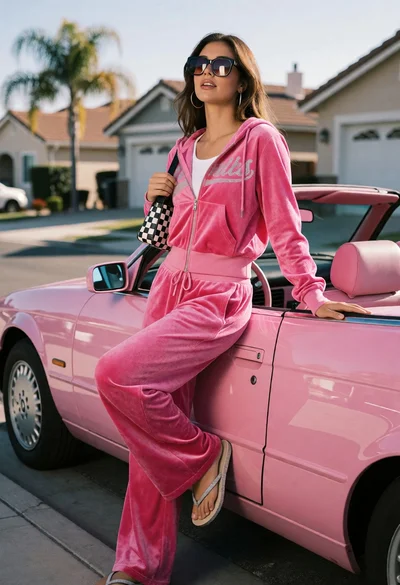
Young woman in pink tracksuit leaning on convertible car on sunny suburban
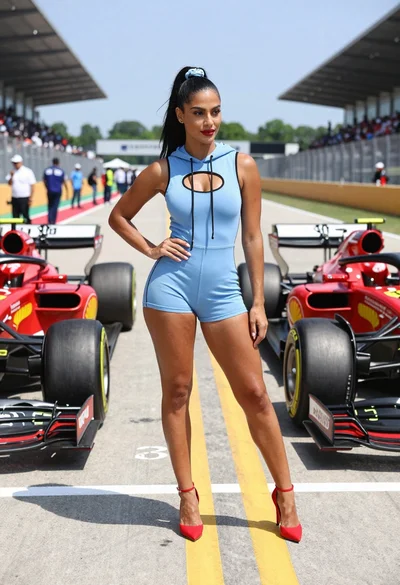
Confident woman in blue bodysuit between two formula one race cars
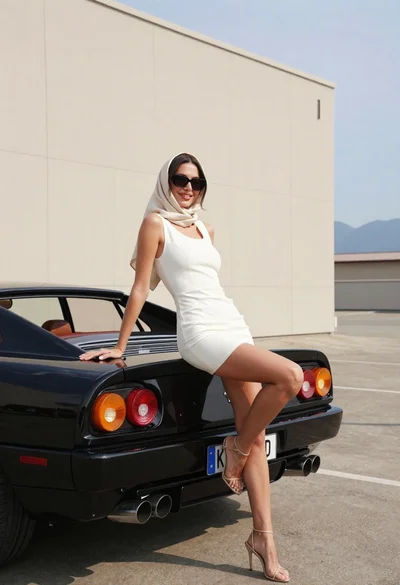
Woman in white dress leaning against classic black ferrari car outdoors
Blonde woman posing in luxury car interior by rainy window
Glamorous woman in purple dress sitting on white convertible car hood
Blonde woman sitting on white sports car in studio with dragon mural
Blonde woman leaning on classic red sports car on a city street
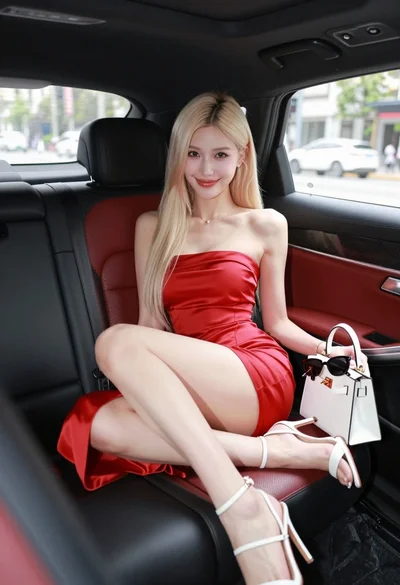
Glamorous blonde woman in red dress sitting inside luxury car