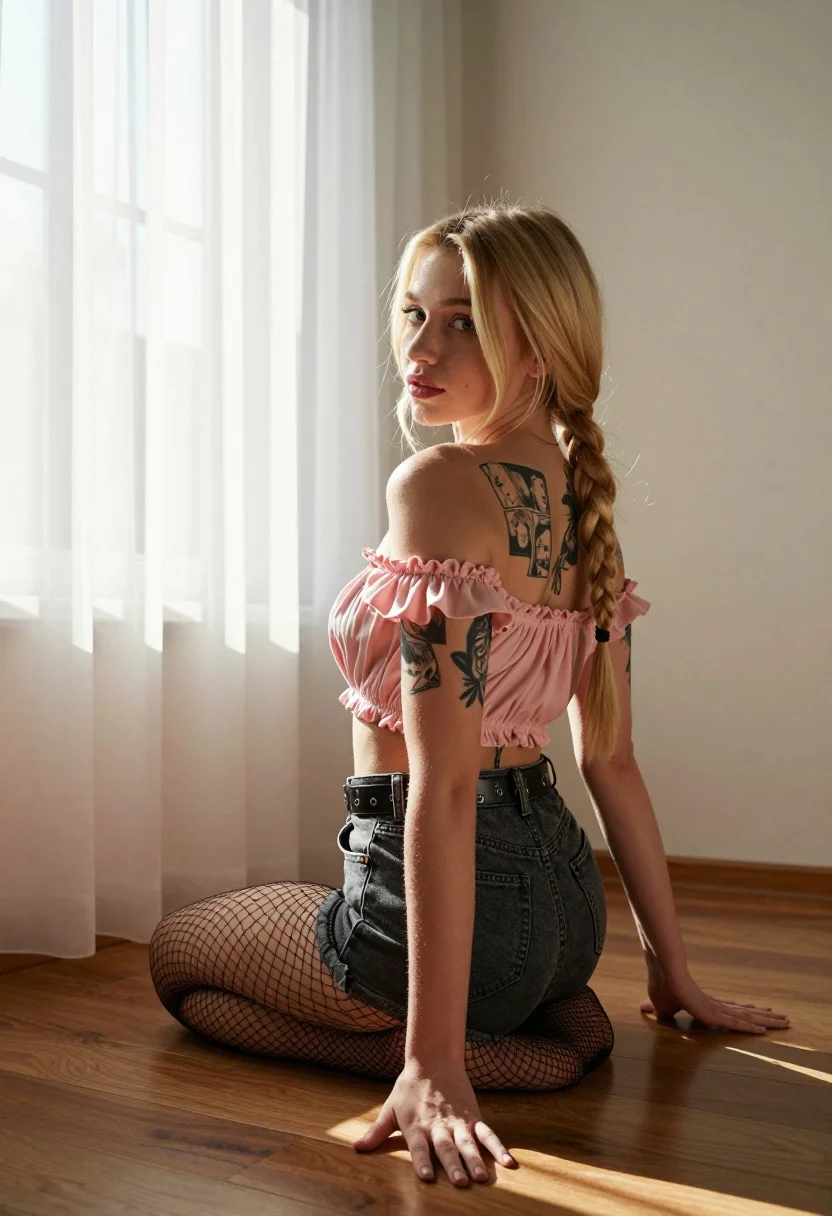
Blonde woman in pink top kneels indoors looking back over shoulder
Prompt
A young woman with blonde hair styled in a long braid kneels on a wooden floor, looking back over her shoulder at the camera.

Subject: A young woman with fair skin and blonde hair tied into a thick side braid that rests on her shoulder. She has visible tattoos on her left arm and upper back featuring black ink illustrations of faces and manga-style panels. Her expression is soft and neutral as she gazes directly at the viewer.

Clothing: She wears a pink off-the-shoulder ruffled crop top, dark grey denim shorts with a studded belt, and sheer black fishnet stockings.

Action: The woman is kneeling on her knees with her hands placed flat on the floor in front of her. Her body is angled away from the camera while her head turns back to face forward.

Environment: An indoor room with light-colored walls and dark wood flooring. A large window covered by sheer white curtains is visible on the left, letting in bright natural light.

Lighting: Strong warm sunlight streams through the window on the left, casting soft shadows and highlighting the texture of her skin and hair. The lighting creates a high-contrast, golden-hour feel within the room.

Camera: Shot from a low angle looking slightly up at the subject, emphasizing her kneeling pose against the vertical lines of the wall and curtains.

Style Details: Naturalistic photography with a focus on soft textures, warm color grading, and a candid, lifestyle aesthetic.
Description
This prompt is useful for creating intimate portraiture, editorial fashion spreads emphasizing body art, and moody lifestyle content. The combination of 'low angle' perspective and 'strong warm sunlight' streaming through sheer curtains sculpts the subject by highlighting the visible tattoos and giving the blonde hair a luminous quality that flat indoor lighting would obscure.
Suggestions
- Change 'pink off-the-shoulder ruffled crop top' to 'cream knit sweater' for a softer feel.
- Swap 'dark grey denim shorts' for 'black leather mini skirt' to increase edge.
- Adjust 'golden-hour feel' to 'overcast daylight' for more diffused shadows.
Category
Tags
Black HairBlondeFair SkinFemaleIndoorsLow AngleMedium ShotRealistic
Date added
July 12, 2026
Added by
PromptDexter Team
Related Prompts
More prompts with similar categories and tags.
Smiling blonde woman in black corset dress reclining on velvet sofa

Blonde woman taking mirror selfie on beige carpet near anime display

Fair blonde woman sitting on vintage gold sofa in dimly lit room

Poised woman in black gown posing indoors with dramatic low key lighting

Blonde woman in swimsuit by yacht window overlooking blue sea

Blonde woman in black lace lingerie posing with vintage telephone
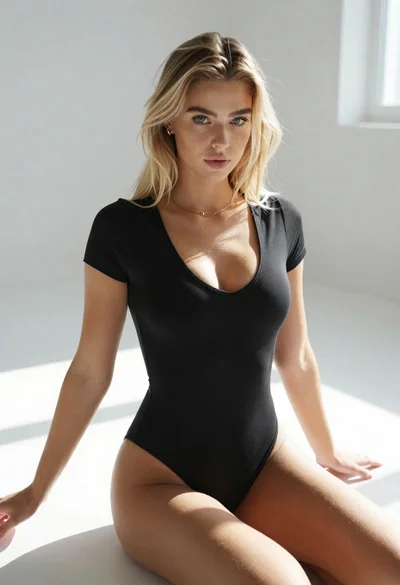
Blonde woman in black bodysuit seated on white floor with natural light
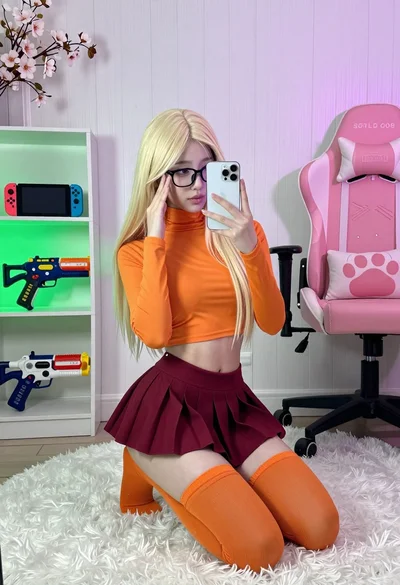
Young woman in orange crop top squatting for mirror selfie indoors
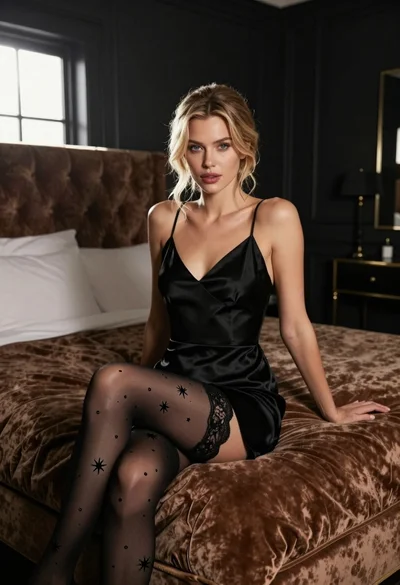
Fair blonde woman in black satin slip dress sitting on plush bed
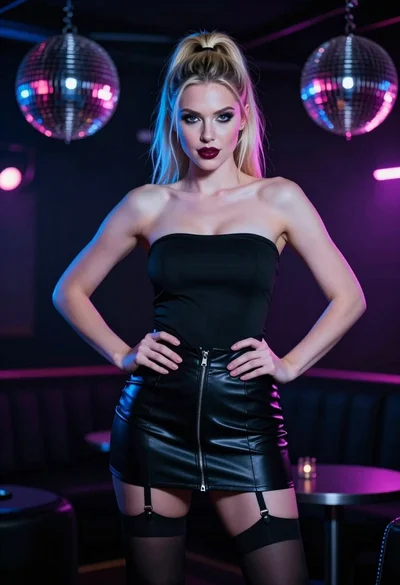
Confident blonde woman in black outfit posing in a dimly lit nightclub