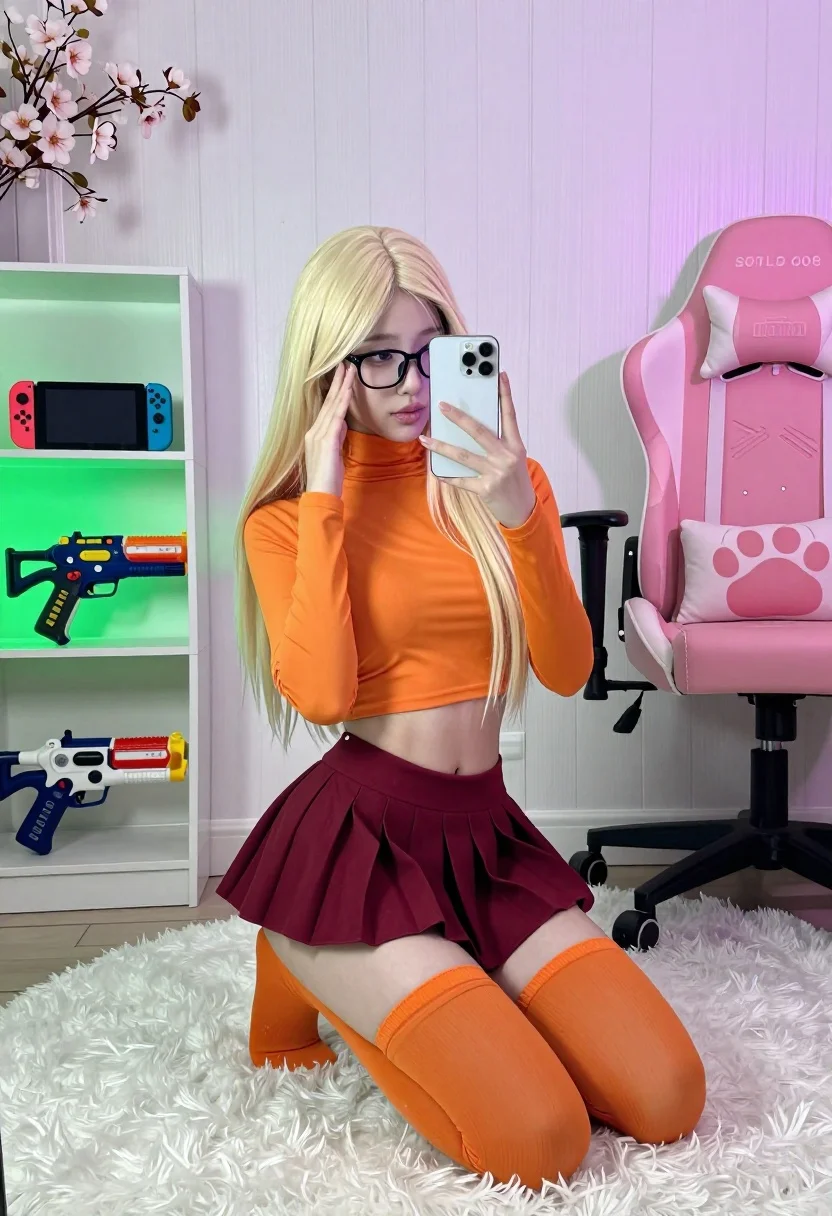
Young woman in orange crop top squatting for mirror selfie indoors
Prompt
A young woman with long blonde hair is squatting in a mirror selfie while holding a white smartphone to take the photo.

Subject: A young woman with long straight platinum blonde hair and black-rimmed glasses. She has fair skin and is looking at the phone screen with a neutral expression.

Clothing: She wears a bright orange high-neck long-sleeved crop top, a maroon pleated mini skirt, and matching orange thigh-high socks.

Action: The woman is in a deep squat position on a fluffy white rug, holding a white smartphone in her left hand to take a mirror selfie while touching the side of her face with her right hand.

Environment: An indoor room with white vertical wood paneling on the walls. A pink gaming chair with a large paw-print cushion sits to the right. To the left is a shelving unit displaying colorful toy blasters and a Nintendo Switch, illuminated by green LED strip lighting. Artificial cherry blossom branches are visible in the corner.

Camera: Shot from a mirror reflection at eye level, capturing a medium full-body shot with a shallow depth of field that keeps the subject sharp while slightly softening the background.

Lighting: The scene is lit with a mix of soft ambient light and vibrant neon accent lighting, featuring green glow from the shelves and pinkish-purple hues reflecting off the walls and chair.

Style Details: High-resolution photography with a clean aesthetic, vibrant color saturation, and a modern interior design vibe.
Description
This prompt is useful for creating themed bedroom aesthetics, character concept art for social media profiles, or fashion editorials focused on niche pop culture styles. The combination of 'bright orange high-neck long-sleeved crop top' against the contrasting 'pink gaming chair' and 'green LED strip lighting' establishes a hyper-saturated, modern interior that prevents the scene from feeling sterile, grounding the self-referential action within a specific, vibrant domestic setting.
Suggestions
- Change 'platinum blonde hair' to 'wet black hair' for a different mood.
- Swap 'bright orange high-neck long-sleeved crop top' for 'black mesh bodysuit' to darken the palette.
- Adjust 'green LED strip lighting' to 'soft blue neon glow' for an alternative color scheme.
Category
Tags
Black HairBlondeFair SkinFemaleIndoorsMedium ShotRealisticSelfieStudio
Date added
July 3, 2026
Added by
PromptDexter Team
Related Prompts
More prompts with similar categories and tags.
Young woman in gold top and black skirt taking mirror selfie indoors
Blonde woman taking a mirror selfie in a decorated christmas living room

Blonde woman taking a mirror selfie in black dress indoors
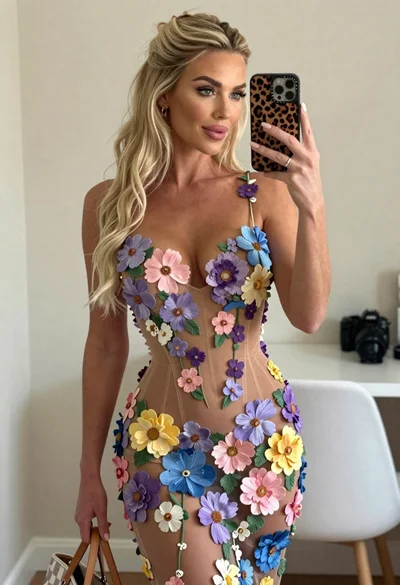
Blonde woman mirror selfie wearing elaborate floral bodysuit indoors
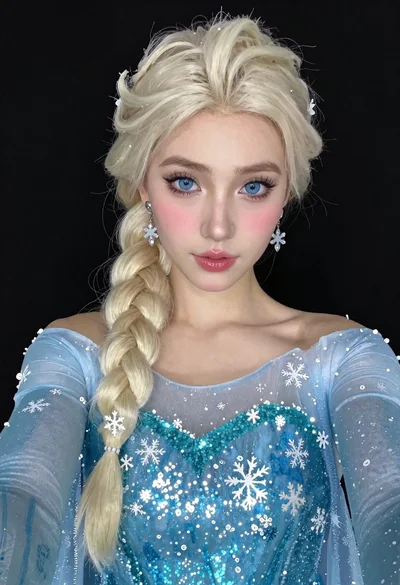
Woman in blue ballgown with platinum hair taking a selfie
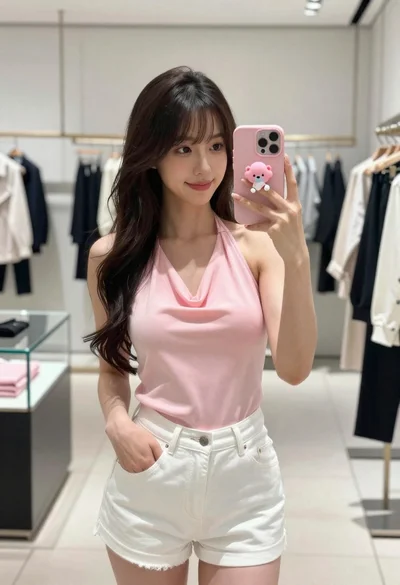
Young woman in pink top taking mirror selfie in modern boutique
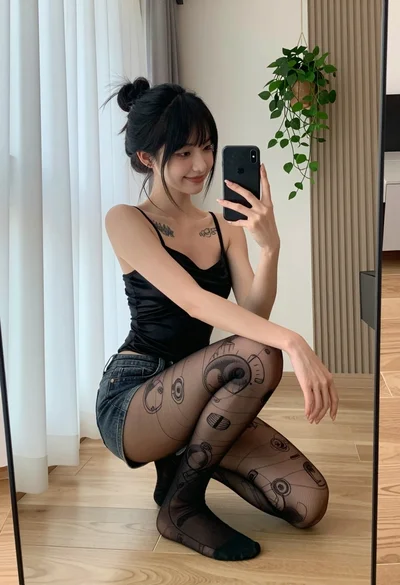
Young woman taking mirror selfie in black satin camisole and denim shorts
Young woman taking mirror selfie in cozy living room setting
Young blonde woman taking a selfie in a cozy warmly lit bedroom
Young woman taking mirror selfie in luxurious bedroom setting