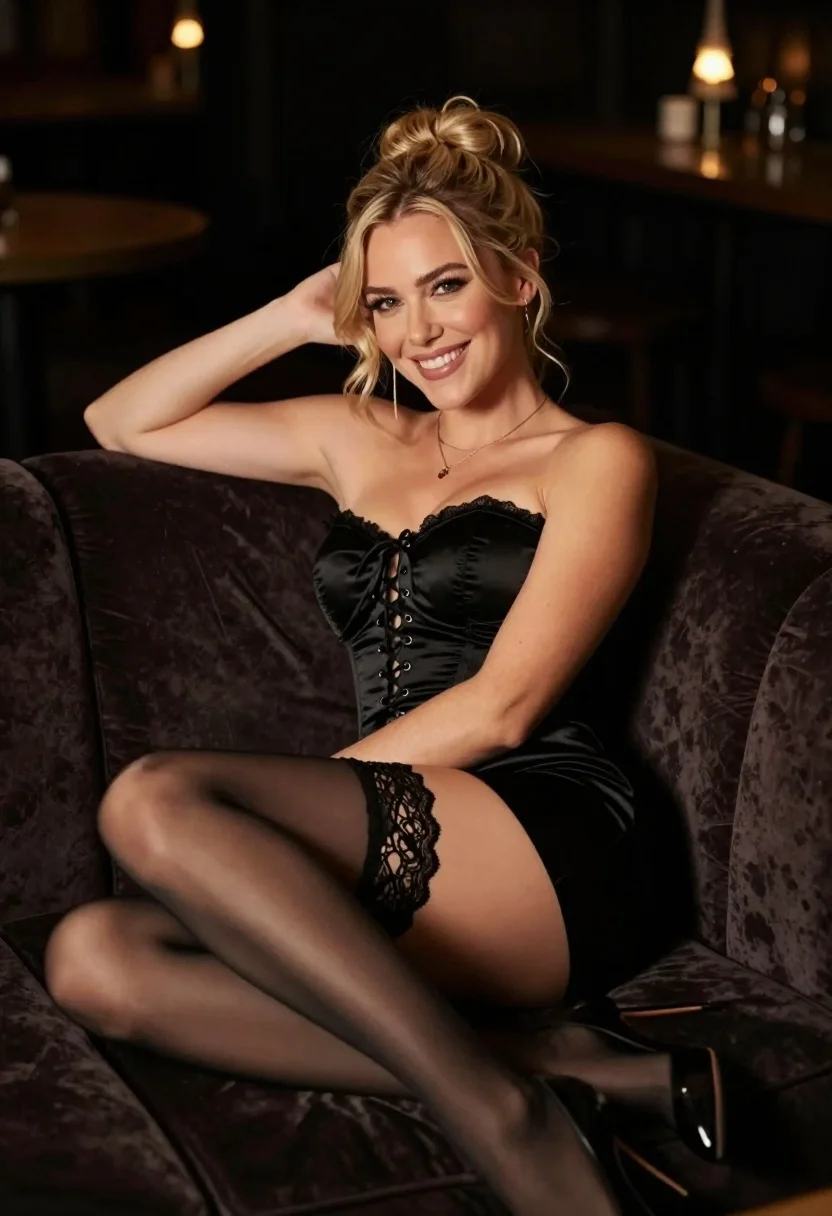
Smiling blonde woman in black corset dress reclining on velvet sofa
Prompt
A smiling woman with blonde hair styled in an updo reclines on a dark velvet sofa.

Subject: A fair-skinned woman with blonde hair pulled back into a messy bun, featuring soft curls framing her face and a bright, engaging smile.

Clothing: She wears a black satin strapless corset dress with lace-up detailing down the front, paired with sheer black stockings held up by intricate lace garters and black high-heeled shoes.

Action: The woman is leaning back comfortably against the sofa cushions with one arm resting behind her head, looking directly at the camera.

Environment: She is seated on a plush dark brown velvet couch in a dimly lit room with soft bokeh lights visible in the blurred background.

Lighting: Warm and dramatic lighting highlights her face and shoulders while casting deep shadows across the rest of the scene to create an intimate mood.

Camera: The shot is framed as a medium close-up from a slightly low angle, emphasizing the subject's pose against the dark background.

Style Details: High-contrast photography with a shallow depth of field that renders the background into soft blur while keeping the subject in sharp focus.
Description
This prompt is useful for creating intimate portraiture, boudoir editorial spreads, and high-fashion catalog imagery emphasizing dramatic mood. The combination of 'dark velvet sofa' and 'warm and dramatic lighting' establishes a rich, moody atmosphere that complements the 'black satin strapless corset dress,' while the 'shallow depth of field' ensures the viewer's focus remains sharply on the subject's expression rather than distracting background elements.
Suggestions
- Change 'messy bun' to 'structured chignon' for a more polished look.
- Swap 'dark brown velvet couch' for 'emerald green crushed velvet' for color variation.
- Adjust 'medium close-up' to 'full body shot' to better display the stockings and shoes.
Category
Tags
Black HairBlondeCasual WearFair SkinFemaleIndoorsLow AngleMedium ShotRealistic
Date added
July 3, 2026
Added by
PromptDexter Team
Related Prompts
More prompts with similar categories and tags.

Blonde woman in swimsuit by yacht window overlooking blue sea
Young blonde woman crouching in black bodysuit against white wall
Fair blonde woman in black satin slip dress sitting on plush bed
Blonde woman in police uniform seated elegantly on black leather sofa
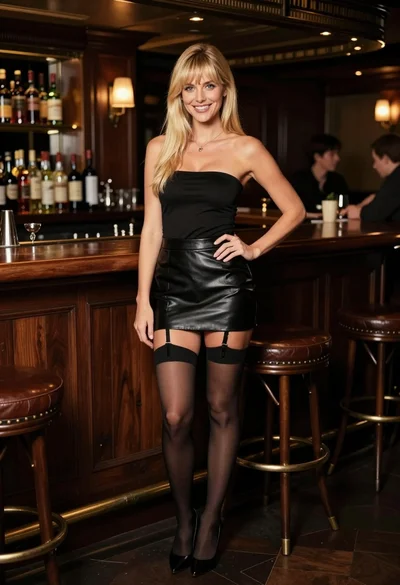
Smiling blonde woman posing confidently in an upscale dimly lit bar setting
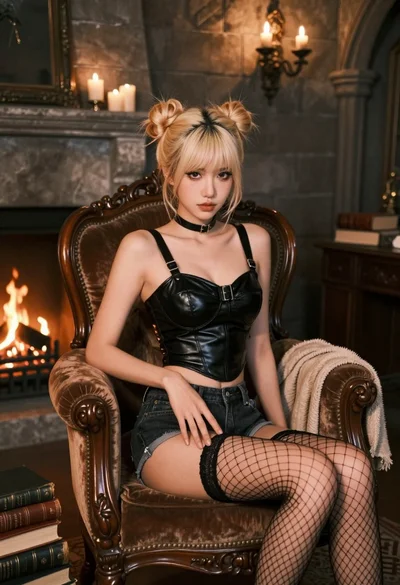
Fairskinned woman with blonde hair on velvet chair in dimly lit stone
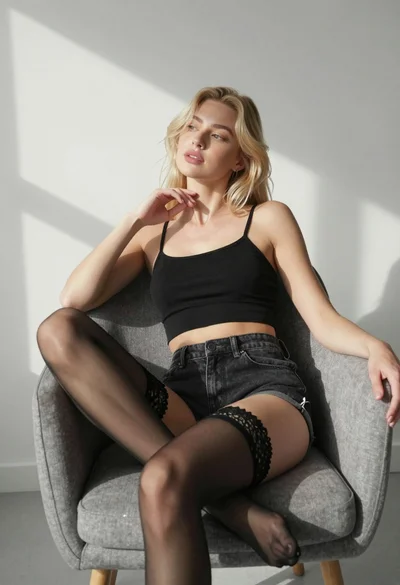
Blonde woman sitting in grey armchair wearing black crop top and denim
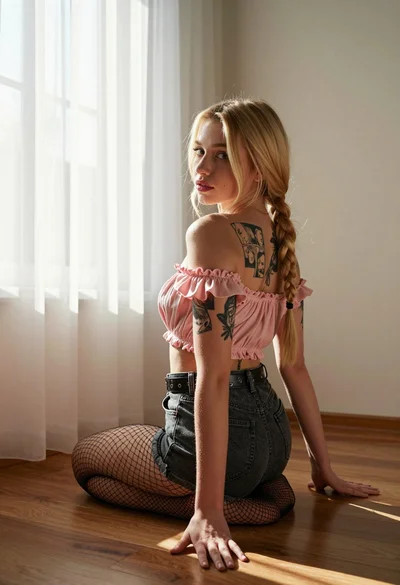
Blonde woman in pink top kneels indoors looking back over shoulder
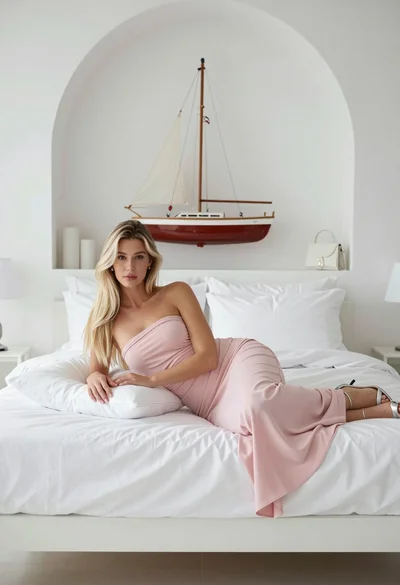
Fair blonde woman reclining on white bed in minimalist bright room setting
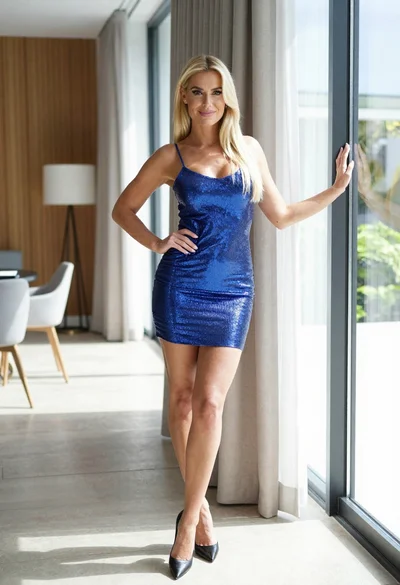
Blonde woman in blue mini dress standing indoors near glass windows