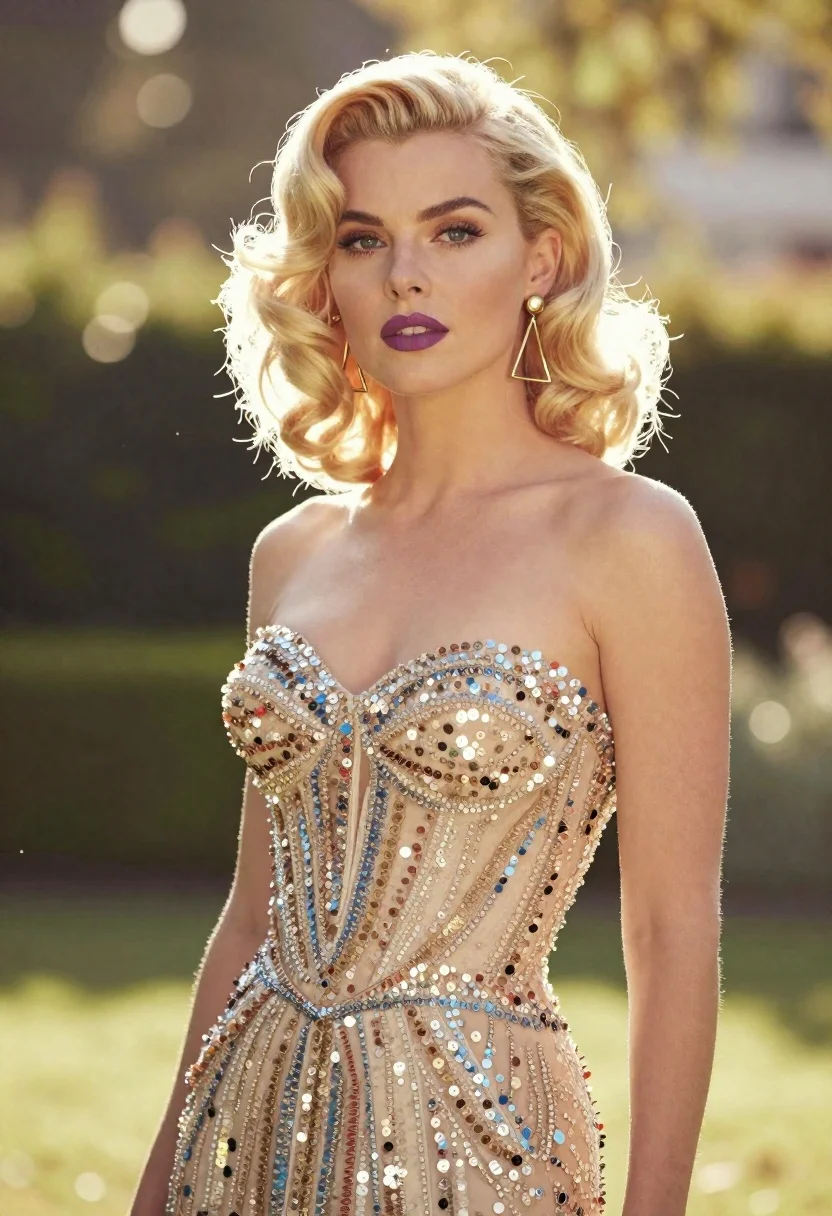
Blonde woman in sequined gown standing in sunlit garden setting
Prompt
A glamorous blonde woman with soft waves stands in a sun-drenched outdoor setting wearing a strapless gown covered in shimmering sequins and beads.

Subject: A fair-skinned woman with wavy platinum blonde hair styled in vintage curls, featuring defined eyebrows, purple lipstick, and a confident gaze directed slightly off-camera.

Clothing: She wears a strapless, sweetheart-neckline evening gown densely encrusted with multi-colored sequins and metallic beads that catch the light, paired with large gold geometric triangular earrings.

Action: The woman stands in a relaxed pose with her left arm bent at the elbow, looking forward with a calm expression.

Environment: A bright, sunlit garden or park setting with lush green foliage and trees creating a soft, blurred background.

Camera: Shot with a medium close-up framing that emphasizes the subject's upper body and face, utilizing a shallow depth of field to blur the background into bokeh.

Lighting: Strong backlighting from the sun creates a warm, golden glow and lens flare effects around the edges of the frame, highlighting the texture of her hair and dress.

Style Details: The image features a dreamy, high-fashion aesthetic with soft focus, warm color grading, and a cinematic quality reminiscent of a vintage Hollywood portrait.
Description
This prompt is useful for creating editorial fashion moodboards, vintage glamour portraits, and luxury event promotional materials. The combination of 'strong backlighting' and 'lens flare effects' sculpts the subject by illuminating the 'shimmering sequins and beads,' ensuring the gown catches light dramatically rather than appearing flat against a busy background.
Suggestions
- Change 'purple lipstick' to 'deep burgundy lipstick' for a richer, more dramatic feel.
- Swap 'multi-colored sequins' for 'iridescent silver sequins' to unify the color palette.
- Adjust 'soft focus' to 'razor sharp focus' if you want less dreaminess.
Category
Tags
BlondeFair SkinFemaleMedium ShotRealistic
Date added
June 19, 2026
Added by
PromptDexter Team
Related Prompts
More prompts with similar categories and tags.

Portrait of woman with red hair in navy blouse and green skirt
Blonde woman walking fashion runway in pink tweed ensemble
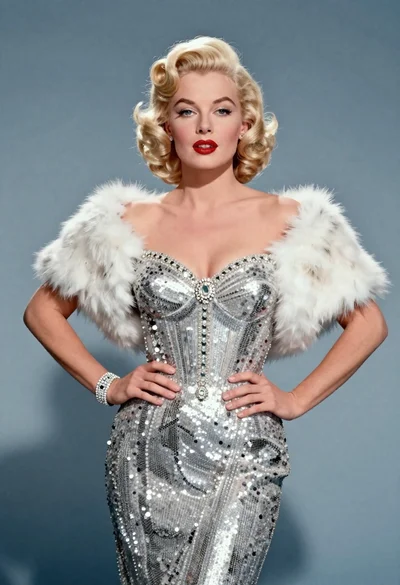
Blonde woman in silver gown with fur stole studio portrait

Blonde woman in striped swimsuit seated on sofa indoors studio shot
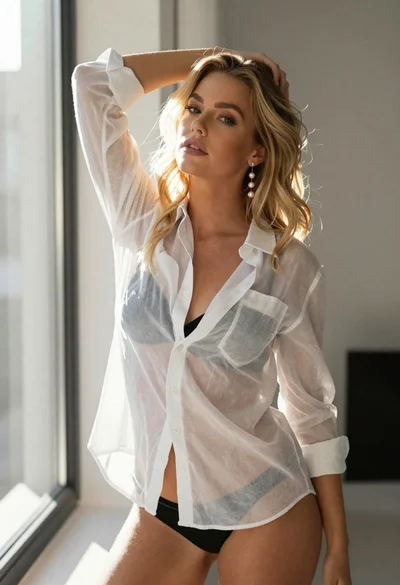
Blonde woman in sheer white shirt by large sunlit window indoors

Fair blonde woman in black corset and denim shorts studio portrait
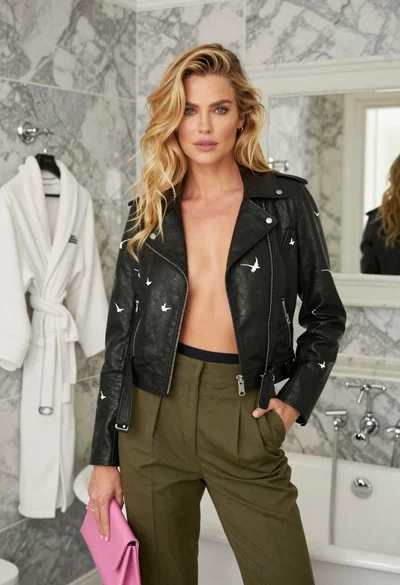
Blonde woman in black leather jacket standing in modern marble bathroom
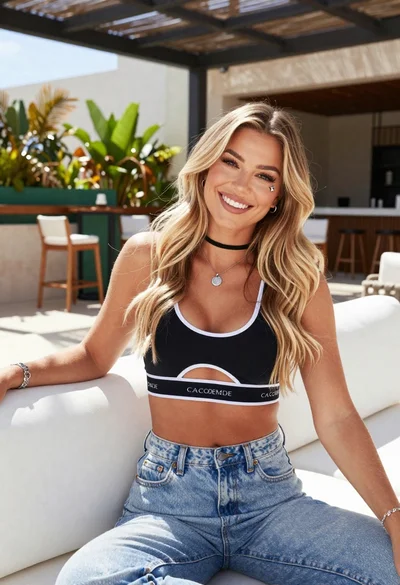
Smiling blonde woman in sports bra sitting on outdoor lounge chair
Fair blonde woman sitting on vintage gold sofa in dimly lit room
Blonde woman in floral blouse seated in moody blue interior setting