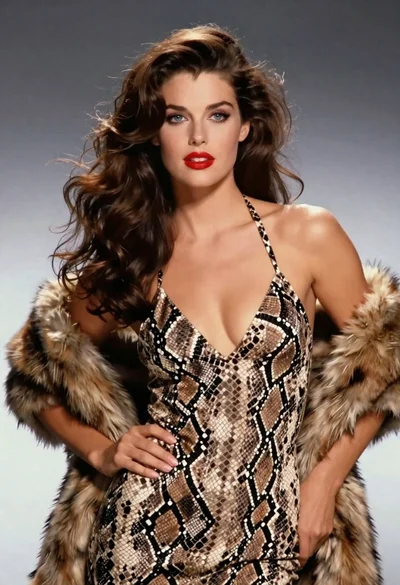

Blonde woman in silver gown with fur stole studio portrait
Prompt
A glamorous blonde woman with voluminous retro curls stands confidently against a soft blue backdrop.

Subject: A striking woman with platinum blonde hair styled in large, bouncy 1950s-style curls framing her face. She has fair skin, defined eyebrows, and wears red lipstick. Her expression is poised and direct as she looks straight at the camera.

Clothing: She wears a shimmering silver sequined strapless gown featuring an embellished sweetheart neckline with crystal or rhinestone detailing down the center. A thick white fur stole is draped over her shoulders, and she wears a wide, sparkling diamond-encrusted cuff bracelet on her left wrist.

Action: She stands with her hands placed firmly on her hips in a classic power pose, accentuating the curve of her waist. Her posture is upright and elegant.

Environment: The background is a solid, textured surface in a muted blue-grey tone that provides a cool contrast to her warm skin and bright attire.

Camera: The shot is a medium close-up capturing her from the thighs up, utilizing a shallow depth of field to keep the focus sharply on her face and upper body while softly blurring the background.

Lighting: Studio lighting illuminates her from the front with soft shadows, highlighting the texture of the sequins and the fluffiness of the fur stole.

Style Details: The image has a high-gloss, polished aesthetic reminiscent of 1950s Hollywood glamour photography or a vintage magazine editorial.
Description
This prompt is useful for creating vintage fashion editorials, character concept art for period dramas, and glamorous portrait mockups. The combination of 'shimmering silver sequined strapless gown' and the 'thick white fur stole' against a 'muted blue-grey tone' background establishes a high-gloss aesthetic that perfectly mimics 1950s Hollywood glamour photography by controlling contrast and texture.
Suggestions
- Change 'red lipstick' to 'deep burgundy lipstick' for a more dramatic vintage feel.
- Swap 'soft blue backdrop' for 'charcoal grey backdrop' to intensify the silver sequins.
- Adjust 'medium close-up' to 'waist shot' to better showcase the gown's silhouette.
Category
Tags
BlondeCasual WearFair SkinFemaleMedium ShotRealisticRed HairStudio
Date added
June 19, 2026
Added by
PromptDexter Team
Related Prompts
More prompts with similar categories and tags.

Portrait of woman with red hair in navy blouse and green skirt

Blonde woman in victorian steampunk attire portrait
Fair skinned woman in black velvet gown inside luxurious room setting
Blonde woman walking fashion runway in pink tweed ensemble

Blonde woman in striped swimsuit seated on sofa indoors studio shot

Fair blonde woman in black corset and denim shorts studio portrait

Smiling woman with red hair in floral twotoned dress outdoors

Blonde woman in cream sweater sitting on beige couch
Blonde woman in white tank top posing against a seamless white studio

Woman in sheer crystal gown looking over shoulder at event backdrop
