
Blonde woman in white dress holding lawn mower in grassy field
Prompt
A woman stands in a grassy field holding an old-fashioned metal lawn mower handle while wearing a white halter dress with a high slit.

Subject: A woman with long blonde hair and fair skin standing confidently outdoors.

Clothing: She wears a form-fitting white halter-neck dress that features a deep plunging neckline, a high thigh slit on the left leg, and a long flowing train that trails behind her in the grass.

Action: She grips the handle of an antique lawn mower with both hands, looking upward and to the side with a calm expression as if posing for a portrait.

Environment: The setting is a rustic outdoor area featuring tall green grass in the foreground, vibrant red flowering bushes directly behind her, and a weathered wooden structure resembling a shed or barn roofline in the background.

Camera: The shot is framed from a low angle looking up at the subject, utilizing a shallow depth of field that keeps the woman sharp while blurring the immediate foreground grass and the distant background foliage.

Lighting: Natural daylight illuminates the scene with soft shadows, highlighting the texture of her skin and the fabric of the dress against the bright red flowers.

Objects: An antique metal lawn mower handle is positioned in front of her, acting as a prop that she holds onto.

Style Details: The image has a cinematic, high-fashion editorial quality with rich color saturation and a slightly vintage aesthetic.
Description
This prompt is useful for creating conceptual fashion editorials, rustic lifestyle advertising, and artistic portraiture emphasizing juxtaposition. The combination of the 'form-fitting white halter-neck dress' against the 'antique metal lawn mower handle' creates a deliberate tension between delicate femininity and rugged utility, which the 'low angle looking up at the subject' accentuates to give an imposing, editorial scale.
Suggestions
- Change 'old-fashioned metal lawn mower' to 'vintage push lawnmower' for more visual weight.
- Swap 'vibrant red flowering bushes' for 'deep purple lavender' to shift the color palette.
- Adjust 'shallow depth of field' to 'bokeh effect' for a softer background separation.
Category
Tags
BlondeCasual WearFair SkinFemaleFull BodyLow AngleNatureOutdoorsPortrait ShotRealistic
Date added
June 19, 2026
Added by
PromptDexter Team
Related Prompts
More prompts with similar categories and tags.
Fair skinned blonde woman in brown bomber jacket reaching from low angle
Blonde woman in white gown standing on terrace overlooking blue ocean
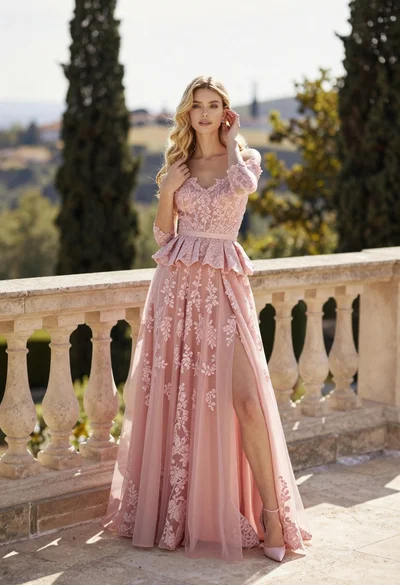
Fair skinned woman in pink ballgown on stone terrace outdoors
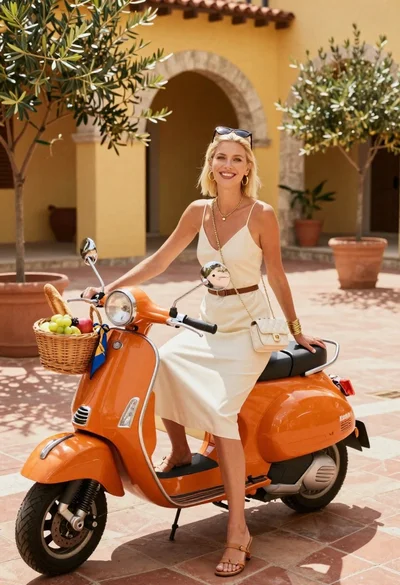
Smiling blonde woman in cream slip dress sitting on vintage orange scooter
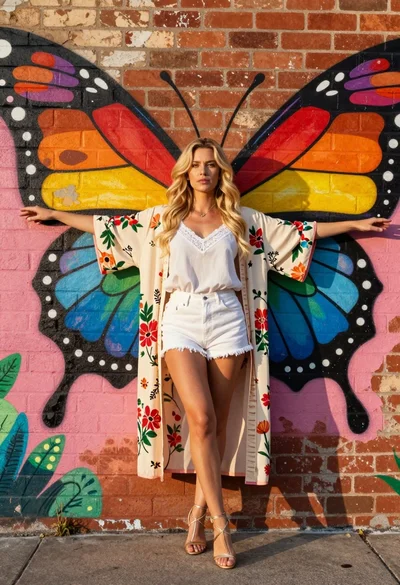
Blonde woman in kimono robe embracing vibrant rainbow butterfly mural on brick
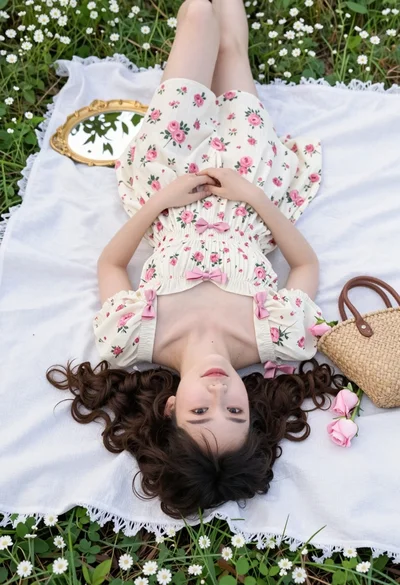
Young woman in floral dress lying on white blanket in green meadow
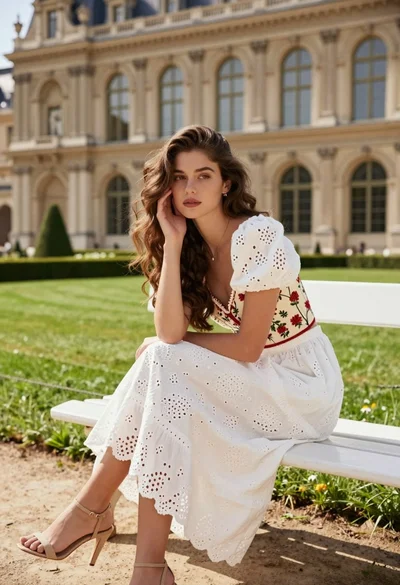
Young woman with brown hair on white bench before grand classical architecture
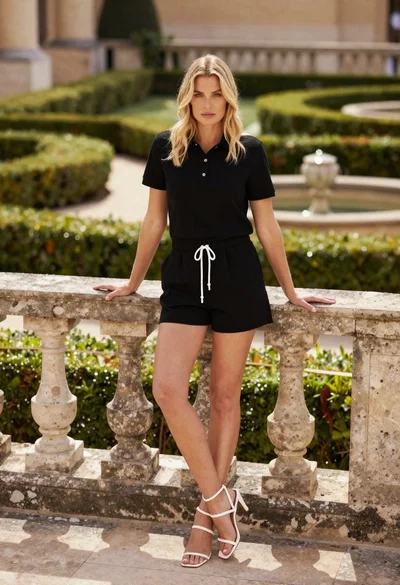
Blonde woman leaning on stone balustrade in manicured garden setting
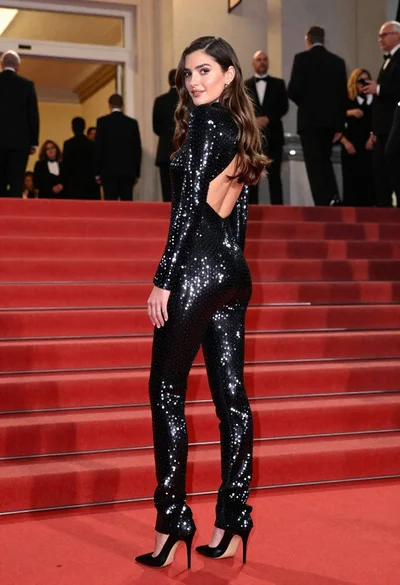
Glamorous woman in sequined jumpsuit on grand red carpet staircase
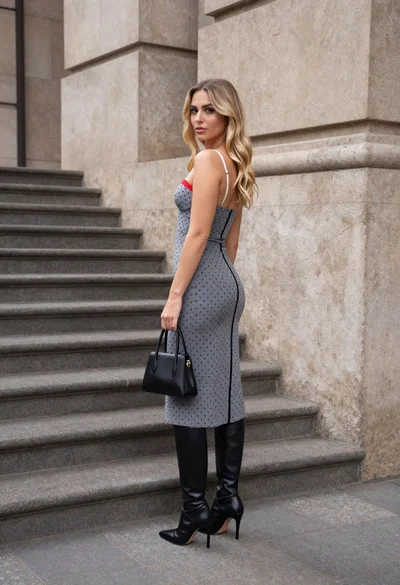
Young woman in grey patterned dress against beige stone architecture