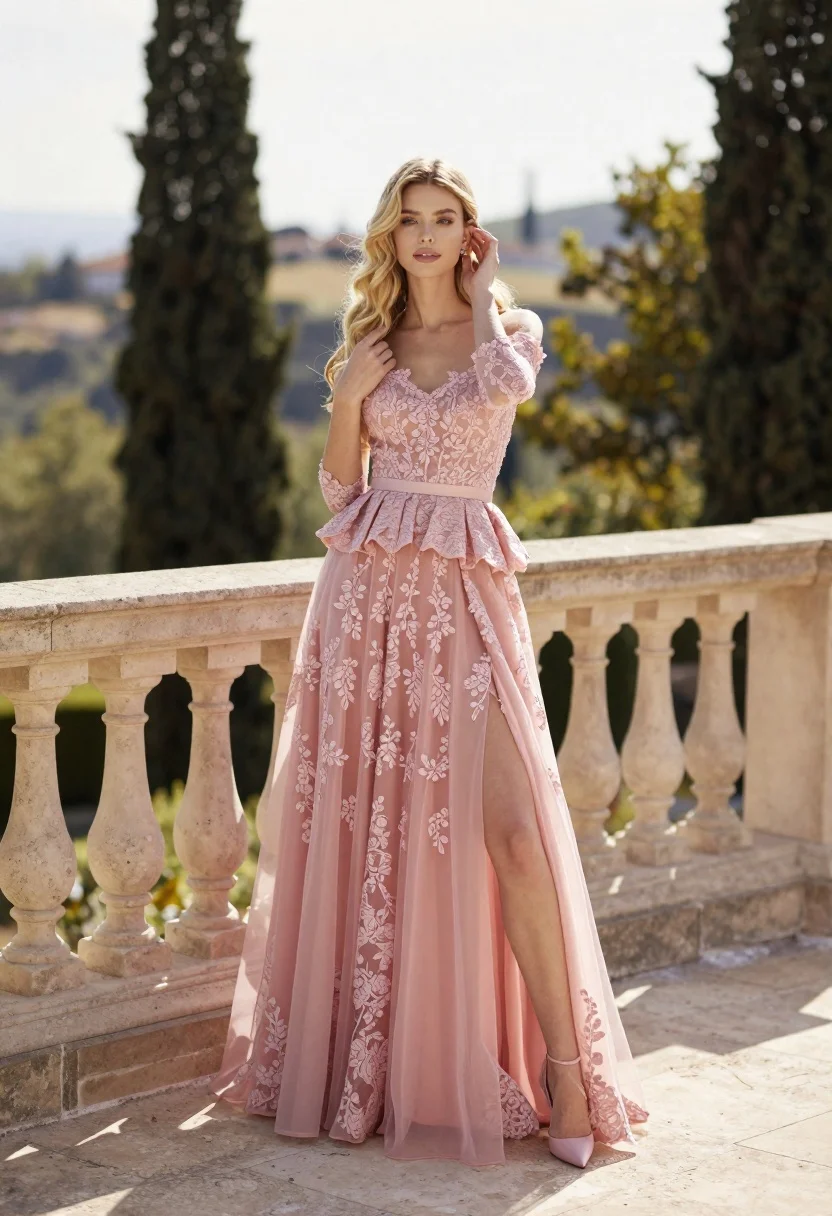
Fair skinned woman in pink ballgown on stone terrace outdoors
Prompt
A young woman with long blonde hair stands elegantly on a stone terrace, wearing an elaborate pink gown.

Subject: A fair-skinned woman with long wavy blonde hair and a soft, contemplative expression, looking directly at the camera.

Clothing: She wears a sophisticated off-the-shoulder ballgown in a dusty rose shade featuring intricate lace detailing on the bodice and skirt, a fitted peplum waist, three-quarter length sheer sleeves, and matching pink pointed-toe heels.

Action: She stands with one hand gently touching her hair near her ear and the other resting near her chest, leaning slightly against the stone balustrade.

Environment: The setting is an upscale outdoor terrace with a cream-colored stone railing featuring decorative balusters, overlooking a lush green landscape with tall cypress trees and distant hills under a pale sky.

Camera: Medium full-body shot taken from a slightly low angle to emphasize the height of the dress, utilizing a shallow depth of field that keeps the subject sharp while softly blurring the background architecture and foliage.

Lighting: Soft, natural sunlight illuminates the scene from the side, casting gentle highlights on her hair and face while creating subtle shadows that define the folds of the fabric.

Style Details: High-fashion editorial aesthetic with a romantic and ethereal color palette, characterized by smooth skin textures, detailed lace rendering, and a dreamy atmospheric quality.
Description
This prompt is useful for creating high-end bridal editorials, luxury brand lookbooks featuring gowns, and magazine features requiring an ethereal portrait style. The combination of 'dusty rose shade' gown details against the 'cream-colored stone railing' grounds the romanticism while the 'shallow depth of field' ensures that the intricate lace detailing remains visible without competing with the lush background foliage.
Suggestions
- Change 'dusty rose shade' to 'blush pink' for a brighter pop.
- Adjust 'stone terrace' to 'marble patio' for more reflective surfaces.
- Swap 'soft, contemplative expression' for 'direct gaze' if you want stronger engagement.
Category
Tags
BlondeCasual WearFair SkinFemaleFull BodyLow AngleMedium ShotOutdoorsRealistic
Date added
June 26, 2026
Added by
PromptDexter Team
Related Prompts
More prompts with similar categories and tags.

Blonde woman seated sideways in black mini dress by window
Blonde woman in black dress leaning on stone pillar in garden setting
Blonde woman in white dress holding lawn mower in grassy field
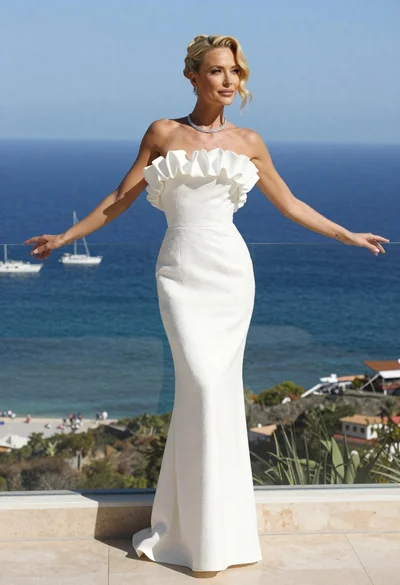
Blonde woman in white gown standing on terrace overlooking blue ocean
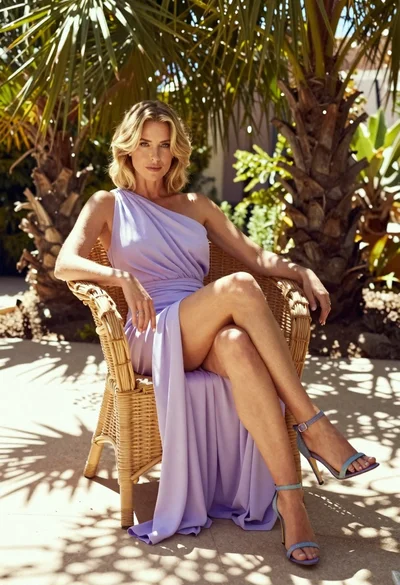
Blonde woman in lavender gown seated on wicker chair in sunlit garden
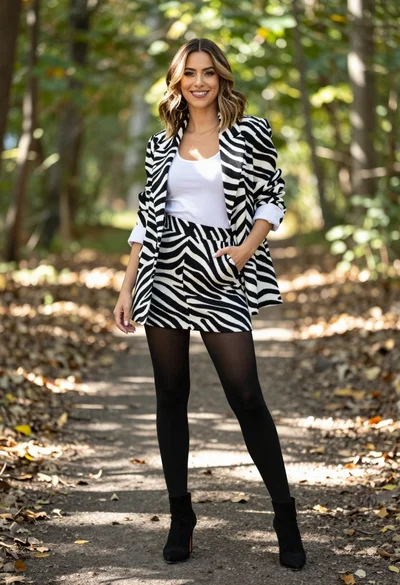
Stylish woman in zebra print suit standing on sun dappled forest path
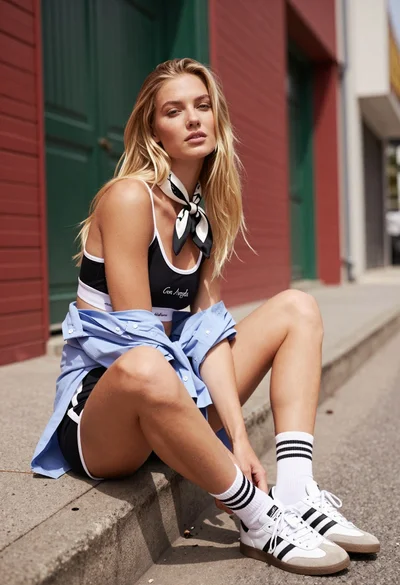
Blonde woman sitting on concrete ledge in urban alleyway sunlight
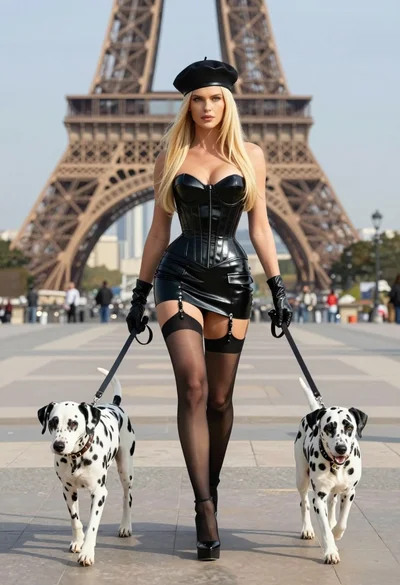
Blonde woman in black latex corset walking with two dalmatians near eiffel
