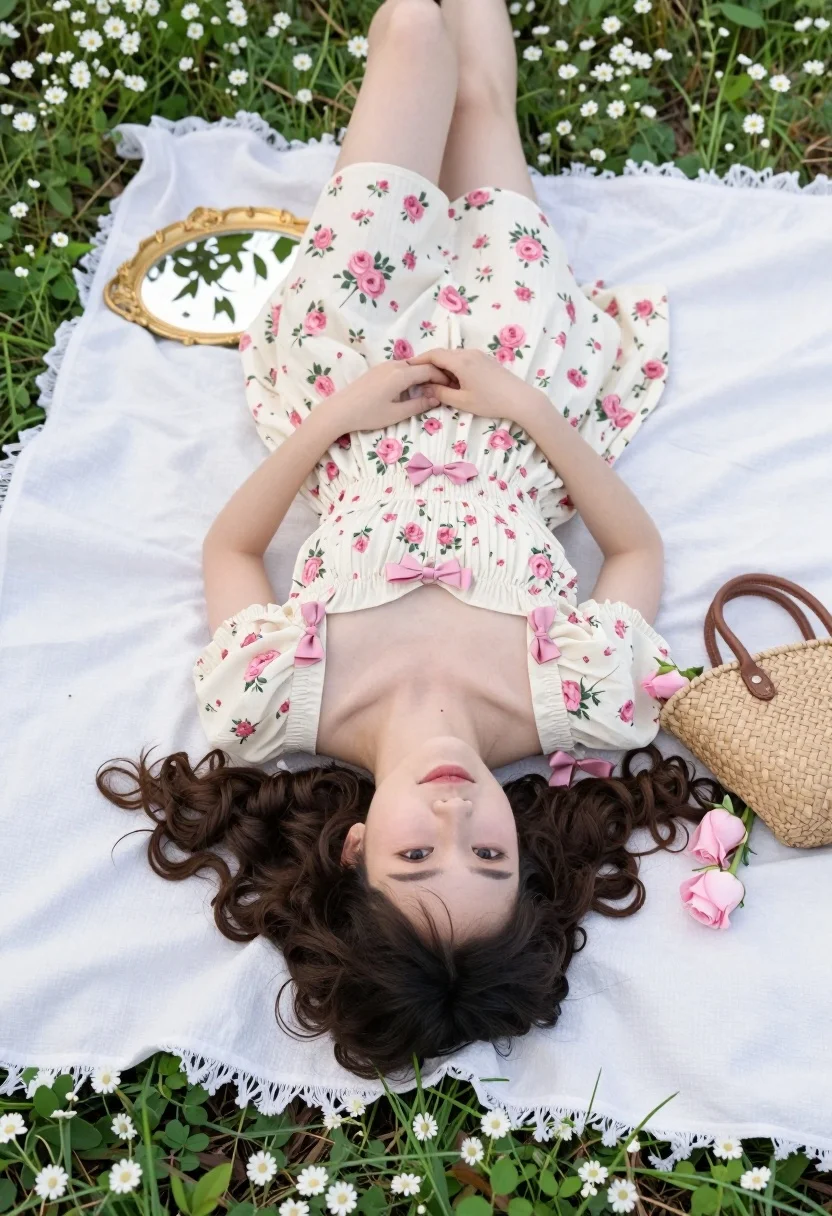
Young woman in floral dress lying on white blanket in green meadow
Prompt
A young woman with voluminous curly dark brown hair lies on her back on a white picnic blanket in a grassy field dotted with small white flowers.

Subject: A young woman with fair skin and expressive eyes looking directly at the camera, wearing a cream-colored floral dress with pink roses and matching pink bows at the neckline and sleeves.

Clothing: She wears a vintage-inspired cream dress featuring a square neckline, puffed short sleeves, and a gathered waist, adorned with delicate pink rose patterns and soft pink ribbon bows.

Action: Lying flat on her back in a relaxed pose with her arms resting by her sides and a gentle, calm smile on her face.

Environment: A lush green meadow filled with grass and tiny white wildflowers surrounding the white blanket, creating a natural outdoor setting.

Objects: An ornate gold-framed oval mirror reflecting tree branches and sky rests above her head, while a woven straw handbag with brown leather handles sits to her right beside pink roses scattered across the scene.

Lighting: Soft natural daylight illuminates the scene evenly, casting gentle shadows and highlighting the textures of the dress and petals without harsh contrast.

Camera: A high-angle overhead shot looking straight down at the subject, emphasizing the symmetrical composition and flat-lay aesthetic.

Style Details: Photorealistic image with a soft-focus background, pastel color palette dominated by pinks and greens, and a dreamy, romantic atmosphere reminiscent of springtime photography.
Description
This prompt is useful for creating editorial fashion moodboards, spring bridal lookbooks, and high-end lifestyle advertisements emphasizing romance. The combination of 'high-angle overhead shot' with the 'soft-focus background' ensures a symmetrical composition that flattens the depth just enough to make the 'pastel color palette dominated by pinks and greens' feel cohesive for print layouts.
Suggestions
- Change 'white picnic blanket' to 'ivory lace throw' for more texture.
- Swap 'pink roses' for 'wild peonies' to update the floral element.
- Adjust 'Soft natural daylight' to 'diffused overcast light' for less contrast.
Category
Tags
BlondeBrown HairCasual WearFair SkinFemaleFull BodyHigh AngleNatureOutdoorsRealistic
Date added
August 5, 2026
Added by
PromptDexter Team
Related Prompts
More prompts with similar categories and tags.

Woman posing on terrace at golden hour by mediterranean buildings
Poised woman in black blazer standing in a lush flower garden

Stylish woman in zebra print suit standing on sun dappled forest path
Blonde woman leaning on stone balustrade in manicured garden setting

Young woman sitting among colorful clothes in minimalist studio setting
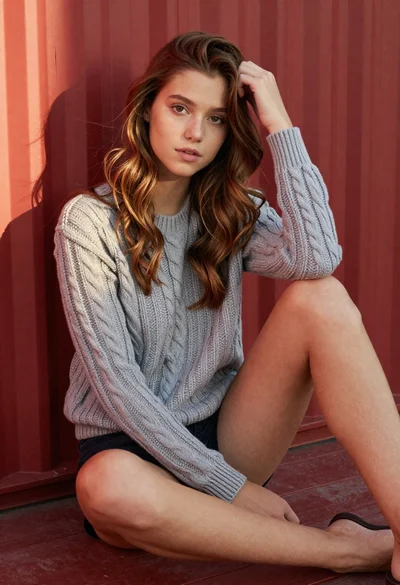
Young woman in grey knit sweater sitting against red corrugated metal wall
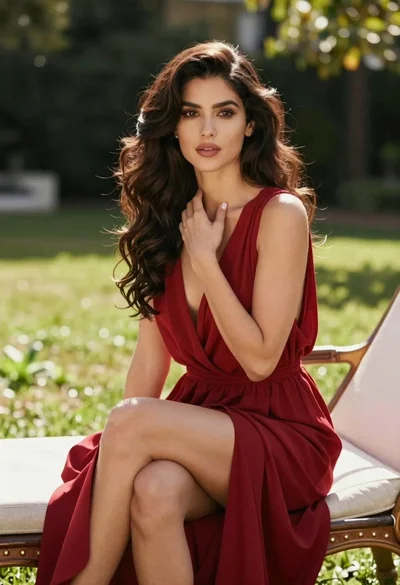
Woman in deep red dress seated elegantly outdoors on grassy lawn

Blonde woman reading at a cafe table with roses
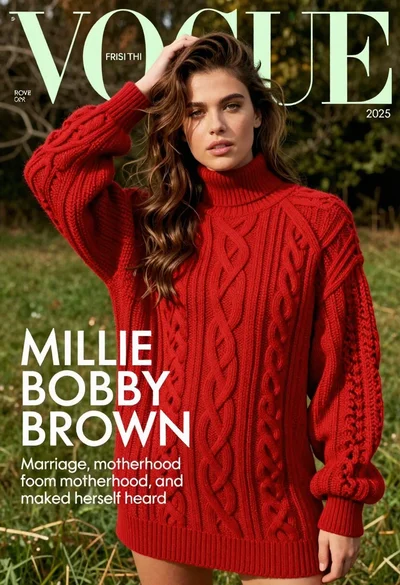
Young woman in red sweater dress standing in grassy field fashion shoot
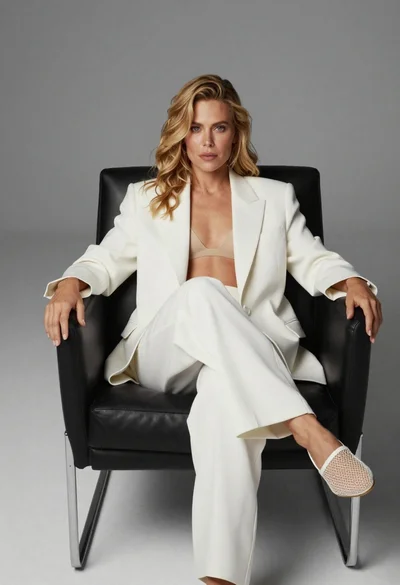
Blonde woman sitting in black leather chair against plain grey background
