
Blonde woman kneeling in black leather dress studio portrait
Prompt
A woman with blonde hair kneeling in a studio setting wearing a black leather dress and high heels.

Subject: A blonde woman with shoulder-length wavy hair kneeling on one knee while resting her hand near her neck.

Clothing: She wears a long-sleeved black leather dress that falls to mid-thigh, paired with black pointed-toe stiletto heels.

Action: She is posed in a dynamic kneeling position, looking directly at the camera with a neutral expression and her hair slightly blowing to the side.

Environment: The background is a plain, seamless light grey studio backdrop.

Camera: Shot from a low angle looking up at the subject, utilizing a full-body framing that captures the entire pose against the empty space.

Lighting: Bright, soft studio lighting illuminates the scene evenly with minimal harsh shadows, creating a clean and polished look.

Objects: A wooden chair with metal legs is positioned behind her to the right.

Style Details: High-fashion editorial photography style with sharp focus and smooth skin texture rendering.
Description
This prompt is useful for creating high-concept fashion editorials, character concept art for villainous roles, and dramatic portfolio pieces requiring strong silhouette definition. The combination of 'low angle looking up' and the 'black leather dress' emphasizes power and dominance, while the 'plain, seamless light grey studio backdrop' ensures that the subject's texture and form remain the absolute focal point without environmental distraction.
Suggestions
- Change 'stiletto heels' to 'chunky platform boots' for a more aggressive silhouette.
- Swap 'blonde hair' for 'raven black hair' to increase contrast against the leather.
- Adjust 'soft studio lighting' to 'hard directional spotlight' for increased drama.
Category
Tags
BlondeBrown HairFemaleFull BodyLow AnglePortrait ShotRealisticStudio
Date added
June 19, 2026
Added by
PromptDexter Team
Related Prompts
More prompts with similar categories and tags.
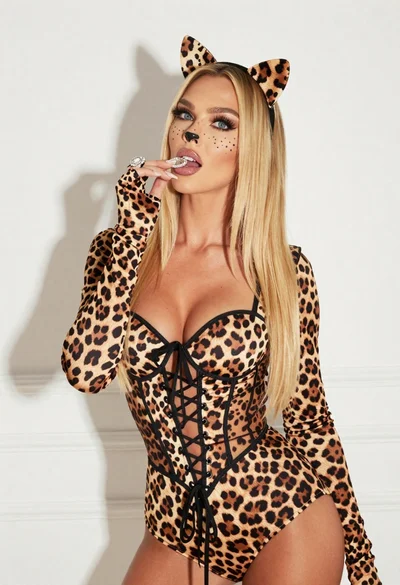
Blonde woman in leopard print bodysuit posing playfully against white studio background
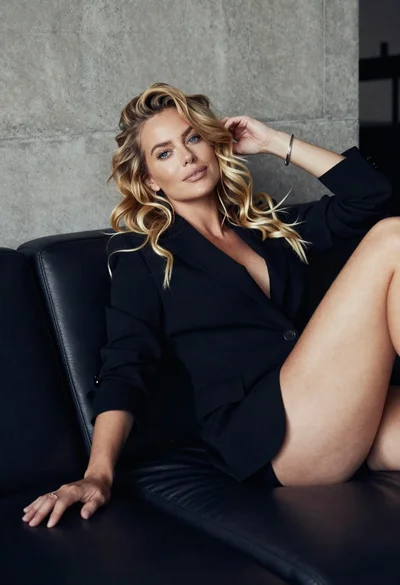
Blonde woman reclining on dark leather sofa in modern interior setting

Glamorous woman in black sequined gown against a white studio background

Blonde woman in victorian steampunk attire portrait
Blonde model in royal blue floral coat studio fashion shoot

Model walking down rainy city street at night
Smiling blonde woman in black lace dress against sunlit textured wall

Blonde woman in black lace lingerie posing with vintage telephone
Young woman in blue denim jumpsuit sitting on stool in studio

Blonde woman in nurse costume sitting on marble steps in luxurious hall