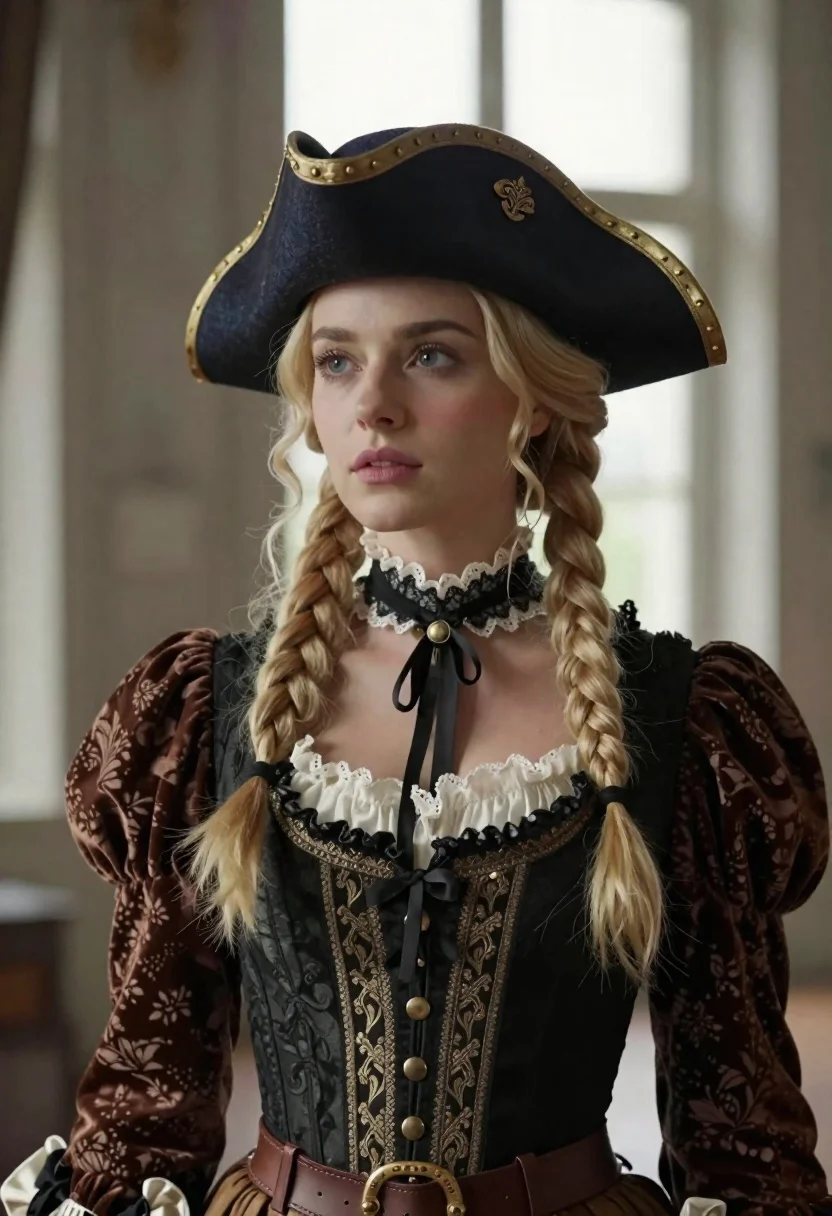
Blonde woman in victorian steampunk attire portrait
Prompt
Portrait of a woman in Victorian-era steampunk attire

Subject: Fair-skinned blonde woman with wavy hair styled into two long braids draped over her shoulders; soft, neutral expression gazing slightly upward and to the left.

Clothing: Dark navy tricorn hat adorned with gold metallic accents and ornate detailing; rich brown velvet blouse with puffed sleeves featuring subtle floral damask patterns paired with a black corset-style bodice embellished with lace trim, brass buttons, and intricate embroidery; delicate white ruffled underlayer at the neckline; dark lacy choker necklace.

Objects: Brown leather belt visible around waistline.

Environment: Soft-focus interior space suggesting an elegant room or studio setting; blurred background hints of large windows allowing diffused natural light to enter from behind.

Lighting: Gentle side lighting illuminating face and clothing textures with soft shadows enhancing depth and form; subtle highlights on metallic elements like hat trim, buttons, and lace edges add visual interest without harshness.
Description
This prompt is useful for creating historical costume concept art, character portraits for steampunk narratives, and high-end editorial fashion spreads. The combination of 'gentle side lighting' with 'soft shadows enhancing depth and form' sculpts the subject's face and the rich textures of the 'brown velvet blouse,' ensuring that the intricate details on the hat and bodice remain visible without being washed out by direct light.
Suggestions
- Change 'dark navy tricorn hat' to 'oxblood tricorn hat' for a richer color palette.
- Add 'sepia tone grading' to the overall image style for an aged feel.
- Swap 'diffused natural light' for 'single shaft of sunlight' to increase dramatic contrast.
Category
Tags
BlondeBrown HairFair SkinFemaleFormal WearFull BodyPortrait ShotRealisticStudio
Date added
June 19, 2026
Added by
PromptDexter Team
Related Prompts
More prompts with similar categories and tags.
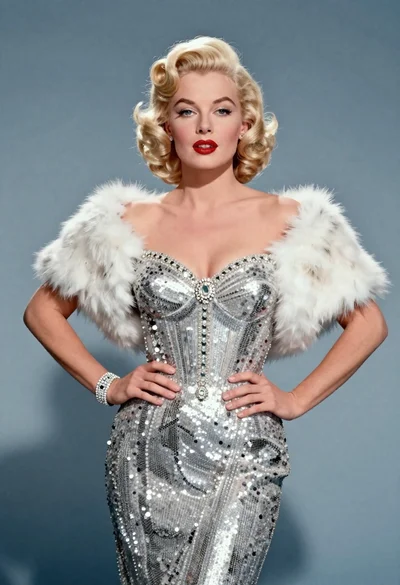
Blonde woman in silver gown with fur stole studio portrait
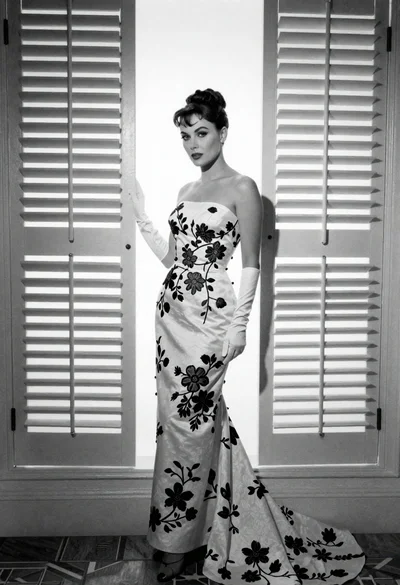
Full length portrait of woman in gown near tall window shutters
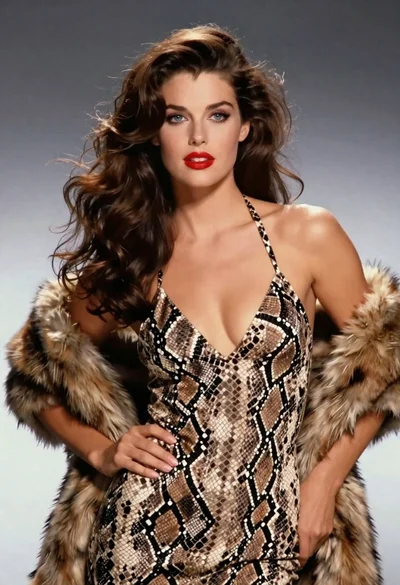
Glamorous woman in snakeskin dress with fur stole studio portrait
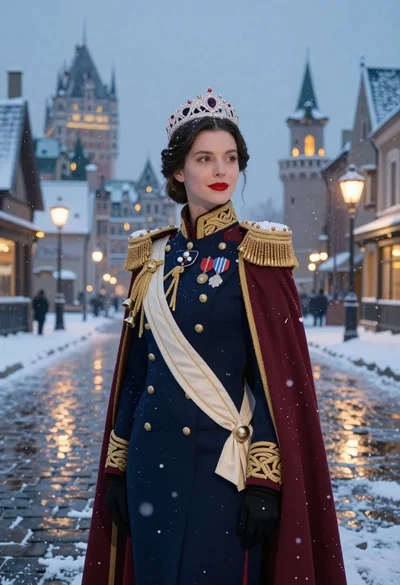
Woman in military uniform on snowy cobblestone street
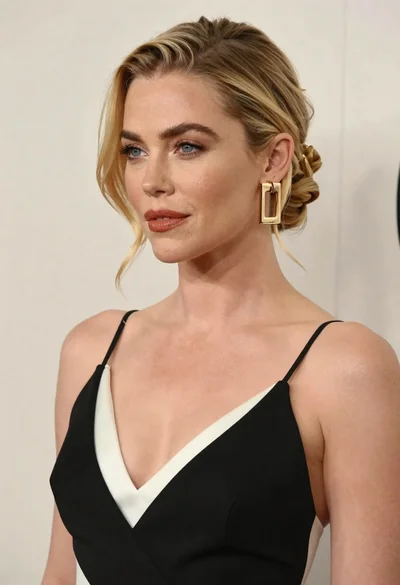
Close up portrait of blonde woman in black and white dress
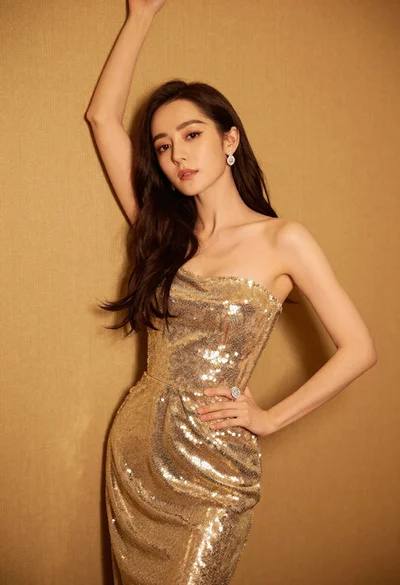
Glamorous woman in shimmering gold gown posing against warm textured wall
Confident woman in embellished denim jumpsuit against a gray studio backdrop
Close up portrait of blonde woman in champagne gown at gala