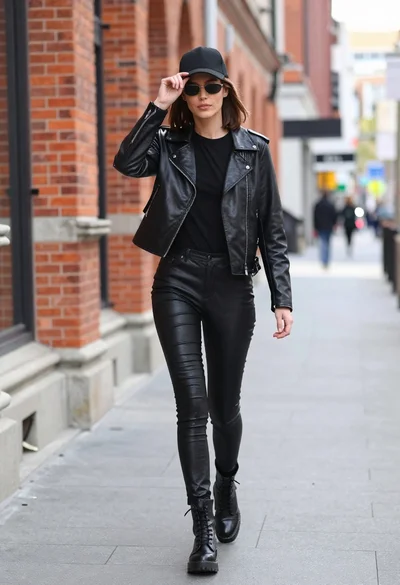
Blonde woman in black leather jacket on an urban street at dusk
Prompt
A woman with long blonde hair stands in the middle of a street at dusk, leaning forward with her back arched and head turned to the side.

Subject: A young woman with long, wavy blonde hair flowing down her back, wearing a black leather jacket that is open and draped over her shoulders, revealing bare skin on her legs and lower torso.

Clothing: She wears a loose-fitting black leather jacket with a shiny texture, paired with lime green strappy high-heeled sandals featuring ankle ties.

Action: The woman is captured in a dynamic pose, bending forward at the waist with her hips thrust back, creating an exaggerated curve to her spine, while looking away from the camera.

Environment: An urban street scene at twilight with tall palm trees lining the road, traffic lights, street lamps, and cars driving in the background under a dusky blue sky.

Camera: Low-angle shot emphasizing the subject's height and pose, with a shallow depth of field that keeps the woman sharp while blurring the distant street and vehicles.

Lighting: Soft ambient light from the fading daylight mixed with artificial streetlights, casting gentle shadows and highlighting the texture of the leather jacket and skin.

Style Details: Cinematic fashion photography with a moody, urban aesthetic, featuring cool color tones and a polished, high-contrast finish typical of modern editorial shoots.
Description
This prompt is useful for creating edgy editorial fashion spreads, cinematic character portraits, and mood boards depicting nightlife scenes. The combination of 'low-angle shot' and the 'exaggerated curve to her spine' forces a dramatic vertical composition that emphasizes the subject's powerful stance against the backdrop of 'dusky blue sky', while the specified 'shiny texture' on the leather jacket catches the mixed ambient light for high contrast.
Suggestions
- Change 'lime green strappy high-heeled sandals' to 'patent black ankle boots' for a more cohesive look.
- Swap 'palm trees' for 'brick buildings' to ground the scene in a different urban setting.
- Adjust 'low-angle shot' to 'eye-level medium shot' if you want a less exaggerated portrait.
Category
Tags
BlondeBrown HairCasual WearFemaleFull BodyLow AnglePortrait ShotRealisticStreetUrban
Date added
June 19, 2026
Added by
PromptDexter Team
Related Prompts
More prompts with similar categories and tags.
Young woman in black hoodie standing by beige stone stairs outdoors
Blonde woman sitting on wicker chair in european cobblestone street setting
Blonde woman walking on wet parisian street

Model walking down rainy city street at night
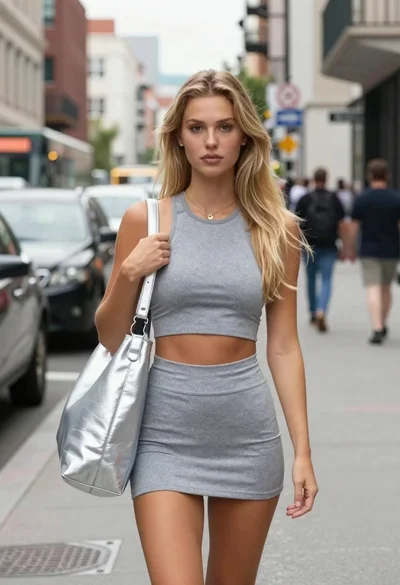
Confident blonde woman in athletic wear on a city street
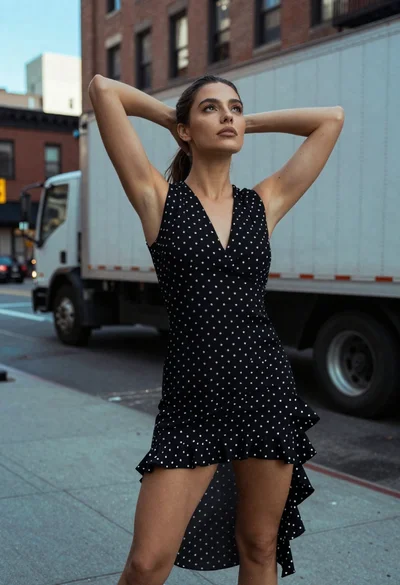
Woman in black polka dot dress standing on city sidewalk looking up
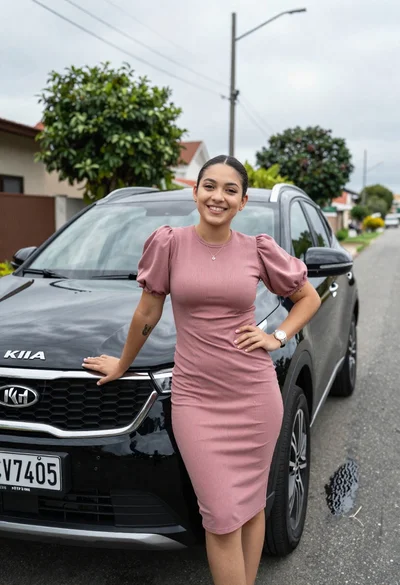
Smiling young woman leaning on black suv parked on paved street
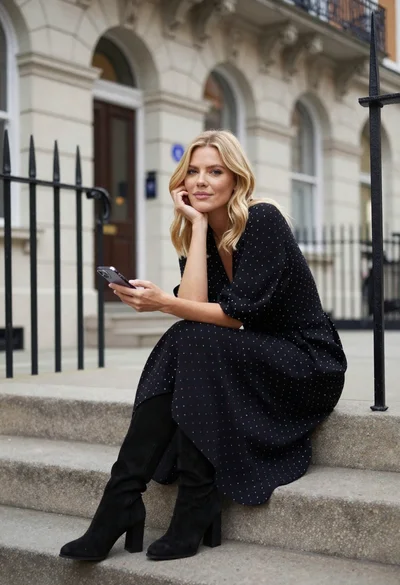
Blonde woman in black dress sitting on steps of classic building
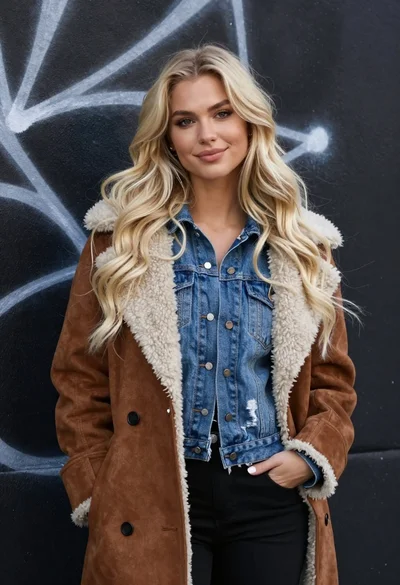
Portrait of blonde woman in suede coat against dark graffiti wall

Young woman in green jacket holding plush toy at festive carousel