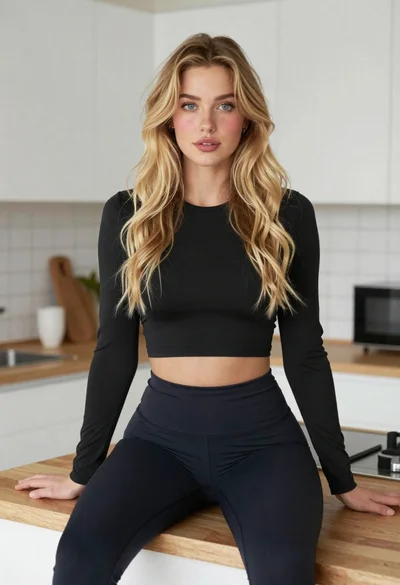
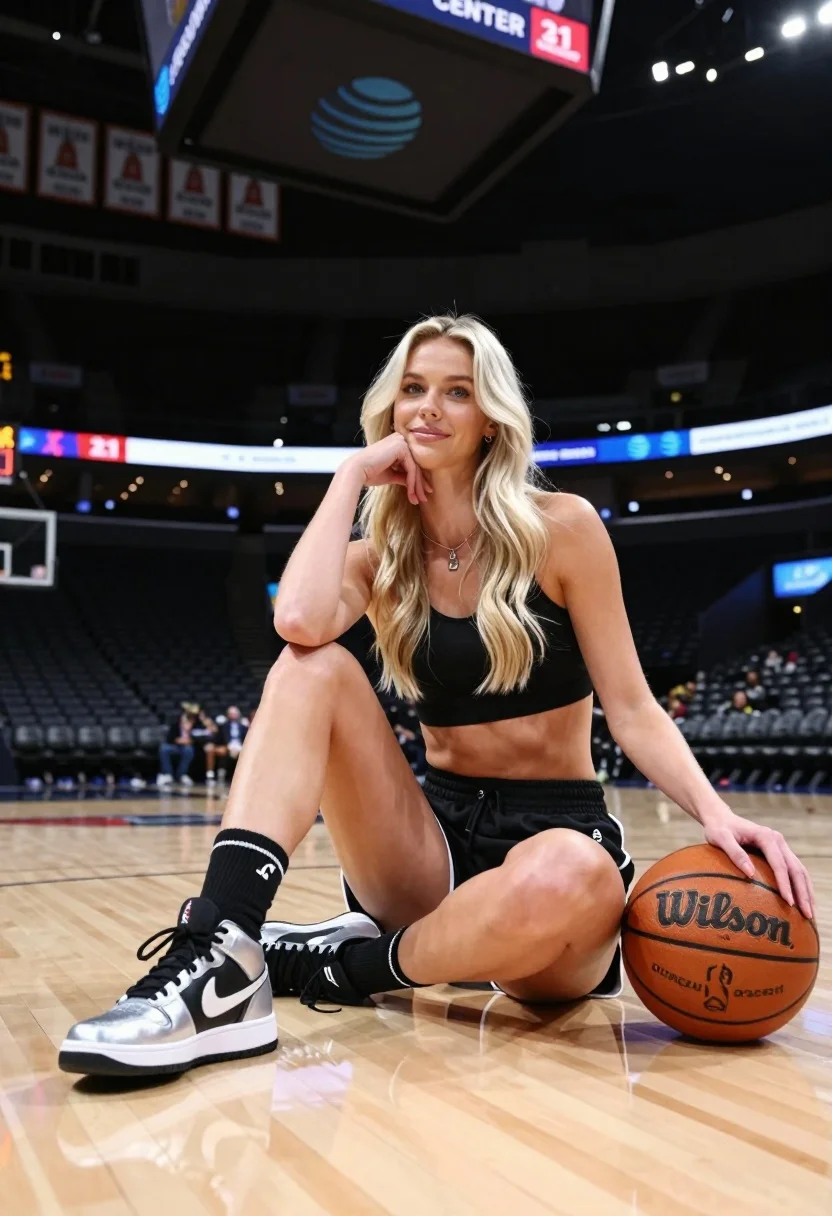
Blonde woman sitting on basketball court in athletic wear low angle shot
Prompt
A blonde woman sits cross-legged on a polished wooden basketball court, resting her chin on her hand while looking at the camera with a soft smile.

Subject: A young woman with long platinum blonde hair and blue eyes, wearing a black athletic sports bra and matching pleated skirt with white trim.

Clothing: She wears tall black socks with white stripes near the top and high-top black and silver sneakers featuring a large Nike swoosh.

Action: She is seated on the floor with one leg bent and the other extended slightly, her left hand resting gently on a basketball next to her while her right hand supports her chin.

Environment: The setting is an indoor professional basketball arena with rows of empty dark seats in the background, a large scoreboard hanging from the ceiling displaying AT&T CENTER, and championship banners visible high above.

Camera: A low-angle shot looking up at the subject, emphasizing her presence on the court with a shallow depth of field that blurs the distant stands.

Lighting: Bright overhead arena lights create soft highlights on her hair and skin, casting gentle shadows on the floor to define her form.

Objects: An orange Wilson basketball sits beside her right hand on the court surface.

Text/Graphics: The AT&T CENTER logo is visible on the scoreboard, and championship banners hang from the rafters with text indicating years and titles.

Style Details: High-resolution photography with a clean, professional sports aesthetic, sharp focus on the subject against a softly blurred background.
Description
This prompt is useful for creating fitness promotional materials, athletic lifestyle editorials, and sportswear catalog imagery. The combination of 'low-angle shot' and 'bright overhead arena lights' exaggerates the subject's stature and presence on the court, while the shallow depth of field ensures that the focus remains sharply on her form against the softly blurred background elements.
Suggestions
- Change 'polished wooden basketball court' to 'concrete basketball court' for a grittier feel.
- Swap 'soft smile' for 'intense gaze' to increase dramatic tension.
- Add 'sweat sheen' to the lighting description to enhance realism.
Category
Tags
Black HairBlondeCasual WearFemaleFull BodyLow AnglePortrait ShotRealisticSportswearStudio
Date added
July 12, 2026
Added by
PromptDexter Team
Related Prompts
More prompts with similar categories and tags.
Black and white photo of muscular woman posing on plyo box
Blonde snowboarder in winter gear standing by halfpipe arena
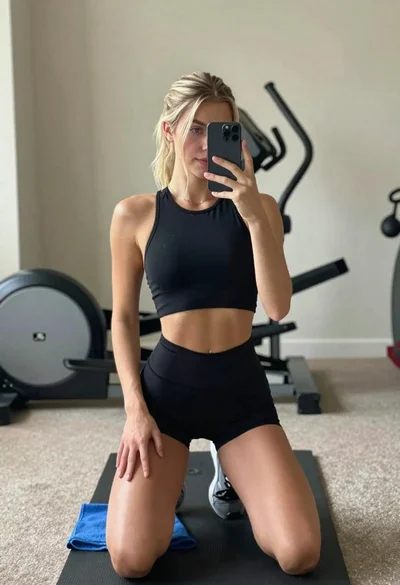
Young woman taking mirror selfie in athletic wear at home gym
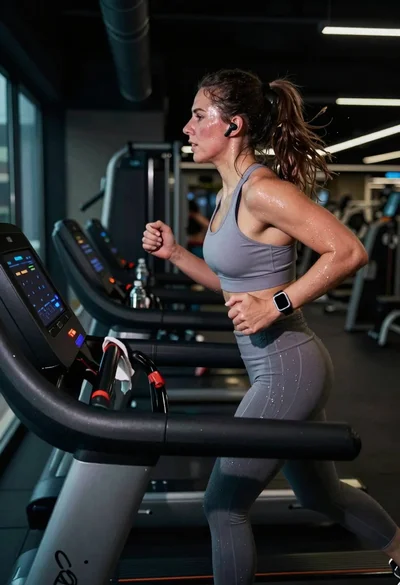
Exhausted female athlete sprinting on treadmill in dim modern gym
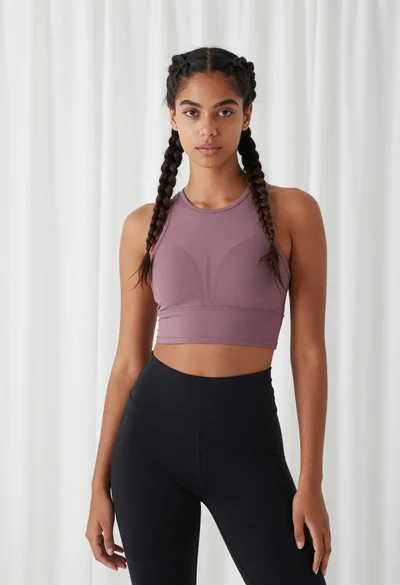
Young woman in mauve crop top standing against sheer white curtains
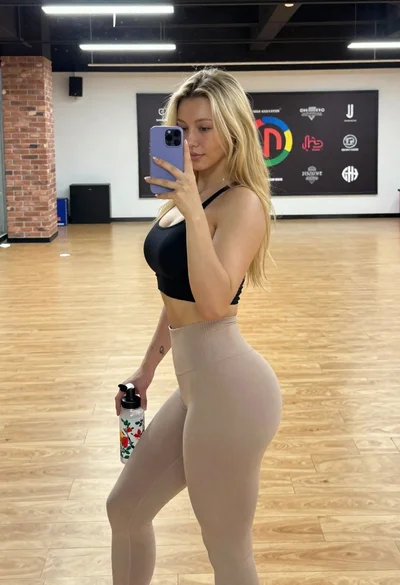
Young blonde woman taking mirror selfie in bright indoor gym setting
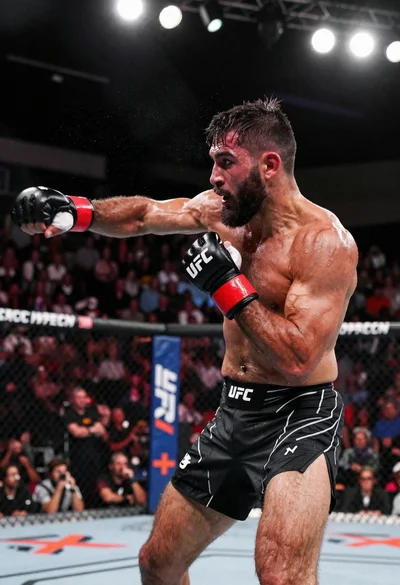
Muscular fighter recoiling from punch in bright arena
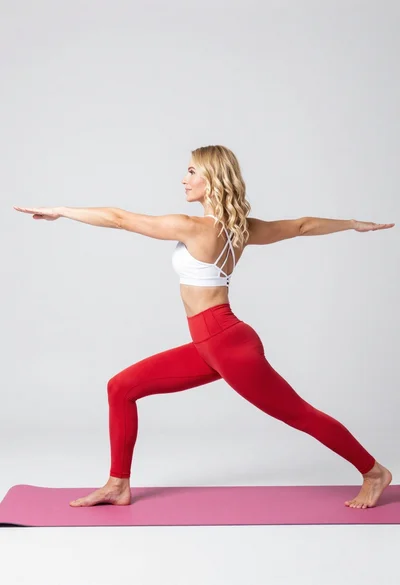
Fit blonde woman in white sports bra and red leggings doing yoga
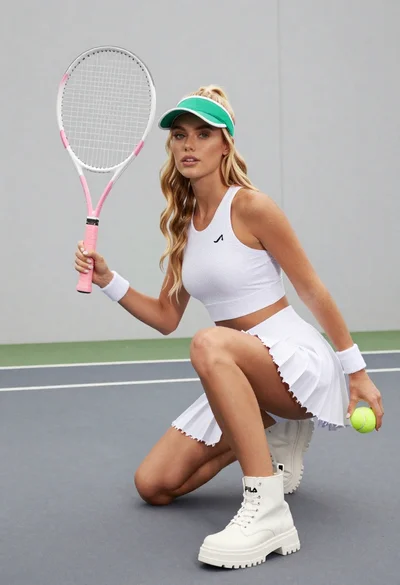
Fit young woman in white tennis outfit crouching indoors holding racket and
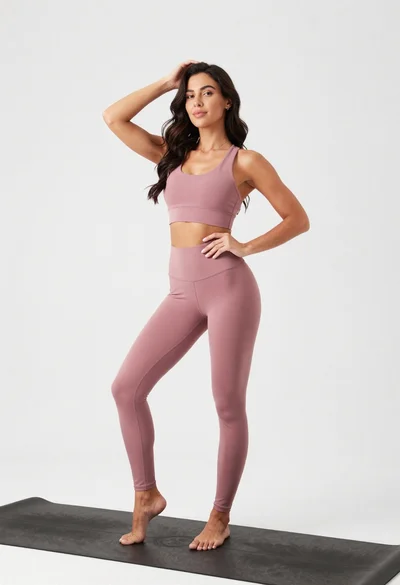
Fit woman in dusty pink sports bra standing on black yoga mat