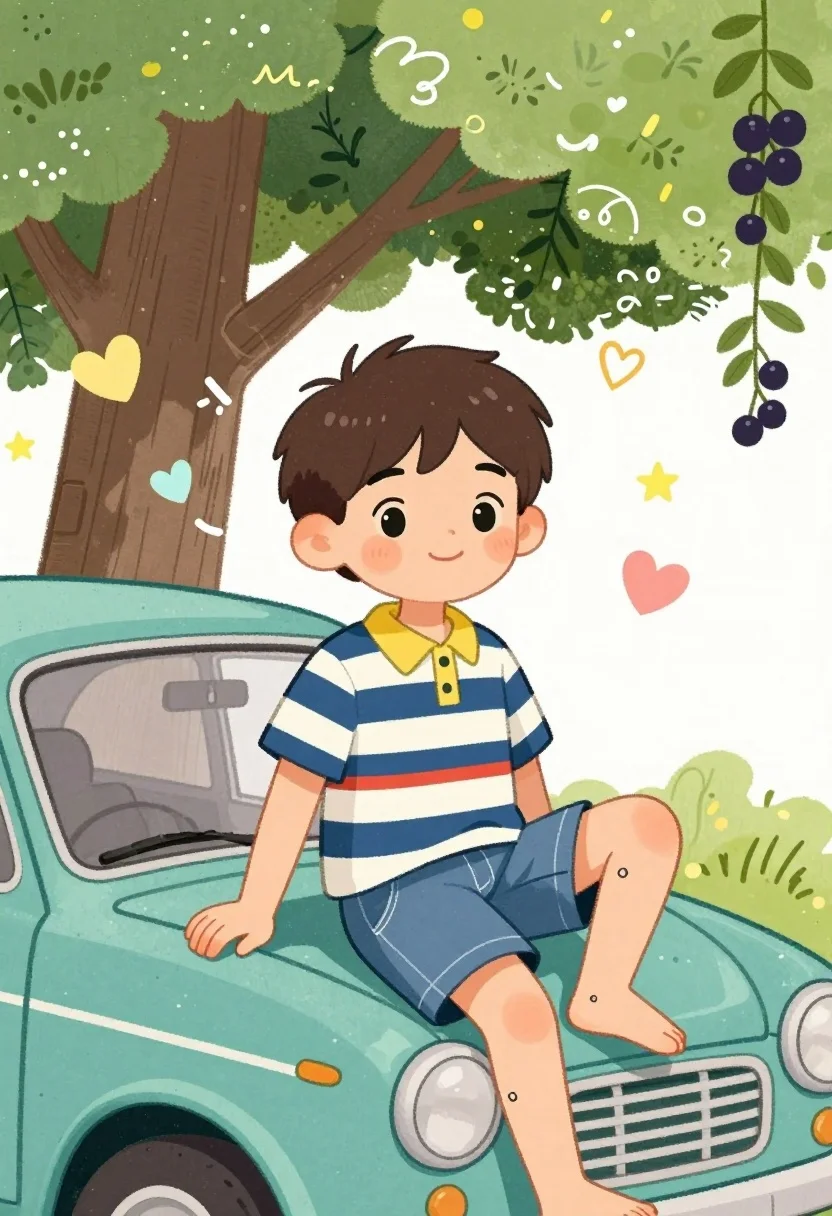
Cheerful young boy sitting on vintage teal car under large decorated tree
Prompt
A cheerful young boy sits casually on the hood of a teal vintage car under a large tree with green leaves and hanging dark berries.

Subject: A young boy with short brown hair, large expressive black eyes, and rosy cheeks smiling gently at the viewer. He has small tattoos or drawings on his hands and feet.

Clothing: He wears a striped polo shirt with navy blue and white horizontal stripes, a yellow collar, and a red stripe across the lower torso, paired with blue denim shorts.

Action: The boy is sitting in a relaxed pose with one leg bent and resting on the car hood, while his other arm rests on the side of the car; he looks directly at the viewer with a calm expression.

Environment: A large tree with brown bark and green leaves stands behind him, decorated with floating hearts, stars, butterflies, and abstract doodles in pastel colors.

Camera: Medium shot capturing the boy from the waist up, framed slightly low to emphasize his presence on the car hood.

Lighting: Soft, even lighting with no harsh shadows, creating a gentle and playful atmosphere suitable for illustration.

Style Details: Hand-drawn watercolor style with bold outlines, whimsical doodle elements, pastel color palette, and a charming cartoon aesthetic reminiscent of children’s book illustrations.
Description
This prompt is useful for creating children's storybook covers, whimsical character concept art, and cheerful seasonal greeting cards. The combination of 'hand-drawn watercolor style with bold outlines' and the 'pastel color palette' ensures that the subject remains charmingly illustrative rather than photorealistic, while the specific details like 'floating hearts, stars, butterflies, and abstract doodles' provide narrative visual anchors for a young audience.
Suggestions
- Change 'teal vintage car' to 'mint green vintage car' for a softer overall tone.
- Add 'bokeh background' to slightly soften the environment elements.
- Swap 'striped polo shirt' for 'solid yellow t-shirt' to simplify the pattern.
Category
Tags
AnimalBrown HairCasual WearDigital ArtMedium ShotNature
Date added
July 3, 2026
Added by
PromptDexter Team
Related Prompts
More prompts with similar categories and tags.
Three friends standing together in a cheerful group pose with doodles
Young girl named paige standing in a cozy bedroom with magical sparkles

Young female athlete in white tracksuit holding sunflowers and gold medal
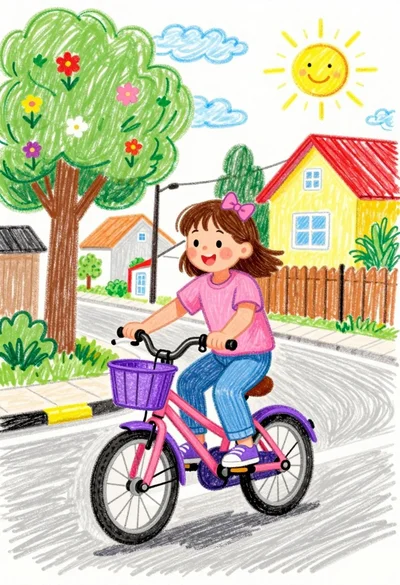
Cheerful young girl riding pink bicycle down sunny suburban street crayon drawing
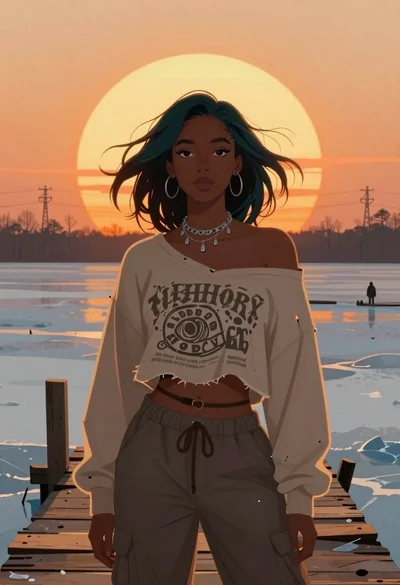
Young woman on wooden dock at sunset
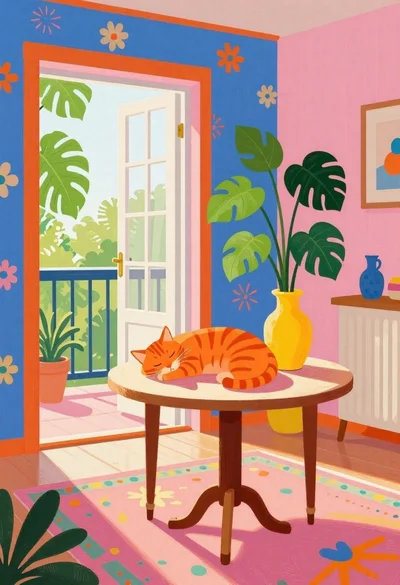
Orange tabby cat sleeping on table in vibrant room
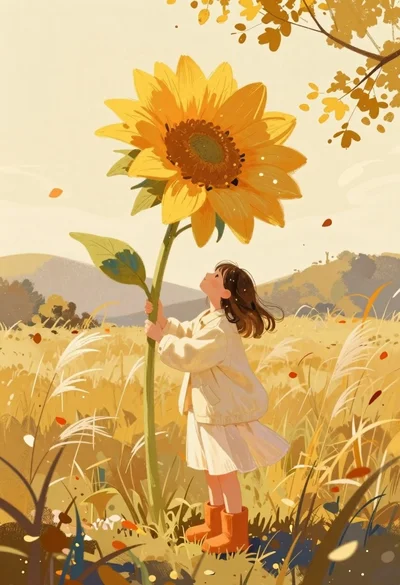
Girl holding enormous flower in autumn field

Cartoon illustration of a couple in formal wear against purple background
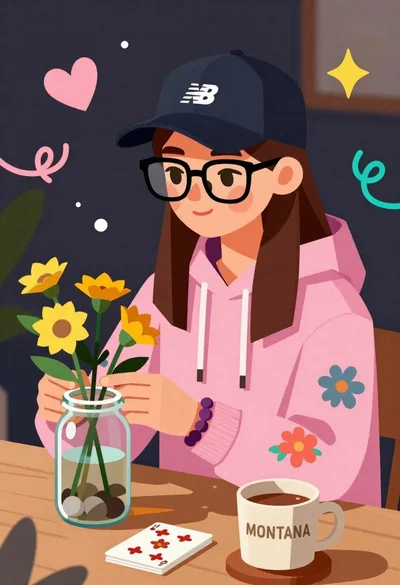
Young woman arranging yellow flowers in a glass jar at a wooden
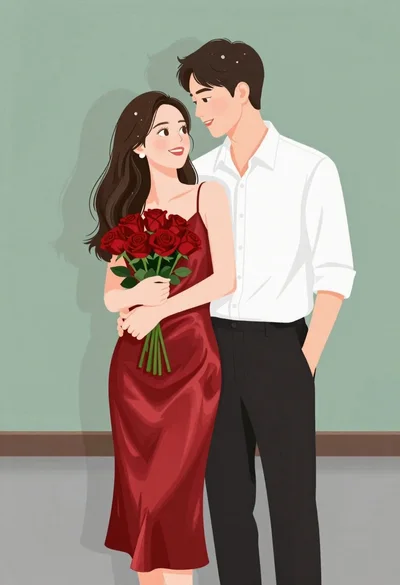
Smiling couple embracing indoors woman in red satin dress holding roses