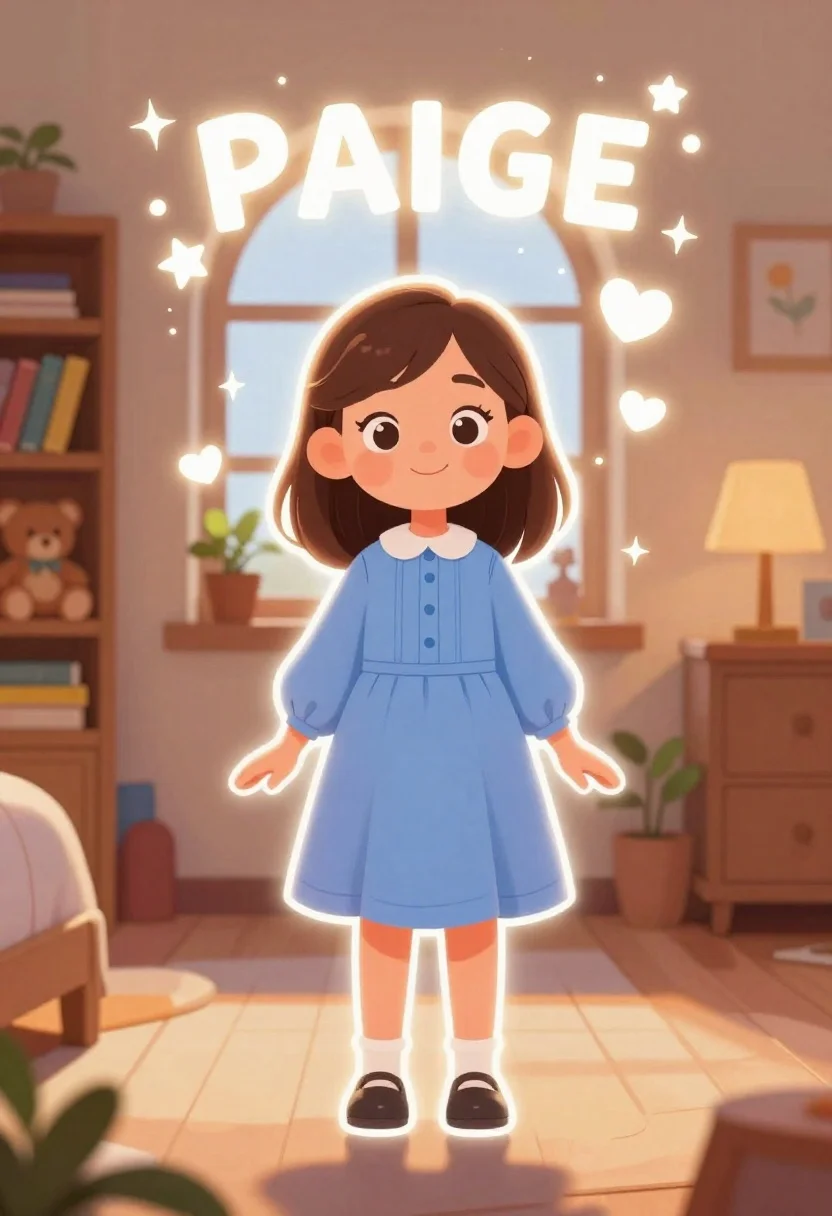
Young girl named paige standing in a cozy bedroom with magical sparkles
Prompt
A glowing cartoon illustration of a young girl named Paige standing in a cozy bedroom with warm lighting and magical sparkles surrounding her.

Subject: A cheerful young girl with shoulder-length brown hair, large expressive eyes, and a gentle smile, outlined with a bright white neon glow.

Clothing: She wears a light blue long-sleeved dress with vertical pleats on the bodice, a white Peter Pan collar, and dark Mary Jane shoes with white socks.

Action: The girl stands facing forward in a relaxed pose with her hands at her sides, looking directly at the viewer.

Environment: A warm-toned bedroom interior featuring an arched window with a potted plant on the sill, a wooden bookshelf filled with books and a teddy bear to the left, and a wooden dresser with a lamp and another plant to the right.

Camera: Eye-level medium shot capturing the full body of the character within the room, utilizing soft perspective lines that converge slightly towards the center.

Lighting: Soft ambient lighting mixed with a strong white rim light outlining the subject, creating a magical atmosphere enhanced by glowing stars and hearts floating in the air.

Text/Graphics: The name PAIGE is written in large, glowing white capital letters above the girl's head, accompanied by animated stars, clouds, and heart shapes.

Style Details: Digital illustration style with a soft sketch texture, warm color palette, and a dreamy aesthetic that blends realistic lighting with cartoon character design.
Description
This prompt is useful for creating children's book illustrations, whimsical birthday invitations, and cozy nursery decor mockups. The combination of 'glowing white neon glow' on the subject against the 'warm-toned bedroom interior' ensures that the character pops out from the detailed background elements like the 'arched window', preventing her from looking pasted onto a scene.
Suggestions
- Change 'light blue long-sleeved dress' to 'pastel yellow smock dress' for a different color focus.
- Swap 'soft sketch texture' for 'watercolor wash' to change the overall medium feel.
- Adjust 'glowing stars and hearts' to 'floating soap bubbles' for a less overtly romantic magic.
Category
Tags
BedroomBrown HairCasual WearDigital ArtFemaleFull BodyIndoorsLight SkinMedium Shot
Date added
June 26, 2026
Added by
PromptDexter Team
Related Prompts
More prompts with similar categories and tags.
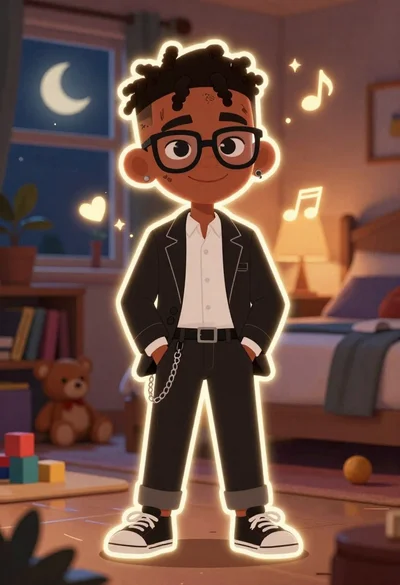
Young black boy in black suit standing in a cozy bedroom at
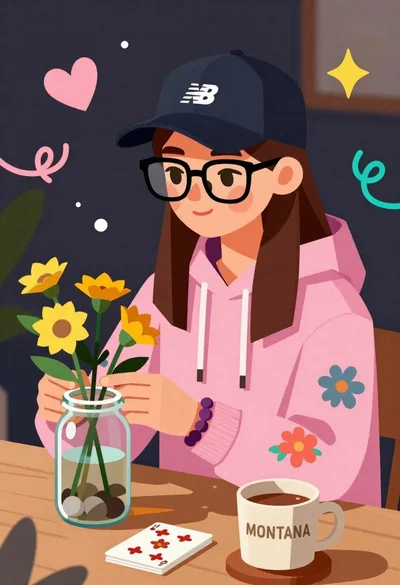
Young woman arranging yellow flowers in a glass jar at a wooden

Smiling couple embracing indoors woman in red satin dress holding roses
Full body illustration of young girl with pigtails holding teddy bear
Young girl taking mirror selfie with shopping bags in dreamy watercolor style

Young man with white hair and mustache standing in a warm classroom

Young female athlete in white tracksuit holding sunflowers and gold medal

Young woman with glasses gently touching nose of fluffy cream cat indoors