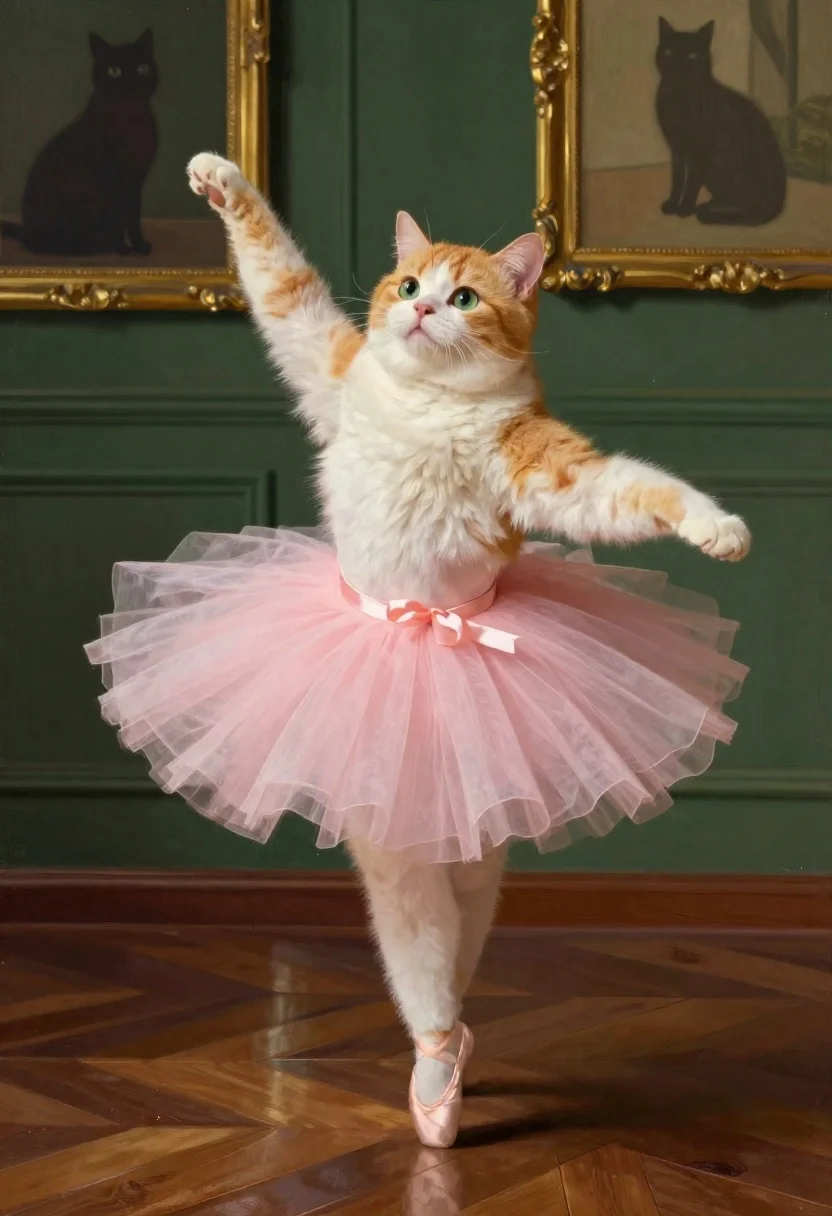
Chubby cat in pink tutu posing like ballet dancer
Prompt
A digital painting of a chubby orange and white cat wearing a pink tulle tutu, posed in an elegant ballet dancer stance with one paw raised gracefully; the feline has soft, fluffy fur and expressive green eyes gazing sideways toward the viewer while balancing on its hind legs.

Clothing: delicate pale pink layered tulle skirt cinched at the waist by a matching ribbon belt

Action: poised mid-pose with front paws positioned delicately as if performing classical dance movements, body angled slightly forward to convey motion and grace

Environment: dark green paneled walls adorned with gold-framed artwork including a silhouette of another cat in shadow, set against rich polished wooden floorboards arranged in herringbone pattern reflecting ambient light.

Lighting: soft directional illumination casting gentle highlights on the fur and tutu while leaving deeper shadows along edges to enhance three-dimensionality

Style Details: semi-realistic rendering with painterly textures mimicking oil brushwork blended into smooth gradients, evoking a whimsical yet refined art style reminiscent of fantasy illustrations or storybook imagery.
Description
This prompt is useful for creating children's book illustrations, whimsical pet portraits, and themed nursery wall art. The combination of 'soft directional illumination' with the 'dark green paneled walls' grounds the fantastical subject matter by providing rich, deep contrast that prevents the 'pink tulle tutu' from looking saccharine or overly bright.
Suggestions
- Change 'chubby orange and white cat' to 'sleek black cat' for a different color palette.
- Swap 'pale pink layered tulle skirt' for 'iridescent blue chiffon' to alter the mood.
- Adjust 'herringbone pattern' to 'polished marble floor' for a more formal setting.
Category
Tags
AnimalsDigital ArtFull BodyNature
Date added
June 19, 2026
Added by
PromptDexter Team
Related Prompts
More prompts with similar categories and tags.
Watercolor painting of evee in a grassy meadow
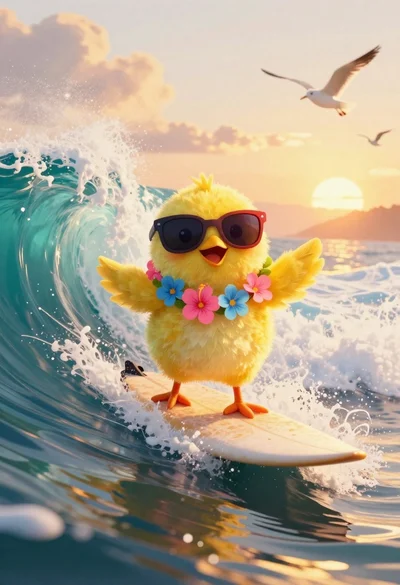
Yellow chick surfing on a turquoise ocean wave at sunset
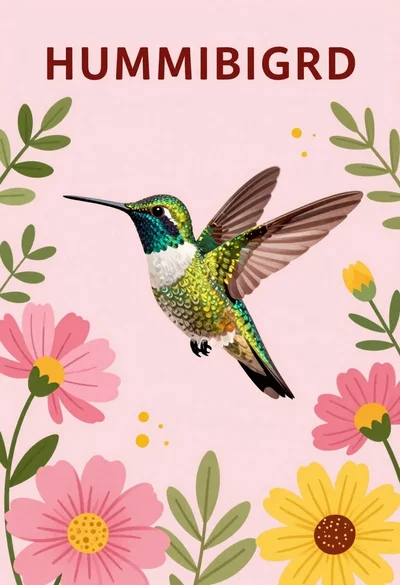
Vibrant hummingbird flying among blooming flowers illustration
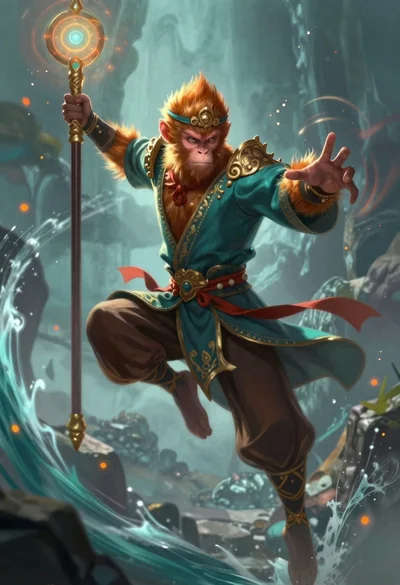
Monkey warrior leaping with magical staff in fantasy scene
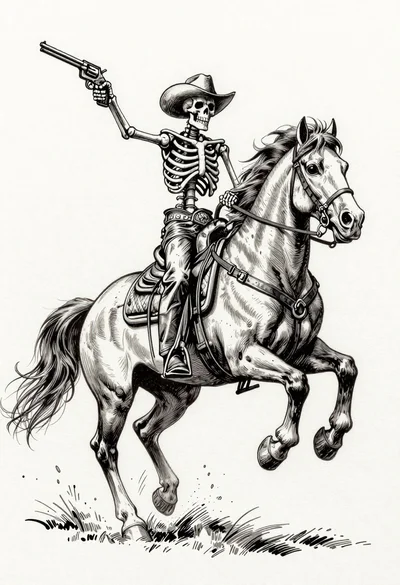
Skeleton cowboy riding a rearing horse ink illustration
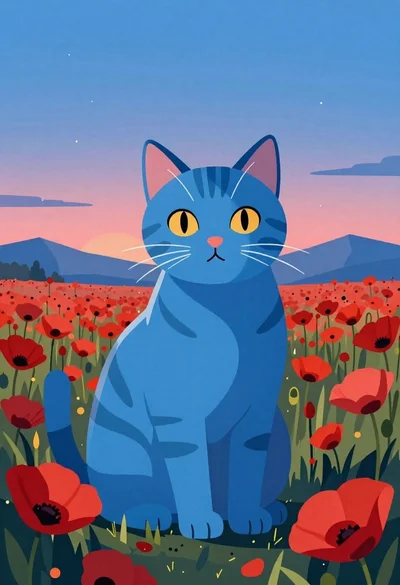
Blue tabby cat in a field of red poppies
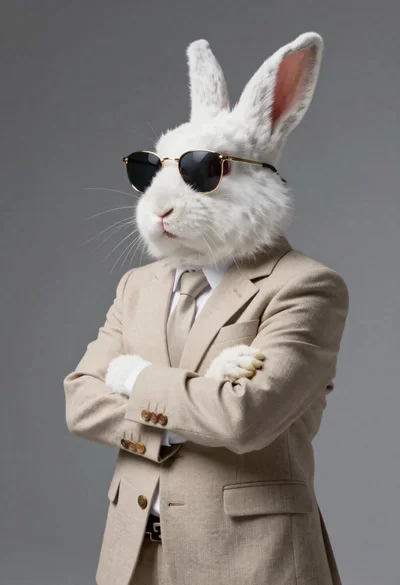
Hyperrealistic white rabbit in beige blazer against gradient background
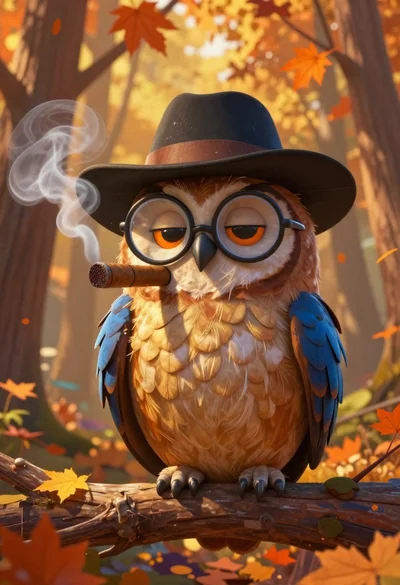
Cartoon owl wearing a hat in autumn forest