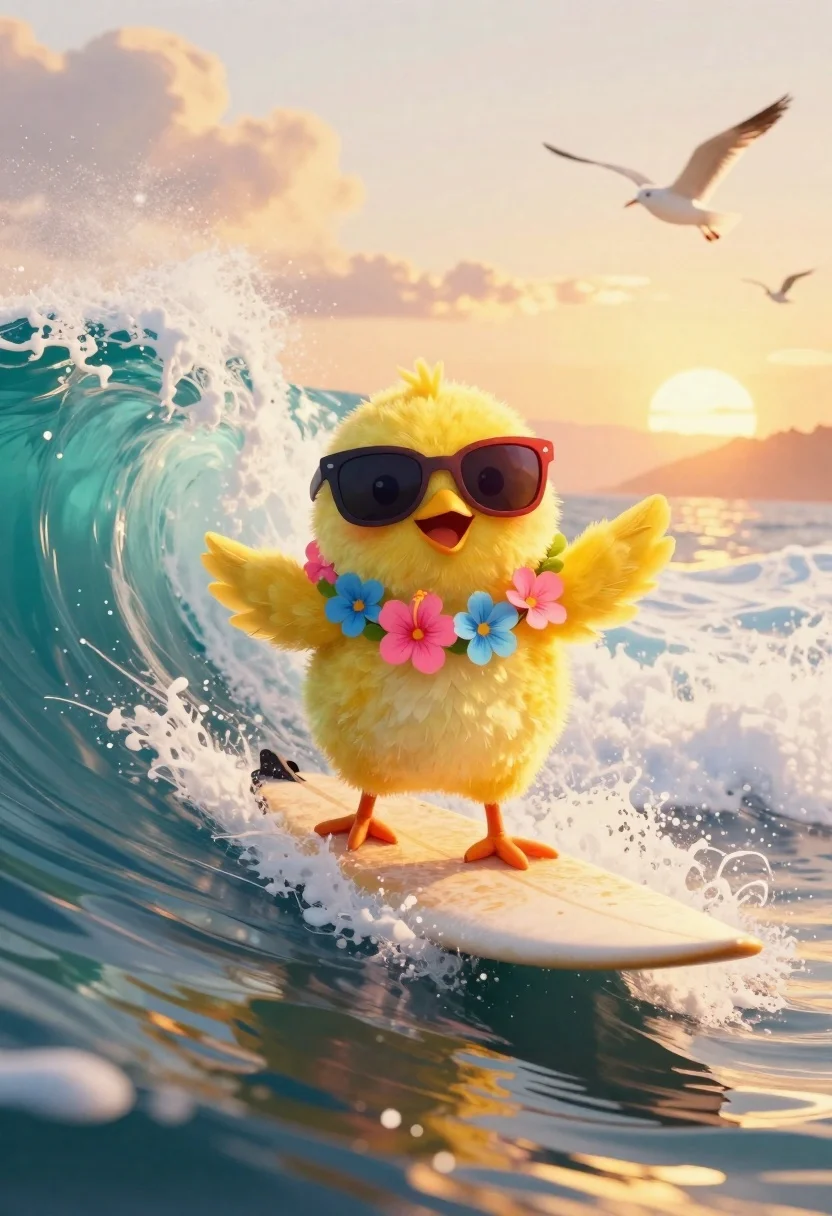
Yellow chick surfing on a turquoise ocean wave at sunset
Prompt
Digital illustration of a vibrant yellow chick surfing on a curling ocean wave during golden hour sunset

Subject: fluffy bright yellow chick with large expressive eyes and an open beaming smile, standing confidently on a surfboard

Clothing: wearing oversized dark sunglasses with red frames and a colorful flower lei around its neck featuring pink hibiscus and blue blossoms

Action: balancing skillfully mid-wave ride, one wing extended upward for balance while the other rests gently at side

Environment: dramatic turquoise ocean wave curling behind chick, white foam spraying along edges, distant horizon glowing with warm sun near waterline, several seagulls flying in sky above waves and clouds softly lit by sunset glow

Lighting: soft golden sunlight from low angle casting gentle highlights on feathers and creating subtle shadows beneath body of surfboard, enhancing depth against deep blue-green sea tones

Camera: dynamic three-quarter view capturing motion energy with slight upward tilt emphasizing height of wave spray around subject;
Description
This prompt is useful for creating whimsical children's book illustrations, vibrant nature concept art, and playful digital greeting cards. The combination of 'soft golden sunlight from low angle' casting highlights on the chick's feathers while maintaining a 'dynamic three-quarter view' effectively captures the high energy of the surfing action without losing detail in the foreground elements like the 'white foam spraying along edges'.
Suggestions
- Change 'vibrant yellow chick' to 'fluffy bright canary chick' for more specific color saturation.
- Add 'watercolor texture' to the overall style for a softer feel.
- Swap 'deep blue-green sea tones' for 'emerald green and turquoise' to adjust the water palette.
Category
Tags
3/4 AngleAnimalsDigital ArtFull BodyNatureWide Shot
Date added
June 19, 2026
Added by
PromptDexter Team
Related Prompts
More prompts with similar categories and tags.
Hyperrealistic white rabbit in beige blazer against gradient background
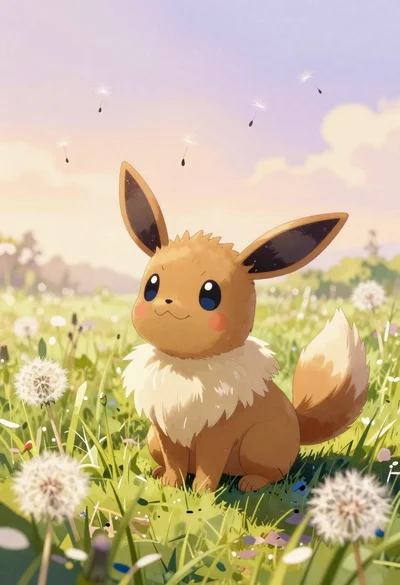
Watercolor painting of evee in a grassy meadow
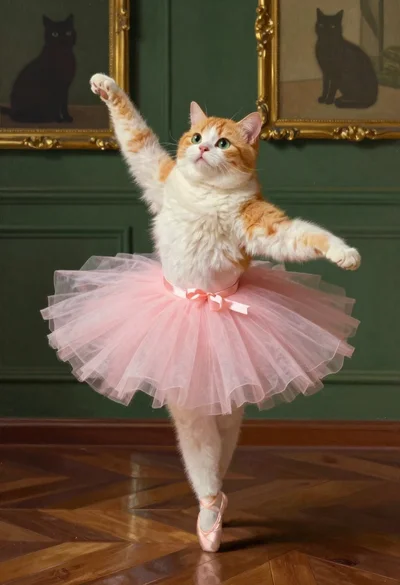
Chubby cat in pink tutu posing like ballet dancer
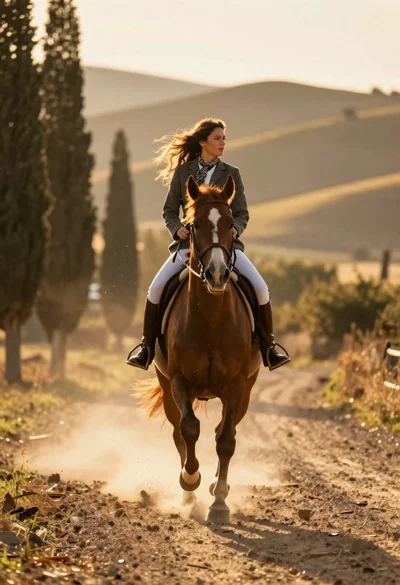
Woman riding chestnut horse galloping on dusty country road at golden hour
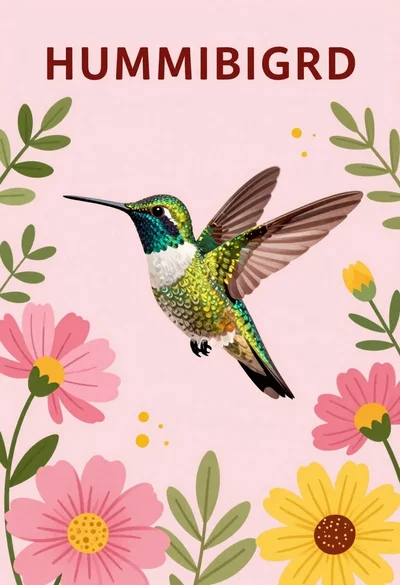
Vibrant hummingbird flying among blooming flowers illustration
Three stylized kings collage artwork on offwhite background
Monkey warrior leaping with magical staff in fantasy scene
Yellow rubber duck surfing on pink waves at sunset