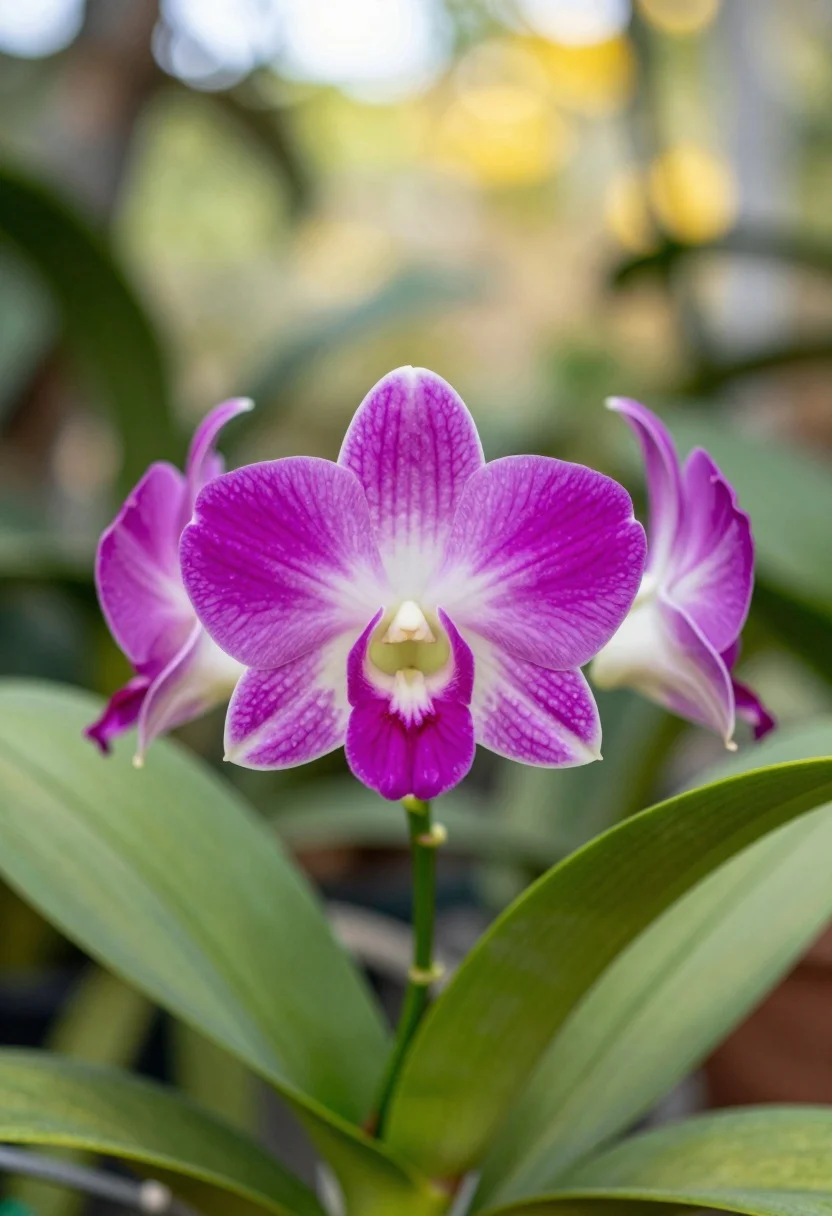
Close up of vibrant magenta orchid flower with white centers in lush
Prompt
A close-up shot of a vibrant magenta orchid tree flower with delicate white centers and prominent stamens.

Subject: A single, fully bloomed magenta flower featuring five petals that transition from deep purple at the edges to soft white near the center, surrounded by large, textured green leaves and unopened buds on thin branches.

Action: The flower is static in a natural resting state with no visible movement.

Environment: A lush garden setting with a soft-focus background of blurred green foliage and hints of yellow light filtering through the trees.

Camera: Shallow depth of field with a tight close-up framing that isolates the flower while blurring the surrounding leaves into a creamy bokeh.

Lighting: Soft, natural daylight illuminating the scene from above, creating gentle highlights on the petals and casting subtle shadows within the leaf veins.

Style Details: High-resolution botanical photography with vivid color saturation and sharp focus on the main subject.
Description
This prompt is useful for creating botanical textbook illustrations, high-end perfume advertising visuals, and detailed nature documentary stills. The combination of 'shallow depth of field' and 'creamy bokeh' ensures that the viewer's eye remains locked onto the main subject by softening the background foliage, while specifying 'vivid color saturation' guarantees the magenta tones pop against the muted greens.
Suggestions
- Change 'magenta orchid tree flower' to 'Phalaenopsis orchid bloom' for a different species look.
- Swap 'soft, natural daylight' for 'dappled sunlight' to add more contrast.
- Add 'macro lens perspective' to emphasize the texture of the stamens.
Category
Tags
Close UpMacro ShotNatureRealistic
Date added
July 12, 2026
Added by
PromptDexter Team
Related Prompts
More prompts with similar categories and tags.
Close up macro photograph of blue and white columbine flowers on forest
Close up macro shot of solitary white dandelion seed head against dark
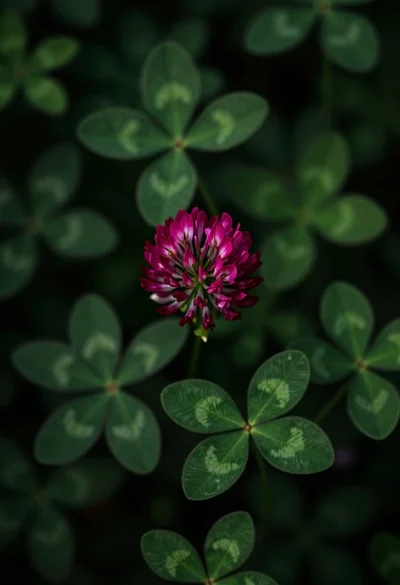
Close up view of vibrant magenta clover flowers in dense green foliage
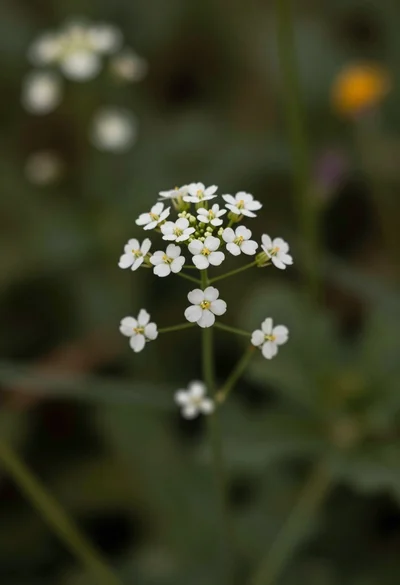
Macro photograph of delicate white wildflowers with yellow centers on dark green
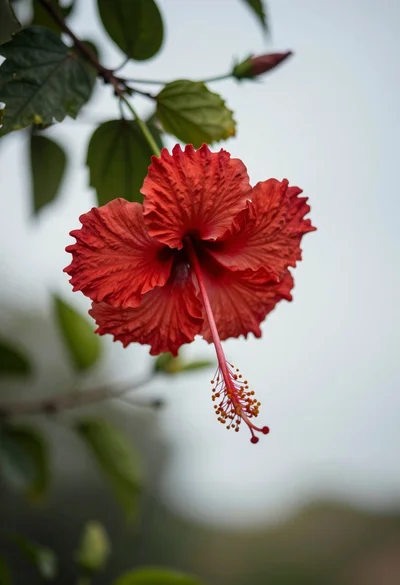
Close up photograph of vibrant red hibiscus flower against soft green bokeh
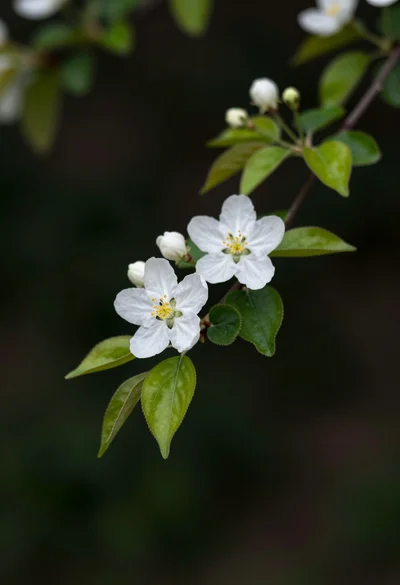
Close up of white blossoms on a branch against a dark blurred
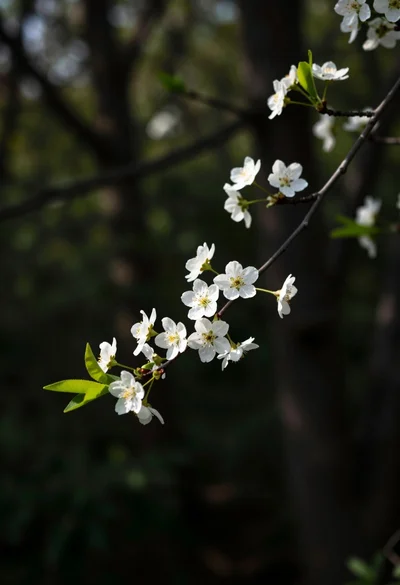
Close up view of slender branch with white blossoms against dark forest
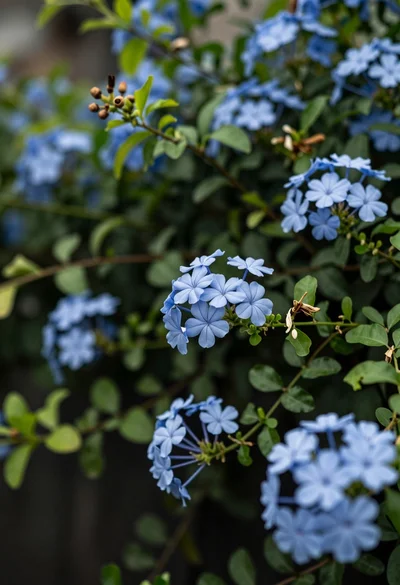
Close up of delicate light blue flowers blooming among dark green foliage
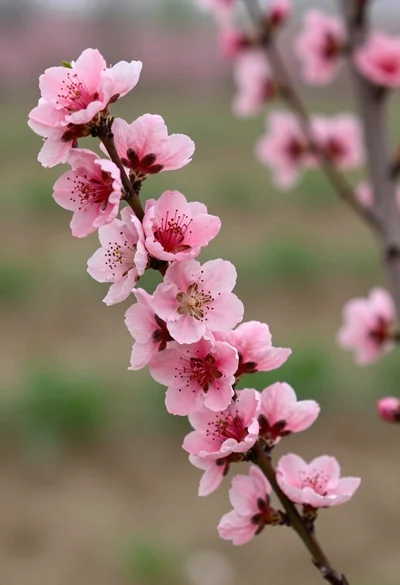
Close up view of vibrant pink peach blossoms on dark branches in
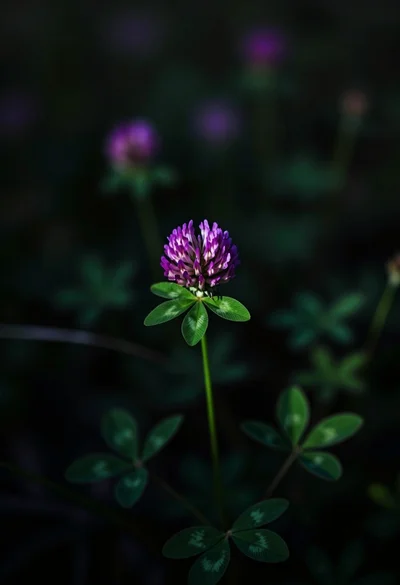
Close up photograph of vibrant purple clover flower on dark moody background