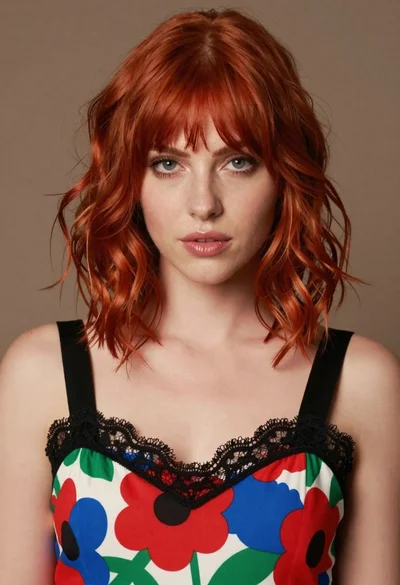
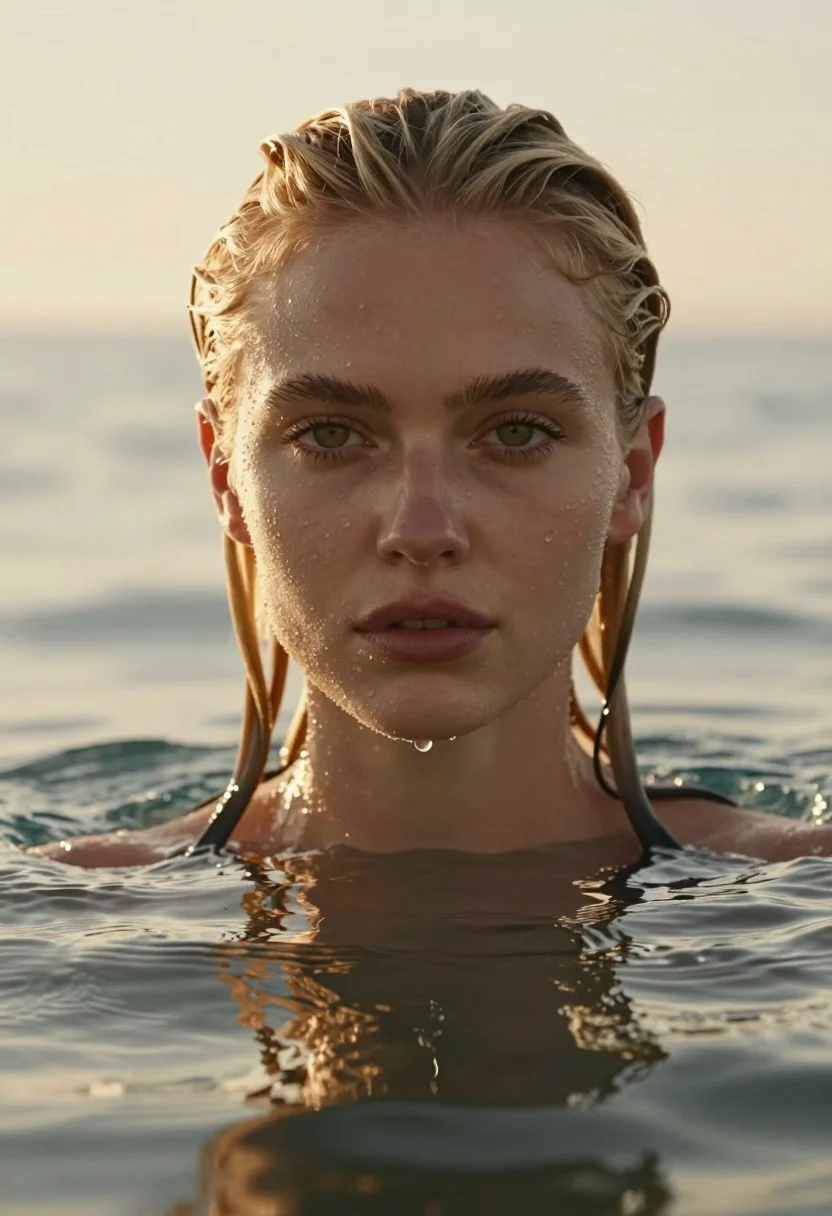
Close up portrait of blonde woman submerged in water at golden hour
Prompt
A close-up portrait of a young woman with wet blonde hair submerged in water up to her neck, gazing directly at the camera with a calm expression.

Subject: A fair-skinned woman with wet, slicked-back blonde hair and green eyes, featuring visible water droplets on her face and a single drop falling from her chin into the water below.

Clothing: No clothing is visible as she is submerged in water up to her neck.

Action: She maintains a neutral, direct gaze at the viewer with her head held straight while floating or standing in the water.

Environment: The setting is an open body of water, likely the ocean, with gentle ripples on the surface and a soft horizon line visible in the background.

Camera: A tight close-up shot focusing on the face with a shallow depth of field that blurs the background, creating a cinematic portrait composition.

Lighting: Warm golden hour sunlight from behind creates a strong backlight effect, illuminating the edges of her hair and casting a soft glow across the scene.

Objects: None.

Text/Graphics: A watermark reading "RunningHub AI" is visible in the top left corner.

Style Details: High-resolution photorealistic style with hyper-detailed skin texture, water droplets, and natural color grading that emphasizes the golden sunset tones.
Description
This prompt is useful for creating cinematic editorial portraits, fine art photography submissions, and moody beauty advertisements. The combination of 'warm golden hour sunlight from behind' generating a strong backlight effect accentuates the wet texture of the hair and skin droplets, which directs the viewer's eye to the subject's face against the blurred background.
Suggestions
- Change 'blonde hair' to 'dark brown hair' for contrast.
- Replace 'shallow depth of field' with 'bokeh effect' for a more abstract background.
- Add 'rim lighting on shoulders' to enhance separation from the water.
Category
Tags
BlondeClose UpFair SkinFemalePortrait ShotRealistic
Date added
July 12, 2026
Added by
PromptDexter Team
Related Prompts
More prompts with similar categories and tags.
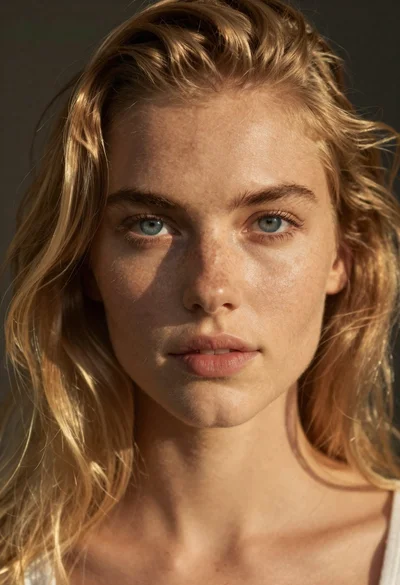
Portrait of young woman with blue eyes and blonde hair
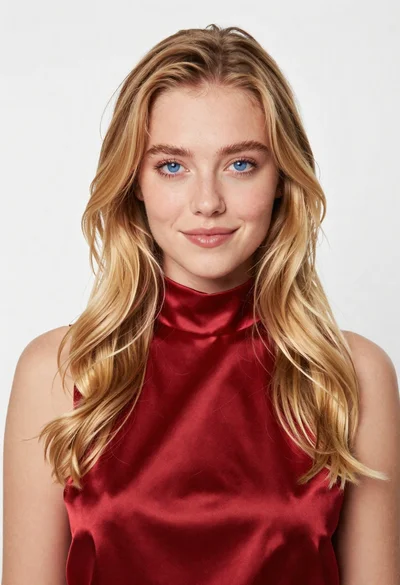
Portrait of young blonde woman in deep red satin top against white
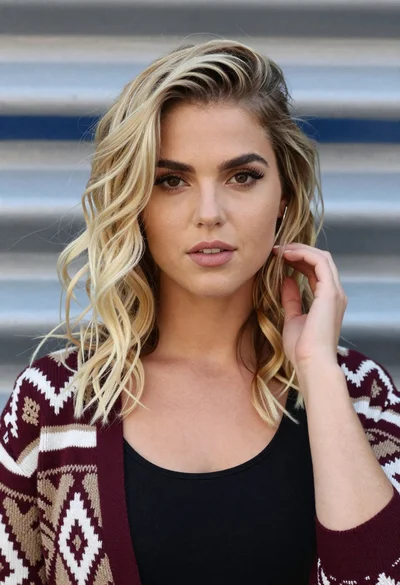
Close up portrait of blonde woman touching head against metallic structure
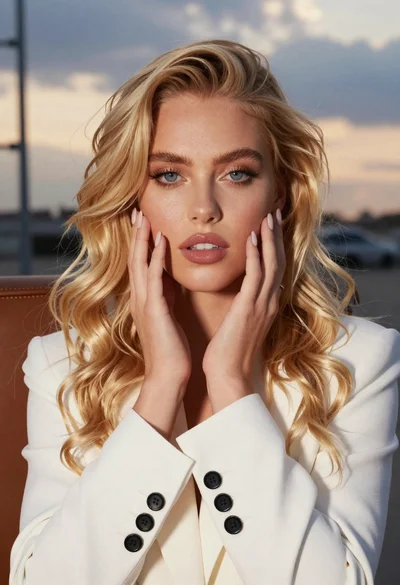
Close up portrait of blonde woman touching face at golden hour
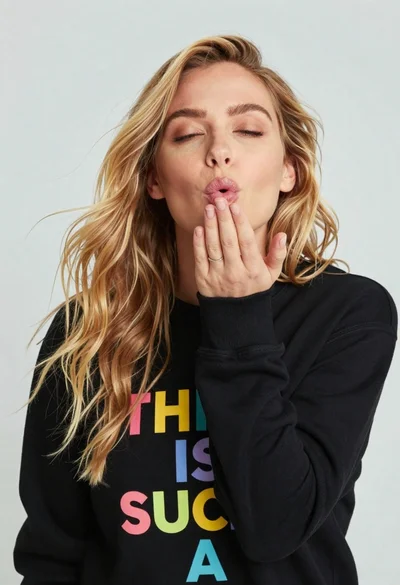
Close up portrait of blonde woman blowing kiss in black sweatshirt
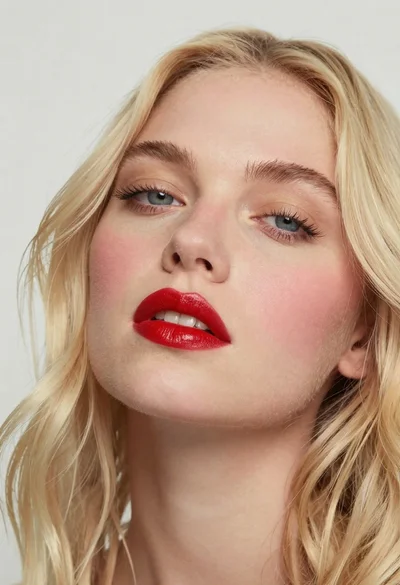
Close up portrait of woman with blonde hair and blue eyes
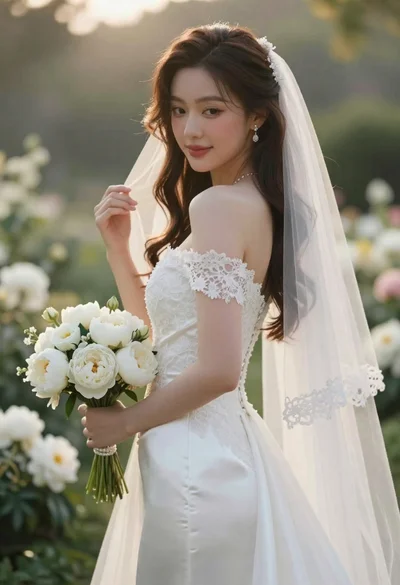
Close up portrait of shy bride in white gown on garden terrace
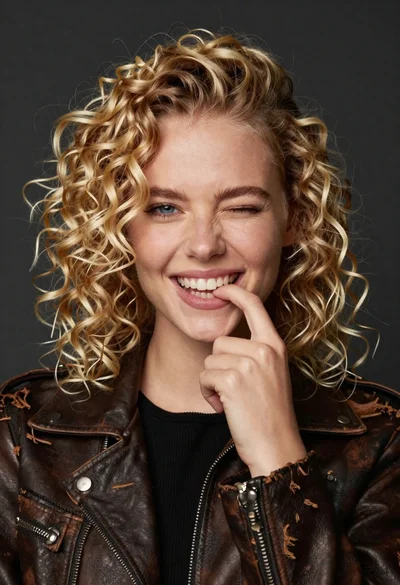
Portrait of young woman with curly blonde hair winking and smiling
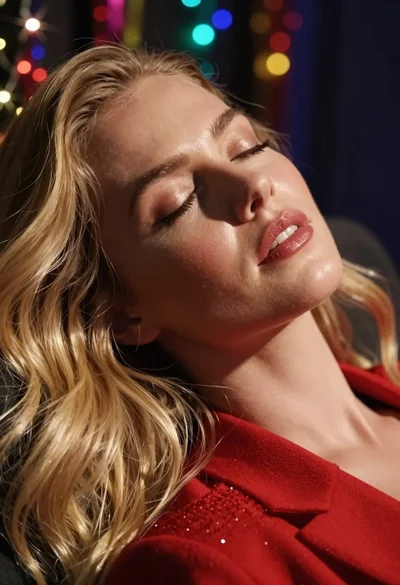
Close up portrait of blonde woman resting peacefully with colorful bokeh lights
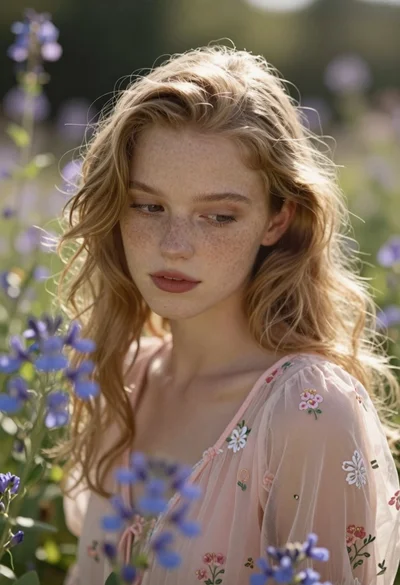
Close up portrait of blonde woman with freckles in sunlit garden setting