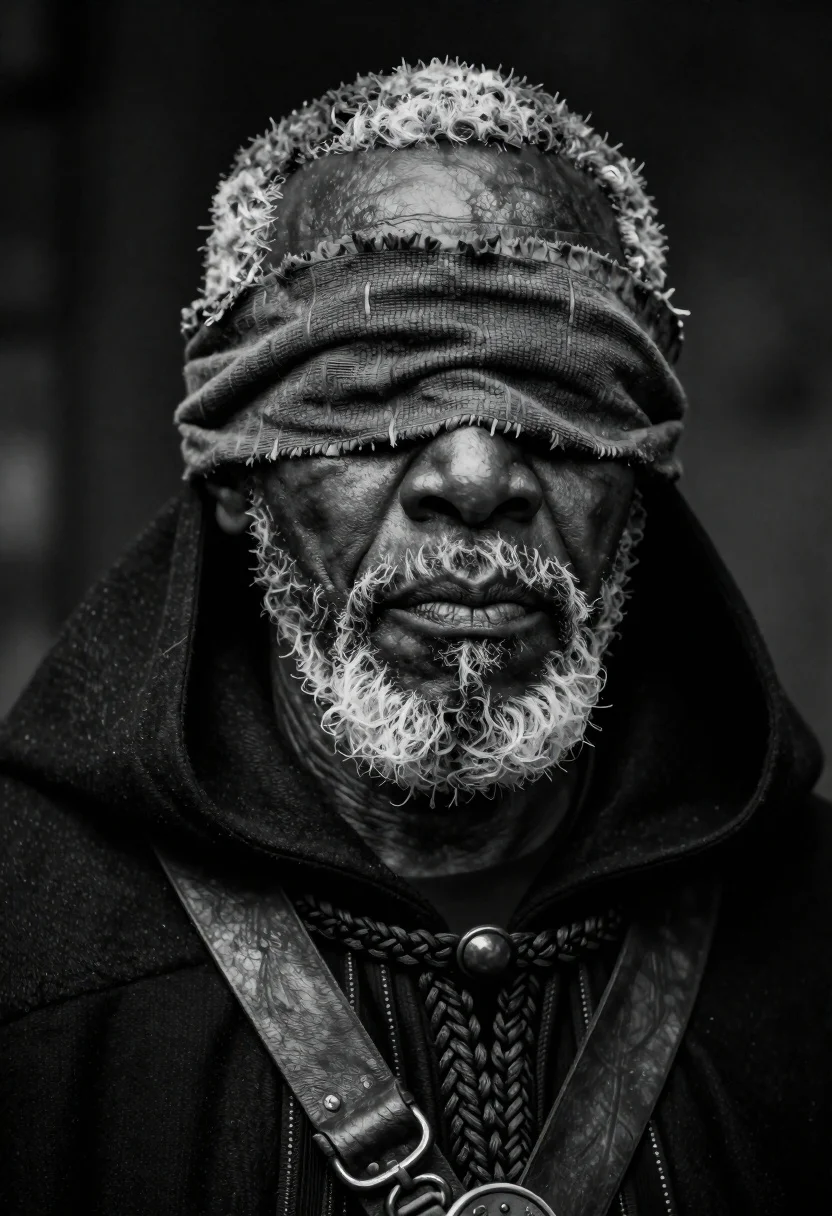
Close up portrait of elderly man in dark cloak
Prompt
A cinematic close-up portrait of an elderly Black man with short gray hair thick white beard and blindfold under dramatic chiaroscuro.

Subject: Elderly Black man.

Clothing: Heavy black hooded cloak, dark leather straps across chest revealing braided fabric details near collar, textured blindfold of layered rough brown cloth covering eyes.

Lighting: Dramatic chiaroscuro casting deep shadows highlighting weathered skin contours with ethereal glow.

Camera: Cinematic close-up.

Style Details: High-contrast black-and-white tones evoking mystery solemnity ageless wisdom.
Description
This prompt is useful for creating cinematic character studies, historical drama concept art, and moody fine art portraiture. The combination of 'dramatic chiaroscuro' casting deep shadows against the 'weathered skin contours' ensures that the high-contrast black-and-white tones emphasize texture and mystery, which are essential elements for conveying solemnity in a close-up view.
Suggestions
- Change 'heavy black hooded cloak' to 'velvet black hooded cloak' for richer shadow absorption.
- Add 'Rembrandt lighting' to refine the specific pattern of shadows on the face.
- Swap 'blindfold under dramatic chiaroscuro' for 'bandana casting deep shadow over eyes' for a different visual obstruction.
Category
B&wPeople
Tags
B&wBrown SkinClose UpGray HairMalePortrait Shot
Date added
June 19, 2026
Added by
PromptDexter Team
Related Prompts
More prompts with similar categories and tags.
Middleaged man looking out window in black and white

Monochrome portrait of weathered elderly man with white beard
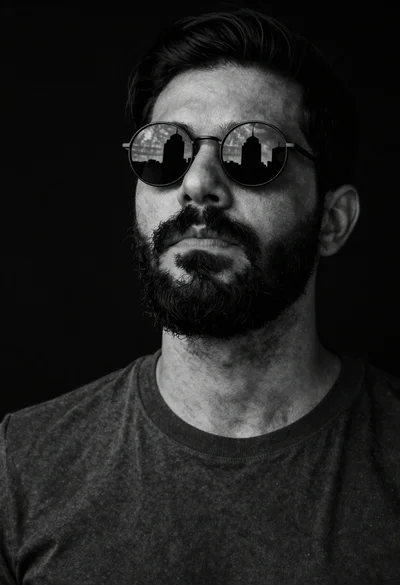
Black and white portrait of bearded man with sunglasses
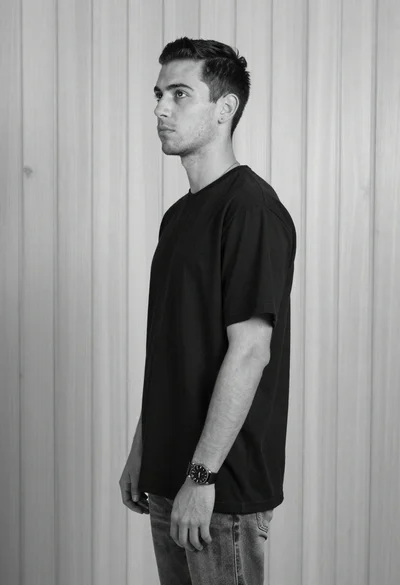
Black and white studio portrait of young man against wood wall
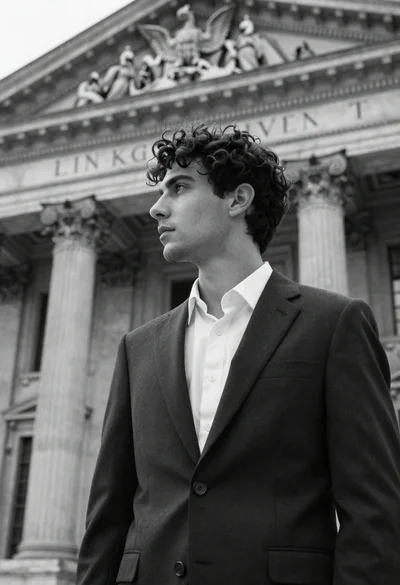
Young man in dark suit standing before classical architecture facade
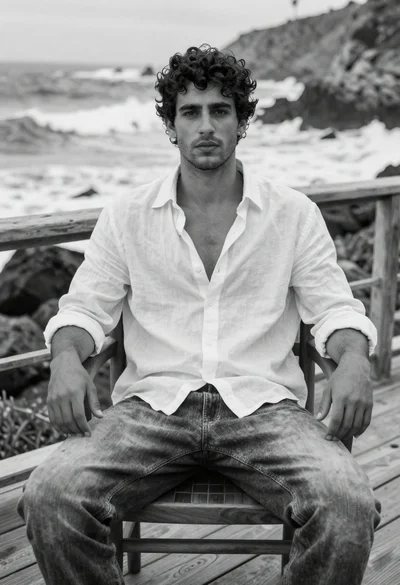
Handsome young man in linen shirt sitting on coastal deck by ocean
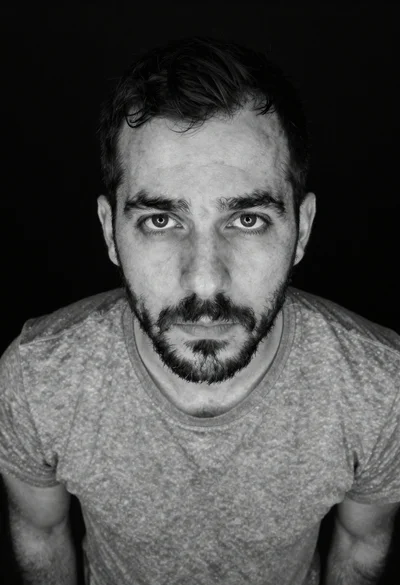
Black and white portrait of man looking up at camera

Monochrome portrait of woman with cat indoors