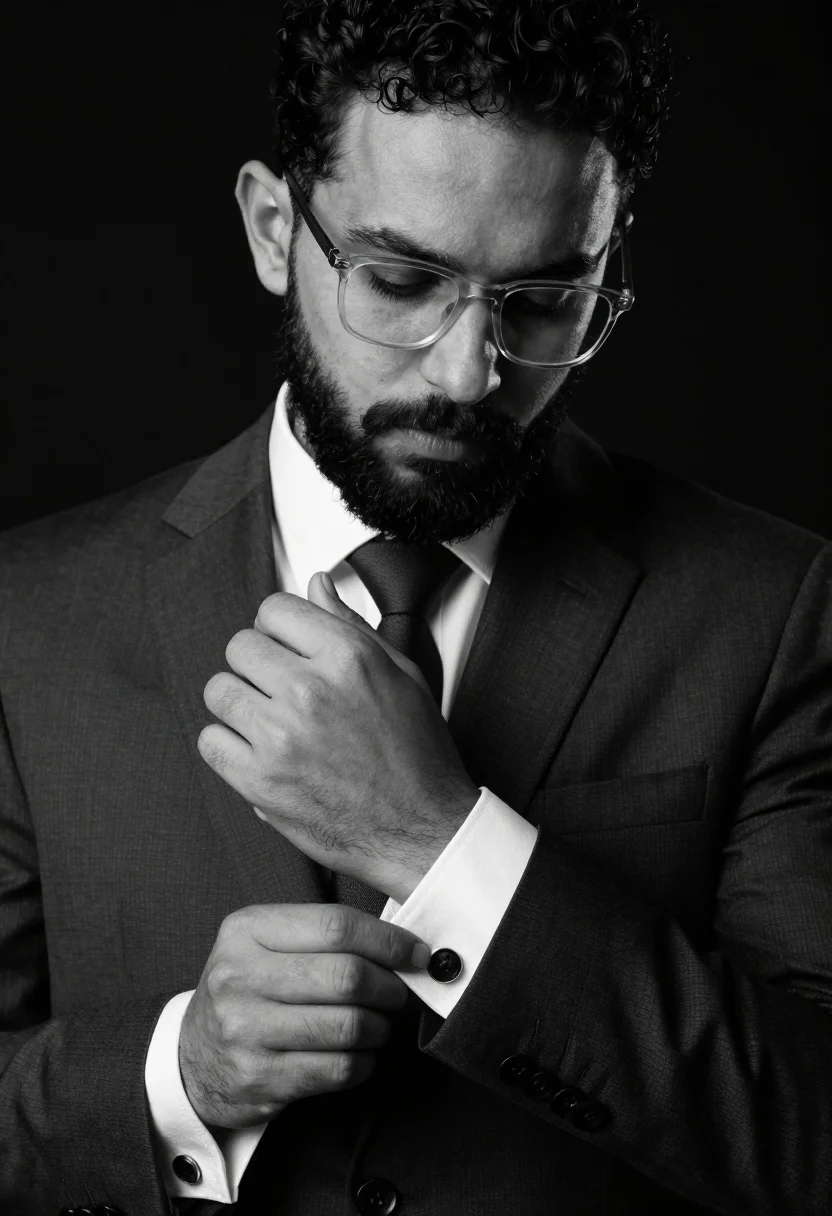
Black and white portrait of man adjusting dark cufflinks on formal suit
Prompt
A black and white portrait of a man adjusting his cufflinks.

Subject: A man with short dark curly hair and a full beard, wearing clear-framed glasses, looking down with a serious expression.

Clothing: He is dressed in a formal dark suit jacket over a crisp white dress shirt and a dark tie.

Action: His hands are raised to his wrists as he fastens or adjusts the cufflinks on his shirt cuffs.

Environment: The background is a solid, deep black void that isolates the subject completely.

Camera: A tight medium close-up shot focusing on the upper torso and face, utilizing a shallow depth of field to blur the edges slightly.

Lighting: High-contrast studio lighting creates dramatic shadows across the man's face and hands, emphasizing the texture of his skin and hair.

Objects: Dark, round cufflinks are visible on the white shirt cuffs.

Style Details: The image is rendered in monochrome with a high-definition, cinematic aesthetic that highlights fine details like facial stubble and fabric weave.
Description
This prompt is useful for creating dramatic character studies, luxury product advertisements focusing on accessories, and sophisticated editorial spreads requiring intense focus. The combination of 'high-contrast studio lighting' and the 'solid, deep black void' ensures that all visual attention remains locked onto the subject's hands and face, preventing any distracting background elements from competing with the visible texture of the 'dark cufflinks' or the 'fabric weave'.
Suggestions
- Change 'short dark curly hair' to 'slicked back hair' for a more severe look.
- Swap 'deep black void' for 'charcoal gray gradient' to soften the edges slightly.
- Add 'Rembrandt lighting' to enhance the shadows on the face.
Category
Tags
B&wClose UpFormal WearMaleMedium ShotPortrait ShotStudio
Date added
July 12, 2026
Added by
PromptDexter Team
Related Prompts
More prompts with similar categories and tags.
Black and white portrait of man with beard studio shot
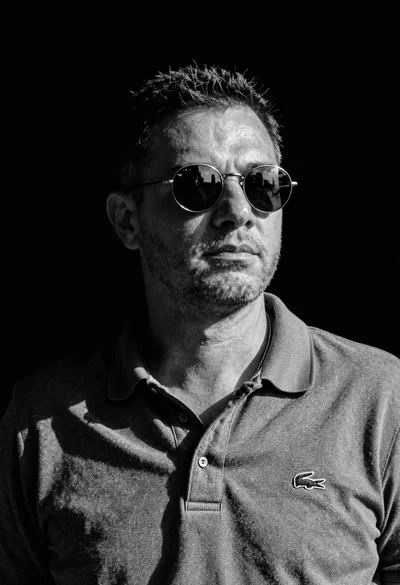
Black and white portrait of man in polo shirt
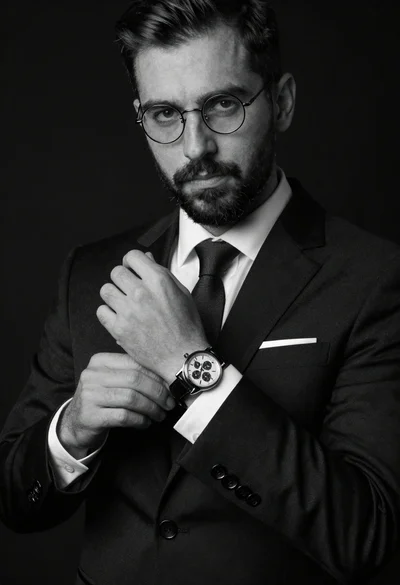
Monochrome portrait of man adjusting wristwatch on black background
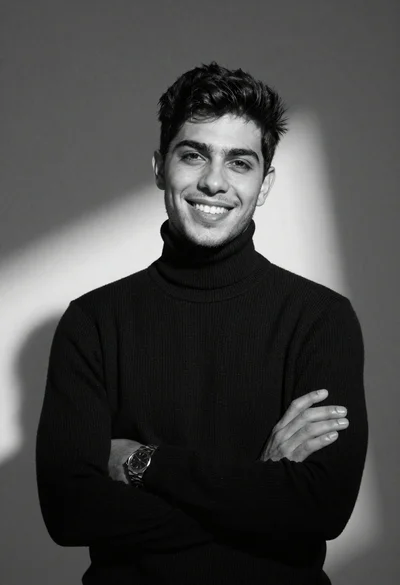
Black and white portrait of young man in turtleneck sweater
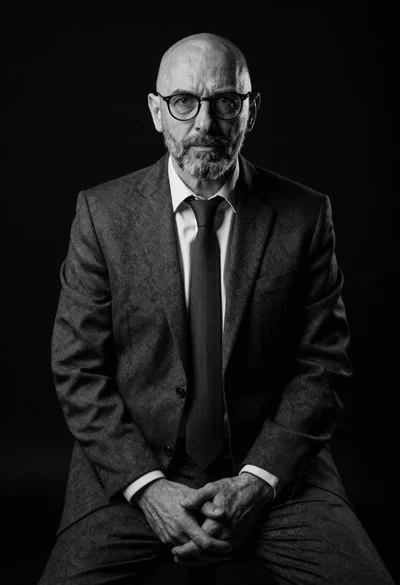
Black and white portrait of mature bald man in suit
Black and white studio portrait of man with beard
Monochrome portrait of man with floating chess pieces
Black and white portrait of a young man in suit
Portrait of woman in blazer dress sitting on bench in studio
Portrait of handsome young man in black leather jacket studio shot