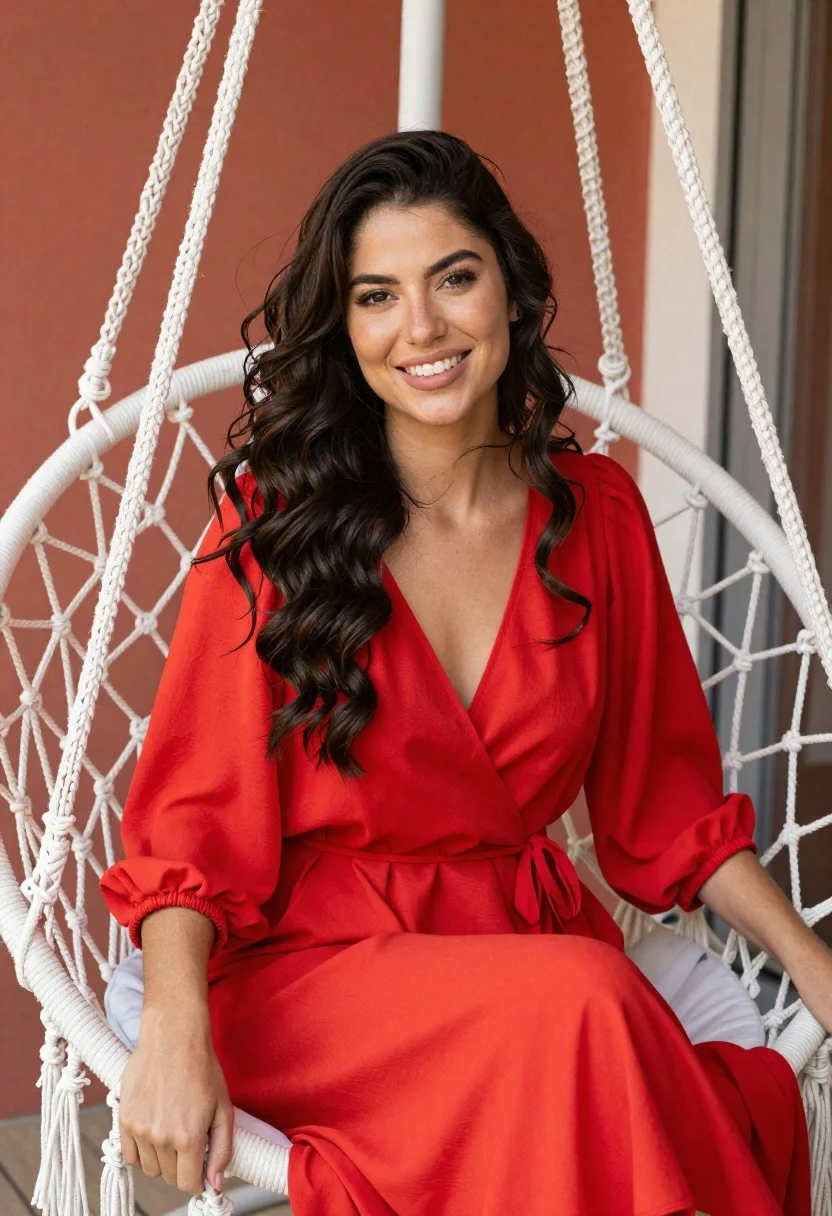
Smiling woman in red dress sitting in white macrame hanging chair
Prompt
A smiling woman with long wavy dark hair sits in a white macrame hanging chair.

Subject: A young woman with long, voluminous dark brown wavy hair cascading over her shoulders and a bright, engaging smile showing her teeth.

Clothing: She wears a vibrant red wrap-style dress featuring a deep V-neckline and loose-fitting sleeves that gather into elasticized cuffs at the wrists.

Action: She is seated comfortably with her body angled slightly to the side while looking directly at the camera, her hands resting gently on the edges of the chair seat.

Environment: The setting appears to be an outdoor or semi-outdoor patio area featuring a large white macrame hanging chair with intricate woven patterns and long fringe tassels, set against a warm reddish-orange wall.

Lighting: Soft, natural daylight illuminates the scene from the side, creating gentle highlights on her hair and face while casting soft shadows that add depth to the folds of her dress.

Camera: The shot is framed as a medium close-up with a shallow depth of field that keeps the subject sharp while blurring the background elements slightly.

Style Details: The image has a warm, high-key aesthetic with vibrant saturation and a smooth, polished photographic finish.
Description
This prompt is useful for creating lifestyle portraits, bohemian wedding stationery mockups, and casual editorial features showcasing vibrant color pops. The combination of the 'vibrant red wrap-style dress' against the neutral 'white macrame hanging chair' creates a high contrast that keeps the subject visually anchored while the 'soft, natural daylight' prevents harsh shadows from flattening the texture of both the fabric and the woven background.
Suggestions
- Change 'red wrap-style dress' to 'burnt orange maxi dress' for an autumnal feel.
- Add 'bokeh effect' to the camera details for more background separation.
- Swap 'warm reddish-orange wall' for 'deep teal wall' to increase color contrast.
Category
Tags
Brown HairBrunetteCasual WearFemaleMedium ShotOutdoorsPortrait ShotRealistic
Date added
June 19, 2026
Added by
PromptDexter Team
Related Prompts
More prompts with similar categories and tags.

Young woman in olive saree leaning on railing outdoors during golden hour
Smiling young woman in maroon top standing outdoors with blurred background

Young woman with brown hair against white wall wearing denim jeans
Young east asian woman smiling with white flowers on sidewalk near flower
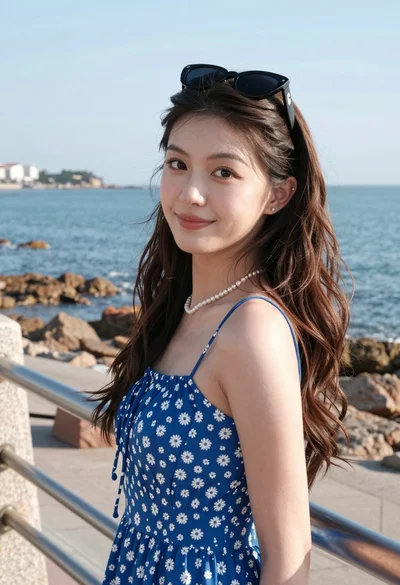
Young woman in blue floral sundress by seaside promenade with ocean view

Photorealistic portrait of woman in red gold armor holding shield studio shot
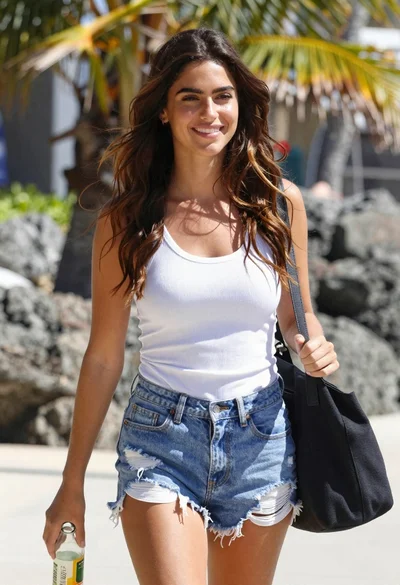
Smiling young woman walking on tropical beach path with palm trees

Smiling young woman in white ruffled dress between green topiary bushes
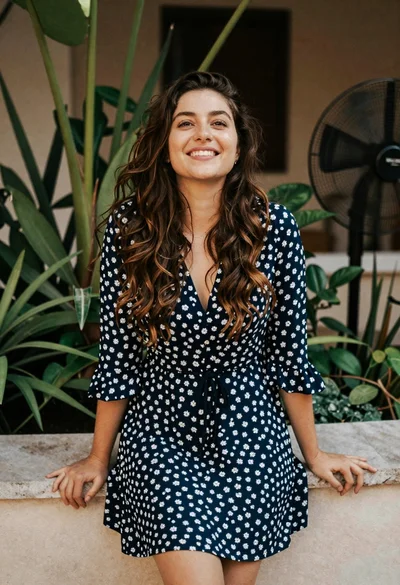
Smiling young woman in blue floral dress leaning against stone ledge
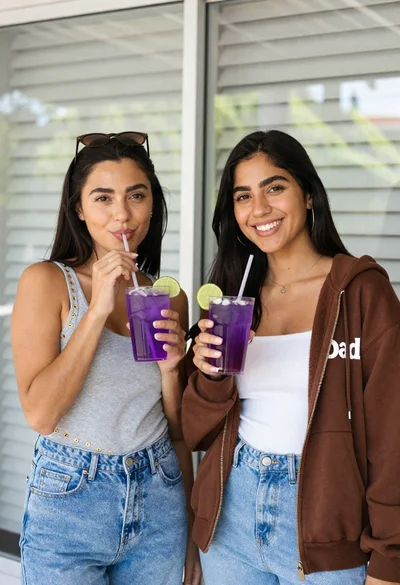
Two smiling women holding purple drinks in front of glass windows
