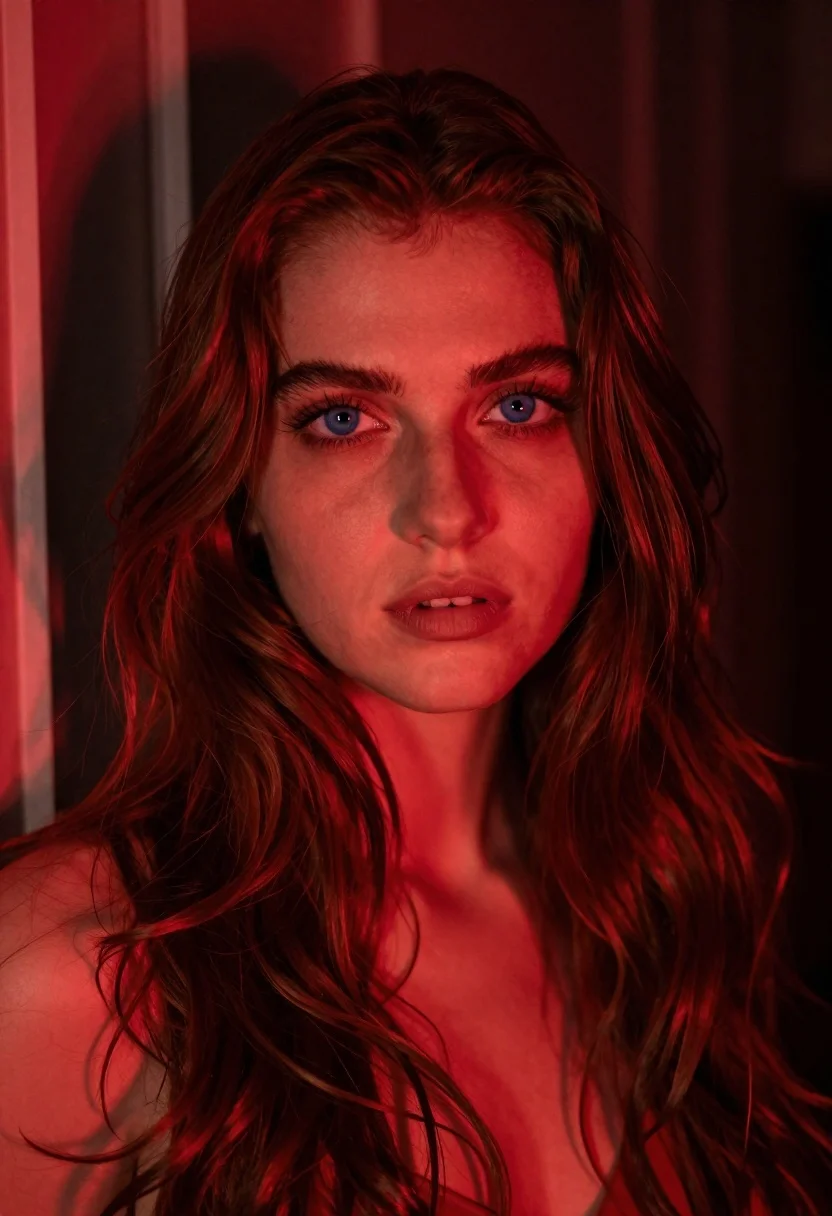
Close up portrait of woman with reddish brown hair under red light
Prompt
A close-up portrait of a woman with long, wavy hair illuminated by intense red lighting.

Subject: A young woman with fair skin and striking blue eyes looking directly at the camera. Her expression is calm and slightly parted lips. She has voluminous, dark reddish-brown hair that cascades over her shoulders and frames her face.

Clothing: Bare shoulders are visible, suggesting a strapless top or dress, though no specific garment details are clearly defined by the lighting.

Action: The subject is posed in a still portrait with her head turned slightly to the side while maintaining direct eye contact.

Environment: A dark, indistinct background with vertical architectural lines on the left side, possibly a window frame or door, partially obscured by shadows and red light.

Lighting: Dominated by a strong, saturated red monochromatic glow that casts deep shadows and highlights across her face and hair. The light source appears to be coming from the left, creating dramatic contrast and texture on her skin and hair strands.

Camera: A tight close-up shot with a shallow depth of field that keeps the subject's face in sharp focus while blurring the background elements.

Style Details: High-contrast cinematic photography with a moody atmosphere, emphasizing texture and color saturation over naturalistic tones.
Description
This prompt is useful for creating dramatic character portraits, artistic album covers, and editorial beauty shots requiring intense mood setting. The combination of 'strong, saturated red monochromatic glow' and the 'tight close-up shot with a shallow depth of field' ensures that every visible texture on her face and hair becomes the focal point, preventing any distracting detail in the background from pulling focus away from the subject's expression.
Suggestions
- Change 'intense red lighting' to 'deep crimson gel light' for a more specific color tone.
- Add 'anamorphic lens flare' to enhance the cinematic quality of the glow.
- Swap 'dark reddish-brown hair' for 'auburn waves' to adjust the hair color palette.
Category
Tags
Brown HairBrunetteClose UpFair SkinFemalePortrait ShotRealistic
Date added
June 19, 2026
Added by
PromptDexter Team
Related Prompts
More prompts with similar categories and tags.
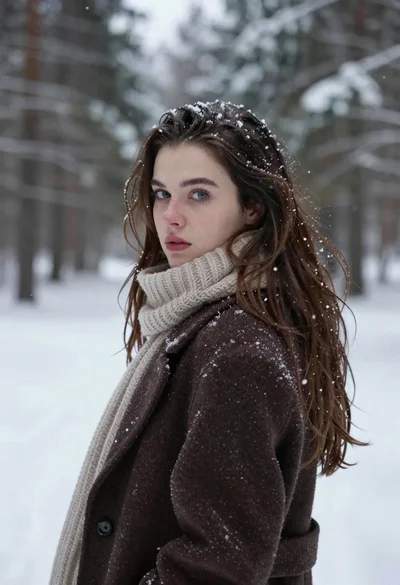
Fair skinned woman in brown coat looking back over shoulder in snowy
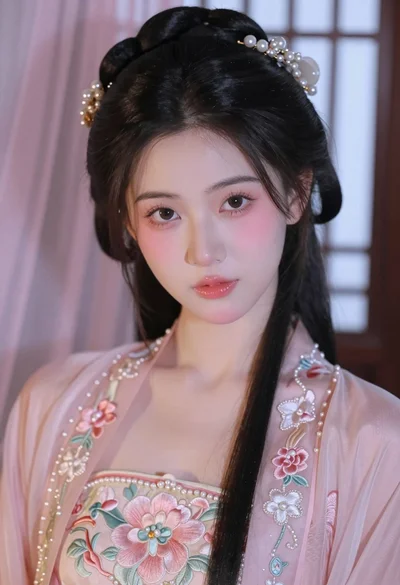
Close up portrait of young woman in pink embroidered robe indoors

Photorealistic portrait of woman in red gold armor holding shield studio shot
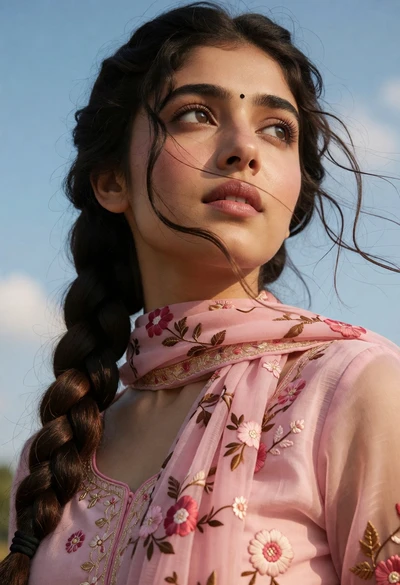
Close up portrait of young woman with braid under blue sky daylight
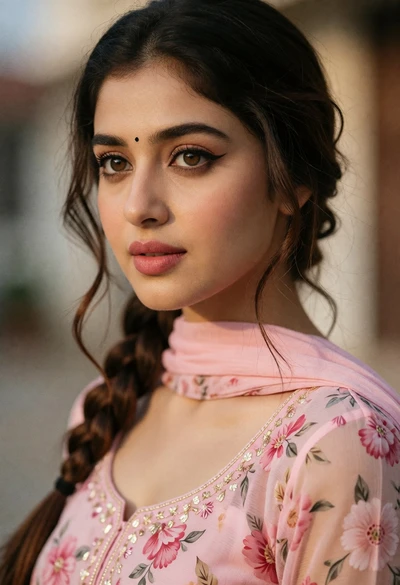
Close up portrait of young woman with brown hair wearing pink floral
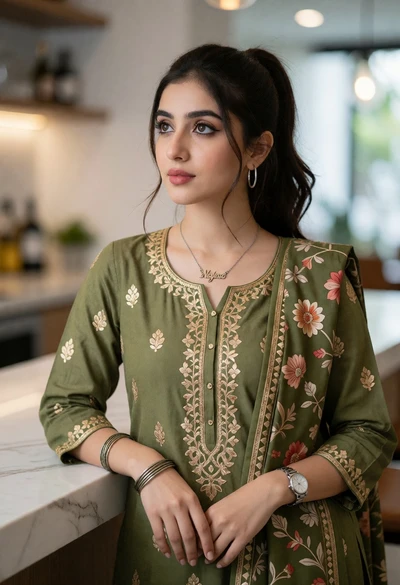
Young woman in olive green kurta against white marble countertop indoors
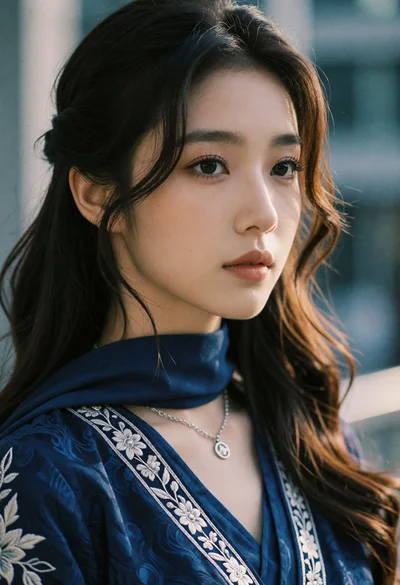
Close up portrait of young woman in blue traditional outfit against blurred
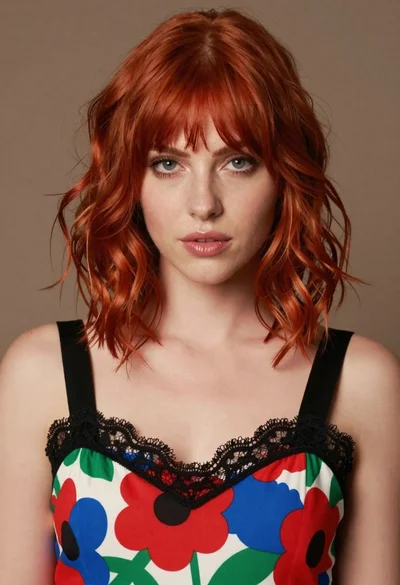
Close up portrait of woman with red hair in floral dress
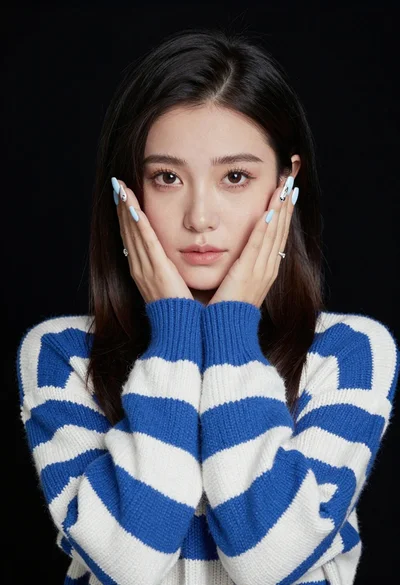
Portrait of young woman in striped sweater against dark background

Close up portrait of young woman with dark brown hair indoors
