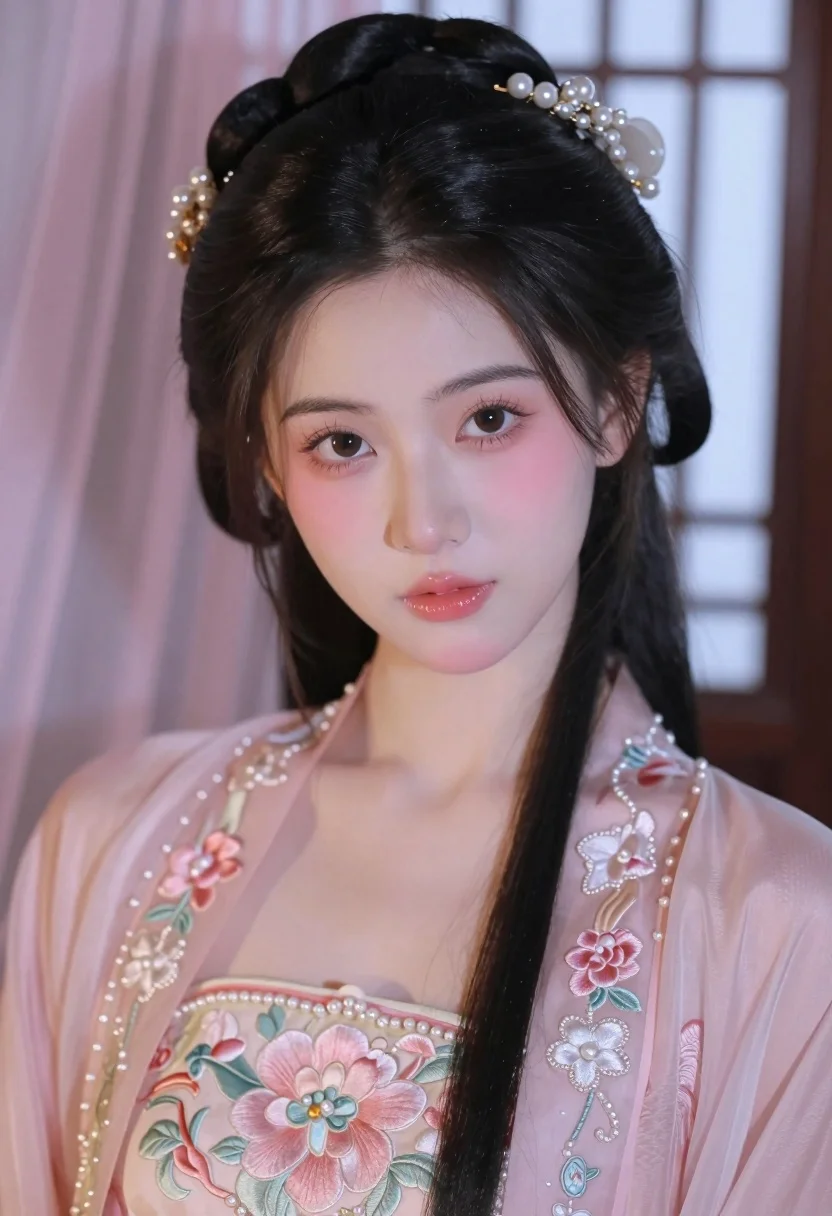
Close up portrait of young woman in pink embroidered robe indoors
Prompt
A close-up portrait of a young woman with fair skin and expressive brown eyes looking directly at the camera.

Subject: A young woman with long, dark hair styled in an elegant updo adorned with pearls and gold ornaments. She has soft makeup featuring rosy cheeks, subtle eyeliner, and glossy pink lips.

Clothing: She wears a delicate, sheer pink traditional robe with intricate floral embroidery and pearl embellishments along the edges, revealing a matching underdress.

Action: Her head is slightly tilted to the side, and she gazes forward with a calm, gentle expression.

Environment: The background features soft pink drapery on the left and a blurred window lattice structure on the right, suggesting an indoor setting with traditional architectural elements.

Camera: A tight close-up shot focusing on her face and upper torso, with a shallow depth of field that blurs the background to emphasize the subject.

Lighting: Soft, diffused lighting illuminates her face from the front, creating gentle highlights on her skin and hair while casting minimal shadows for a dreamy atmosphere.

Style Details: The image has a soft-focus aesthetic with pastel color grading, resembling high-quality digital painting or polished photography with a romantic and ethereal mood.
Description
This prompt is useful for creating bridal portraiture, historical costume editorials, and intimate beauty advertisements. The combination of 'soft, diffused lighting' and the 'pastel color grading' ensures that the delicate textures of the 'sheer pink traditional robe' are visible without harsh contrast, which is essential for conveying a romantic and ethereal mood.
Suggestions
- Change 'pearl embellishments' to 'gold beadwork' for a richer metallic accent.
- Swap 'rosy cheeks' for 'dewy blush' to enhance the natural skin finish.
- Adjust 'soft pink drapery' to 'ivory silk curtain' for more contrast.
Category
Tags
Brown HairBrunetteClose UpFair SkinFemaleIndoorsPortrait ShotRealisticTraditional Wear
Date added
July 3, 2026
Added by
PromptDexter Team
Related Prompts
More prompts with similar categories and tags.
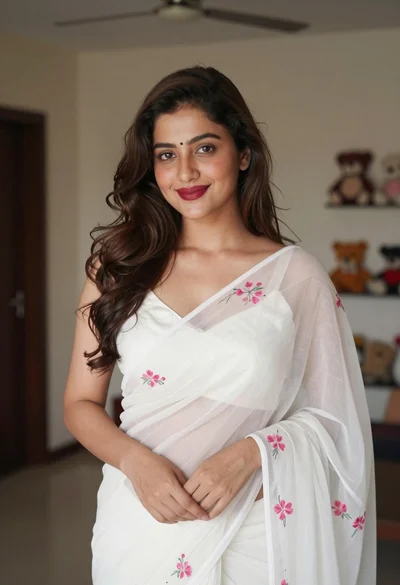
Young woman in white embroidered saree smiling indoors with soft natural light

Close up portrait of young woman with dark brown hair indoors
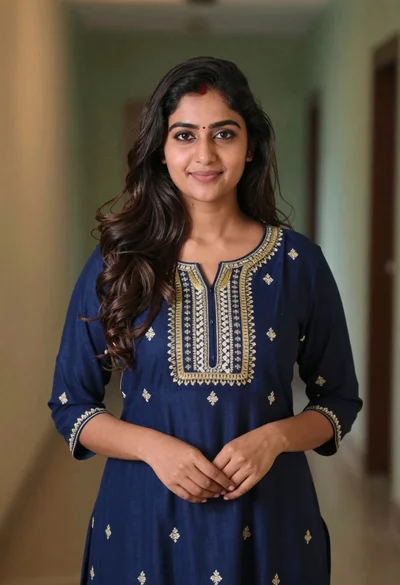
Young woman in navy embroidered traditional dress indoors medium shot
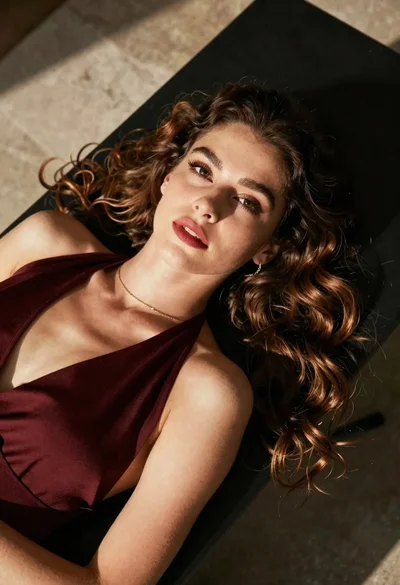
High angle portrait of woman with brown hair on dark surface
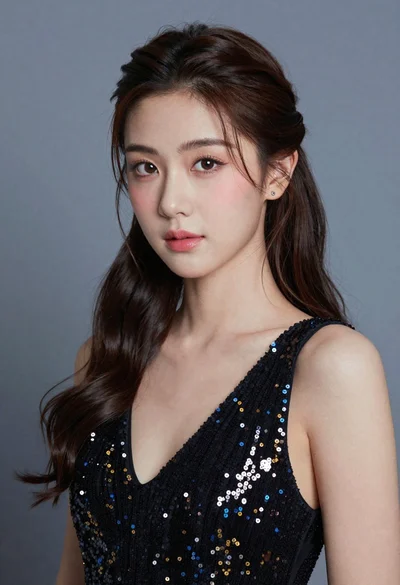
Close up portrait of young woman with dark hair in sequined black
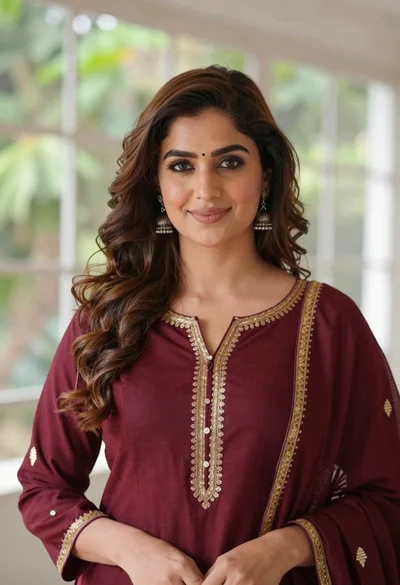
Portrait of woman with brown hair in maroon tunic indoors
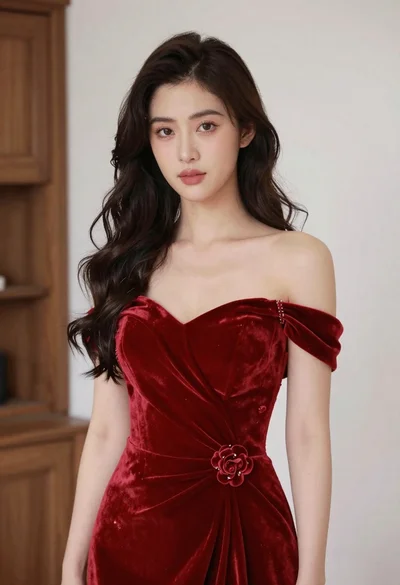
Young woman in red velvet gown standing indoors against white wall
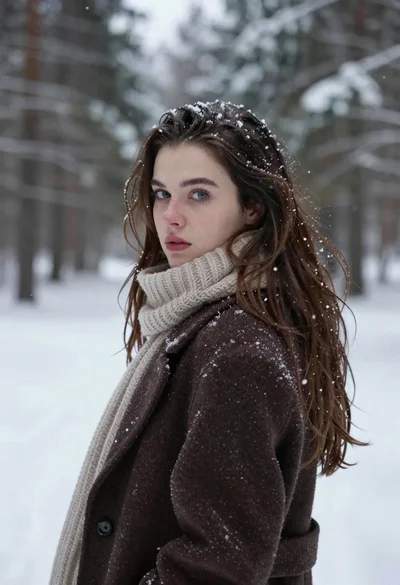
Fair skinned woman in brown coat looking back over shoulder in snowy
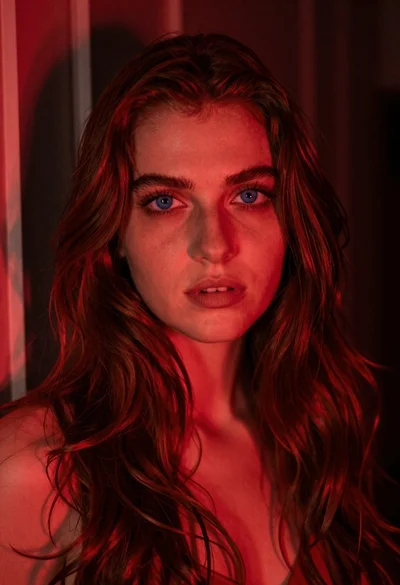
Close up portrait of woman with reddish brown hair under red light
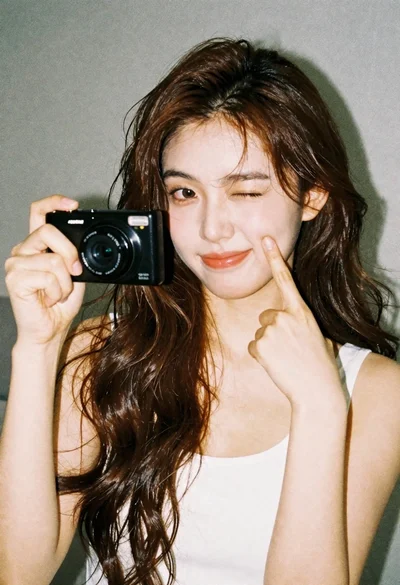
Young woman with brown hair holding camera and winking in indoor setting