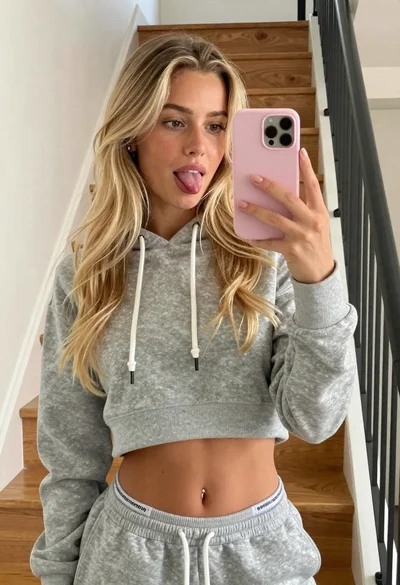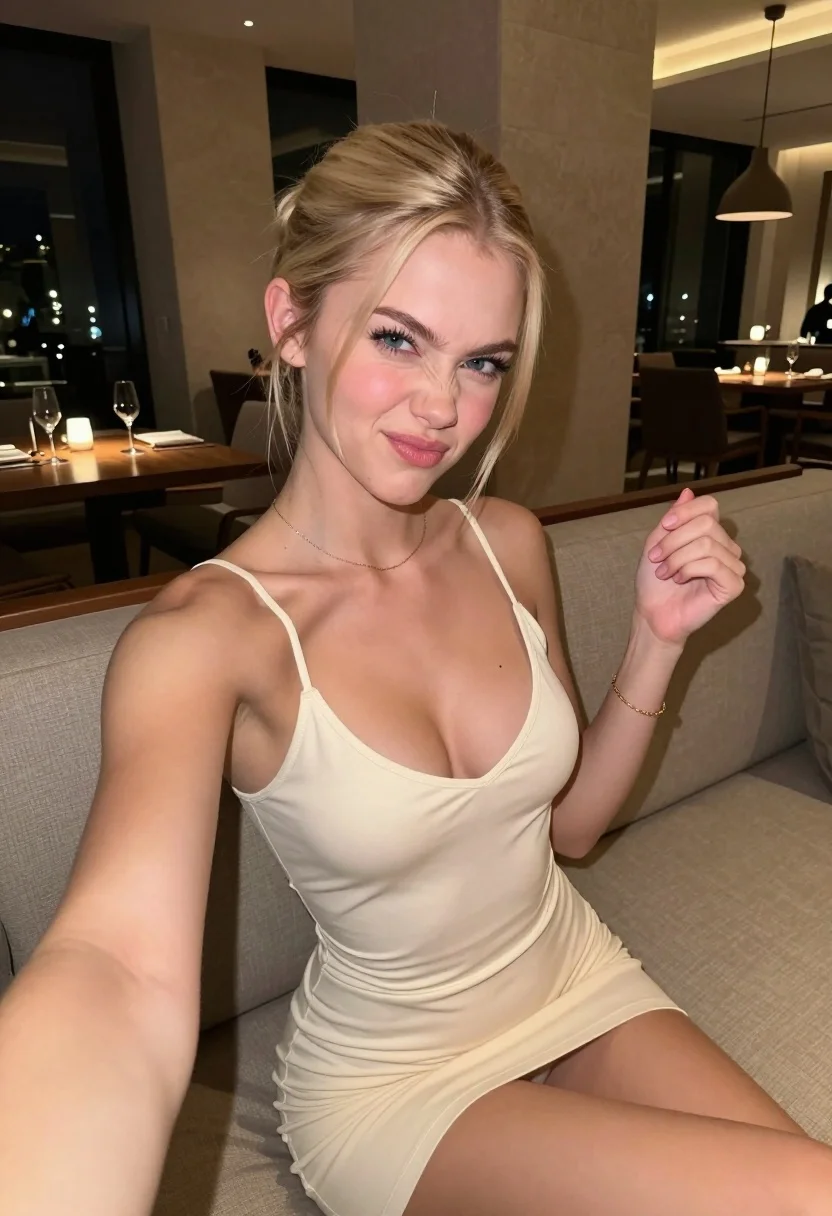
Fair blonde woman making playful face while taking a close up selfie
Prompt
A young woman with blonde hair pulled back sits on a beige sofa making a playful, scrunched-up face at the camera.

Subject: A fair-skinned young woman with blonde hair tied back in a low bun. She has blue eyes and is looking directly into the lens with a mischievous expression, scrunching her nose and pursing her lips.

Clothing: She wears a tight-fitting, cream-colored mini dress with thin spaghetti straps and a deep V-neckline. A delicate gold chain necklace rests on her collarbone, and she wears a thin gold bracelet on her left wrist.

Action: She is seated in a relaxed pose, leaning slightly back against the sofa cushions. Her right arm is extended forward as if holding a phone for a selfie, while her left hand is raised near her chest with fingers loosely curled.

Environment: The setting appears to be an upscale restaurant or lounge at night. Behind her are dark wooden tables and chairs, large light-colored stone pillars, and modern pendant lights hanging from the ceiling.

Lighting: The scene is lit by warm artificial light from overhead fixtures, creating soft highlights on her skin and dress while casting gentle shadows in the darker background areas.

Camera: A close-up selfie perspective with a slightly wide-angle view that captures her upper body and immediate surroundings.

Style Details: Naturalistic photography with high detail, realistic skin textures, and a candid, unposed aesthetic.
Description
This prompt is useful for creating lifestyle advertising campaigns, intimate portraiture for social media branding, and editorial features showcasing playful confidence. The combination of 'warm artificial light' and the 'close-up selfie perspective' ensures that soft highlights emphasize her skin texture while the inclusion of 'dark wooden tables and chairs' grounds the image in a specific, upscale environment rather than letting the background become an undifferentiated blur.
Suggestions
- Change 'cream-colored mini dress' to 'black velvet slip dress' for more dramatic contrast.
- Swap 'mischievous expression' for 'smirk' to make the pose feel more sophisticated.
- Adjust 'overhead fixtures' to 'ring light' if you want a flatter, more direct selfie look.
Category
Tags
BlondeCasual WearClose UpFair SkinFemaleIndoorsRealisticSelfieStudio
Date added
July 12, 2026
Added by
PromptDexter Team
Related Prompts
More prompts with similar categories and tags.

Close up selfie of blonde woman in pink tank top indoors
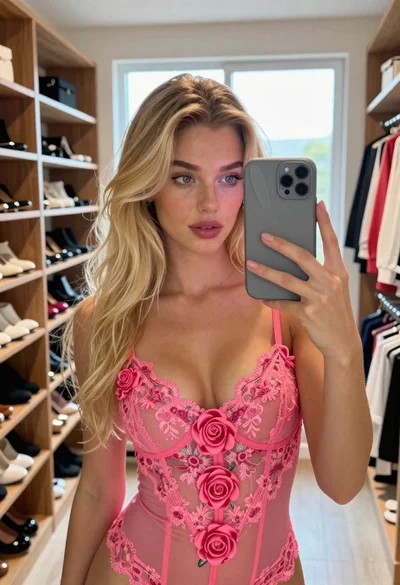
Fair skinned woman with blonde hair taking a mirror selfie in a
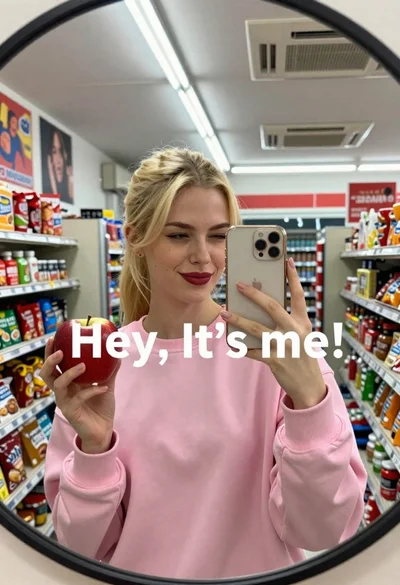
Fair skinned blonde woman taking a mirror selfie with apple and phone
Fair blonde woman in sage green corset mini dress taking a bedroom
Blonde woman taking a selfie while lying in bed with natural light
Blonde woman in red halter top smiling while taking a close up

Blonde and brunette women taking a selfie on a yacht sofa at

Blonde woman in black lingerie taking a mirror selfie
Woman taking mirror selfie in black bathrobe on peach sofa
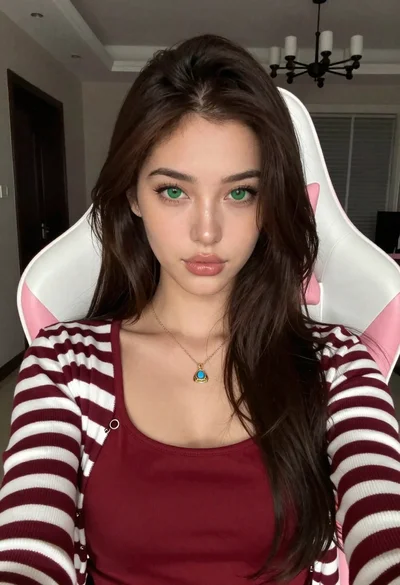
Close up portrait of young woman in gaming chair indoors