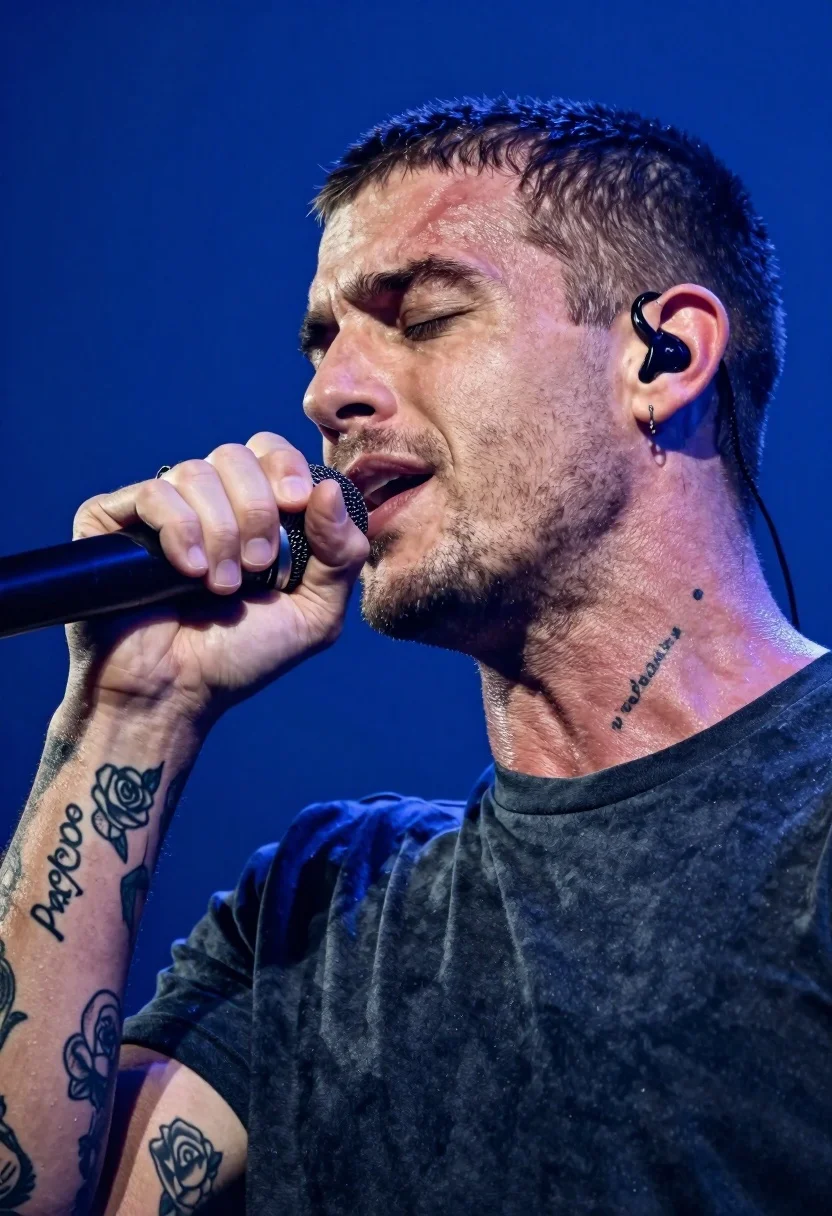
Close up profile shot of male singer performing passionately into microphone
Prompt
A close-up profile shot of a male singer passionately performing into a microphone against a deep blue background.

Subject: A young man with a buzz cut and light stubble, eyes closed in emotional expression, holding a black microphone close to his mouth.

Clothing: He wears a dark crew-neck t-shirt that appears slightly damp or textured from the heat of performance.

Action: His right hand grips the microphone firmly while he sings with intensity; his head is turned slightly away from the camera.

Environment: The background is a solid, saturated blue stage backdrop with soft atmospheric haze.

Camera: Tight close-up framing focusing on the face and upper torso, shallow depth of field blurring the background to isolate the subject.

Lighting: Bright stage lighting highlights the side of his face and neck, creating strong contrast against the dark clothing and deep blue background.

Objects: A black wired in-ear monitor is visible in his ear, and a nose ring adorns his left nostril.

Text/Graphics: Tattoos are clearly visible on his neck and arm, including a rose design and text reading "Providence" running down the side of his neck.

Style Details: High-resolution photography with vibrant color grading, sharp focus on skin texture and tattoos, capturing the raw energy of a live concert performance.
Description
This prompt is useful for creating album artwork, music festival promotional materials, and dramatic portraiture pieces that emphasize raw emotion. The combination of 'bright stage lighting' casting strong contrast against the 'deep blue background' ensures the subject pops while the 'shallow depth of field' keeps focus tightly on the visible skin texture and tattoos, preventing the detailed performance elements from becoming lost in a flat composition.
Suggestions
- Change 'buzz cut' to 'swept back hair' for a different silhouette.
- Swap 'black microphone' for 'vintage chrome microphone' to alter the era feel.
- Add 'sweat droplets visible on skin' to enhance the intensity of the performance.
Category
Tags
Close UpMaleOutdoorsRealistic
Date added
July 12, 2026
Added by
PromptDexter Team
Related Prompts
More prompts with similar categories and tags.
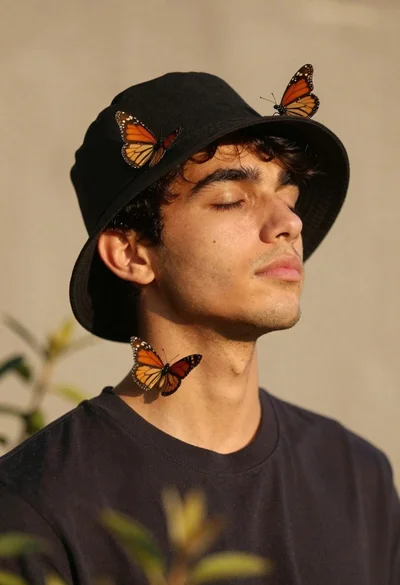
Serene portrait of young man with closed eyes and monarch butterflies
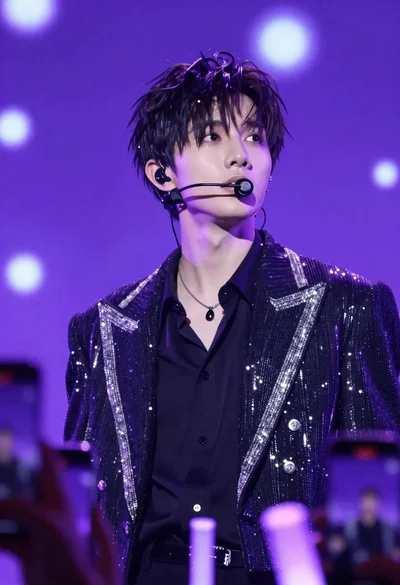
Young man performing on stage under vibrant purple lighting with bokeh background
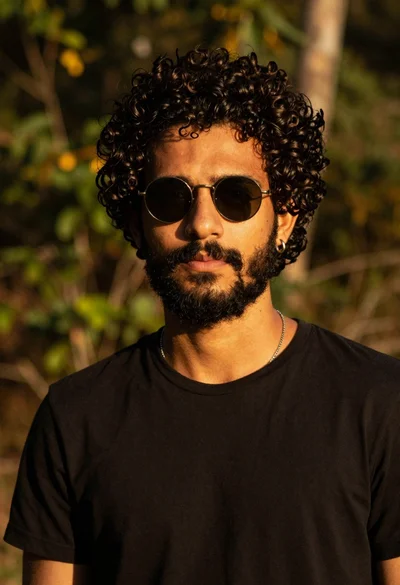
Closeup portrait of young man with dark curly hair and beard wearing
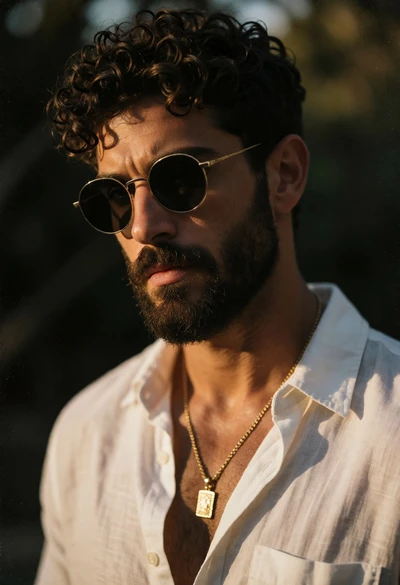
Close up portrait of bearded man in white linen shirt outdoors
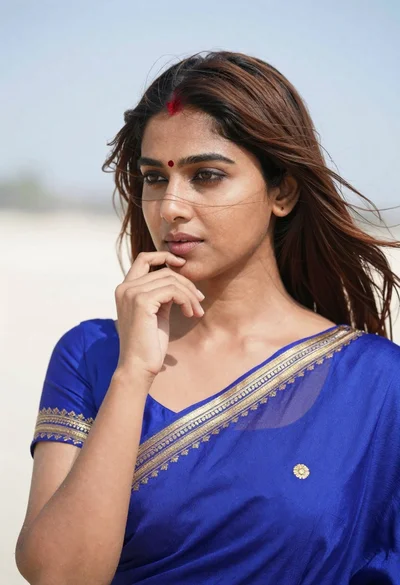
Close up portrait of young woman in blue saree outdoors
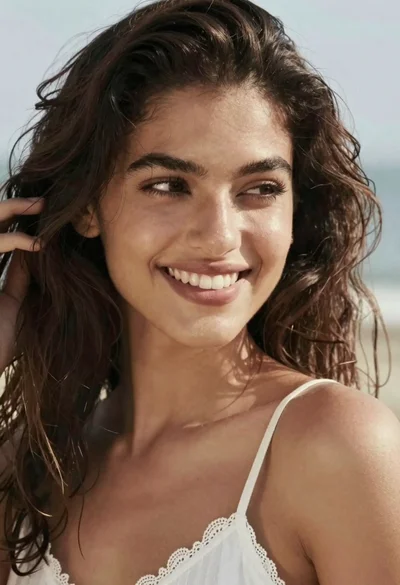
Close up portrait of smiling woman with dark wavy hair outdoors
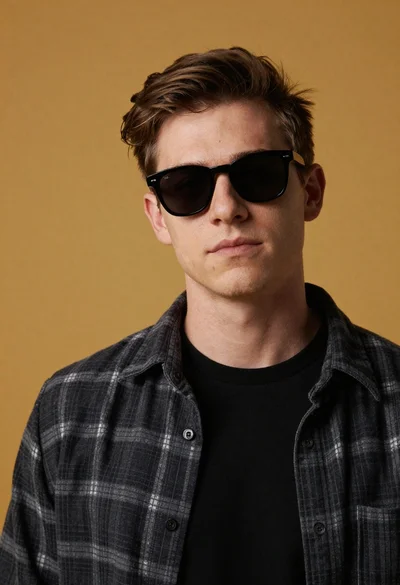
Studio portrait of young man with sunglasses against yellow

Young man in city street between glass skyscrapers
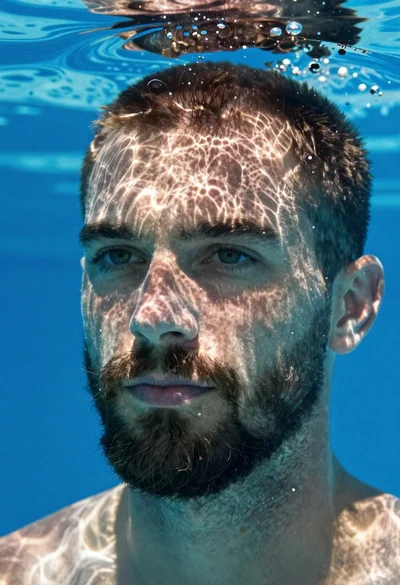
Underwater portrait of man submerged in blue water
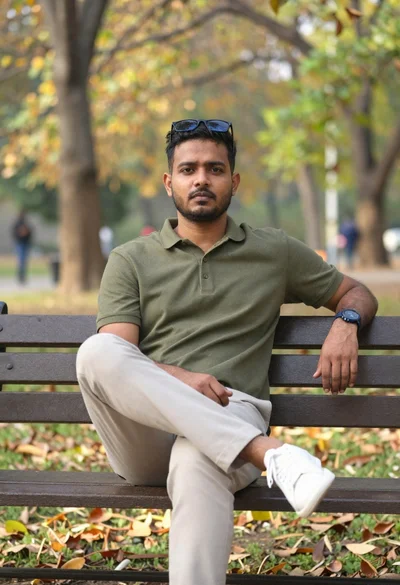
South asian man on park bench with autumn background