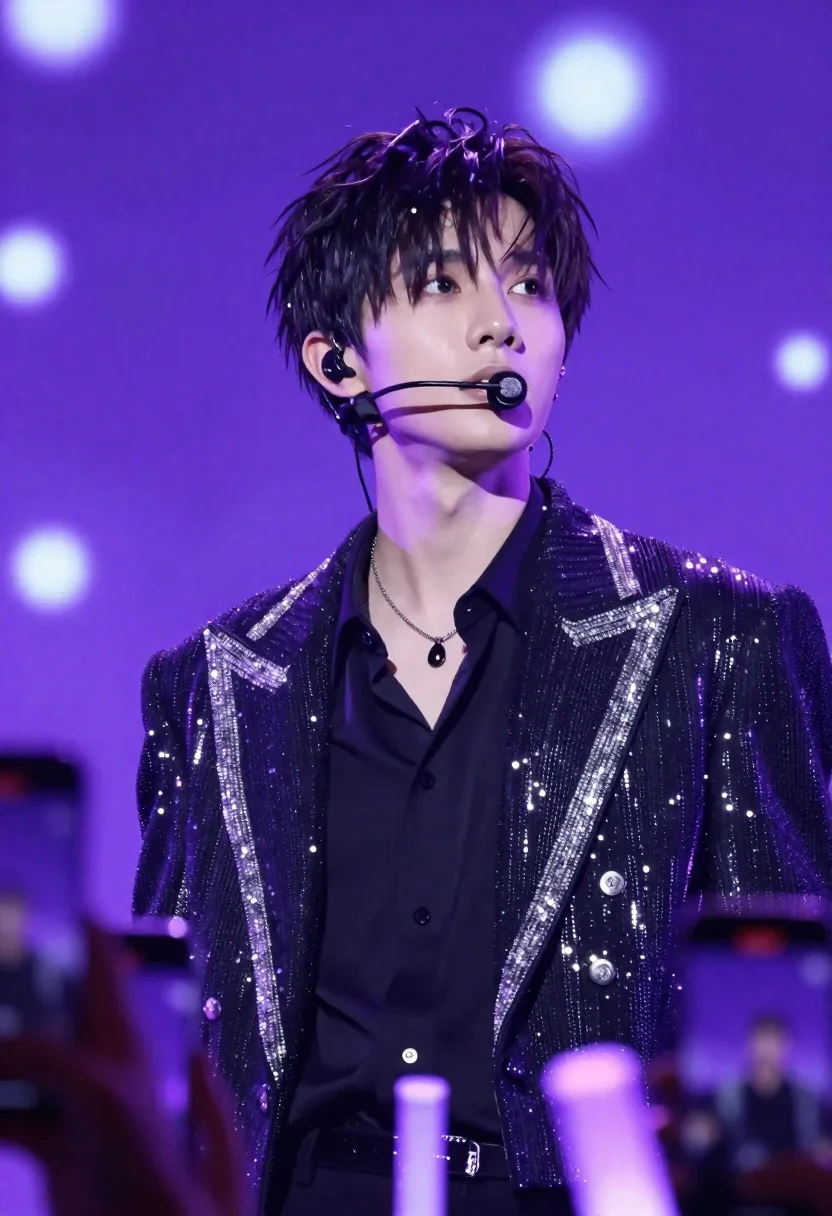
Young man performing on stage under vibrant purple lighting with bokeh background
Prompt
A close-up shot of a young man with dark, tousled hair performing on stage under vibrant purple lighting.

Subject: A handsome young man with short, slightly messy black hair and intense eyes looking upward and to the side. He has a defined jawline and is wearing an in-ear monitor with a headset microphone extending from his ear.

Clothing: He wears a black button-up shirt underneath a dark jacket heavily embellished with sparkling silver or white sequins along the lapels and shoulders. A silver chain necklace with a dark pendant hangs around his neck.

Action: The subject is captured in a performance pose, tilting his head back slightly while gazing upward with a focused expression.

Environment: The background is a large LED screen displaying a bokeh effect of soft purple and white lights. Below the stage, numerous hands hold up smartphones recording the event, illuminated by small purple glow sticks or lighters.

Camera: A medium close-up shot taken from a slightly low angle looking up at the performer, emphasizing his presence against the backdrop.

Lighting: The scene is bathed in deep purple and violet stage lighting that creates a dramatic atmosphere, with bright highlights reflecting off his skin and the sequins on his jacket.

Style Details: High-definition photography with a cinematic color palette dominated by cool purples and blacks, featuring sharp focus on the subject's face and sparkling textures.
Description
This prompt is useful for creating concert promotional posters, dramatic portraiture for music blogs, and album cover art needing high energy. The combination of 'deep purple and violet stage lighting' with a 'bokeh effect of soft purple and white lights' ensures the subject pops against a visually rich backdrop, while the 'low angle looking up at the performer' composition maximizes his commanding presence.
Suggestions
- Change 'sparkling silver or white sequins' to 'iridescent blue sequins' for color variation.
- Swap 'deep purple and violet stage lighting' for 'neon magenta and cyan stage lighting' for a more aggressive feel.
- Adjust 'medium close-up shot' to 'extreme close-up' to focus solely on the expression.
Category
Tags
Black HairClose UpDark SkinFormal WearLow AngleMaleMedium ShotOutdoorsRealistic
Date added
June 26, 2026
Added by
PromptDexter Team
Related Prompts
More prompts with similar categories and tags.
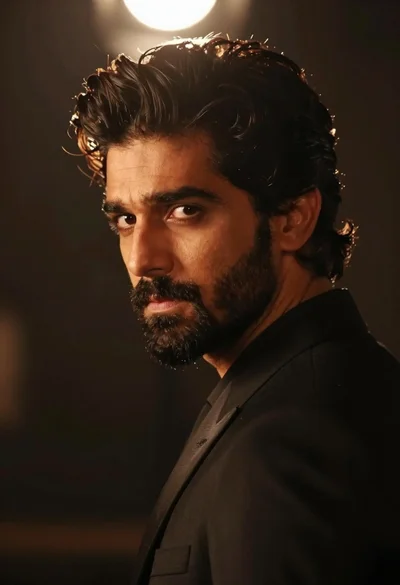
Handsome man in black suit jacket looking back over shoulder
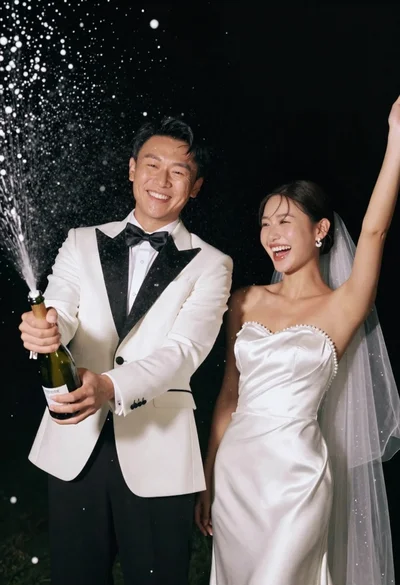
Joyful wedding couple celebrating with spraying champagne in studio
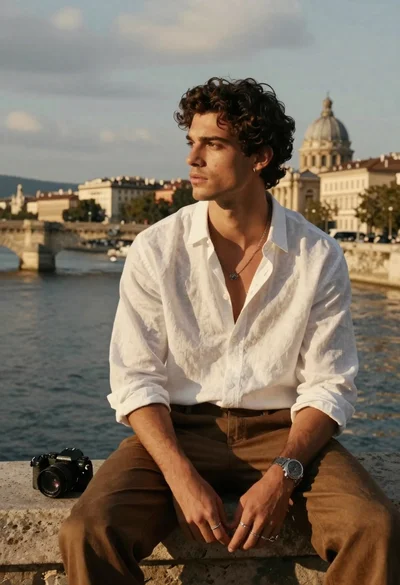
Handsome young man with dark curly hair sits on stone ledge by
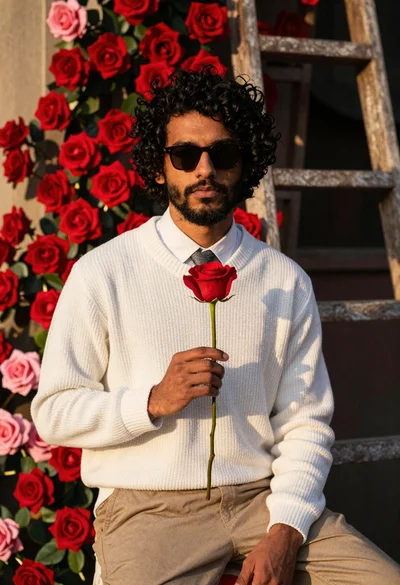
Young man with curly black hair holding a red rose in front
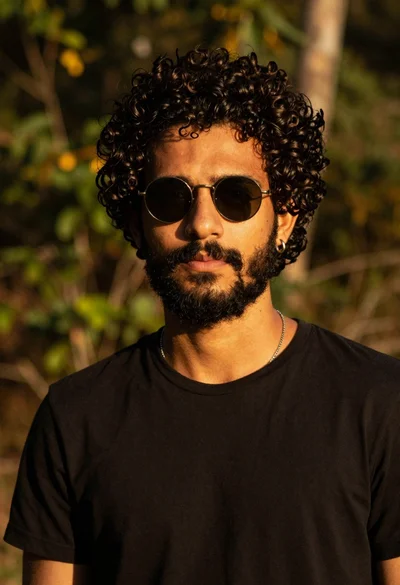
Closeup portrait of young man with dark curly hair and beard wearing
Cinematic portrait of middleaged asian man in black jacket with red blue
Smiling woman in lime green saree posing outdoors near white car

Laughing couple in formal wear sharing an intimate moment indoors