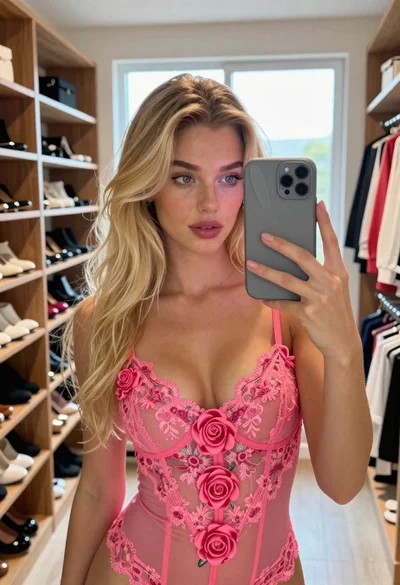
Close up selfie of blonde woman in pink tank top indoors
Prompt
A close-up selfie of a young woman with long blonde hair and fair skin looking directly at the camera.

Subject: A young woman with long, straight blonde hair that falls over her shoulders, fair skin, defined eyebrows, dark eyes with eyeliner, and glossy pink lips. She has a small mole on her left shoulder.

Clothing: She wears a tight-fitting, light pink ribbed tank top with a high neckline and a delicate gold necklace with a small pendant resting at the base of her neck.

Action: She is holding the camera in a selfie pose, tilting her head slightly to the side while gazing directly into the lens with a soft expression.

Environment: The setting is a modern interior room featuring white walls, wooden flooring, and a large window with black frames on the right showing greenery outside. A dark television screen sits on a wooden shelf in the background on the left.

Camera: The shot is taken from a low angle looking up at the subject, utilizing a wide-angle lens typical of smartphone selfies that creates a slight perspective distortion.

Lighting: Bright, soft natural light illuminates the scene from the right side, casting gentle shadows and highlighting the texture of her hair and skin.

Style Details: The image has a high-definition, polished aesthetic with vibrant colors and sharp focus on the subject's face.
Description
This prompt is useful for creating casual social media portraits, influencer lifestyle content, and personal blog headers requiring an immediate connection with the viewer. The combination of 'low angle looking up at the subject' and a 'wide-angle lens typical of smartphone selfies' exaggerates features to mimic authentic self-documentation, while the 'bright, soft natural light' ensures flattering illumination that avoids harsh shadows on the 'fair skin'.
Suggestions
- Change 'ribbed tank top' to 'silk camisole' for a different texture.
- Swap 'black frames' for 'gold frames' to match the necklace.
- Adjust 'soft expression' to 'confident smirk' for more attitude.
Category
Tags
Black HairBlondeCasual WearClose UpFair SkinFemaleIndoorsLow AngleRealisticSelfie
Date added
June 19, 2026
Added by
PromptDexter Team
Related Prompts
More prompts with similar categories and tags.

Blonde and brunette women taking a selfie on a yacht sofa at
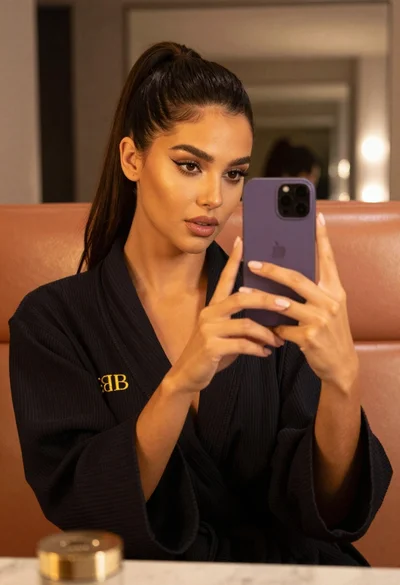
Woman taking mirror selfie in black bathrobe on peach sofa
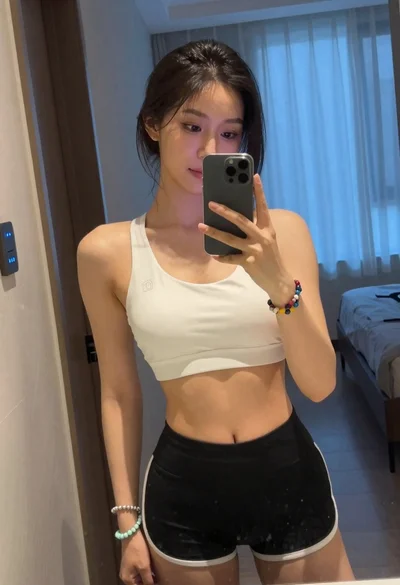
Young woman taking mirror selfie in white sports bra indoors
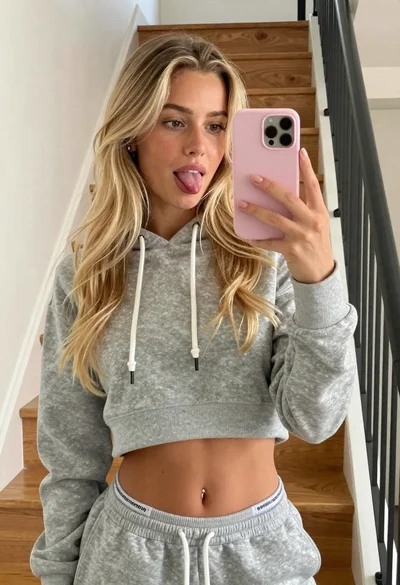
Young blonde woman taking a playful mirror selfie indoors

Young woman taking a selfie seated in a car interior during daylight

Young woman taking a mirror selfie in a modern bedroom setting
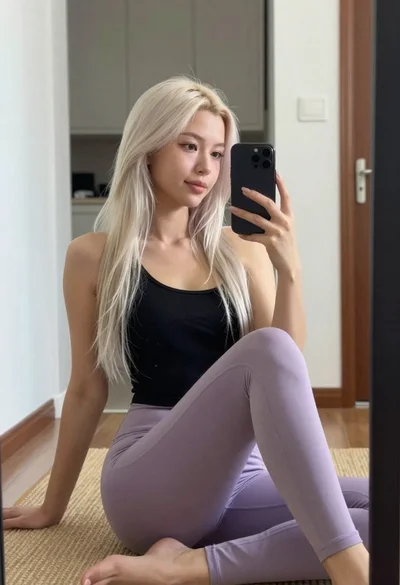
Young woman taking mirror selfie in black tank top and lavender leggings

Close up portrait of young woman in car with brown hair
Fair skinned woman with blonde hair taking a mirror selfie in a

Fair skinned blonde woman taking a mirror selfie with apple and phone