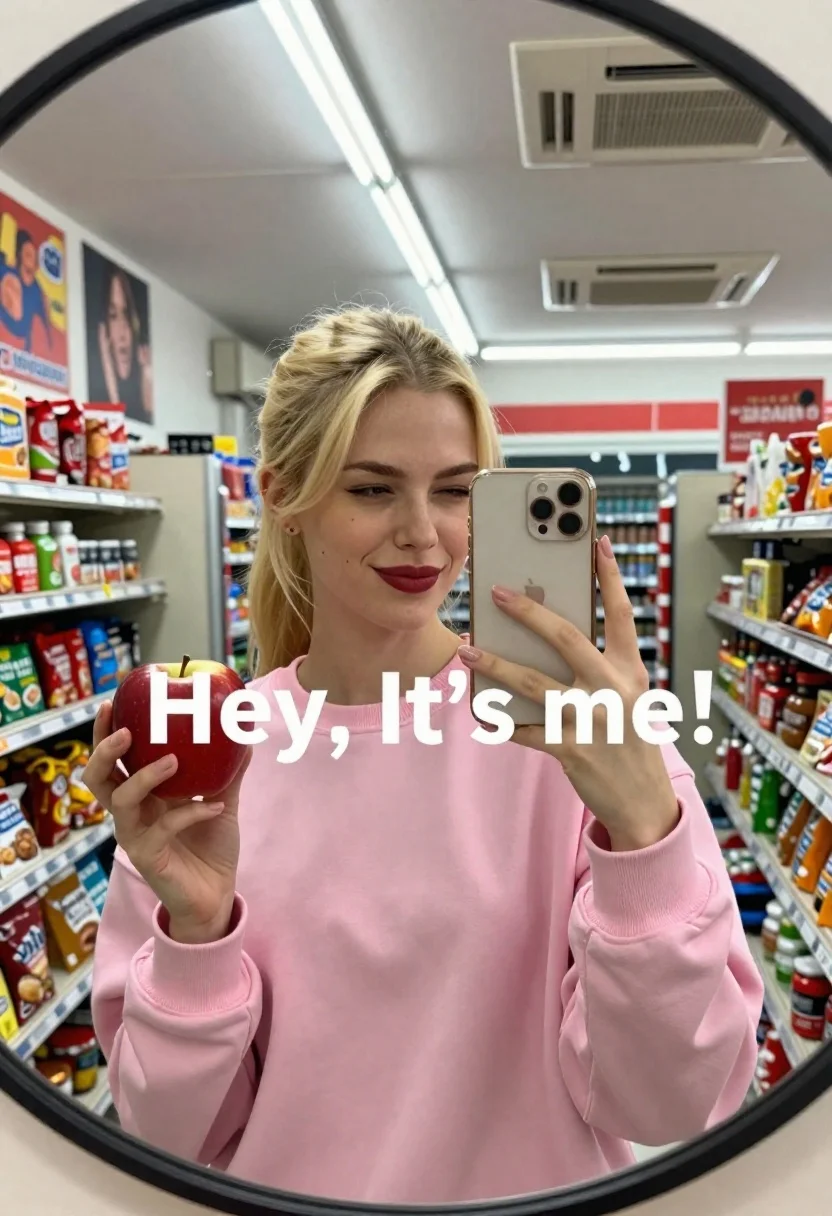
Fair skinned blonde woman taking a mirror selfie with apple and phone
Prompt
A young woman with blonde hair tied back takes a mirror selfie in a convenience store while holding a red apple and a gold smartphone.

Subject: A fair-skinned woman with blonde hair pulled back into a low ponytail, wearing dark red lipstick and winking at the camera.

Clothing: She wears a loose-fitting pink crewneck sweatshirt.

Action: The subject holds a red apple in her left hand and a gold smartphone in her right hand to capture a reflection in a round mirror.

Environment: The setting is a cluttered convenience store aisle with shelves of snacks, posters on the wall, and fluorescent ceiling lights.

Camera: A wide-angle perspective capturing the full reflection within the circular frame of the mirror.

Lighting: Bright overhead artificial lighting creates a high-contrast scene with reflections visible on the phone screen.

Text/Graphics: Large white text reading "Hey, It's me!" is superimposed across the center of the image.

Style Details: The image has a casual, candid aesthetic typical of social media mirror selfies.
Description
This prompt is useful for creating relatable social media content, mock-up product placements within everyday scenes, and lifestyle blog imagery. The combination of 'fluorescent ceiling lights' with the 'high-contrast scene' ensures that the reflections on the phone screen are visible, which grounds the image in a specific, unglamorous reality suitable for candid self-documentation.
Suggestions
- Change 'convenience store aisle' to 'minimalist bathroom' for a cleaner backdrop.
- Swap 'red apple' for 'green apple' to shift the color palette.
- Adjust 'wide-angle perspective' to 'medium close-up' to focus more on the face.
Category
Tags
BlondeCasual WearClose UpFair SkinFemaleIndoorsOutdoorsRealisticSelfie
Date added
June 26, 2026
Added by
PromptDexter Team
Related Prompts
More prompts with similar categories and tags.

Selfie of young woman in airplane cabin with strawberry blonde hair
Young woman taking high angle selfie outdoors by modern building

Close up selfie of blonde woman in pink tank top indoors
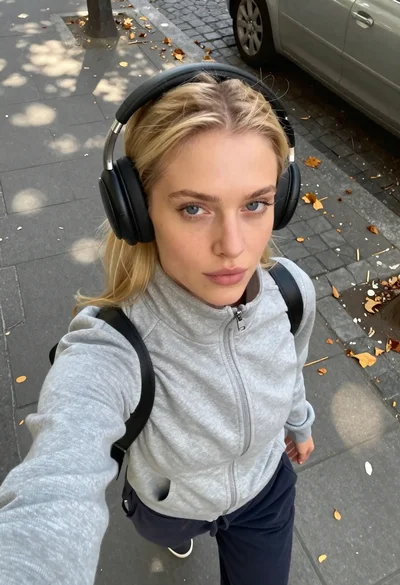
Young blonde woman in grey jacket taking a high angle city sidewalk

Fair blonde woman in sage green corset mini dress taking a bedroom
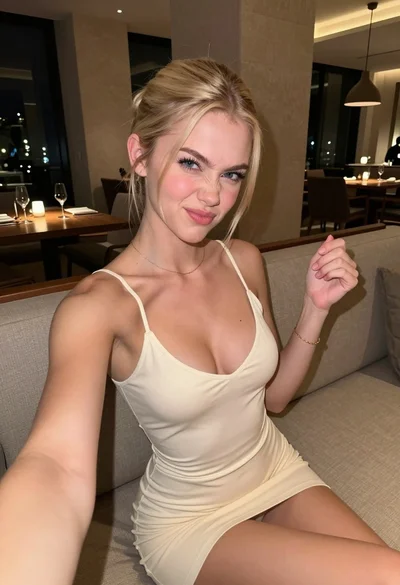
Fair blonde woman making playful face while taking a close up selfie
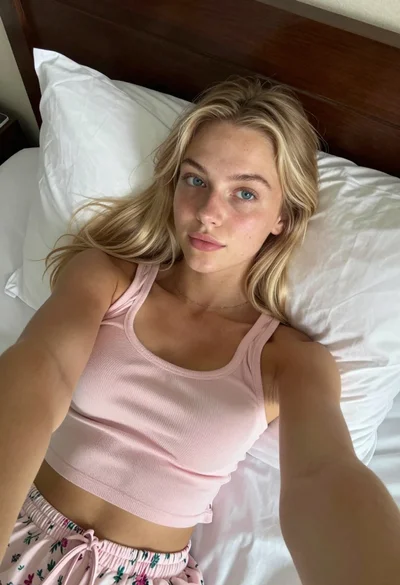
Blonde woman taking a selfie while lying in bed with natural light
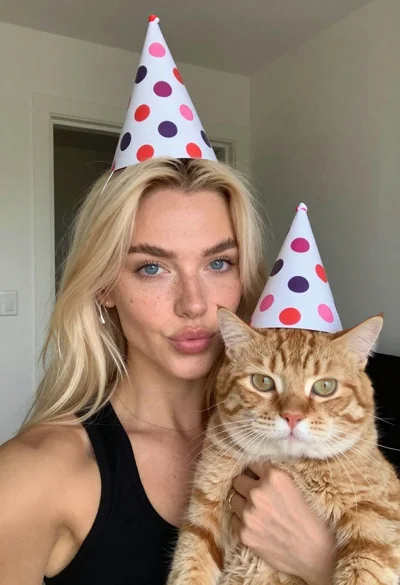
Woman with cat wearing polka dot party hats indoors